
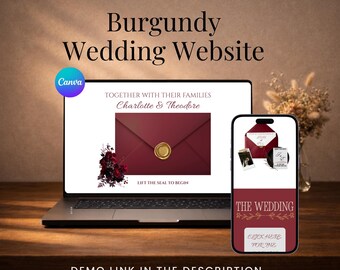
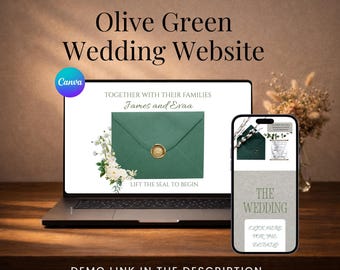
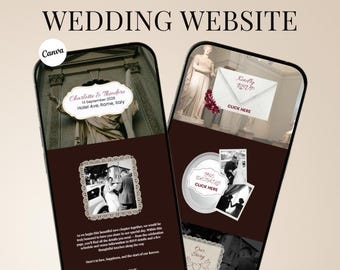
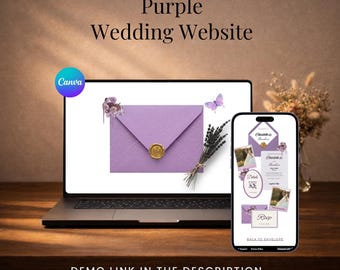
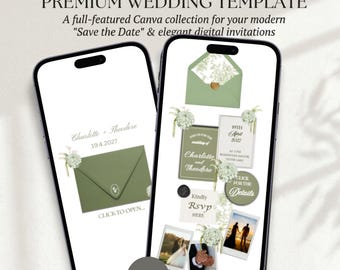
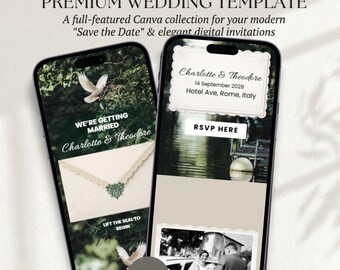
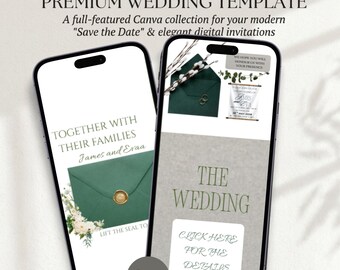
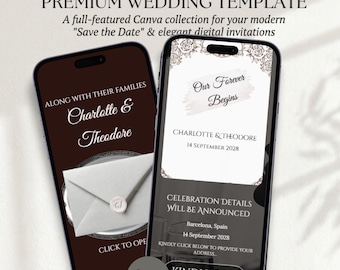
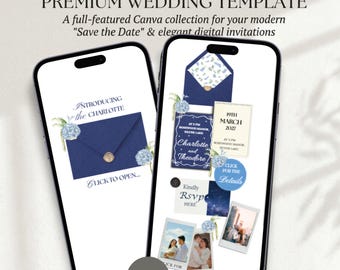
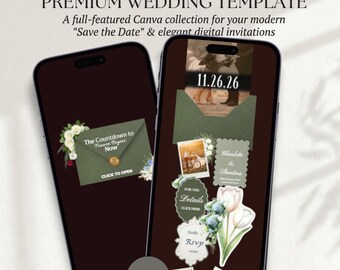
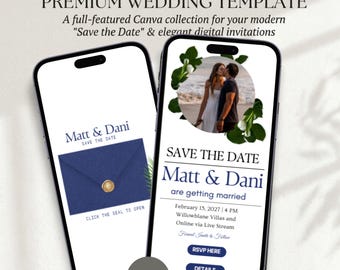
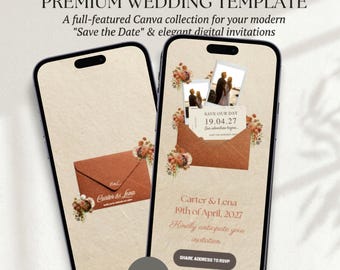
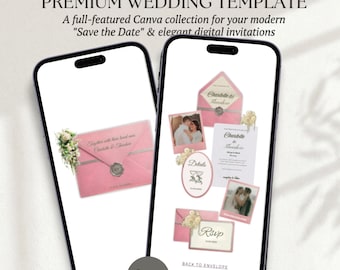
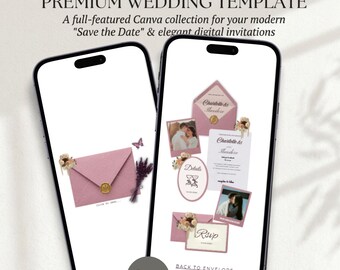
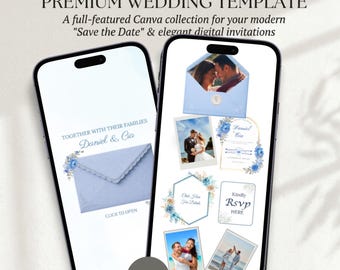
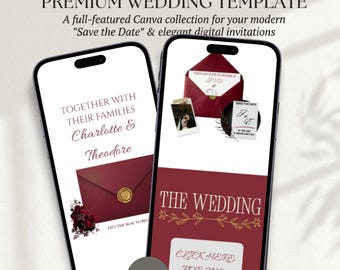
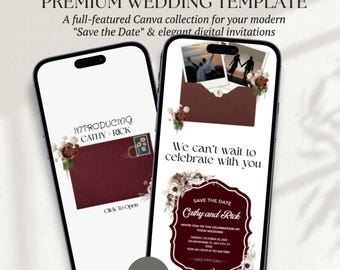
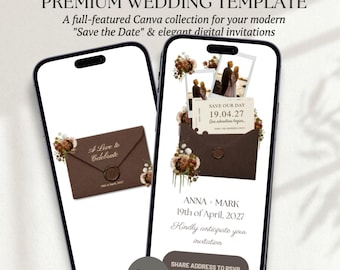
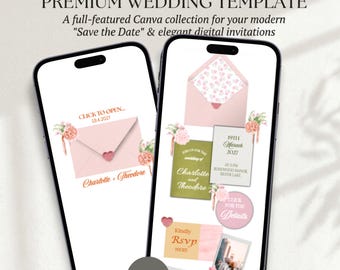
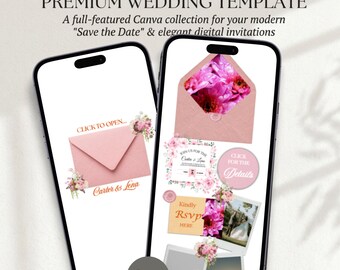
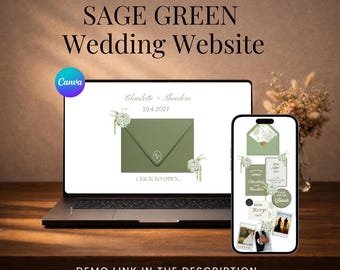
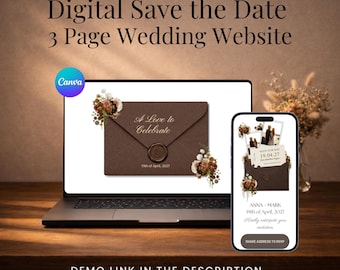
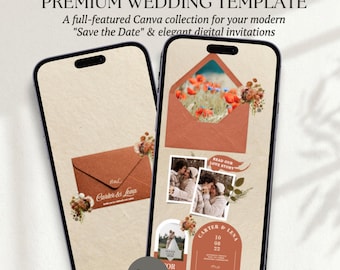
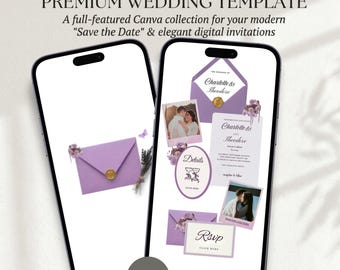
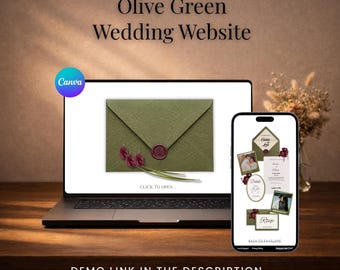
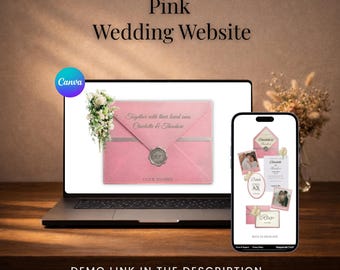
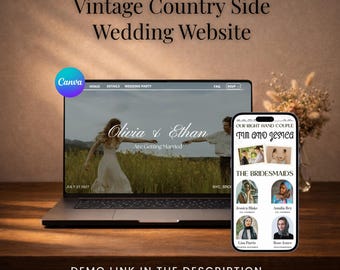
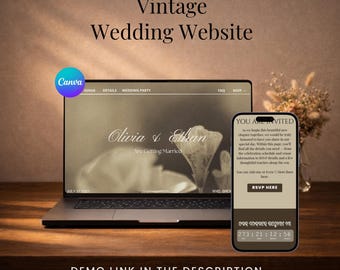
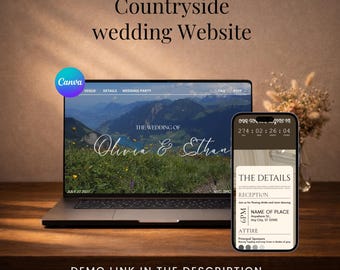
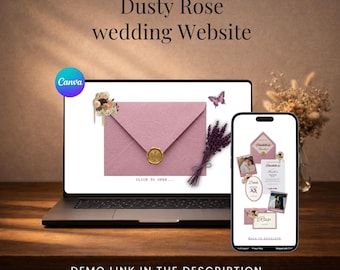
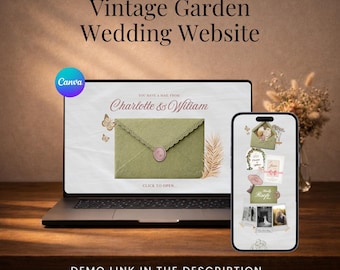
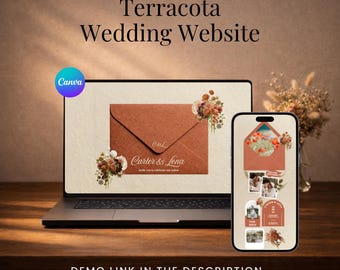
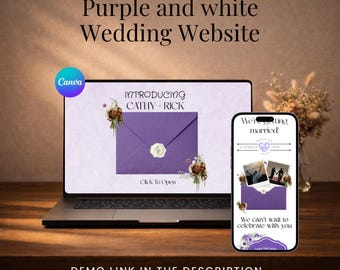
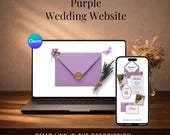

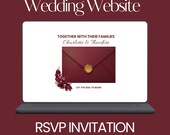
Modern, Editable Canva Wedding Website Templates Made Simple
All items
Announcement
Last updated on Feb 2, 2026
Reviews
5.0
(3)
Average item review
We calculate this number using a recency-weighted average of all ratings, with a rating's value decreasing by half each year to best reflect the current experience.
Loading
-

-

anthony on Feb 28, 2026
5 out of 5 starsThis wedding website template exceeded my expectations! The design is elegant and professional, and editing in Canva was super easy. Everything worked smoothly, including the RSVP section. It saved us so much time and looks amazing. Highly recommend this seller!
Shujahat responded on Feb 28, 2026
Thank you so much for your kind words! It truly means a lot to me. I’m so happy to hear that the wedding website template exceeded your expectations and that you found it easy to edit in Canva. Wishing you a beautiful wedding and all the happiness in this new chapter of your life. Thank you again for your trust and recommendation!
About OptimateDigitalStore
Sales
27
On Etsy since 2026
-
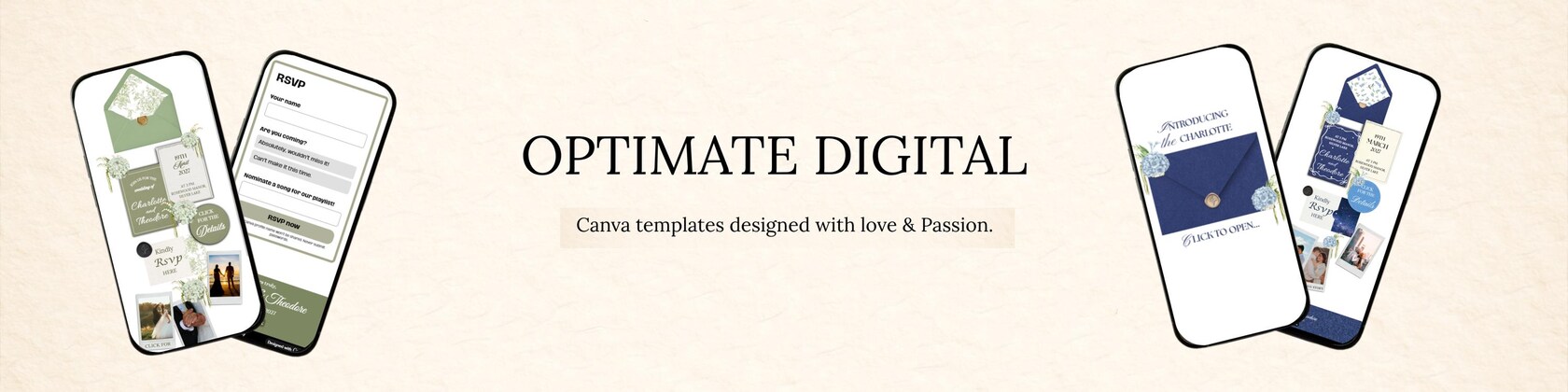
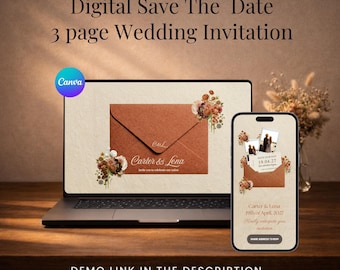
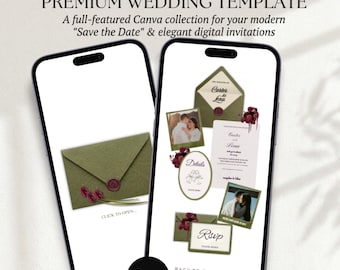
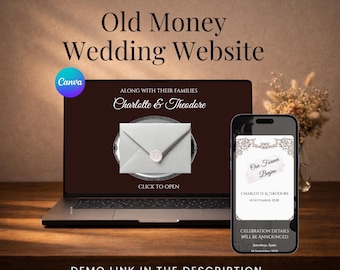
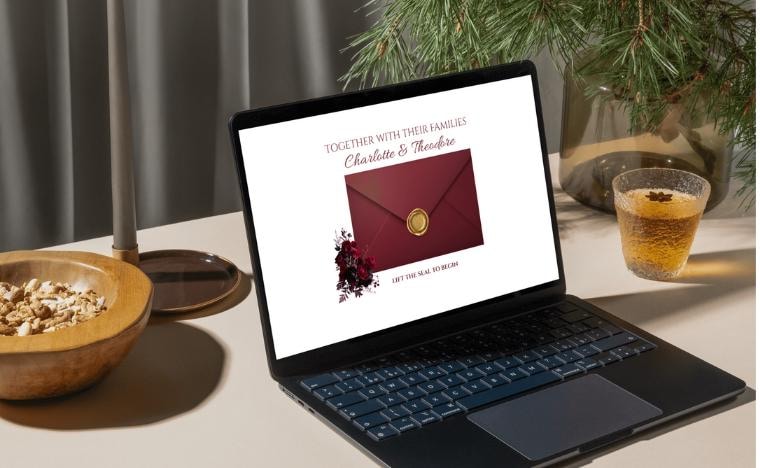 Editable Canva Wedding Website Template! Modern digital wedding websites with online RSVP, fully customizable in Canva.
 -
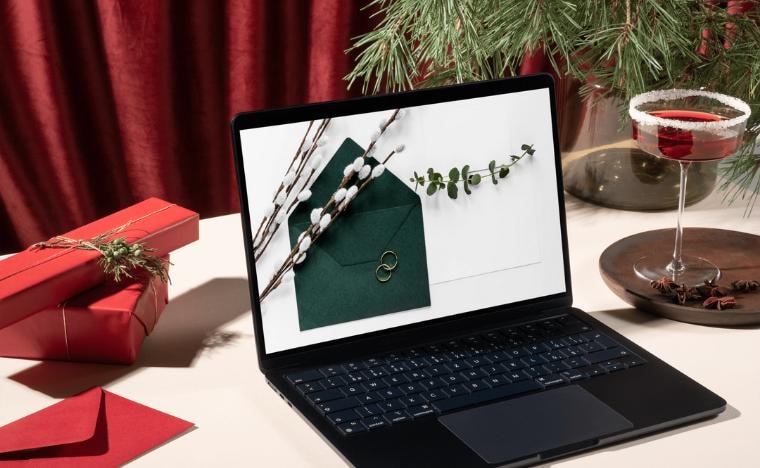 Digital Wedding Invitation Website! Paperless wedding website templates made for easy sharing and guest responses.
 -
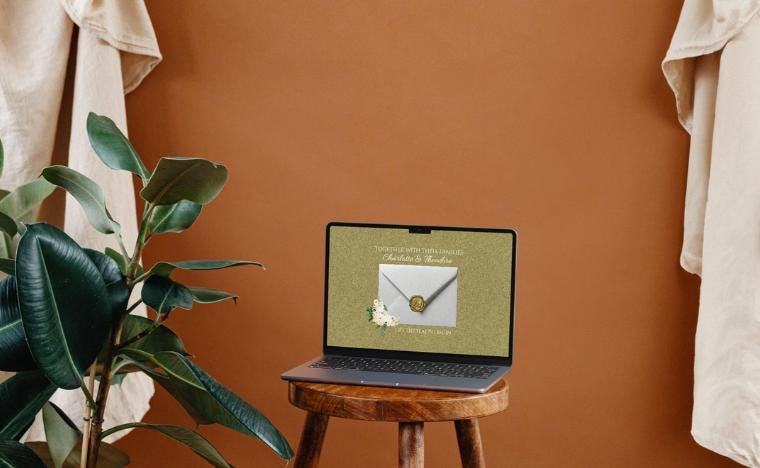 Canva Wedding Websites for Brides & Grooms! Update dates, text, photos, and colors effortlessly using Canva.
Shop members
-

Shujahat
Owner, Designer
A creative, modern bride designing wedding products with intention. Each piece is inspired by my own planning journey and crafted with care, attention to detail, and a deep understanding of what couples need during this special season.
Shop policies
Last updated on Feb 2, 2026
Digital downloads
Instant downloads
Your files will be available to download once payment is confirmed. Here's how.
Payment options
Secure options
Accepts Etsy Gift Cards and Etsy Credits
Etsy keeps your payment information secure. Etsy shops never receive your credit card information.
Returns & exchanges
See item details for return and exchange eligibility.
Cancellations
Cancellations: not accepted
Please contact the seller if you have any problems with your order.
Privacy policy
More information
Last updated on
Feb 2, 2026
Frequently asked questions
Will guests need a Canva account to view my Wedding website?
No. Guests can view your wedding website using the shareable link without creating a Canva account.
How long does it take to receive my Wedding Invitation Website template?
Your files are available instantly after checkout. You’ll receive a downloadable PDF containing your Canva template link.
Do I need Canva Pro to use these templates?
No — everything works smoothly with a free Canva account.
How do I access my wedding website template after purchase?
Your files are available instantly after checkout. You’ll receive a downloadable PDF containing your Canva template link.
How do I share my wedding website with guests?
Once your edits are complete, click “Publish Website” in Canva to generate a shareable link. You can send this link to your guests via text, email, WhatsApp, or include it on your printed or digital invitations.