



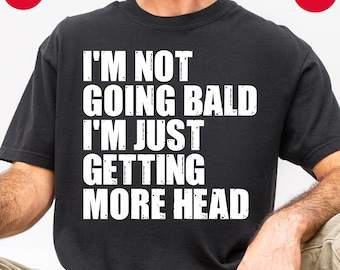


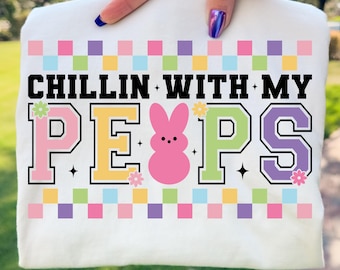
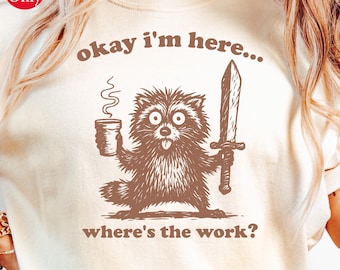



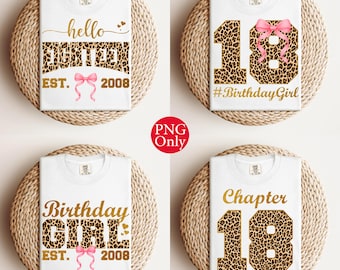


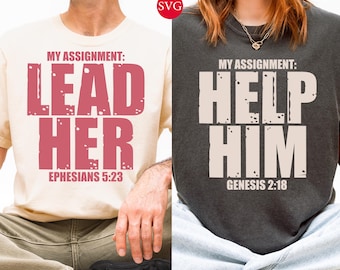
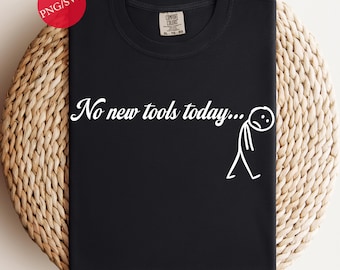







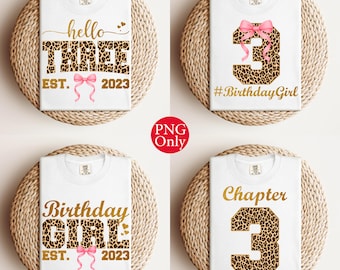

















Welcome to DigiSVGDesigns!
Polecane produkty
Wszystkie produkty
Ogłoszenie
Data ostatniej aktualizacji 5 gru 2025
Opinie
4.9
(461)
Średnia opinia o produkcie
Ta wartość to średnia wszystkich ocen z ostatnich 12 miesięcy.
Ładowanie
-

-

-

-
Kupujący z Etsy w dniu 9 lut 2026
5 na 5 gwiazdekSeller is very quick to respond and be flexible to what we were looking for. Would absolutely do business with them again.
Ładowanie -
Chanel w dniu 3 sty 2026
5 na 5 gwiazdekThe turnaround time was super fast. The seller also asked questions and made sure I was happy with the item and was willing to fix anything I needed.
Ładowanie -

-
-
-
LaTifah w dniu 15 mar 2026
5 na 5 gwiazdekEasy download vibrant colors easy press instructions
Ładowanie -
Regulamin sklepu
Data ostatniej aktualizacji
Akceptowane metody płatności
Akceptuje karty podarunkowe Etsy i bony Etsy
Zwroty i wymiany produktów
Sprawdź szczegóły produktu, aby dowiedzieć się, czy kwalifikuje się on do zwrotu lub wymiany.
Więcej informacji
Data ostatniej aktualizacji
17 gru 2025
Często zadawane pytania
I downloaded the design, but part of it seems to be missing, why?
If a part of the design appears invisible or missing when you open the file, it’s likely because that portion is in white and your background (often white by default) is hiding it. The design is still complete, it just needs to be previewed or used on a darker background to see all elements clearly. This is common with high-resolution PNGs created for both light and dark surfaces.
Tip: Try placing the file on a colored or dark background in your software (like Canva, Cricut Design Space, or Silhouette Studio) to view the full design.
Sizing details
Most of our design files are created at a high resolution of 4500px x 5400px to ensure excellent print quality on T-shirts and other products. The dimensions are perfect for small and large printing, and the SVG and EPS vector files allow you to scale up or down without sacrificing quality. If you have specific size requirements, just let us know, and we'll do our best to accommodate your needs!
My files aren’t working or show an error. What should I do?
This issue can occur from time to time if the files become corrupted while downloading. Here's what you can do:
Delete the current files from your device.
Redownload the files from your Etsy Purchases page so you have a clean, uncorrupted copy.
If you're still experiencing issues after redownloading, don't hesitate to contact me directly. I'll be happy to assist and get the issue resolved as quickly as possible!
Unzipping files from a ZIP folder
Unzipping files from a ZIP folder is easy! Here are the steps to do it:
*On Windows:
Locate the downloaded ZIP folder.
Double-click the ZIP folder.
Click "Extract All" in the top window.
Choose a destination folder (or use the default).
Click "Extract" to unzip the files.
*On Mac:
Find the ZIP folder in your Downloads or chosen location.
Double-click the ZIP folder, and it will unzip the files automatically into the same folder.
*On Mobile (iOS/Android):
Use a file manager application (like Files on iOS or RAR on Android) to locate and unzip the ZIP folder.
If you're struggling or need additional assistance, feel free to send me a message, I'm here to help!