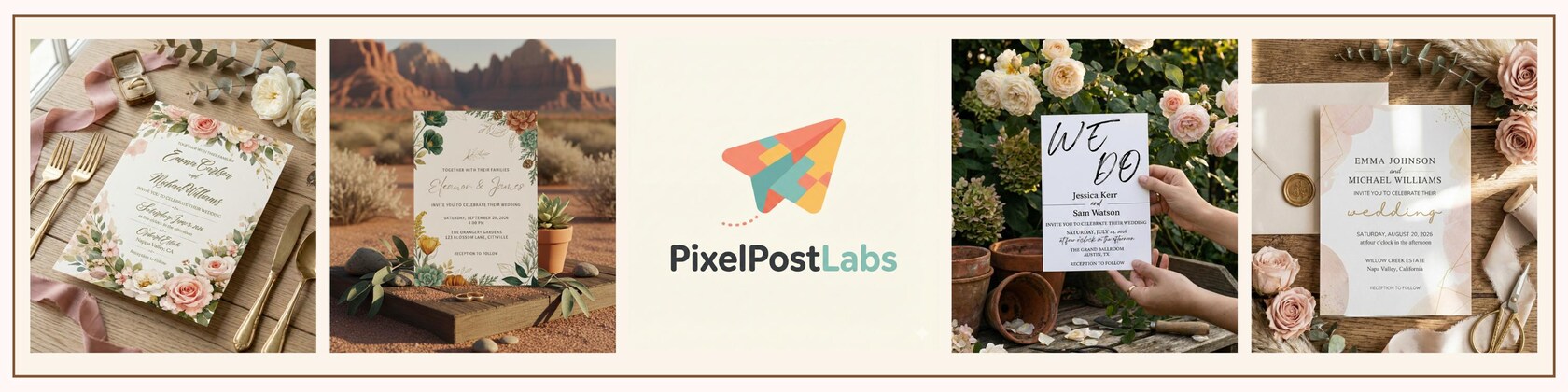


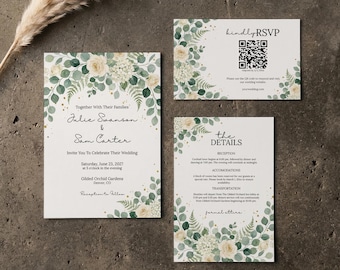
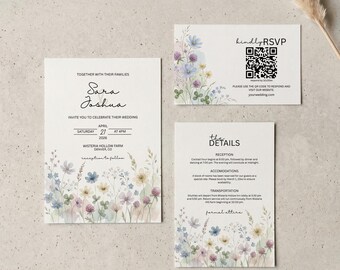
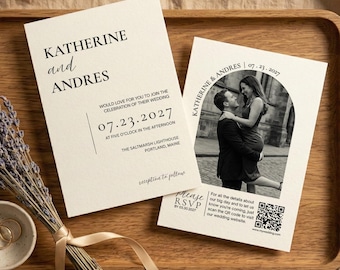
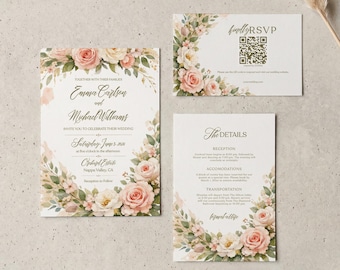
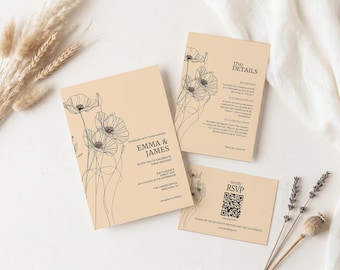
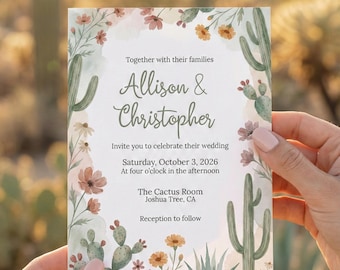
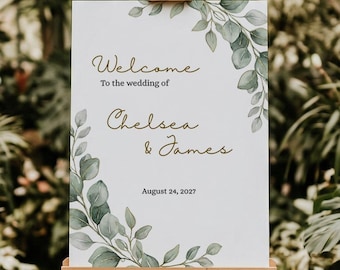
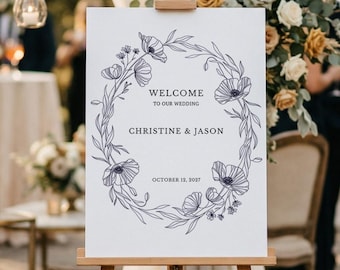
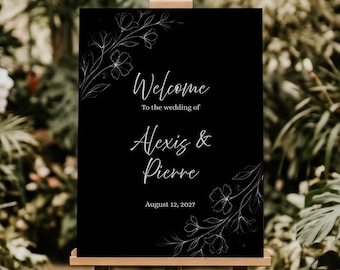
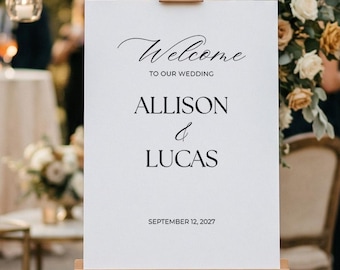
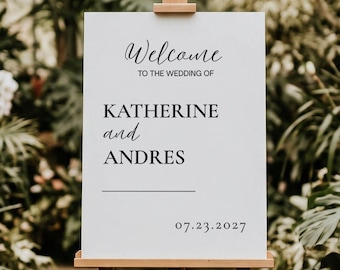
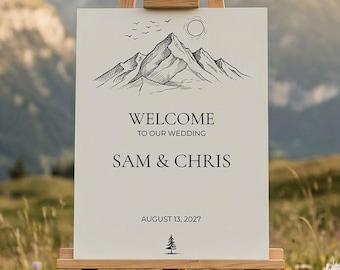

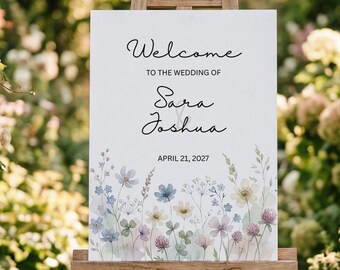
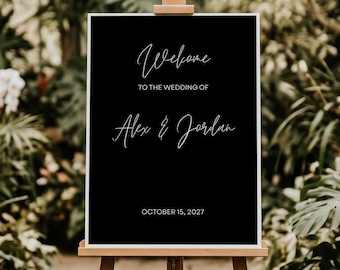
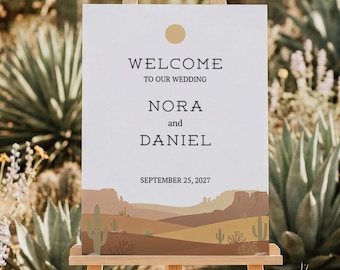
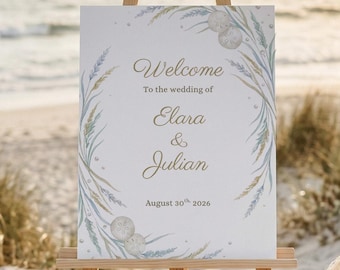

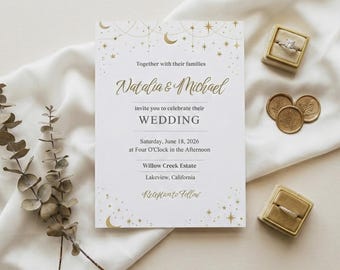

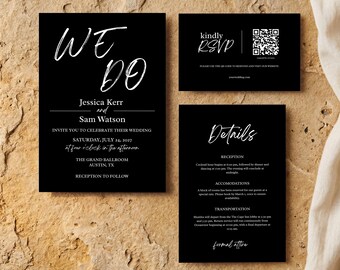
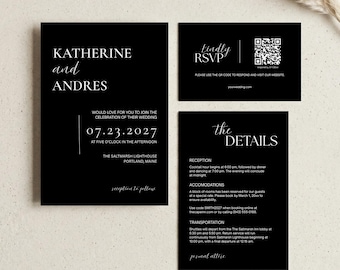
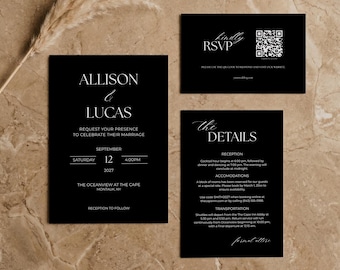


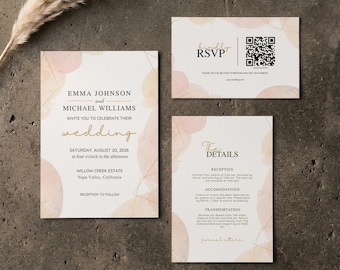
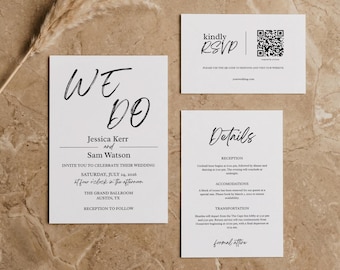
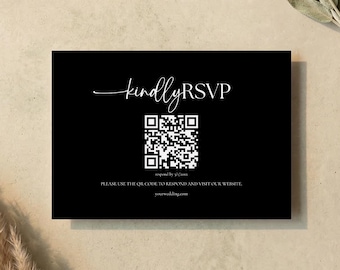

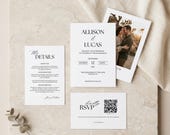

Your Vision, My Design—The Perfect Match for Your Milestone
Featured items
All items
Reviews
5.0
(2)
Average item review
We calculate this number using a recency-weighted average of all ratings, with a rating's value decreasing by half each year to best reflect the current experience.
Loading
-

James on Mar 24, 2026
5 out of 5 starsLove the design and it will work perfectly for my wedding. Instructions are clear and editing was very easy.
-
Michael on Mar 22, 2026
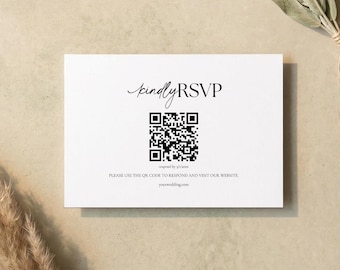
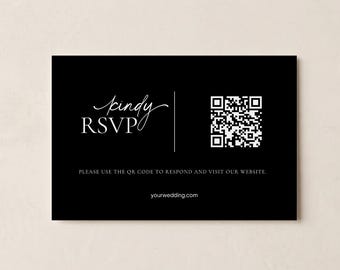
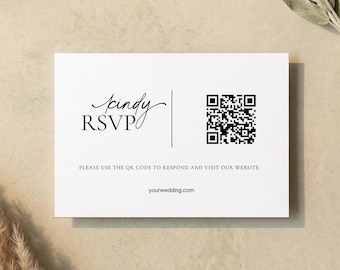
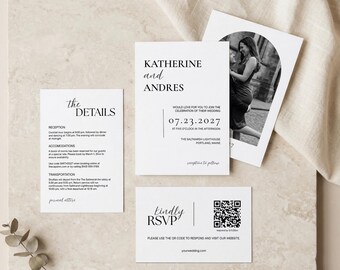
5 out of 5 starsBeautiful invitations! I liked how easy it was to edit the Canva templates, change the QR code, and I used the print service too. Everything went off with out a hitch! A friend has already asked me how I did them since he's about to get engaged. Hopefully I won't need a second-wedding invitations, but if it does happen I'll definitely look here first.
About PixelPostLabs
Sales
7
On Etsy since 2025
Shop members
-

Jackson
Owner, Designer
Shop policies
Last updated on Feb 3, 2026
Digital downloads
Instant downloads
Your files will be available to download once payment is confirmed. Here's how.
Payment options
Secure options
Accepts Etsy Gift Cards and Etsy Credits
Etsy keeps your payment information secure. Etsy shops never receive your credit card information.
Returns & exchanges
See item details for return and exchange eligibility.
Cancellations
Cancellations: not accepted
Please contact the seller if you have any problems with your order.
More information
Last updated on
Feb 3, 2026
Frequently asked questions
I haven't received my download link. Where is it?
Check your Etsy-registered email address (and the spam folder!). You can also find your files by going to Etsy.com on a web browser, clicking on "Your Account" (top right), and selecting "Purchases and Reviews." Note: Sometimes, the Etsy mobile app does not support downloading digital files.
Do I need to pay for Canva Pro?
No. You only need a standard, free Canva account to edit, save, and download your files.
What is the best way to print these?
For the Best Quality: We recommend a professional print shop (like Prints of Love, Staples, or a local local printer).
For Home Printing: Use heavy cardstock (100lb or 110lb / 300gsm). Always download your file as "PDF Print" with "Crop Marks and Bleed" selected in Canva for the most accurate cut.
Can I edit the template on my phone?
Yes! Canva has a great mobile app. However, for more intricate text placement and better control over the layout, we highly recommend using a desktop or laptop computer.
Can I get a refund if I change my mind or decide not to use it?
No, all of our products are digital so we are unable to fulfill any refunds or exchanges. Please contact us before purchasing if you have any questions.
Can I edit the design outside of Canva?
To ensure the best user experience, our designs are exclusively available for editing within the Canva platform. Because of this, we don't provide external vector or Illustrator files. Once you’ve finished your design in Canva, you can easily download your final project as a high-quality PDF, JPEG, or PNG.
Anything else I should know?
Please Note: Final print colors and textures may vary depending on your screen settings and chosen paper stock. To ensure you are completely happy with the result, we strongly suggest running a test print before committing to a full order.
Quality Control: Customers are responsible for all personalizations, including text entry, image uploads, and final proofreading. Please double-check for spelling and grammar, as we cannot be held liable for errors or associated printing costs.
Printing: All printing arrangements and costs are the responsibility of the customer.