

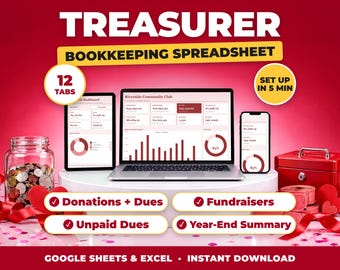
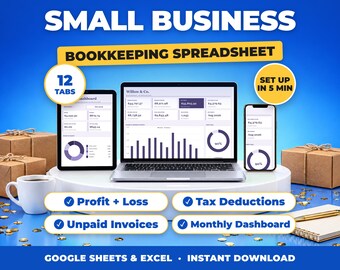
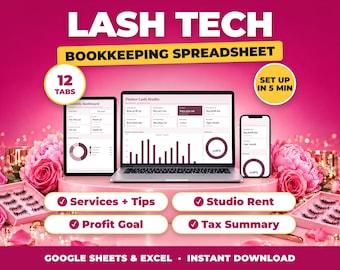
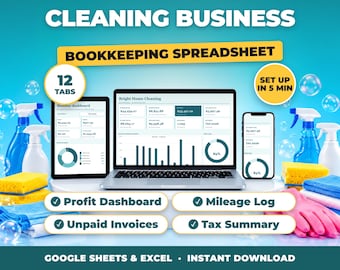
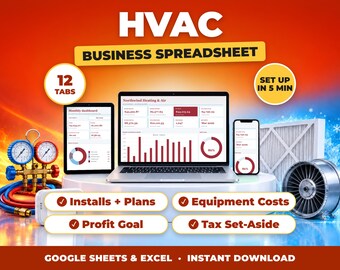
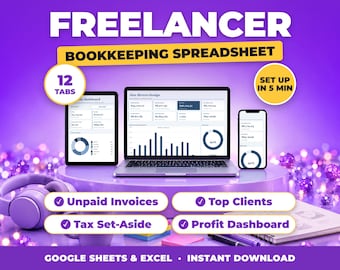
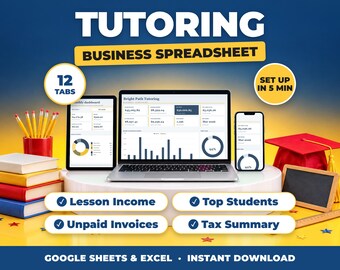
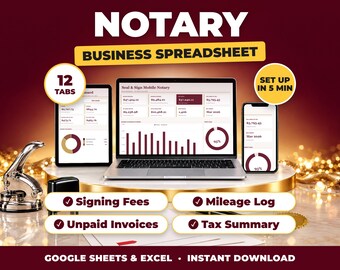
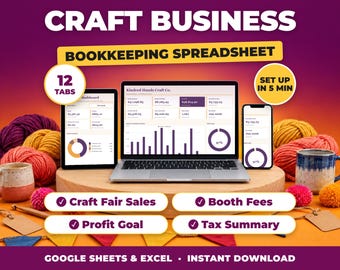
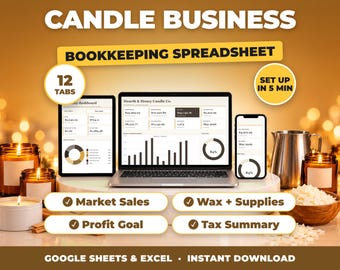

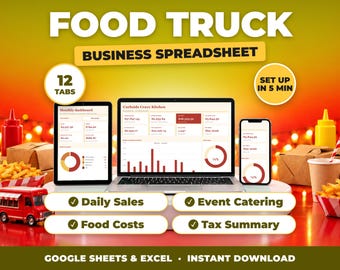
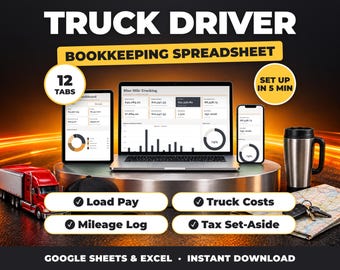
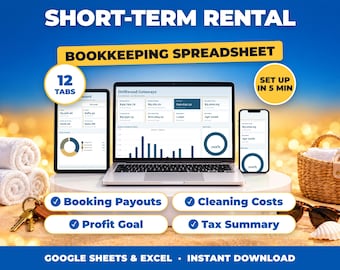
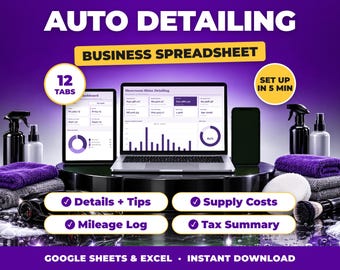
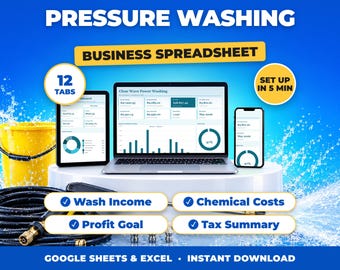
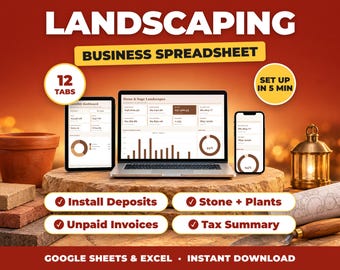
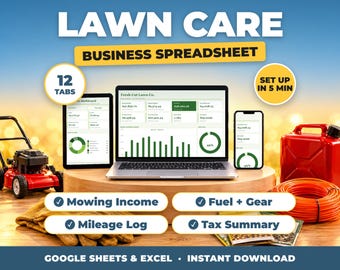
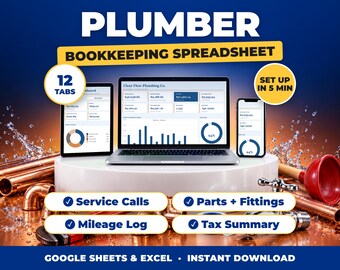
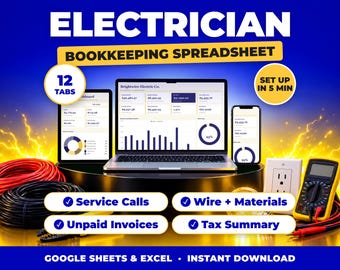
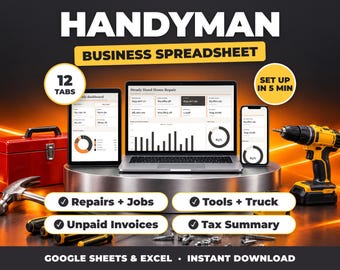
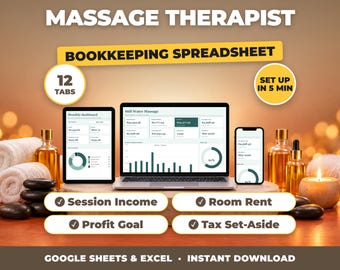
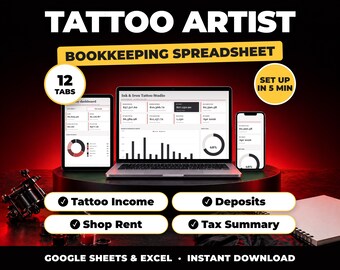
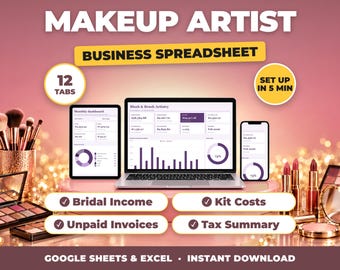
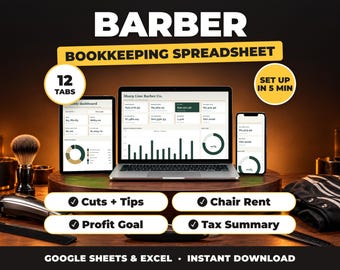






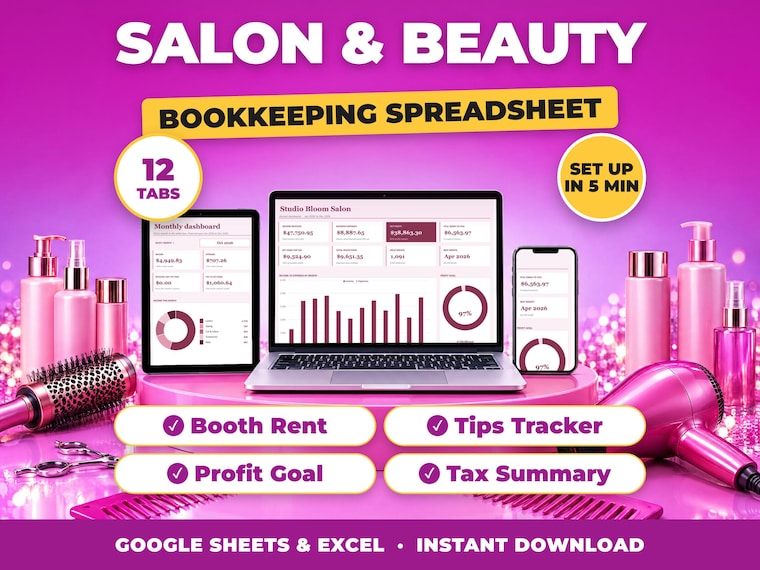
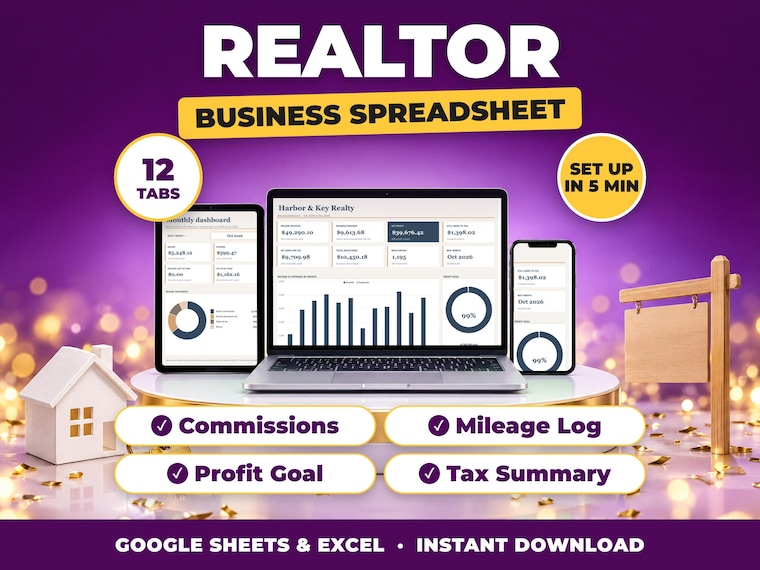
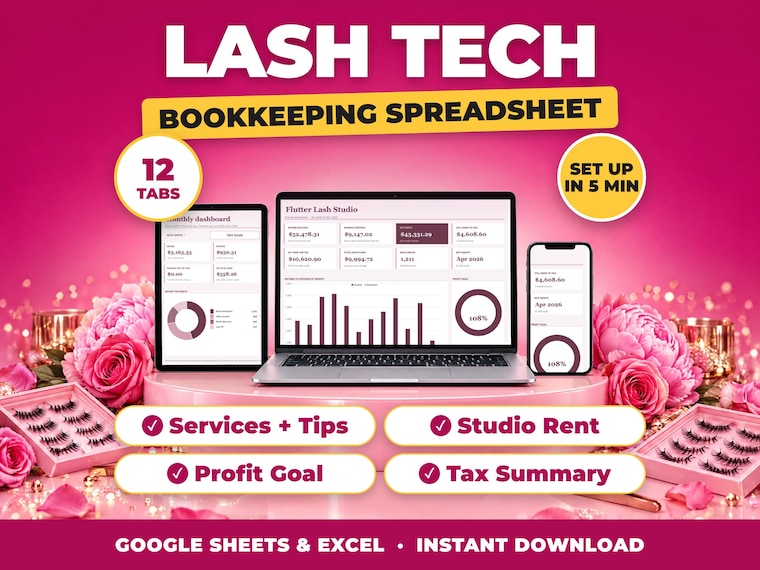
Bookkeeping spreadsheets built for your exact trade
I build the spreadsheet I wanted when I was doing my own books at midnight.
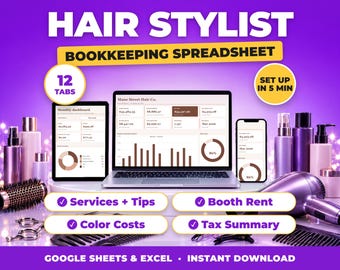
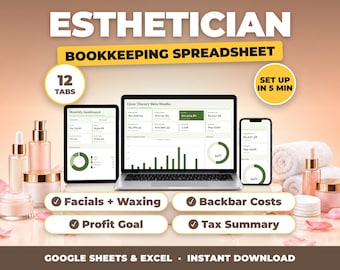
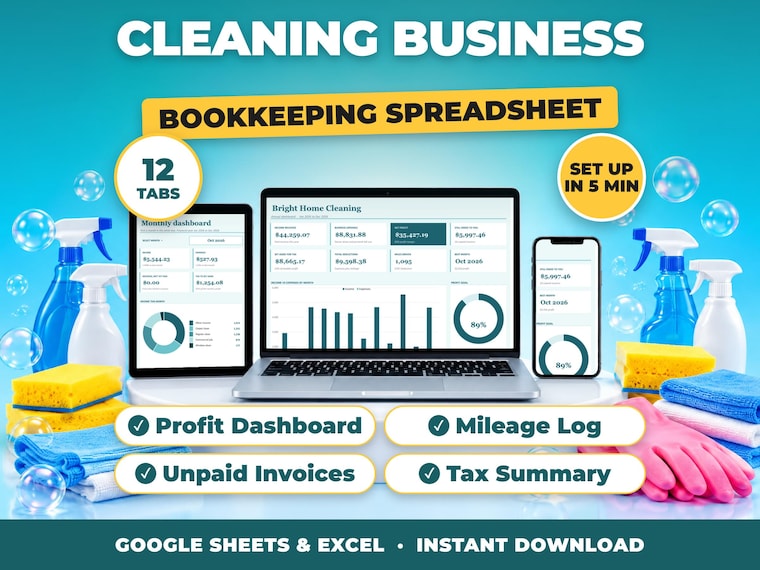
Most bookkeeping templates are either too simple to be useful or so clever you need a tutorial before you can open them. I wanted the middle: one file, twelve tabs, every formula already written and locked, and nothing to set up beyond typing your business name.
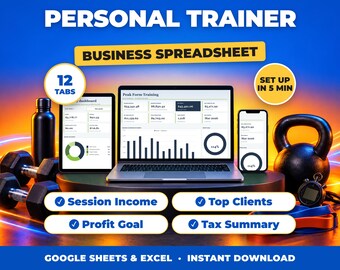
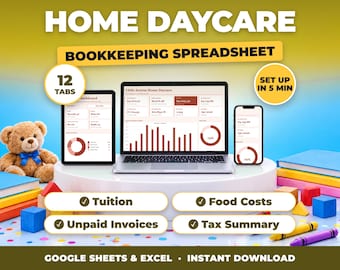
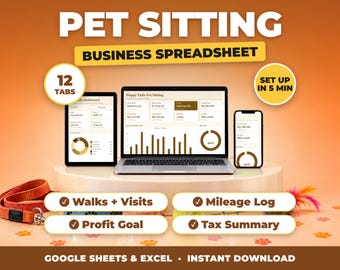
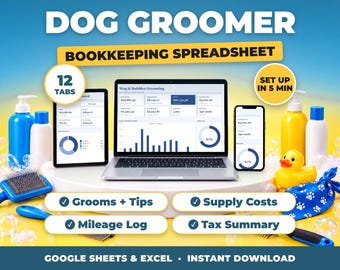
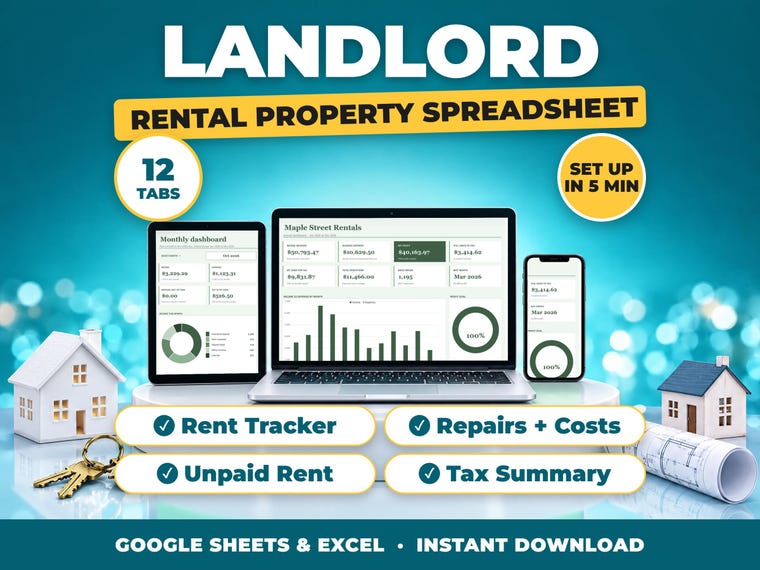
That is what this shop is. Each template is made for one kind of business, with that trade's real categories already in it. A salon gets booth rent and tips. A driver gets fuel and mileage. A landlord gets rent, repairs and tenants. A realtor gets commissions and brokerage fees. You are not renaming twenty rows before you can start.
Every workbook has an annual dashboard with a profit-goal ring, a monthly dashboard you can switch to any month, a quarterly view for tax set-aside, a list of unpaid invoices that flags anything overdue, and a tax summary to hand to your accountant. Your financial year can start in any month and you choose your own currency symbol.
Every file is tested twice before it goes up: once with a full year of figures in it, and once almost empty, because that is how you receive it. If a formula is going to break, it breaks on my machine and not on yours.
If something is wrong, or you cannot make it do what you need, message me. I reply within 24 hours and I would rather fix it than leave you stuck.