
Featured items



All items
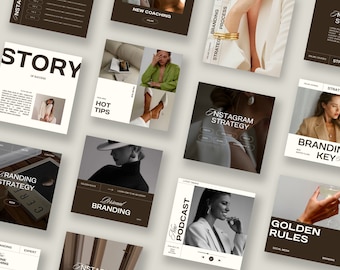

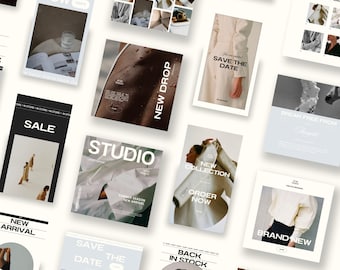
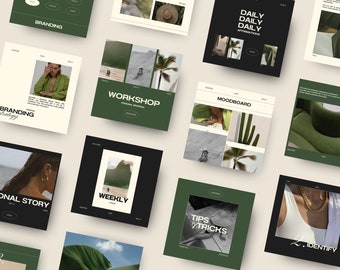
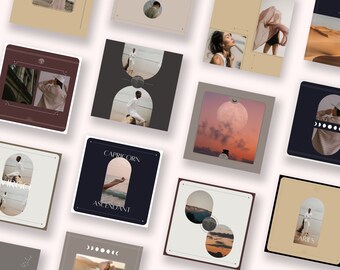
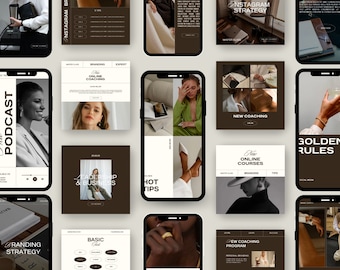
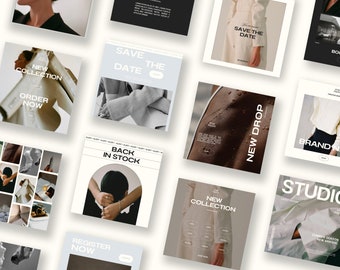
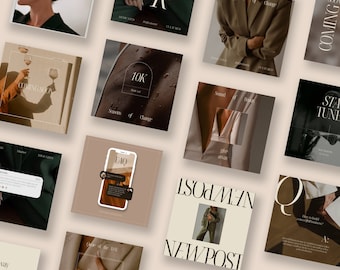
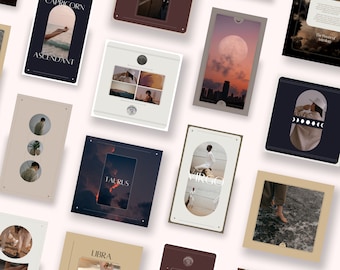
Announcement
Last updated on Apr 21, 2024

Reviews
2.8
(49)
Average item review
We calculate this number using a recency-weighted average of all ratings, with a rating's value decreasing by half each year to best reflect the current experience.
Loading
-

Mai on Apr 16, 2026
1 out of 5 starsScam! They use an already edited picture and slap their crappy, barely there preset over. DO NOT DOWNLOAD!
-
Etsy buyer on Apr 8, 2026
1 out of 5 starsEven others wrote it but didn’t believe them. Don’t buy because the article is really not available for download and while I was thinking to add help to Etsy in case, I found out there’s no client service or support that helps you. So don’t waste time, there are plenty of these to buy.
-
georgia on Sep 19, 2025
1 out of 5 starsDO NOT BUY! These are supposed to be 'Luxury' but offer little to no change to my original photo. So expensive as well for such a awful item.
-
-
-
Casey on Dec 17, 2024
1 out of 5 starsDO NOT PURCHASE. This seller is selling bad links, the digital downloads do not work.
-
-
Jason on Dec 11, 2024
1 out of 5 starsLinks are broken and refuses to respond to my countless messages and emails
-
Inactive account on Nov 29, 2024
1 out of 5 starsVery disappointed 😔 I wanted to give this shop the benefit of the doubt as they do have quite of few unfavorable reviews. I went ahead & purchased anyways simply because the designs were just that good. Only to purchase & not be able to access the download, the link is no longer active. I reached out to get the correct link, only to not get a response from the seller which is unfortunate because the work is beautiful. I now have no choice but to open a case with Etsy in order to get my money back, as seller isn’t responding to resolve the issue. Very unfortunate situation






About StudioSohoDesign
Sales
985
On Etsy since 2023
Shop policies
Last updated on
Accepted payment methods
Accepts Etsy Gift Cards and Etsy Credits
Returns & exchanges
See item details for return and exchange eligibility.
More information
Last updated on
Dec 17, 2025
Frequently asked questions
Downloads and expiry dates
Our Canva templates have no expiration date or time-limited downloads. Just use the template again and again and again!
How can I download my digital products?
There are 2 options:
▶︎ By email : after purchase, Etsy will email you a pdf file with all the instructions on how to download the purchased designs.
▶︎Via your Etsy account: Log in to Etsy.com and access your account. Go to Purchases and Notices. Next to the order, select Download Files. This goes to the Downloads page for all the files attached to your order. For more information, see the article www.etsy.com/help/article/3949
Refunds and/or exchanges?
Due to the digital nature of the products, after purchasing a template, it is not possible to cancel or return the model. However, I am happy to offer an exchange. Please contact me within 14 days of delivery. :)
How do I edit or add photos?
Please note, that photos in the template are NOT included and are for presentation purposes only BUT can be found within CANVA. You can upload your images in the photo frame. If you want to use your own pictures, simply upload them to Canva and drag and drop them into the photo fields.
What program do I need to use the templates?
To edit the Studio Soho Design templates, you will need an Internet connexion and a Free Canva account. Canva is a free online graphic design tool. Use it to create social media posts, presentations, posters and more. You can edit all the templates using the free Canva account which offers a variety of different fonts. To edit the templates, there is no need to purchase the Pro Canva subscription.
Copyright notice
All designs featured in this store are the property of Studio Soho Design. To maintain the value of our store and the products that hard working business owners invest in, we take this very seriously. Legal action will be taken against any violations.