






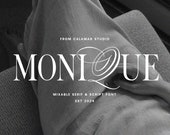

About Calamar Studio
Featured items
All items
Announcement
Last updated on Mar 27, 2024
Reviews
4.9
(1592)
Average item review
We calculate this number using a recency-weighted average of all ratings, with a rating's value decreasing by half each year to best reflect the current experience.
Loading
-

-
-

-

-
-

-
-
Tara on Apr 7, 2026
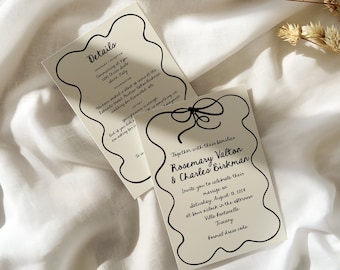
5 out of 5 starsUsing these fonts for my wedding. The download was super easy and getting the font onto my computer and into Canva was WAY easier than I expected! I highly recommend and I will definitely purchase from this seller again!
-

Laurie on Jul 14, 2026
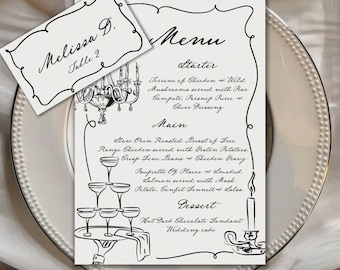
5 out of 5 starsFantastic product! Great packaging, can't wait for our guests to see them!
-

About CalamarStudio
Sales
22,531
On Etsy since 2020

Shop policies
Last updated on Apr 6, 2020
Digital downloads
Instant downloads
Your files will be available to download once payment is confirmed. Here's how.
Payment options
Secure options
Accepts Etsy Gift Cards and Etsy Credits
Etsy keeps your payment information secure. Etsy shops never receive your credit card information.
Returns & exchanges
See item details for return and exchange eligibility.
Cancellations
Cancellations: not accepted
Please contact the seller if you have any problems with your order.
Privacy policy
More information
Last updated on
Dec 17, 2025
Frequently asked questions
How can I unzip product files?
PC: To extract a single file or folder, double-click the compressed folder to open it. Then, drag the file or folder from the compressed folder to a new location. To extract the entire contents of the compressed folder, right-click the folder, click Extract All, and then follow the instructions.
Mac: Double click the .zip file, then search for the product folder or product file.
How to install fonts on my computer?
On a PC: Double click on the OTF or TTF file, then click "Install."
On a Mac:
Double click on the OTF or TTF file, then click "Install Font."
Alternately, you can manually install fonts to bypass Fontbook: Copy (CMD + C) the file(s) either OTF or TTF format, then Paste (CMD + V) the files into this folder: HD > Library > Fonts
Important: Restart the program where you intend to use the font, and the fonts will show up in your font list when you open the program again.
What font format should I install? OTF or TTF?
If you want to use stylistic alternates both for uppercase and lowercase glyphs, stylistic alternates for final lowercase glyphs (longer tails), standard and discretionary ligatures you should install OTF format.
In order to use all OTF you need a program such as Adobe Photoshop CC 2015+, Adobe Illustrator, Adobe InDesign, etc.