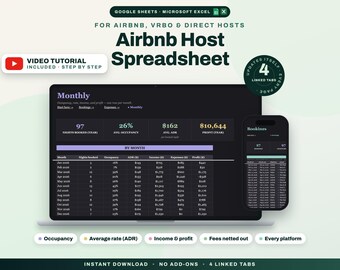
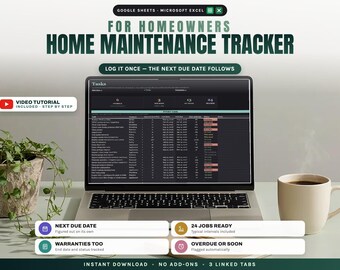
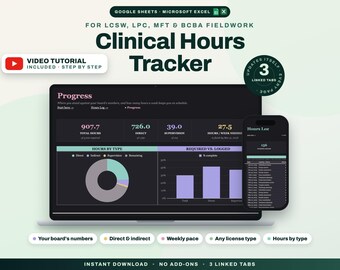
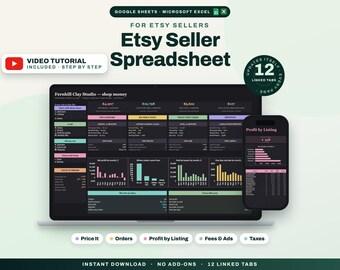
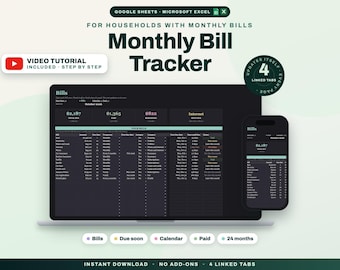
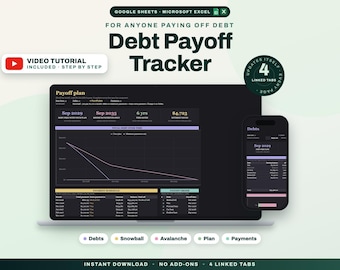

Spreadsheets that do the arithmetic you keep avoiding
All items
Announcement
Last updated on Aug 26, 2026
Reviews
5.0
(1)
Average item review
We calculate this number using a recency-weighted average of all ratings, with a rating's value decreasing by half each year to best reflect the current experience.
Loading
-

Yevhenii on Sep 18, 2026
5 out of 5 starsI’m really impressed with this family budget planner! It combines modern technology with a simple and user-friendly design, making budgeting easy for the whole family. Everything is organized clearly, and it helps track expenses, savings, and financial goals without stress. Great quality, practical features, and excellent value for the price. Highly recommended for anyone who wants to manage their finances more effectively!

Vlas responded on Sep 19, 2026
Thank you so much for your wonderful review! I’m really glad the planner is making budgeting easier and less stressful for your family. I truly appreciate your support! 🙏
About GrowlyLab
Sales
9
On Etsy since 2025
-
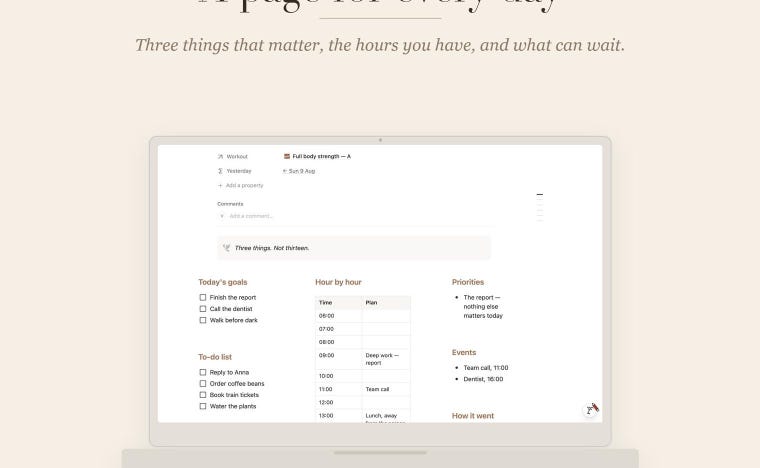 Every day of the year is already there, with its own page.
 -
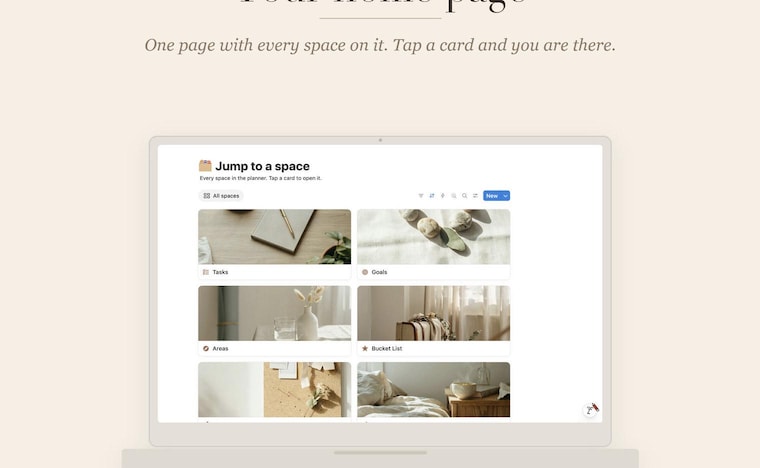 One home page — twenty-five spaces, one tap away.
 -
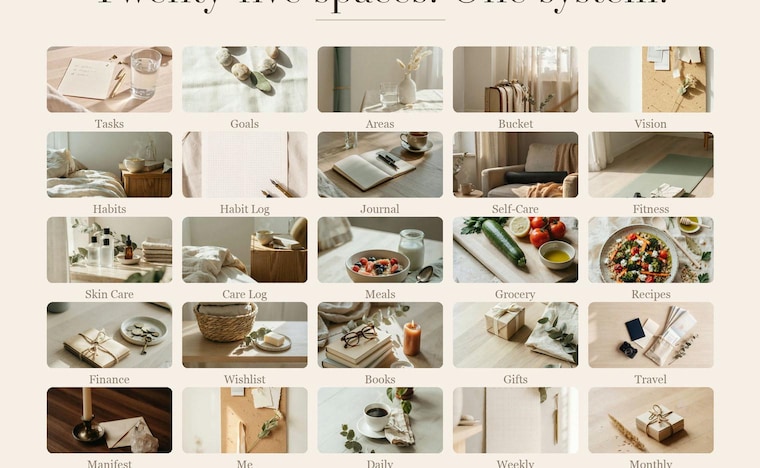 Tasks, habits, meals, workouts, money and travel in one system.
 -
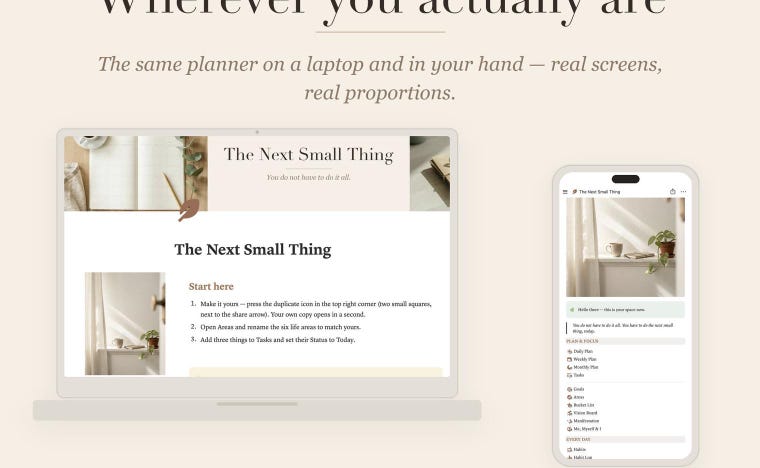 The same planner on your laptop and in your hand.
 -
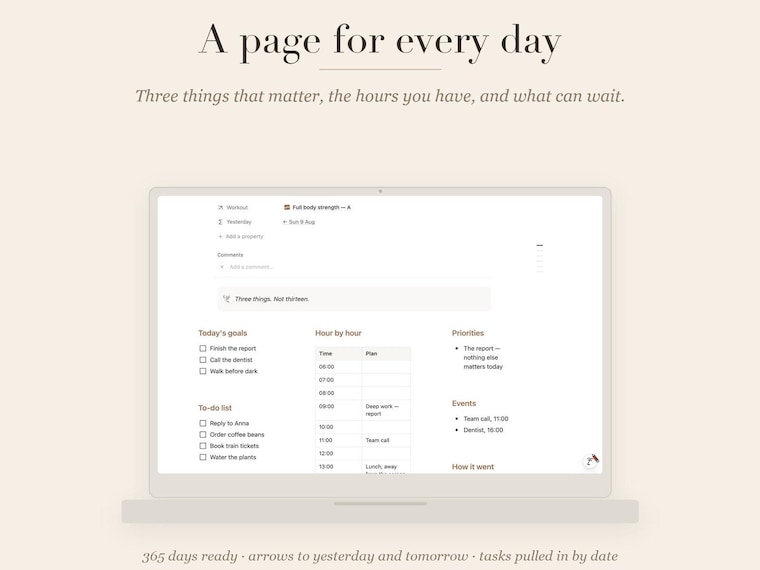 Where it starts: three things that matter today.
Shop members
-

Vlas Bochkarov
Owner
Hi, I'm Vlas. I built the first version of this planner for myself, after years of keeping my life across notes, reminders and half-finished lists. What worked wasn't a stricter system — it was a smaller one. Stuck on setup? Write to me, I answer.
Shop policies
Last updated on
Accepted payment methods
Accepts Etsy Gift Cards and Etsy Credits
Returns & exchanges
See item details for return and exchange eligibility.
More information
Last updated on
Aug 16, 2026
Frequently asked questions
Do I need a paid Notion account?
No. Everything works on the free Notion plan, on desktop, tablet and phone. If you don't have an account yet, it takes a minute to create one at notion.so — no card needed.
How do I get the planner after I buy?
Instantly. You download a PDF that holds your private template link and a step-by-step setup guide with screenshots. Open the link, press the duplicate icon in the top right corner, and your own copy appears in your Notion — ready to use.
Is this a printable or an app?
Neither — it's a digital template for Notion. You use it inside Notion, in your browser or in the Notion app, on desktop, tablet and phone. Nothing gets printed and nothing gets installed.
Can I change things inside the planner?
Yes, all of it. Rename sections, add or remove properties, change colours and covers, delete what you don't need. It's your own copy — nothing is locked.
What if I get stuck setting it up?
Message me through Etsy. I answer every message, usually the same day, and I'll walk you through it. Every planner also comes with a setup guide with screenshots for each step.
Do you offer refunds?
Because these are instant downloads, all sales are final. That said, if something doesn't work as described, message me and I'll make it right.
Will I get updates?
Yes, free for life. When a planner is improved, you get the updated version at no extra cost — just message me and I'll send you the new link.