









How Temploud Started
Featured items
All items
Announcement
Last updated on 01 May, 2026
Reviews
4.8
(633)
Average item review
We calculate this number using a recency-weighted average of all ratings, with a rating's value decreasing by half each year to best reflect the current experience.
Loading
-

Christina on 13 May, 2026
5 out of 5 starsEasy to edit and create exactly what I needed, and the hard work was already done.
-
-

Paige on 07 Apr, 2026
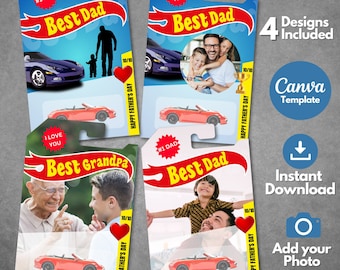
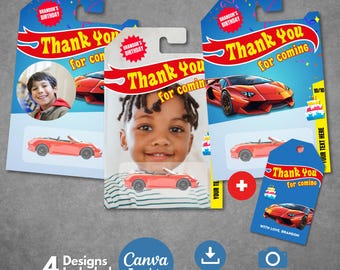
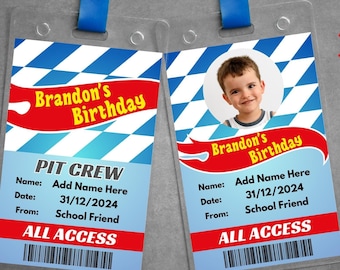
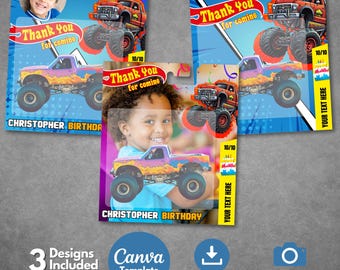
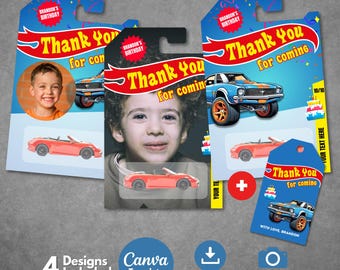
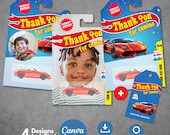
5 out of 5 starsabsolutely great! seller changed the template to fit the smaller hot wheels packaging to fit the cars I had. they did it super quickly and were so nice about the change item was exactly as described and looked great as party favours
-

-
EckaEcko on 23 Dec, 2025
5 out of 5 starsI experienced an issue with the link, but the support team promptly assisted me in resolving it. The design is excellent, and I was impressed with the speed of their response. Thank you very much; I highly recommend their services. The owner was very kind, and the product exceeded my expectations. Thank you for your creativity. It looks fantastic when arranged and is the perfect addition.

Temploud responded on 23 Dec, 2025
Thank you so much for share ❤️✨
-

Sandy on 22 Dec, 2025
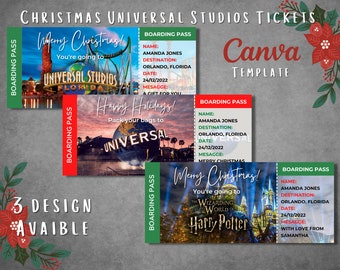
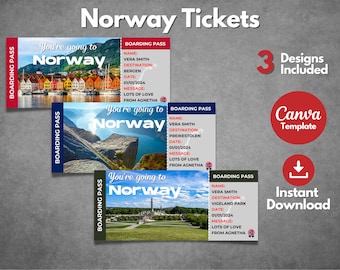
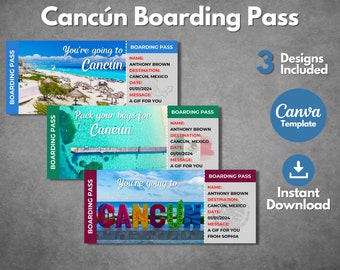
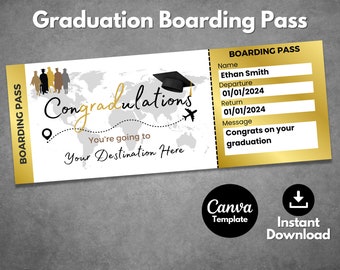
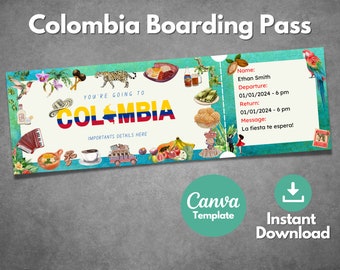
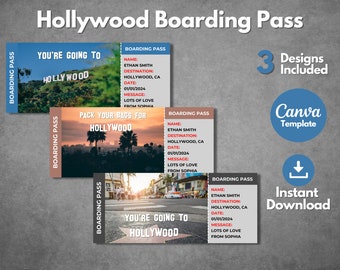
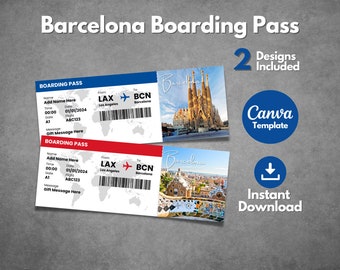
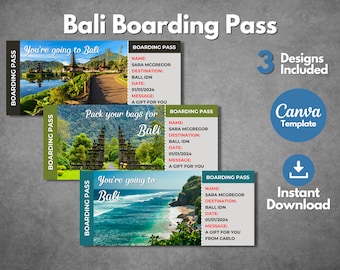
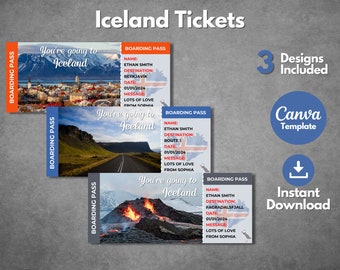
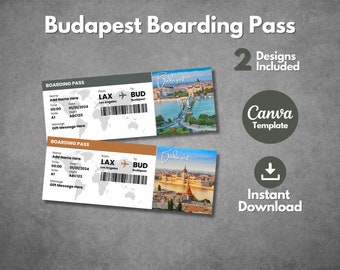
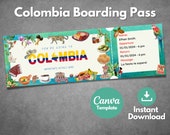
5 out of 5 starsBoarding Pass turned out great! The quality of the template is really good. Quick response from the seller!
-

Las on 11 Dec, 2025
5 out of 5 starsThe owner was so kind and the product is divine! I'm so excited to give them to my husband for Christmas! Thank you for your creativity! It looks great arranged and is the perfect addition!
Temploud responded on 12 Dec, 2025
Thank you so much! 😊 I’m so happy you loved it, I hope your husband loves it too! 🎄✨
Loading -
-

Critter on 08 May, 2026
5 out of 5 starsItem as described. Was easy to edit and print in my Canva account.
About Temploud
Sales
9,388
On Etsy since 2024

Shop policies
Last updated on 28 May, 2025
Digital downloads
Instant downloads
Your files will be available to download once payment is confirmed. Here's how.
Payment options
Secure options
Accepts Etsy Gift Cards and Etsy Credits
Etsy keeps your payment information secure. Etsy shops never receive your credit card information.
Returns & exchanges
See item details for return and exchange eligibility.
Cancellations
Cancellations: not accepted
Please contact the seller if you have any problems with your order.
Privacy policy
More information
Last updated on
17 Dec, 2025
Frequently asked questions
How do I receive my template?
Right after completing your purchase, you’ll receive a PDF file that contains a link to access your editable Canva template. Simply click the link to open it in Canva and start customizing. If you created an account, you can also access your download through your order history.
I haven’t received my template. How do I access it?
No worries! First, double-check your spam or junk folder—sometimes the confirmation email lands there. If it’s not there, log into your account to re-download the PDF. Still can’t find it? Reach out to us via Etsy Messages —we’re happy to resend it!
How long do I have access to the template?
Forever! Once you open the template link and click “Use Template” in Canva, it will be saved in your account. You can return to it anytime to make changes, re-download, or reuse it for future events. Just make sure to be logged into your Canva account.
What is Canva and how do I use it?
Canva is a free, user-friendly design tool you can access from any web browser. It allows you to customize your Temploud template without downloading any software. Just log in (or create an account), click “Use template,” and start editing—it's simple and perfect even for beginners.
The final print size isn't correct. How do I fix it?
This is often due to printer settings. Make sure you're printing at “actual size” or “100% scale,” not “fit to page.” Also, we recommend exporting your template as a PDF from Canva, which ensures better precision in dimensions and quality.
Do you offer customizations?
Yes! If you’re looking for a small tweak or a more personalized version of a design, feel free to message us through Etsy Messages. We’re happy to help and usually respond within 24 hours.
Can I print my template at home?
Definitely! You can print at home using standard settings or take the file to a professional print shop. For best results, download the file as a high-quality PDF and make sure to select “actual size” or “100% scale” in your printer settings.