


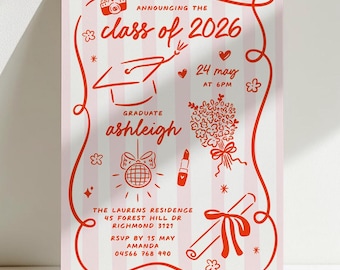
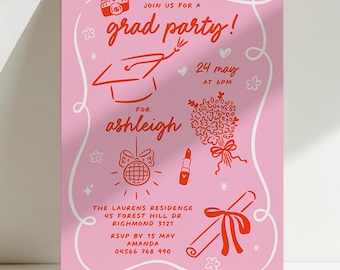


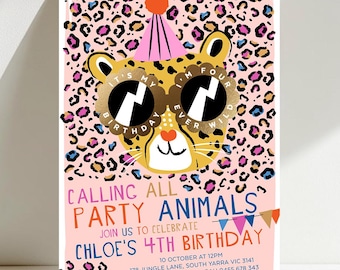
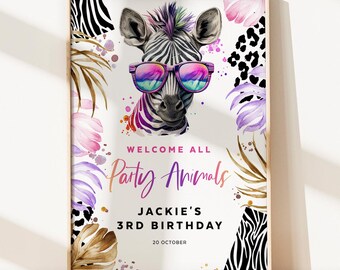
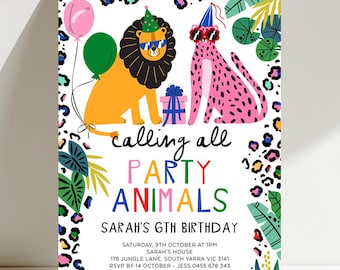
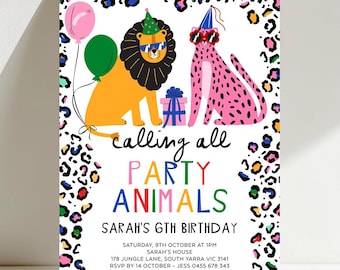


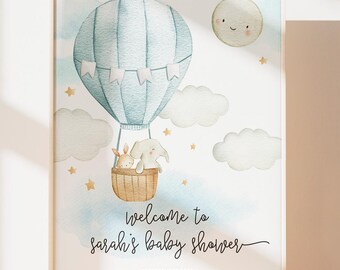
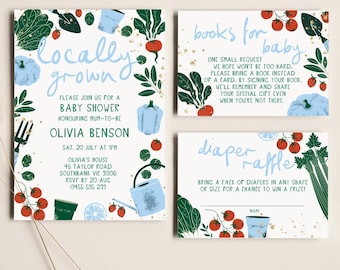
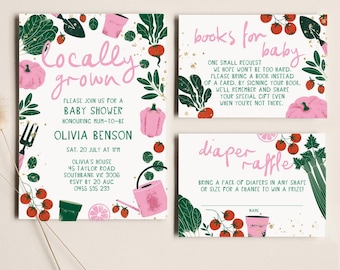

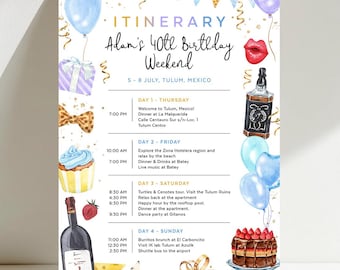
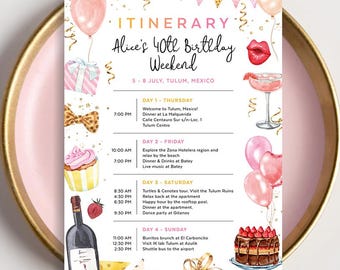
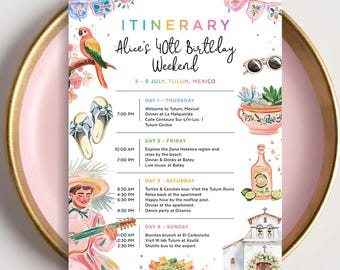
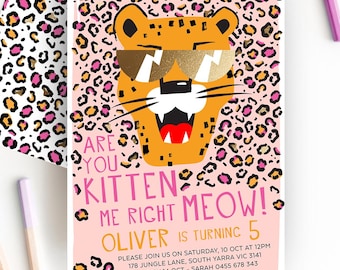
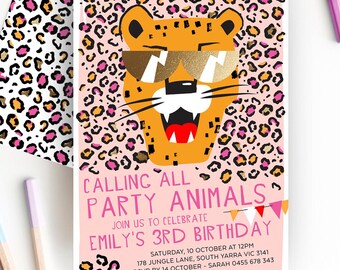
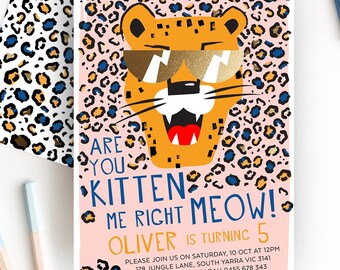
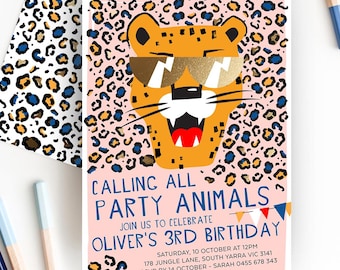


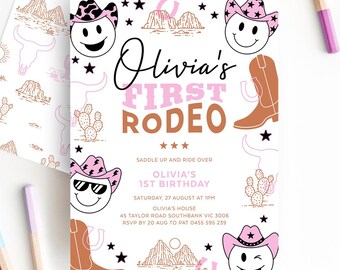

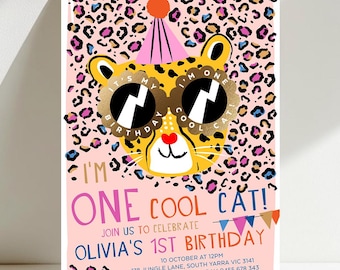
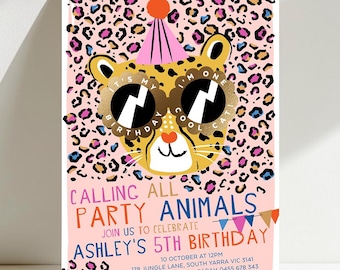
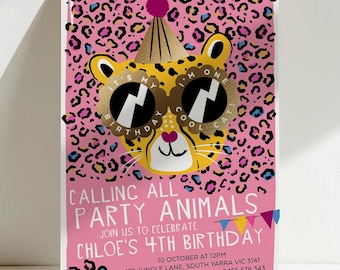
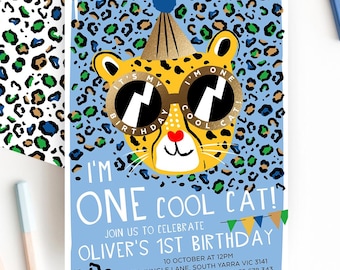
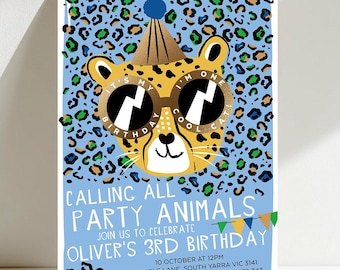
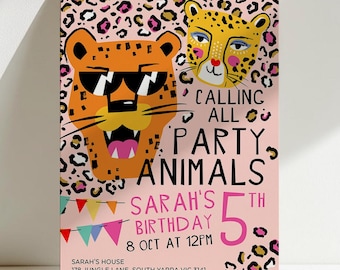
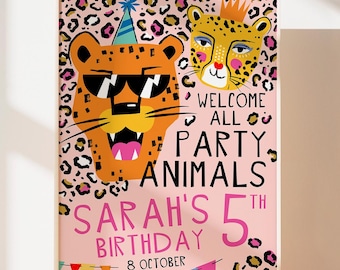
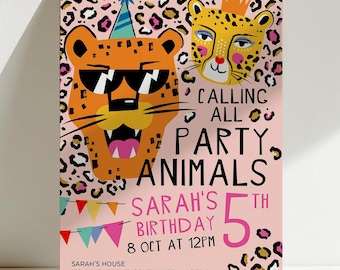
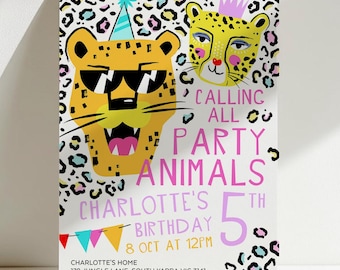


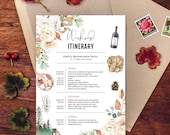




3 Eggs Design is a boutique stationery brand created by designer Kim Pham as a way to explore her creativity beyond the realm of corporate advertising. Her designs are a collaborative pin board that takes inspiration from her travels, experiences, and love of nature.
Elegant, varied, and practical, 3 Eggs Design’s printable collection brings a touch of convenience to the important moments in your life. The digital-only range allows you to instantly download the files which you personalise yourself with your name, the event’s date, and other information. The collection features various themes which you can easily print at home or at a local print & copy shop.
With 3 Eggs Design, you can make sure that your wedding day or special event will have the perfect stationery to add the right finishing touch to those moments that you’ll remember a lifetime.
All items
Reviews
-

-

Helen on Aug 14, 2026
5 out of 5 starsGreat easy product - hit a couple of snags but I was able to resolve it - Thank you
-

-
-
-
-
Etsy buyer on Oct 1, 2026
5 out of 5 starsExcellent product. Very user friendly format. Awesome customer service. I am a repeat customer and I will continue to support this seller!
-

Keisha on Sep 28, 2026
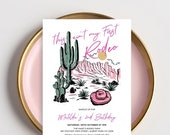
5 out of 5 starsSuper cute for my daughter's rodeo theme birthday party! Great quality and fast customer service.
-
-
About 3EggsPrintables
Shop members
-

Three Eggs Design
Owner, Designer
Kim is the creative soul of 3 Eggs Design. A passionate designer, she sets out the vision for the brand and loves to create new designs. When not working, she loves playing with her son and dreaming about her next big adventure.
Shop policies
Digital downloads
Payment options
Returns & exchanges
Cancellations
Cancellations: not accepted
Please contact the seller if you have any problems with your order.
More information
Frequently asked questions
Receiving your access link from TEMPLETT.COM
Wait a few minutes for the digital download to arrive in your inbox. This email will come from TEMPLETT.COM. If you already have an account with Templett, you won’t receive an email from Templett. To access your template, simply log in at https://templett.com/login
Meanwhile, download the instruction sheet. On the top right corner of your Etsy page, click on “You”and select “Purchases & Reviews”. Click the orange “Download Files” button. This should answer all your queries but please don't hesitate to message me with any questions or concerns! I reply within 24hrs.
All templates are for personal use only and may not be commercially reproduced, resold or distributed. Templates will expire after 12 months from the day of purchase.
TEMPLETT.COM file set up for PRINTING MULTIPLY INVITES ON A SHEET
When printing from home to save paper or walk in print/copy centre (some will accept this format, others will prefer the 1up single file. See file set up for single invite/poster for print)
Under Download:
Select PDF option. Turn on all options ie show bleed, show trim marks and save paper. In save paper, select US Letter if you are from the US/Canada. For the rest of the world, you choose A4. Then press create PDF.
TEMPLETT.COM file set up for SINGLE INVITE/POSTER FOR PRINT
When you need the file to be a single invite. When uploading to an online printer or walk in print/copy centre.
Under Download:
❶ Choose PDF option, select show bleed, then press create PDF. Bleed is added because some files have graphics bleeding off to the edge.
or
❷ Select JPG with 300 dpi for resolution and turn on bleed.
TEMPLETT.COM file set up for DIGITAL EVITE (to text or email to someone)
Under Download:
❶ Select PDF and have all options off ie show bleed, show trim marks and save paper off). Press Create PDF.
or
❷ Select JPG at 96 or 300 dpi and have add bleed turn off.
Printing
File/s can be printed on your home printer or local print & copy centre such as OfficeWorks, FedEx Kinkos, Staples and OfficeMax.
If you are printing from home, make sure your printer is set to print at ‘ACTUAL SIZE’ and not ‘fit’ to page.
Template sizes are set as is, and cannot be changed. It does not work with Vistaprint. Please source an alternative printer, many will accept my file formats.
Paper + envelope sizes
For best results, print your files on a heavy card stock at 111 - 129 lb. (300 - 350gsm). I recommend card stock that is at least 92lb. (250gsm).
US + Canada:
For the 5 x 7" cards, I recommend the A-7 envelope (5 1/4 x 7 1/4") for a perfect fit or alternately, the A-8 envelope (5 1/2 x 8 1/8") which is a little bit bigger. For my 3.5 x 5" cards, I recommend the A1 envelope (3 5/8 x 5 1/8") or alternately, the A2 envelope (4 3/8 x 5 3/4").
Australia, NZ, Asia + EU:
If you are unable to get hold of the envelope sizes above, the alternatives are: For the 5 x 7" (127 x 178mm) cards, you can purchase the C5 envelope which is (162 x 229 mm) and for the 5 x 3.5" cards, the C6 envelope (114 x 162mm) would be ideal.
Looking for more? Find it on Etsy