






The story of Antidote Notes
All items
Announcement
Last updated on Jun 25, 2025
Reviews
4.9
(1022)
Average item review
We calculate this number using a recency-weighted average of all ratings, with a rating's value decreasing by half each year to best reflect the current experience.
Loading
-

-

Rachael on Dec 30, 2025
5 out of 5 starsSuper cute and simple designs. Just what I was looking for.
-

John on Apr 14, 2025
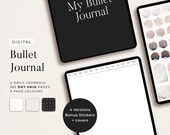
5 out of 5 starsExactly want I need to get started with digital Bullet Journaling.
-
-
-

Em on Sep 15, 2024
5 out of 5 starsIt’s exactly what I wanted. It has dates, but can be used year after year after year. I love the minimalist look of it and the dot pages. I have used it everyday since I purchased it.
-

-

-

About AntidoteNotes
Sales
12,996
On Etsy since 2021
Shop members
-

Cassie
Owner, Designer
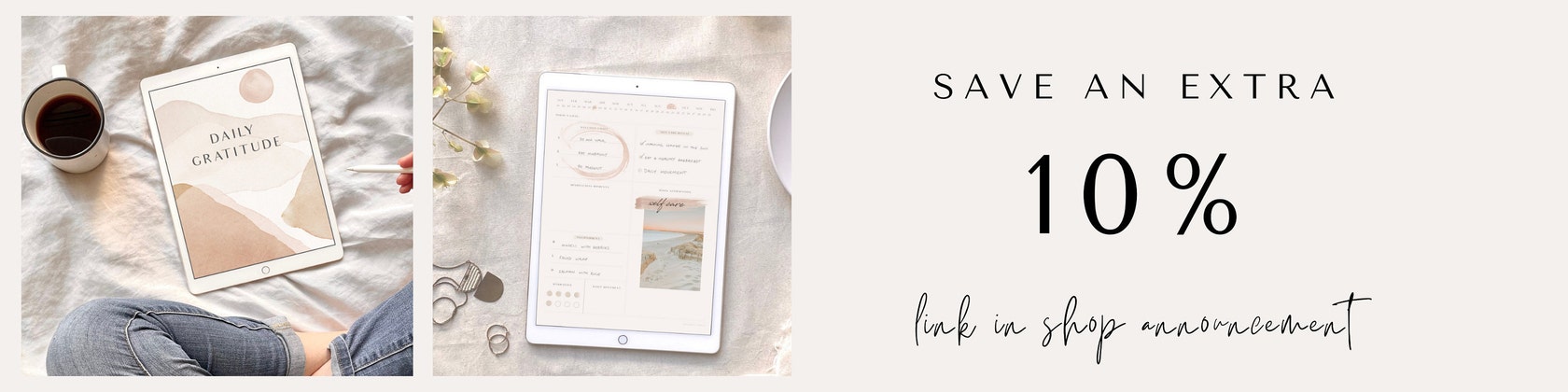
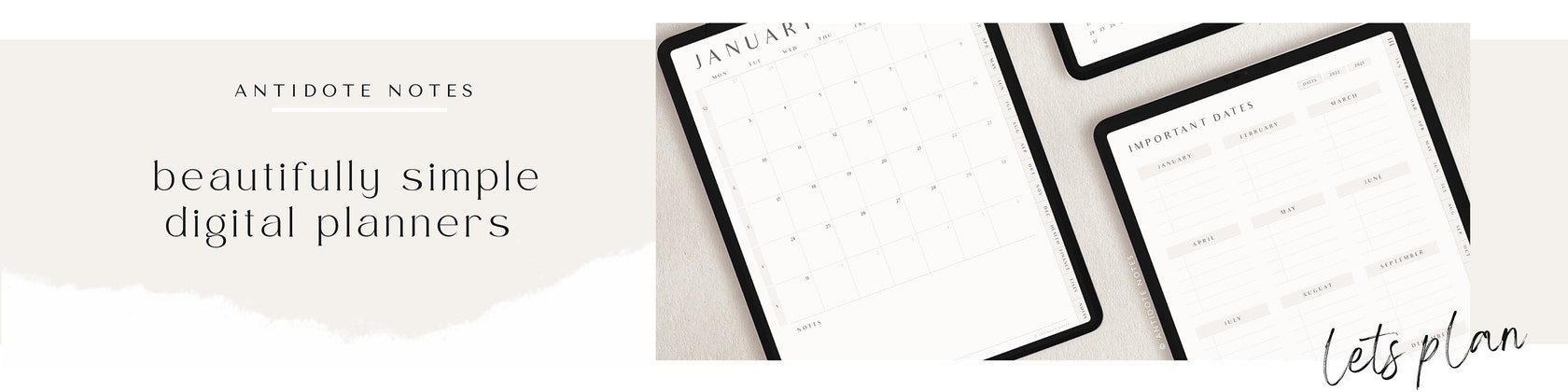
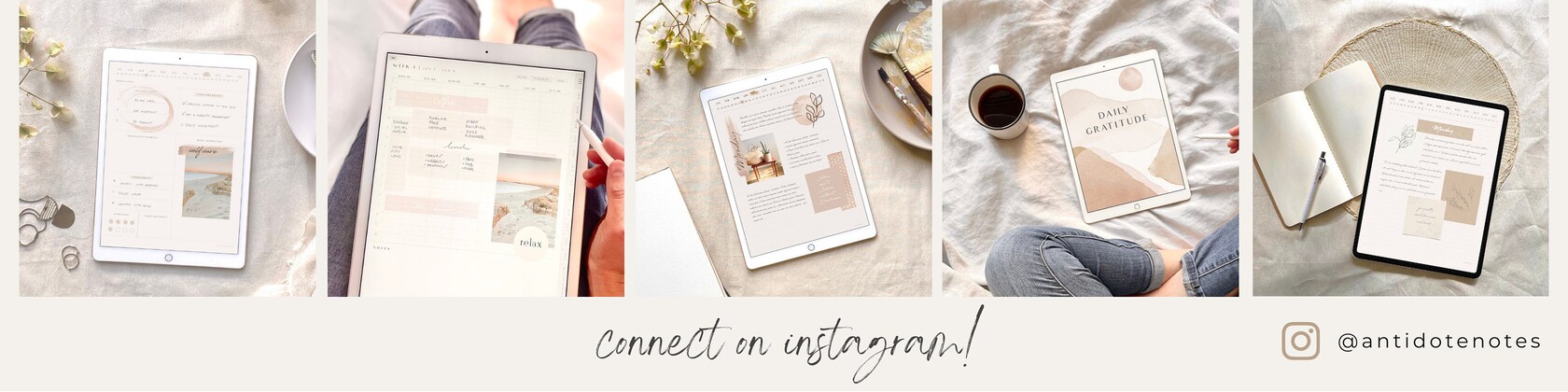
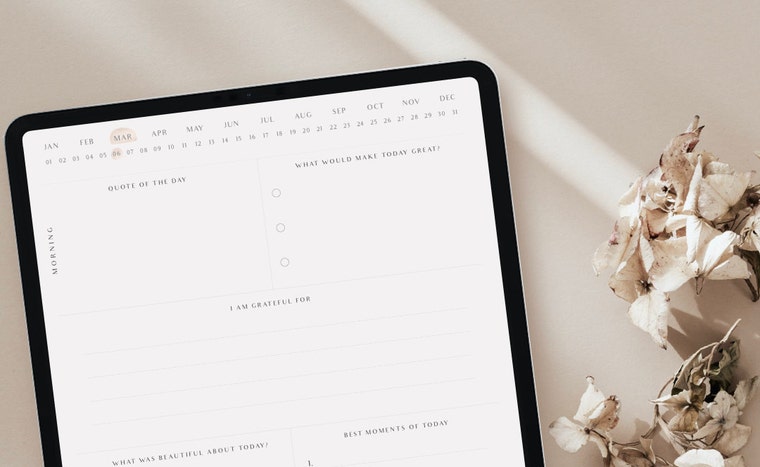
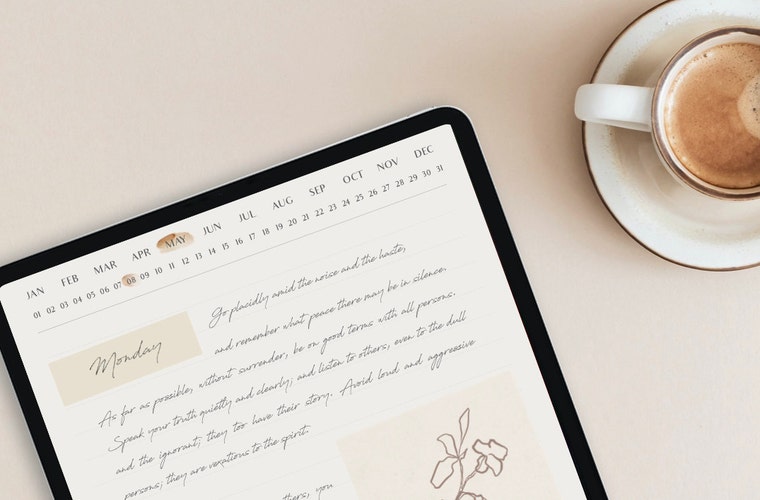
Hi there! I'm Cassie, a researcher turned digital planner. I create simple and logical digital notebooks, journals and planners to help you organise your life. I found that the antidote to stress was a little daily dose of planning. Cassie x
-

Mischief
Assistant
Hi, my name is Mischief, I help out by pushing things off tables and sitting on keyboards.
Shop policies
Last updated on Mar 15, 2021
Digital downloads
Instant downloads
Your files will be available to download once payment is confirmed. Here's how.
Payment options
Secure options
Accepts Etsy Gift Cards and Etsy Credits
Etsy keeps your payment information secure. Etsy shops never receive your credit card information.
Returns & exchanges
See item details for return and exchange eligibility.
Cancellations
Cancellations: not accepted
Please contact the seller if you have any problems with your order.
More information
Last updated on
Dec 17, 2025
Frequently asked questions
Where can I download the files after purchasing?
After your purchase, you’ll see a ‘View your file link’ which goes to the Downloads page. Here, you can download all the files associated with your order.
Can I share or resell my purchases?
No all items sold are protected by copyright.
Copyright © Antidote Notes, 2021. All rights reserved.
All rights reserved under the Universal Copyright Convention. No part of any product, listing or description may be reproduced or distributed in any form.
The unauthorised reproduction or distribution of copyrighted work is illegal. Any copyright infringement will result in legal action.
The hyperlinks don't work?
In Goodnotes, please make sure that read only mode is selected (crossed pencil icon in top right corner).
What apps can I use with your digital products?
All digital products have been tested using the Goodnotes app on an ipad with an apple pencil. The digital products are hyperlinked PDFs and can be used with any PDF editing app such as Noteability, Noteshelf and Xodo. You will have to purchase and/or download these apps separately.
How do I access Zip files on the ipad?
You can unzip the files by saving them to your iPad's Files app and tapping on them to uncompress the files. Note: this feature is only available with the newest iPad software update, iPadOS (iOS 13+).