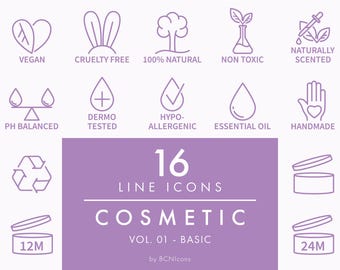

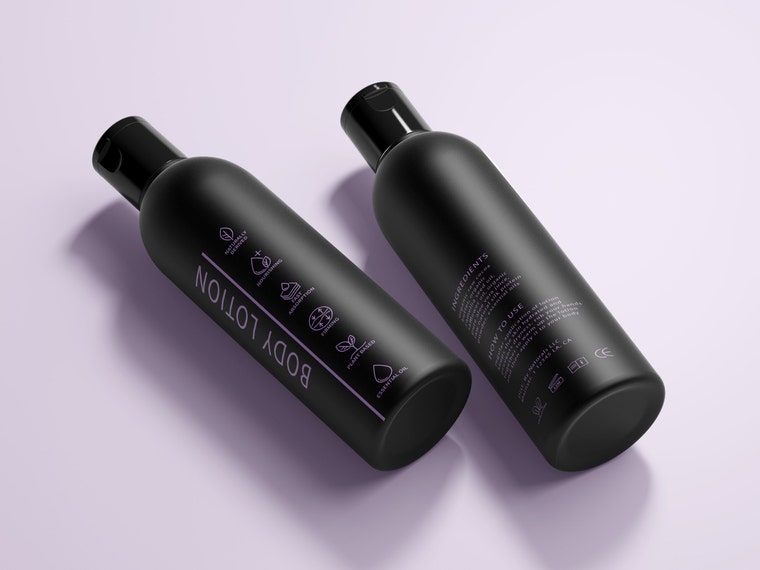
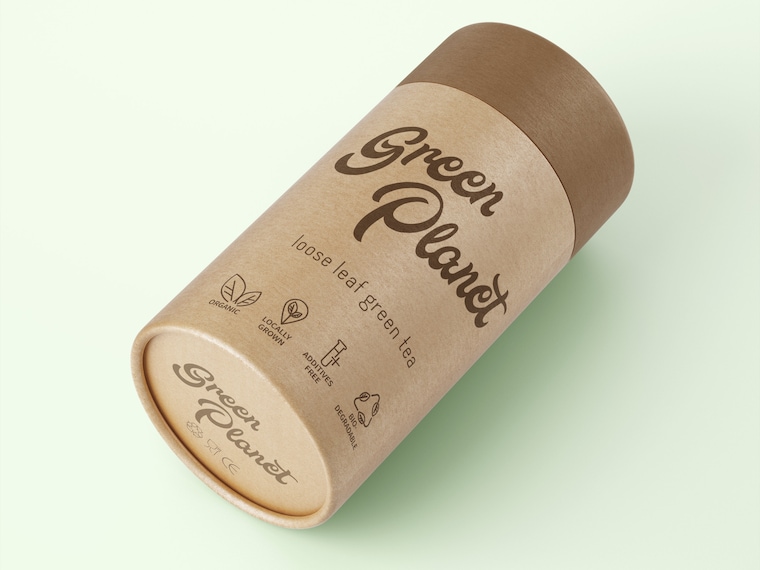
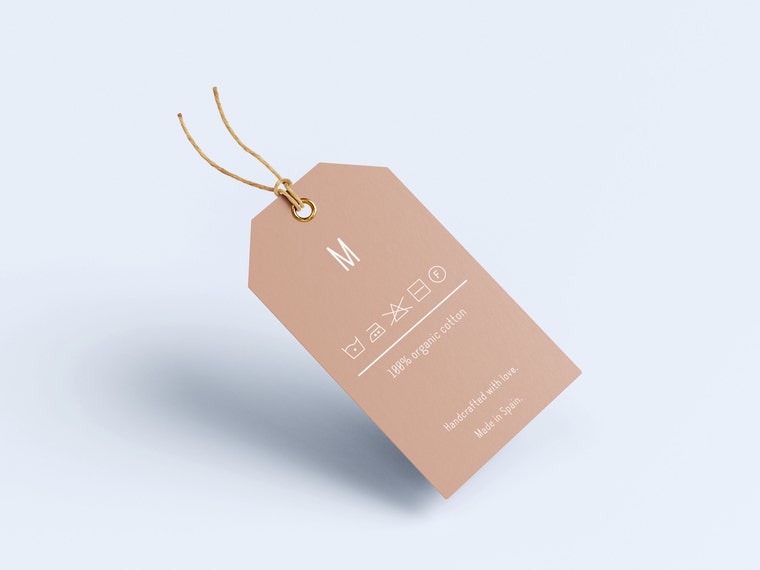
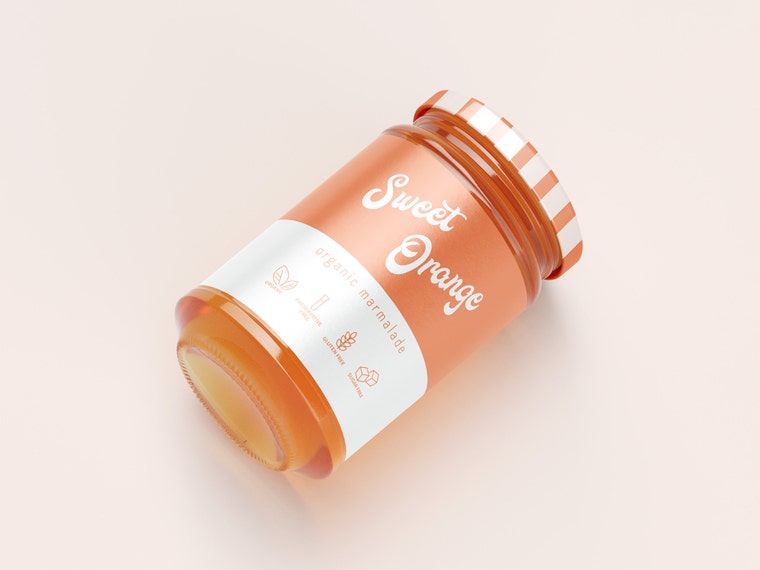
No need for words!
Featured items
All items
Announcement
Last updated on Oct 16, 2025
Reviews
4.9
(472)
Average item review
We calculate this number using a recency-weighted average of all ratings, with a rating's value decreasing by half each year to best reflect the current experience.
Loading
-

-

Christine on Jun 17, 2026
5 out of 5 starsJust what I was looking for. Download was immediate. Thank you!
-

Kristy on May 17, 2026
5 out of 5 starsThese are cute and what I needed. Would have liked a few more different icons, rather than just variations of the same thing. They worked well, but a few more steps to get them ready for the laser than expected. For the price, I would have thought they would be ready to go.

Elena responded on May 17, 2026
Thank you very much for your feedback, I´ll definitely try to implement these suggestions!
-

-

-

-
Radiant on Jan 23, 2026
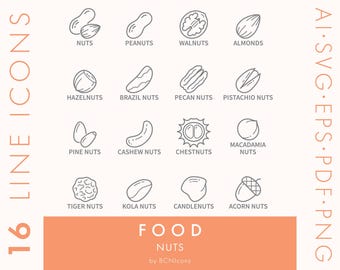
5 out of 5 starsPerfect for my labeling my bakery items to warn of those with nut allergies. Graphic downloaded and looked just like on the website.
-
-
About BCNIcons
Sales
4,360
On Etsy since 2021
Shop members
-

Elena
Owner, Designer
I love design in all the forms, especially when it also has a useful function!
Shop policies
Last updated on Aug 24, 2025
Digital downloads
Instant downloads
Your files will be available to download once payment is confirmed. Here's how.
Payment options
Secure options
Accepts Etsy Gift Cards and Etsy Credits
Etsy keeps your payment information secure. Etsy shops never receive your credit card information.
Returns & exchanges
See item details for return and exchange eligibility.
Cancellations
Cancellations: not accepted
Please contact the seller if you have any problems with your order.
Privacy policy
More information
Last updated on
Dec 17, 2025
Frequently asked questions
HOW TO CHANGE ICON´S COLOR
You can change icon´s color in any of the included vector formats (SVG or EPS) using any program that works with vector graphics.
The best vector editor program would be Adobe Illustrator, but if you don´t have it there are also various free alternatives (although with much more limited capabilities):
Inkscape
https://inkscape.org/
Free – available for Windows, macOS, Linux
Boxy SVG
https://boxy-svg.com/
Available as a free web app
Sketsa SVG Editor
https://www.kiyut.com/products/sketsa/index.php
Free – available for Windows, macOS, Linux
STANDARD LICENSE: One User, Limited Use
This license allows ONE USER to create personal and limited commercial use products using digital items purchased from BCNIcons.
ACCEPTABLE USE
• Unlimited projects for yourself, family members, and friends.
• Physical products for commercial use to be sold to customers.
• Website and/or social media content.
NON-ACCEPTABLE USE
• Distributing files purchased from BCNIcons in any manner, including: selling, giving away for free, or as part of a package of products.
• Allowing more than one user to use items purchased to make projects for personal or commercial use.
• Creating a digital product to sell/distribute using items purchased from BCNIcons.
• Allowing end users to customize and print on demand products using BCNIcons items.
EXTENDED LICENSE: Unlimited User, Unlimited Use*
This license allows you to create unlimited personal and unlimited commercial use products using the digital items purchased from BCNIcons.
ACCEPTABLE USE
• Unlimited projects for yourself and/or your clients.
• Physical and/or digital products for commercial use to be sold to customers.
• Website, social media or any other commercial content.
NON-ACCEPTABLE USE
• Distributing files or allowing your clients to distribute files (as-is or with superficial modifications) purchased from BCNIcons in any manner, including: selling, giving away for free, or as part of a package of products.
CUSTOM ORDERS
I do not take custom orders, but I´d be happy to add any suggestions on my "to-do" list!
HOW TO EDIT ICON´S TEXT
You can replace all the text (and change other elements) of the icons in any of the vector formats included in the download.
Please be aware that you would need to have a program that works with vector graphics (Adobe Illustrator, Inkscape, etc.) and know how to use it.
The font used for the icon´s text is Source Sans Semibold and it is available for completely free download from Google Fonts.
CANVA: Can icons be used in Canva?
The icons come in various formats and like any image they can be uploaded and used in any graphic editor such as Canva.
However, please keep in mind that Canva is not a professional editor (and is not made to work with complex vectors for example) and therefore the extend of what and how you might be able to edit the icons might be limited.