
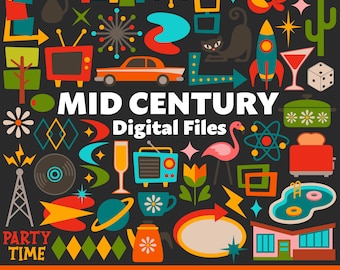
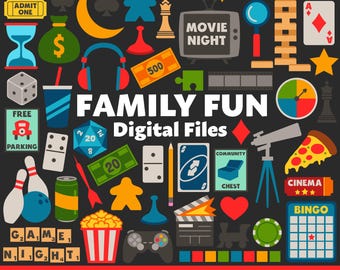
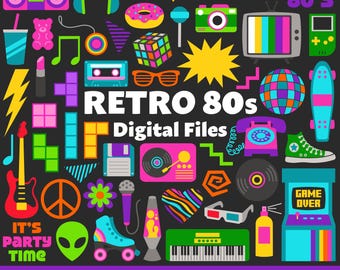
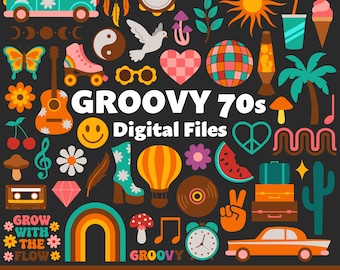
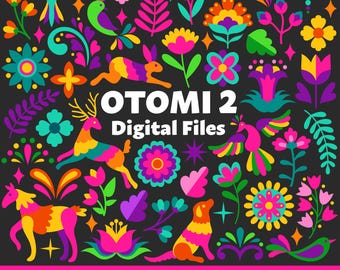
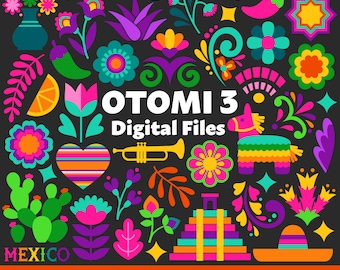
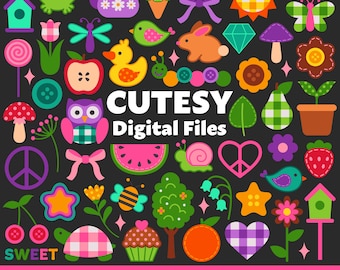
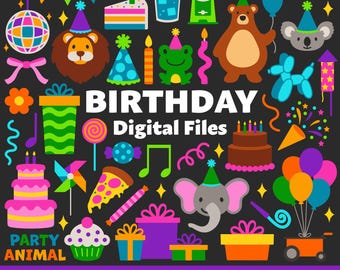

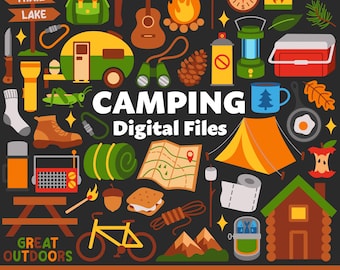
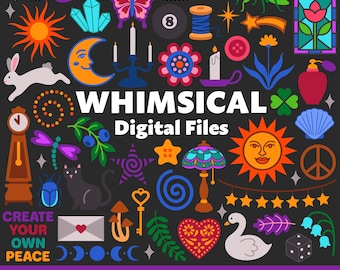
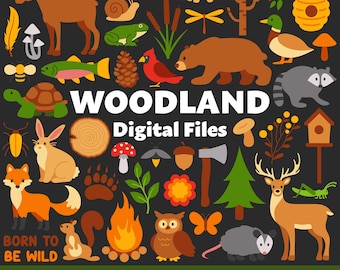
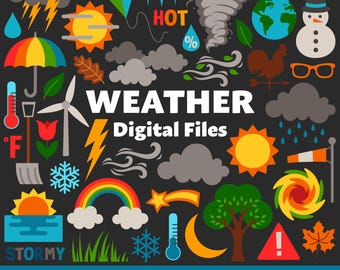


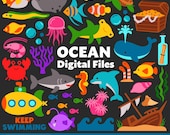

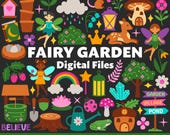
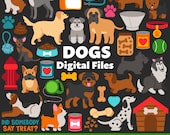
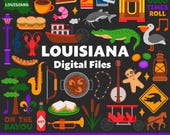
✿ Cute digital files for your craft projects! ✿
Featured items
All items
Announcement
Last updated on Feb 1, 2026
Reviews
5.0
(1640)
Average item review
We calculate this number using a recency-weighted average of all ratings, with a rating's value decreasing by half each year to best reflect the current experience.
Loading
-

-

-

-

Susan on May 11, 2026
5 out of 5 starsI am so happy with this purchase. Easy to download and work great for making kids' stickers. Great shop with lots of variety. I'd buy from again!
-
Sarah on Apr 11, 2026
5 out of 5 starsAbsolutely love these high quality, bright colored, simple and striking graphics! Fabulous customer service as well! Thank you!
-
-
Amanda on Jul 28, 2026
5 out of 5 starsGreat files and print well! I’m a repeat customer and never disappointed! Great customer service!
-

-
-
About Birdieworksstudio
Sales
17,731
On Etsy since 2022
Shop members
-

Lauren Ashleigh
Owner
Hello! My name is Lauren Ashleigh, I am a fully self-taught digital artist. All of my designs are illustrated by hand. I am excited to bring my artwork to life and share my creativity with others!
Shop policies
Last updated on Mar 7, 2022
Digital downloads
Instant downloads
Your files will be available to download once payment is confirmed. Here's how.
Payment options
Secure options
Accepts Etsy Gift Cards and Etsy Credits
Etsy keeps your payment information secure. Etsy shops never receive your credit card information.
Returns & exchanges
See item details for return and exchange eligibility.
Cancellations
Cancellations: not accepted
Please contact the seller if you have any problems with your order.
More information
Last updated on
Dec 17, 2025
Frequently asked questions
How do I download my files?
After purchasing from this shop, a link to your downloads will be sent in the receipt email associated with your Etsy account. You can also download your files by navigating to the “Purchases and Reviews” section of your Etsy profile page. You may need to wait a few minutes for your transaction to be completed by Etsy before the files are available for download. If you are unable to find your receipt email I recommend also checking your spam folder. If you need additional help please message me!
How do I open the ZIP files?
All of the designs featured on this shop are delivered in ZIP files (compressed folders that must be extracted/unzipped to access the designs inside)
–WINDOWS: Find the downloaded ZIP file in the Recent Downloads section of File Explorer > right-click on the ZIP file and select “Extract All”
–MACBOOK: Navigate to Finder > Go > Downloads and double-click the ZIP file > a new folder will appear containing the extracted files
–IPHONES/IPADS: Find the downloaded ZIP file in your Files app > double-click the ZIP file > a new folder will appear containing the extracted files
–ANDROID DEVICES: Find and select the downloaded ZIP folder in your Files app > a pop-up will appear displaying the contents inside > tap “Extract” and then “Done”
Which file type should I use for my project?
All of the listings on this shop include digital image files that come in 5 different formats:
– PNG: About 8x8 inches at default, 500 dpi, flat images, transparent backgrounds. Great for standard printing and sublimation projects. These files tend to be easiest to work with and are compatible with standard software programs.
– SVG: Scalable vectors, transparent backgrounds. Contain layers separated by color that are compatible with cutting software programs like Cricut and Silhouette Studio (Designer Edition)
– JPG: 400 dpi, flat images, white backgrounds.
– EPS: Scalable vectors, great for professional large-scale printing projects.
– AI: Can be edited with Adobe software such as Illustrator and Photoshop.
Can I use these files for commercial projects?
When you purchase a listing on this shop, the files are limited to personal projects only. If you wish to use my artwork for commercial purposes, I ask that you additionally purchase a Commercial Use License. For more details about my policies please refer to the licensing listings available on my shop!
Birdieworksstudio digital files are not allowed to be redistributed as freebies, downloads, or as resources to others. These files may be used in the creation of a new and unique product but not redistributed as-is. Credit for my artwork is highly appreciated when using my designs (ex: Artwork credits go to @birdieworksstudio on Etsy)
Please don't hesitate to send me a direct message with any additional questions or theme suggestions!
Looking for more? Find it on Etsy