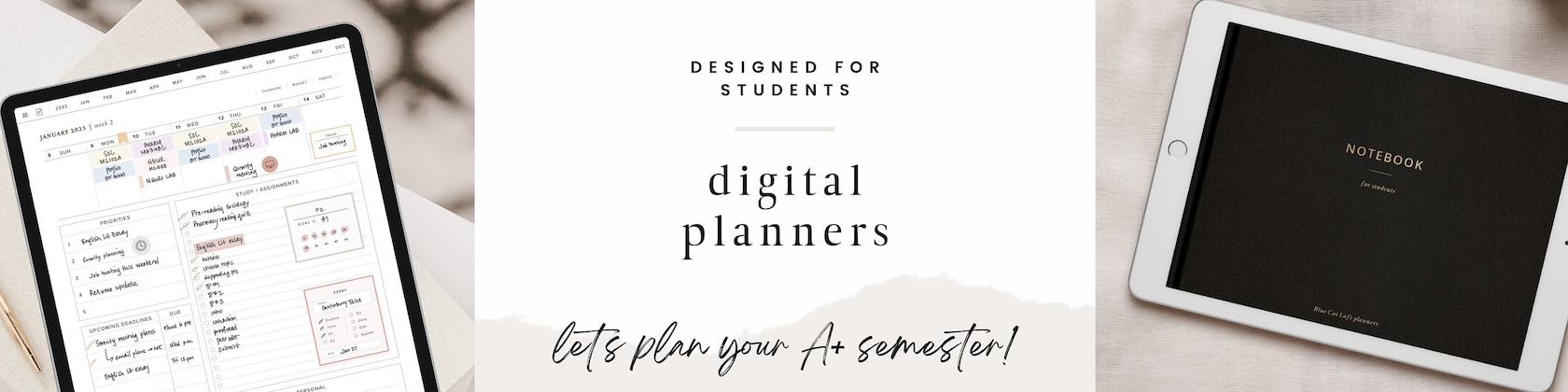

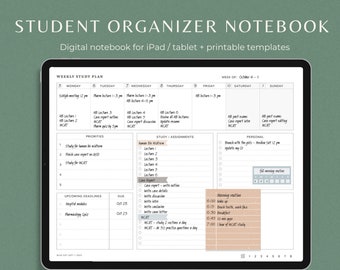
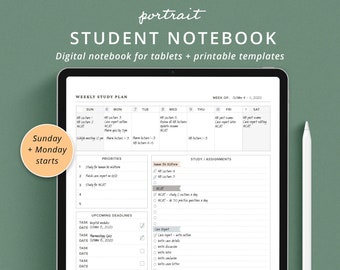
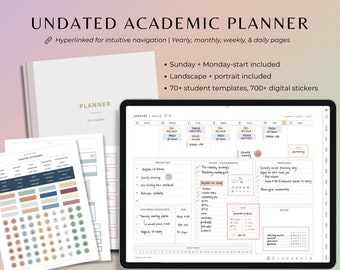
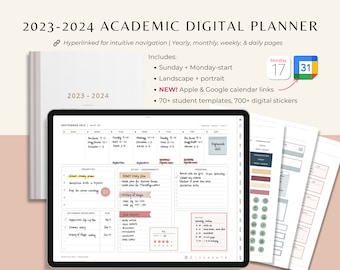
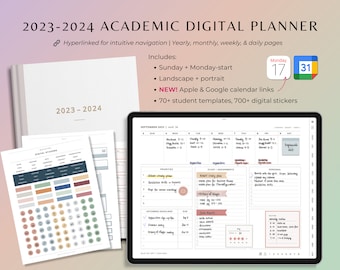
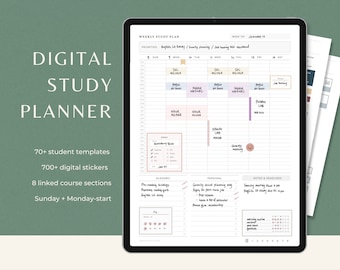
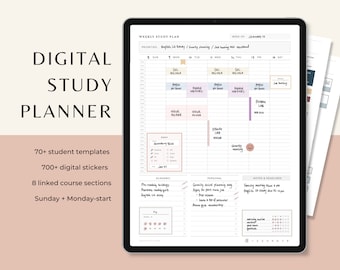




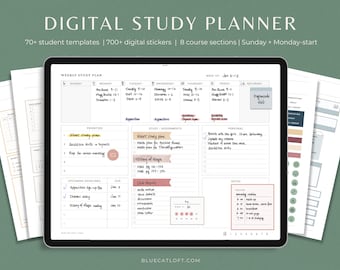
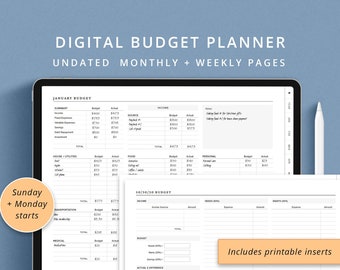




Digital planners for busy students
Featured items
All items
Announcement
Last updated on 27 Jul, 2023
Reviews
4.8
(578)
Average item review
We calculate this number using a recency-weighted average of all ratings, with a rating's value decreasing by half each year to best reflect the current experience.
Loading
-

-

-
Alpa on 07 Sept, 2025
5 out of 5 starsgreat product has everything i need and does not have too much extra stuff i don't need cluttering up the space
-

-

-

-
-
-
-
About BlueCatLoft
Sales
5,958
On Etsy since 2020
Shop members
-

Chloe
Owner, Designer
During university, I started working on our school journal in Adobe InDesign and fell in love with layout, design, & typography! Blue Cat Loft is my quest to create planners and notebooks with beautiful design that are also super functional.
-

Penny
Executive Blue Cat
Penny is head of the purring department. She enjoys long strolls on my keyboard, spontaneous naps, and chin scratches.
Shop policies
Last updated on 02 Jun, 2020
Digital downloads
Instant downloads
Your files will be available to download once payment is confirmed. Here's how.
Payment options
Secure options
Accepts Etsy Gift Cards and Etsy Credits
Etsy keeps your payment information secure. Etsy shops never receive your credit card information.
Returns & exchanges
See item details for return and exchange eligibility.
Cancellations
Cancellations: not accepted
Please contact the seller if you have any problems with your order.
More information
Last updated on
17 Dec, 2025
Frequently asked questions
What is digital planning?
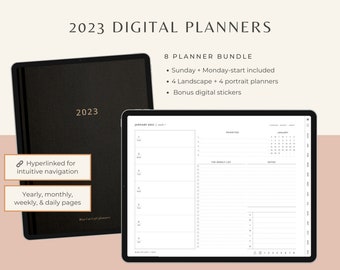
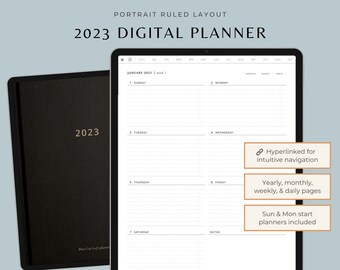
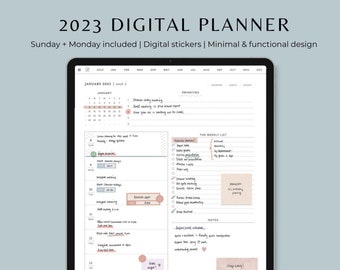
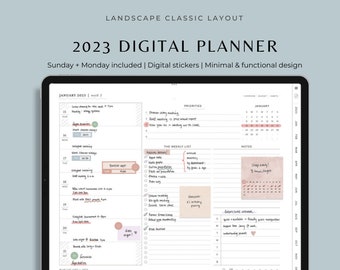
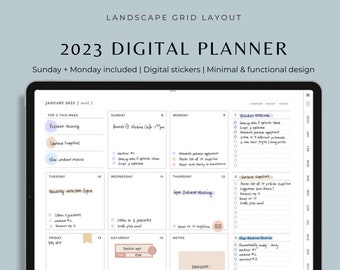
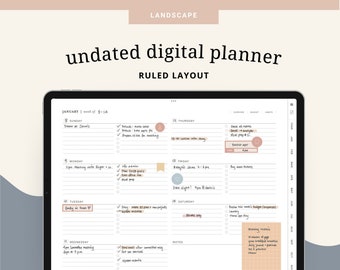
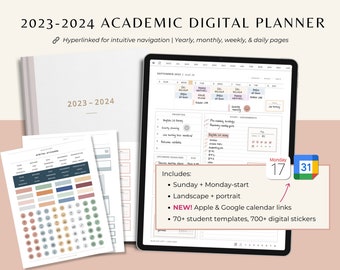
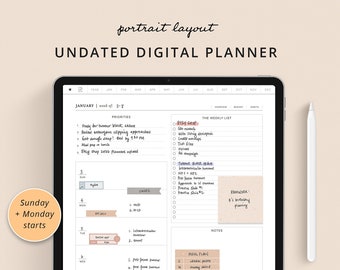
Simply put, digital planners are PDF files with your usual planning templates - monthly calendars, weekly schedules, daily layouts, etc. Our digital planners also contain hyperlinks throughout that allow you to jump from section to section (e.g. from a monthly calendar to any of the weekly pages or daily pages) with a single tap. Usually, digital planners are used on a PDF annotation app (such as Goodnotes) on tablets, but they can be used on a desktop or even a mobile device too! This digital format allows you to copy pages, duplicate pages, write/move/erase text, draw, add “digital stickers,” and reuse over and over again. You can also print out any of the pages just like any PDF file as well.
What do I need to get started with digital planning?
1. Digital planner file
2. Device: generally a tablet such as an iPad or desktop computer
3. Stylus (optional) such as an Apple Pencil
What are digital stickers?
Digital stickers are typically image files that you can insert, resize, and place in the pages of your planner. They can be purely decorative or serve a function (e.g. checklist sticker, task sticker).
GoodNotes has a special file type that works really well for stickers that imports them "precropped." Look for stickers sold as .goodnotes files. (Psst! All of our stickers include .goodnotes files)
What are the perks of digital planning?
Portable - You just need your iPad or tablet. With certain apps (ex. GoodNotes), you can sync your planner across your different devices too.
Editable - In PDF apps, you can tap to edit, delete, and move things around as your plans change.
Flexible - Easily add, delete, or shuffle around pages. Add templates that you create yourself or downloaded elsewhere. Add a PDF from your course or other documents right into your planner!
Reusable - Duplicate pages of your favour templates to use over and over.
Environmentally-friendly - No paper waste no matter how many pages you use up!
Keeping a record - A great way to keep records of your life and plans to look back on in the future. Easily searchable for future reference.
Can digital planners be printed?
Yes, absolutely! Just like you would print any PDF document. You can also print digital stickers (from PNG files) and cut them out to paste into paper journals and notebooks.
All our digital planners are 8.5 x 11 inches (US letter size) with 0.5 inch margins around the main content. This is a great size for tablets but also for printing.
What devices can I use digital planners on?
You can access and edit your planner on any device with an app for PDF notation, including your smart phone, tablet, or desktop. However, tablets (e.g. iPads) are the most popular for ease-of-use and general planning. Smartphones are great for referencing your planner when you're for on-the-go.
What apps do you recommend for digital planners?
My personal favourite one for iPads is GoodNotes. Another popular one is Notability. On Android, Xodo and Noteshelf are popular.
GoodNotes also works on Mac computers including laptops and desktops!
Unfortunately, these digital planners are PDF files and therefore are not compatible with OneNote or Evernote.
When will I be able to access my purchased planner?
Once your payment has gone through, an email will be sent to you with a download link. If it doesn't show up in your inbox in a few minutes, check your spam.
You can also download it from www.etsy.com/your/purchases.
Or, click on your profile icon > Purchases and reviews.
Still no luck? Just get in touch with us, and we'll send it over ASAP.
What makes BCL planners unique?
BCL planners are designed with function in mind and minimalistic aesthetics. I like making good use of that pricey tablet real estate. The student templates are all designs inspired by my own experience - templates that I use or wish I had.
A good digital planner is thoughtfully made with hyperlinks where you would expect them, just like an app. If there is a date or month on a page, it should be hyperlinked! My planners contain a ton of hyperlinks. I haven't counted, but there are thousands in each one. Some of them were requested by users - if you think there should be a link somewhere and there isn't, let me know!