

Featured items
All items
























Reviews
4.8
(489)
Average item review
We calculate this number using a recency-weighted average of all ratings, with a rating's value decreasing by half each year to best reflect the current experience.
Loading
-

-
-
-

-

Nicole on Feb 20, 2026
5 out of 5 starsI’d highly recommend this seller! I absolutely love my downloads. I also appreciate the included instructions for editing. Thank you!!
-

Elizabeth on Feb 5, 2026
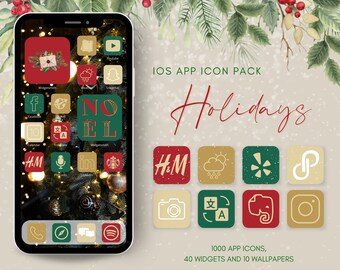
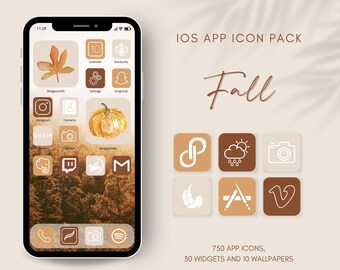
5 out of 5 starsAdorable Icons to make your phone decked out for Christmas.
-
Kimmie on Dec 22, 2025
5 out of 5 starsI haven’t used them yet, but I know they’re going to look great!
-
-

Valeria on Dec 15, 2025
5 out of 5 starsThe icons are so cute! I wanted a winter theme for my iphone and this is the cutest.
-








About BoltikStudio
Sales
7,301
On Etsy since 2020





Shop policies
Last updated on Mar 8, 2020
Digital downloads
Instant downloads
Your files will be available to download once payment is confirmed. Here's how.
Payment options
Secure options
Accepts Etsy Gift Cards and Etsy Credits
Etsy keeps your payment information secure. Etsy shops never receive your credit card information.
Returns & exchanges
See item details for return and exchange eligibility.
Cancellations
Cancellations: not accepted
Please contact the seller if you have any problems with your order.
More information
Last updated on
Dec 17, 2025
Frequently asked questions
How to download a digital file?
If you have an Etsy account, after your purchase you’ll see a View your files link which goes to the Downloads page. Here, you can download all the files associated with your order.
Downloads are available once your payment is confirmed. If you paid with PayPal or a credit card on Etsy, confirmation might take a few minutes.
Etsy will also send you a download notification email separate from any transaction notification emails you receive from Etsy and/or PayPal.
Please note that you can't download a digital purchase through the Etsy app at this time. To download a digital file, please sign in to Etsy on your mobile browser or a non-mobile computer.
How to Claim an Order You Purchased as a Guest?
1. Open your email inbox.
2. Locate the email receipt you received when you placed your order. This email is sent from transaction@etsy.com.
3. Select View your order.
4. Follow the steps to sign in or create an Etsy account. The account you link your guest order to must have the same email address that you used for your guest order. Your order is automatically connected to your Etsy account.
5. Once you’ve claimed your order, you can choose that order.
How do I download files to my phone?
Please note that you can't download a digital purchase through the Etsy app at this time. To download a digital file, please sign in to Etsy on your mobile browser or a non-mobile computer.
To access your digital files from your account:
1. Sign in to Etsy.com and go to Your account.
2. Go to Purchases and reviews.
3.Next to the order, select Download Files. This goes to the Downloads page for all the files attached to your order.