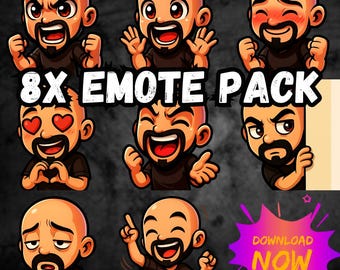
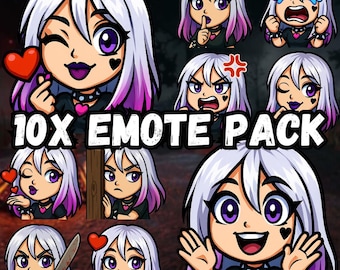
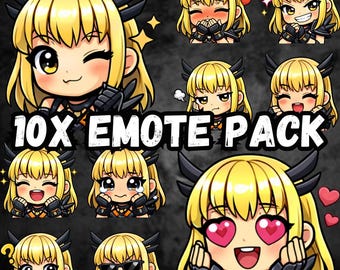
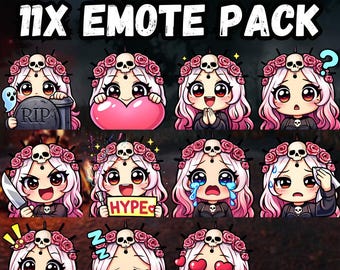
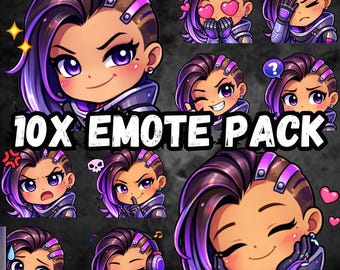
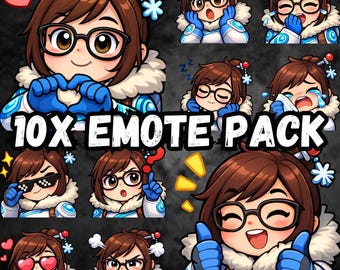
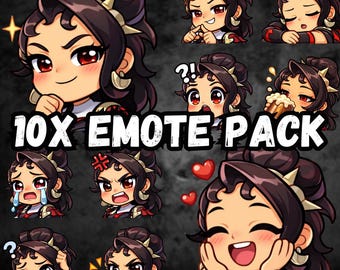
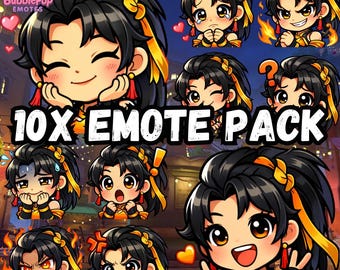
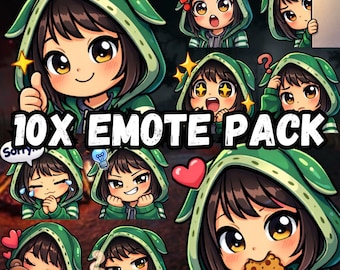
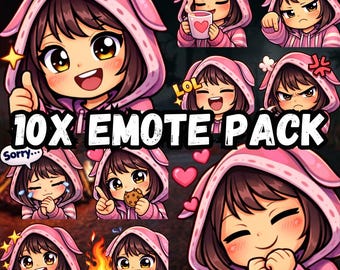
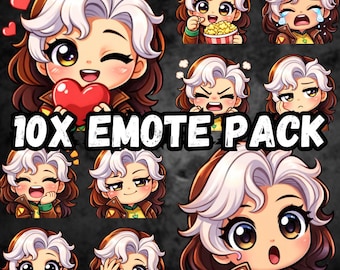
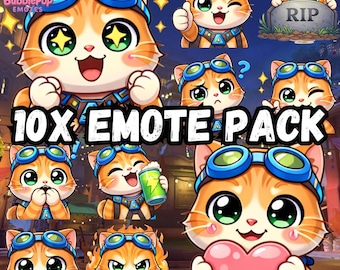
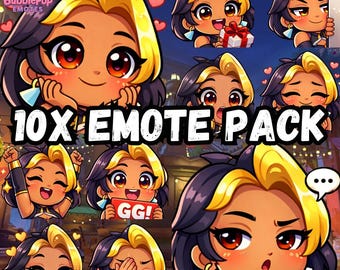
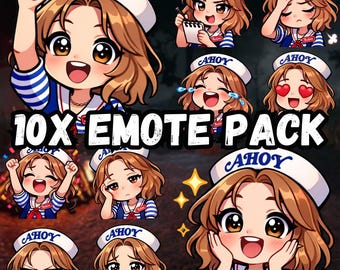
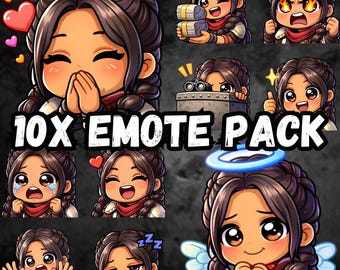
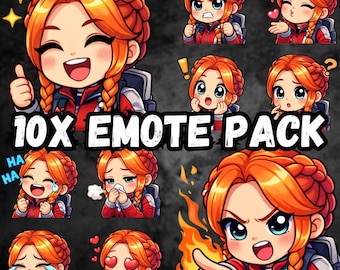
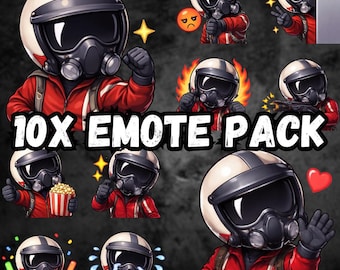
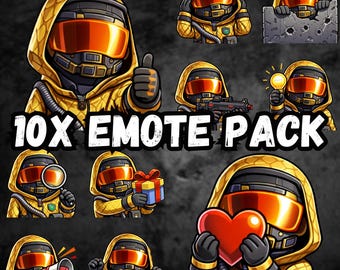
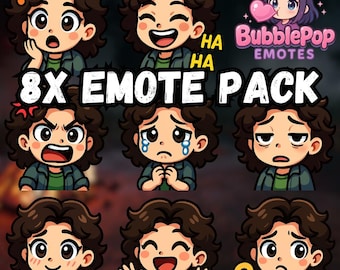
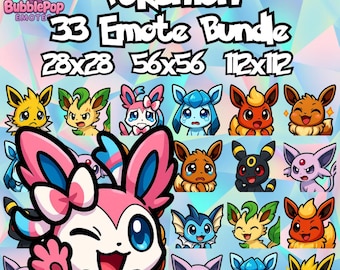
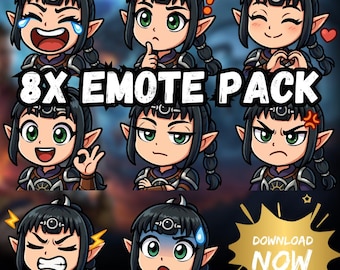
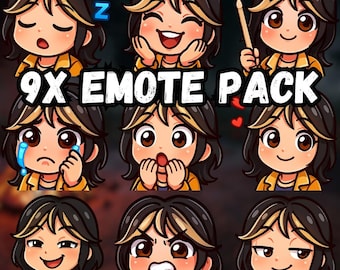
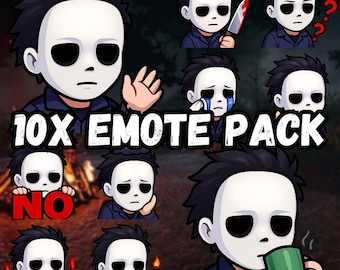
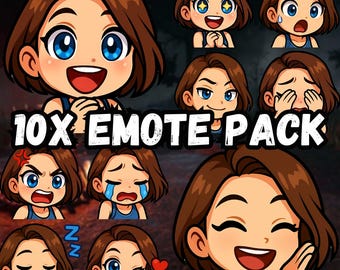
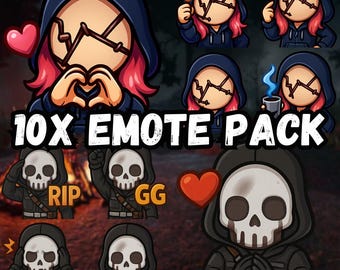
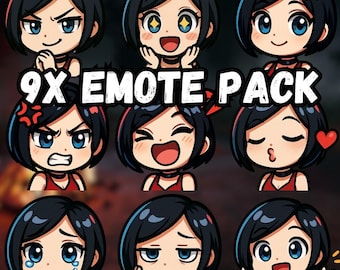
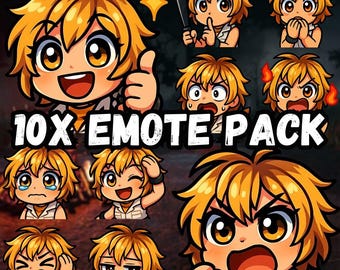
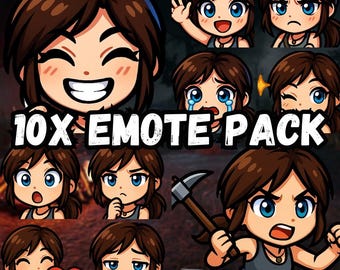
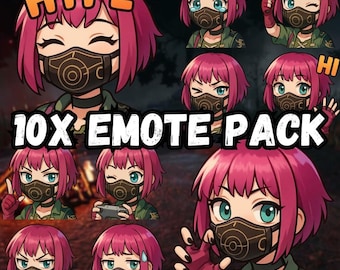
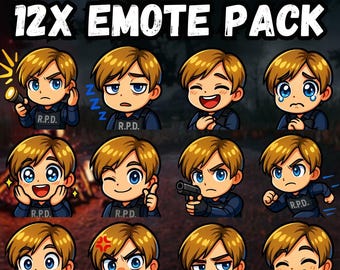
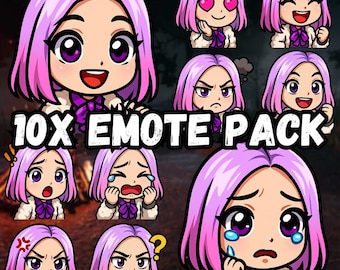
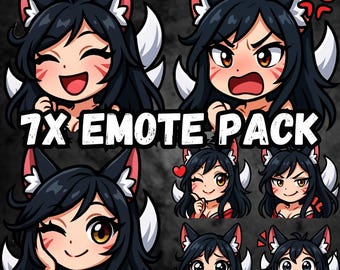
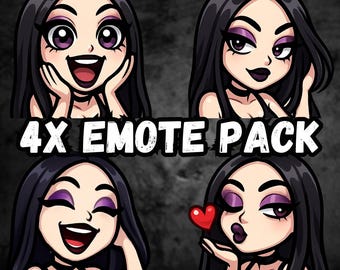
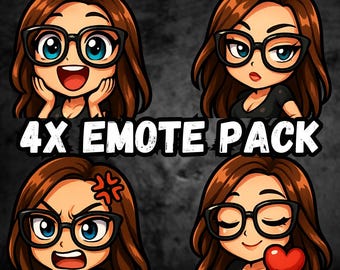
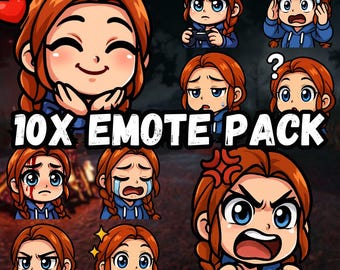
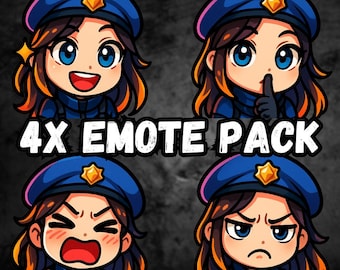
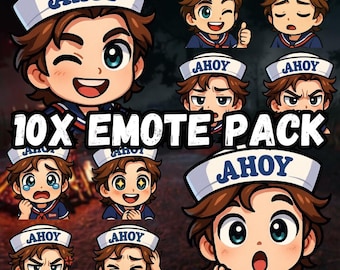


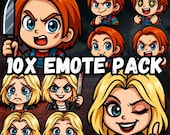



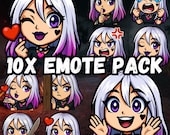

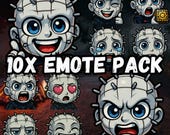
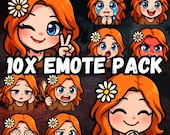
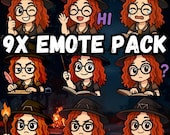

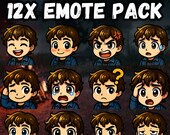
Bright, bold, and bubbly emotes designed to make your stream pop!
Frequently Asked Questions (FAQ)
How do I download my files?
Your files are delivered as a ZIP file through Etsy’s digital downloads system.
* Etsy requires that digital files be downloaded from a desktop or laptop browser — downloads will not work on the mobile app.
* After purchase, you can download your files directly from your Etsy account under "Purchases & Reviews."
How do I open the ZIP file?
A ZIP file is a compressed folder containing your emotes.
* On most computers, you can double-click the ZIP file to open or right-click and select "Extract All."
* Once unzipped, you will see all the individual emote image files ready for upload.
What sizes are included?
Each emote is provided in standard sizes for Twitch and Discord:
* 112x112 pixels
* 56x56 pixels
* 28x28 pixels
These are ready to upload immediately.
How do I upload emotes to Discord?
1. Open your Discord server and go to Server Settings → Emoji.
2. Click "Upload Emoji" and select the file you want from your unzipped folder.
How do I upload emotes to Twitch?
1. Go to your Twitch Creator Dashboard.
2. Click Viewer Rewards → Emotes.
3. Select the emote slot where you want to upload.
4. Upload the file of the correct size from your unzipped folder.
If you’re unsure how to upload emotes, a quick Google search can provide helpful step-by-step guides too.
Do you offer custom commissions?
At this time I do not accept custom commission work, as this is not my full-time job. However, you’re welcome to send suggestions for future packs.
Can I purchase just one emote from a pack?
No — my emotes are sold as complete packs only and I do not break them up.
Can I get the files in a different size?
No — all emotes are provided in the standard sizes listed above (112x112, 56x56, 28x28). I do not provide alternate sizing or file formats.
I’m having trouble downloading or uploading. What should I do?
First, make sure you are downloading from a desktop browser and that your ZIP file is fully unzipped before attempting to upload. If you run into issues uploading to Discord or Twitch, Google is a great resource with many helpful tutorials.
