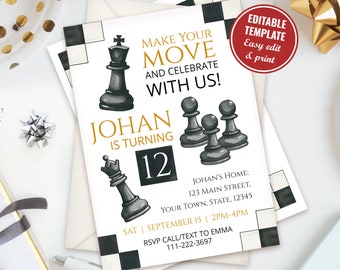
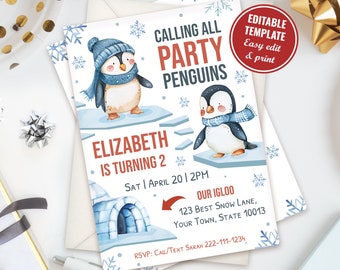
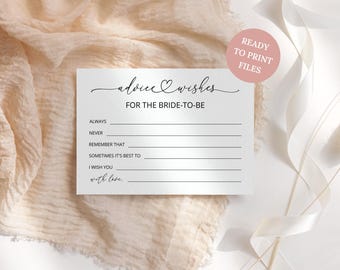
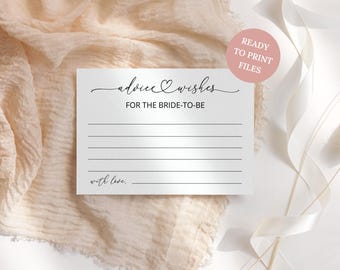
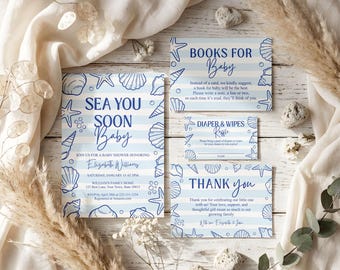
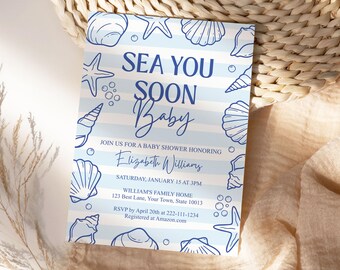
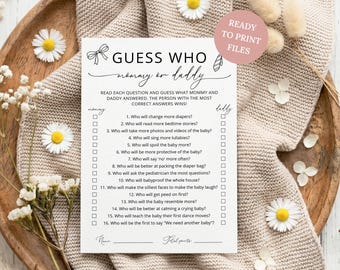
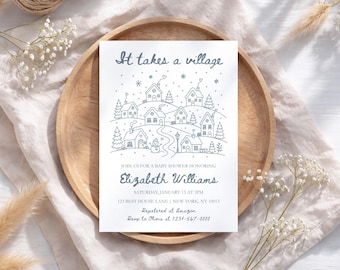

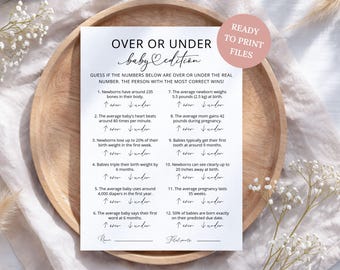
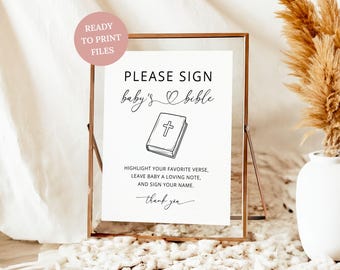



Make your special occasions more memorable
Featured items
All items
Announcement
Last updated on Sep 2, 2023
Reviews
4.9
(802)
Average item review
We calculate this number using a recency-weighted average of all ratings, with a rating's value decreasing by half each year to best reflect the current experience.
About CPrintablesCorner
Sales
14,371
On Etsy since 2023
Shop members
-

Tatana
Owner
Believe it or not, I'm a software developer turned artist. I've always been deeply curious about the world of art, and one day, I decided to take the plunge and explore it further.
Shop policies
Last updated on Jan 6, 2024
Digital downloads
Instant downloads
Your files will be available to download once payment is confirmed. Here's how.
Payment options
Secure options
Accepts Etsy Gift Cards and Etsy Credits
Etsy keeps your payment information secure. Etsy shops never receive your credit card information.
Returns & exchanges
See item details for return and exchange eligibility.
Cancellations
Cancellations: not accepted
Please contact the seller if you have any problems with your order.
Privacy policy
More information
Last updated on
Aug 6, 2026
Frequently asked questions
How do I know if I bought a JetTemplate Template or other downloadable files?
If the product is a JetTemplate file, there will always be a demo link in the description and an image with a how-to guide in the product images.
How do I download my file(s)?
For JetTemplate templates:
1. Check your email address connected to your Etsy account for an email from JetTemplate.
2. Click the link in the email and log in to access your template.
For printable files:
1. Go to "Your account" (located in the top right corner of the Etsy homepage).
2. Select "Purchases and Reviews" from the dropdown menu.
3. Find your order from CPrintablesCorner and select "Download Files." This will take you to the Downloads page for all the files attached to the order.
For Canva templates:
1. Download the PDF file included with your order (same as printable files). Your Canva template link is inside the PDF.
2. Open the Canva link, log in or create a free Canva account, and start customizing your design.
I didn't receive the email from JetTemplate. What should I do?
If you can’t see the email in your inbox, please check the Spam folder first. Sometimes the email can end up there.
If you used Apple “Hide My Email,” JetTemplate cannot deliver the access email because Apple provides a private relay address instead of your real email.
You can still access your template using your order number:
1. Go to https://www.jettemplate.com/design/login.php
2. Enter your order number and click Continue
3. You’ll see a red message saying your account is not activated
4. Click “I don’t have access to this email?”
5. Paste your order number again to access your template
In rare cases, something can go wrong. Please send me a message and I’ll be happy to help resolve the issue.
What can I edit in the JetTemplate templates?
• Please read the product description. I always specify which text cannot be edited.
• The background image cannot be edited, but JetTemplate offers options to adjust the image brightness, saturation, contrast, etc., under the "Effects" option, which you can find under the "magic wand" icon.
• Please always try the demo before buying.
How do I print my template?
• You can print it either at home or at a print center.
• If you print at home, save your template as a PDF. In the printer settings, choose the "Best Quality" option and select "Actual Size" (or 100% scaling) before printing.
• Keep in mind that colors may appear slightly different when printed compared to what you see on your screen due to the differences between Digital (RGB Colors) and Printing (CMYK Colors). To ensure accuracy, consider doing a test print before printing in bulk.