


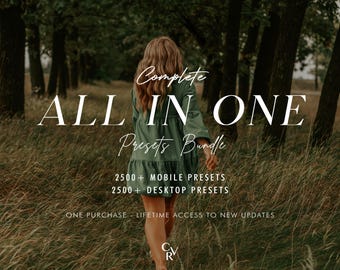
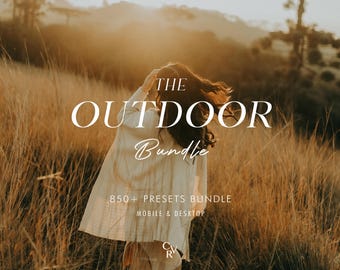
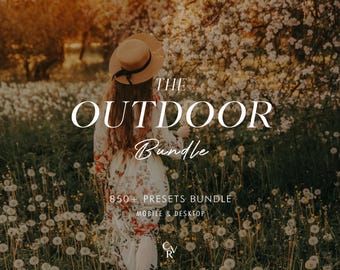
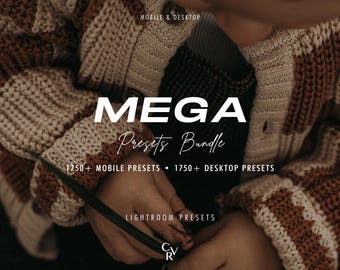
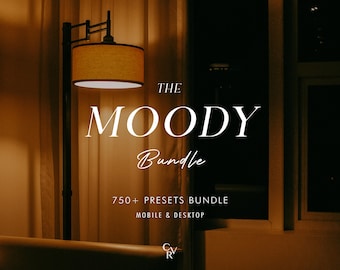
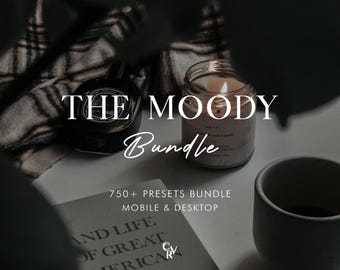

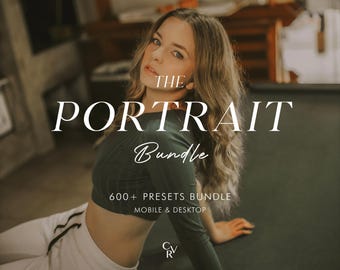
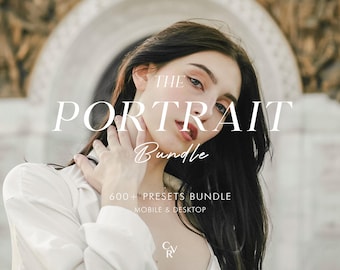

















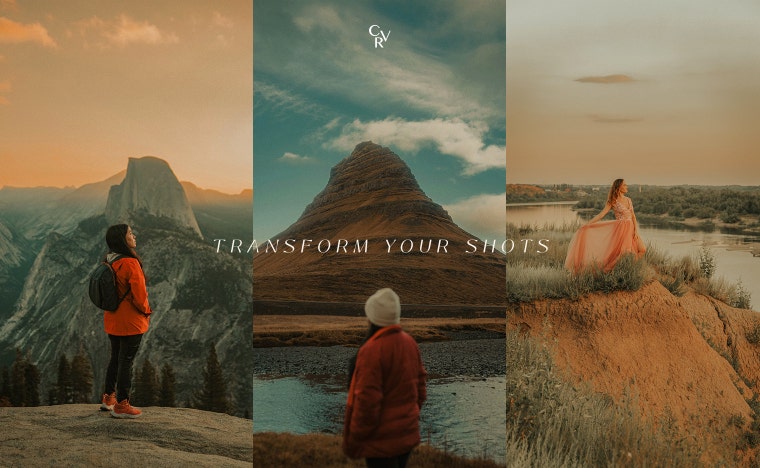
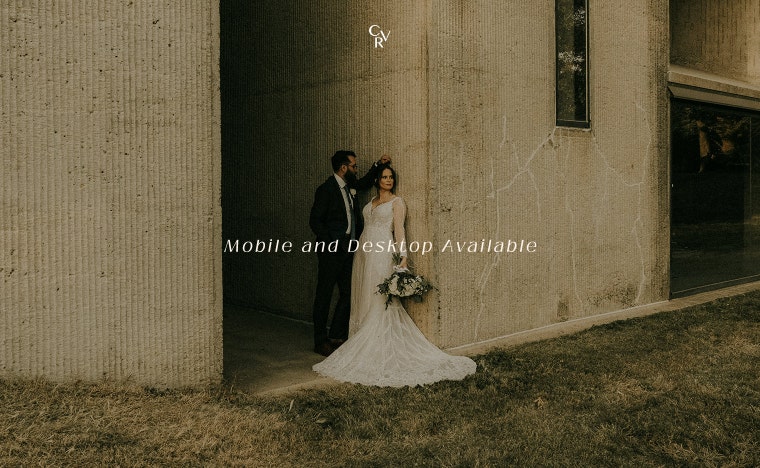
The Secret of Stunning Pictures !
Featured items
All items
Announcement
Last updated on Jul 15, 2026
Reviews
4.7
(6045)
Average item review
We calculate this number using a recency-weighted average of all ratings, with a rating's value decreasing by half each year to best reflect the current experience.
Loading

Shop policies
Last updated on May 16, 2020
Digital downloads
Instant downloads
Your files will be available to download once payment is confirmed. Here's how.
Payment options
Secure options
Accepts Etsy Gift Cards and Etsy Credits
Etsy keeps your payment information secure. Etsy shops never receive your credit card information.
Returns & exchanges
See item details for return and exchange eligibility.
Cancellations
Cancellations: not accepted
Please contact the seller if you have any problems with your order.
More information
Last updated on
Dec 17, 2025
Frequently asked questions
What is a preset?
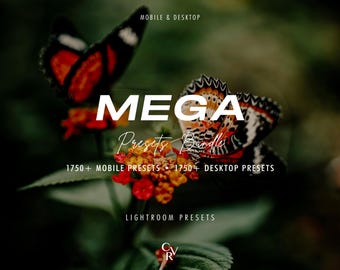
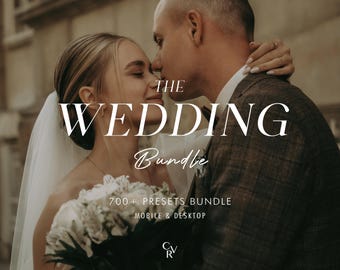
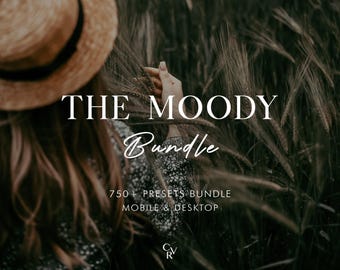
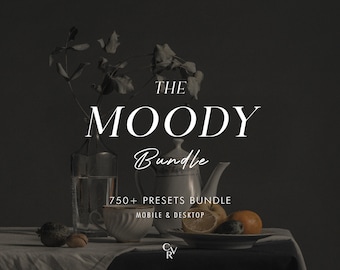
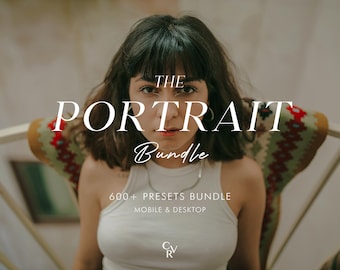
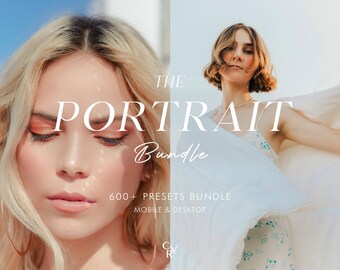
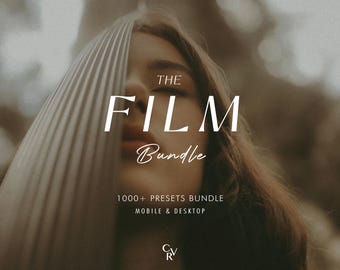
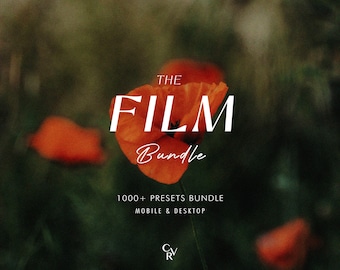
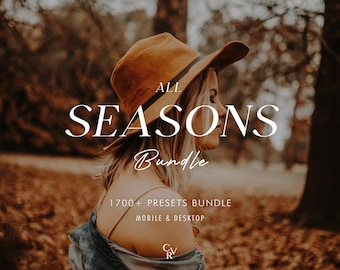
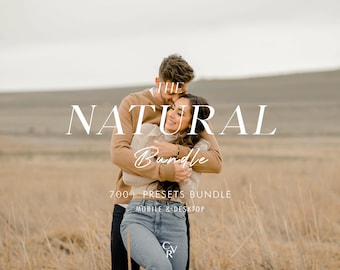
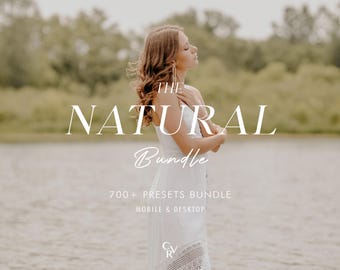
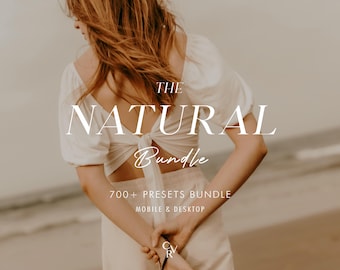
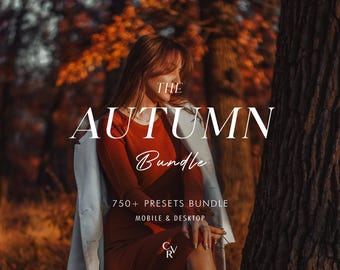
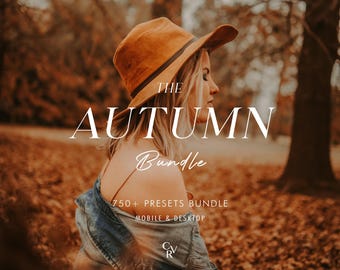
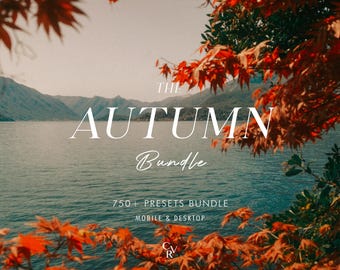
To put it simply, presets are photo filters created for Adobe Lightroom app. They give your photos a certain look and mood you would like to have. A preset is a combination of different action, like brightness, color adjustment, white balance, etc - resulting in one final result called "preset".
The benefit of using it is you will get your desired look only in one click. Depending on your photo’s lighting and colors, you may still want to make small tweaks, which is normal for all presets.
When and how is the download available?
Your files will be available for download immediately after purchase. If you can't find it, you can follow these steps :
1. Sign in and go to "Your Account"
2. Go to "Purchase and Review"
3. Next to the order, select "Download Files" , this goes to the Downloads page for all the files attached to your order.
Alternatively, you could also check your receipt email to find it.
PS: The mobile app doesn't currently support digital downloads - please use a web browser (desktop or mobile) instead.
If you still have any difficulty, just message me directly. I'll gladly assists :)
How do i install the preset?
For Mobile :
1. Tap on .DNG file
2. Find the "..." or "arrow up" button top right and push , find Open with Lightroom or Send copy to Lightroom , etc.
3. If you don’t have this option Save this .DNG file as image in your camera roll.
4. Open the Lightroom CC App and Click 'Add Image' button and add the file. It will appear as an image.
5. Open the image > Click the 3 dots in the top right corner > Click 'Create Preset' > Name your preset > Save
6. Go back to Home Page in your App. Add your own photo and open it. In the Edit Mode scroll the bottom panel to 'Presets' > 'User Presets' > Click the preset you have created.
For a more comprehensive tutorial, PDF tutorials are included when you made a purchase. (for both Desktop and Mobile)
Custom and personalized orders
Yes! Feel free to send me your unedited images to test out the presets before purchasing. send me a message!
What if my picture is too dark / bright
After applying the preset, go to the "Light" tab in Lightroom and adjust the Exposure slider up or down until it looks right for your photo.
Every photo is taken in different lighting conditions, so it’s normal to make small adjustments. A quick tweak usually makes the preset look perfect. :)
Reviews
If you like my presets, please leave me a 5-star rating in my shop, it will mean so much
I appreciate the love and your wonderful comments :)
Do you have an official website?
As of now, we don't have any independent website. Our main shop is here on Etsy. Any domain using our name is NOT affiliated with us. Please purchase through here to ensure full support. Thankyou :)