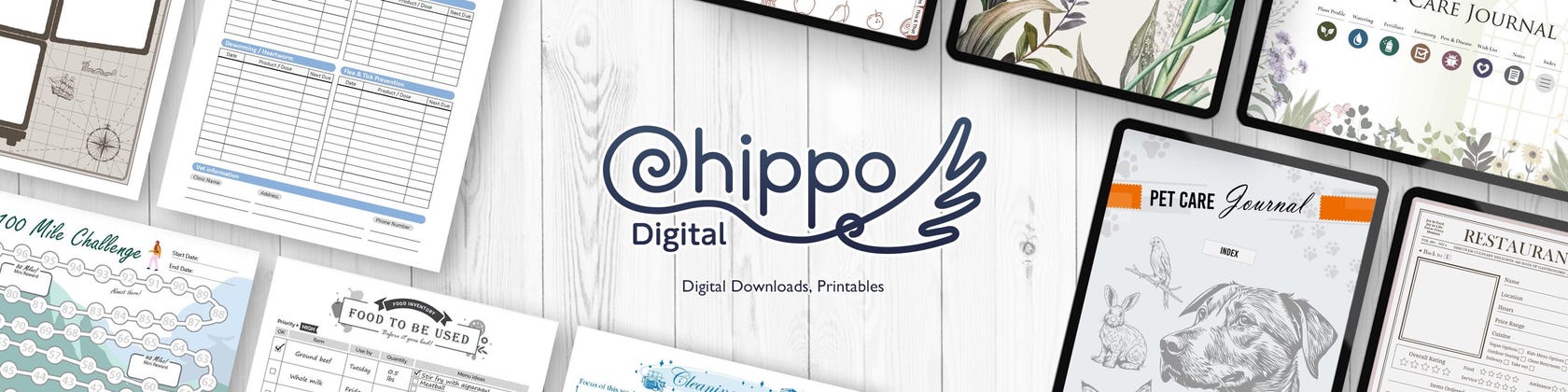







Welcome to Chippo Digital!
Featured items
All items
Announcement
Last updated on Jan 11, 2026
Reviews
4.9
(72)
Average item review
We calculate this number using a recency-weighted average of all ratings, with a rating's value decreasing by half each year to best reflect the current experience.
Loading
-

-

-

-

-

WENDY on Jan 2, 2026
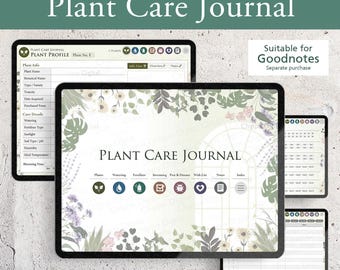
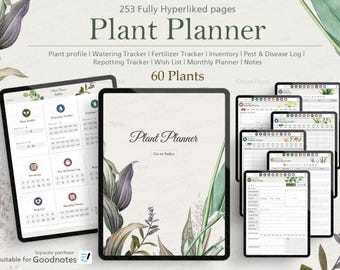
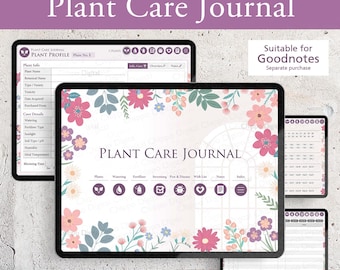
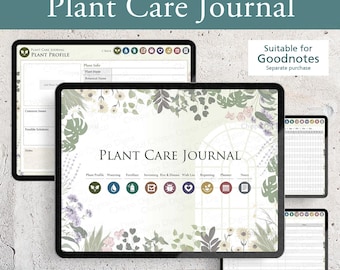
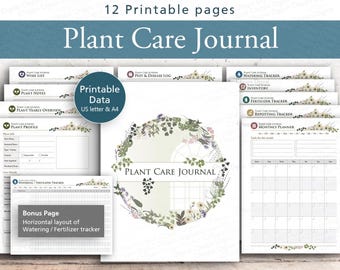
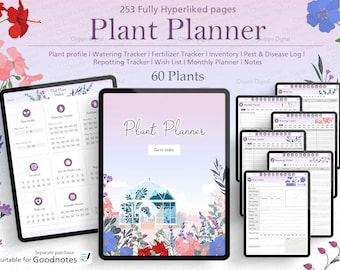
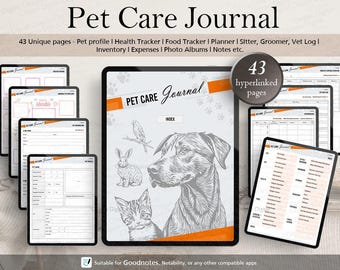
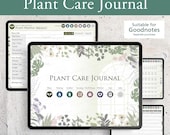
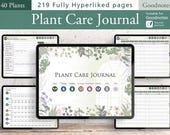
5 out of 5 starsLove this digital journal because it has everything I need to keep track of my plants. Delivery of file was instant, importing into Noteful was very easy. I would recommend this plant journal to anyone.
-

-

-

Celeny on Dec 2, 2025
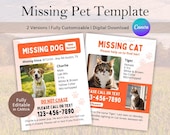
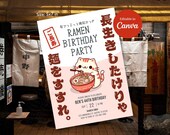
5 out of 5 starsSuch a fun and cute invite! Grabbed my 8-year-old's attention so quickly, and she was in love with the design. Would recommend!
-

SHELLEY on Nov 19, 2025
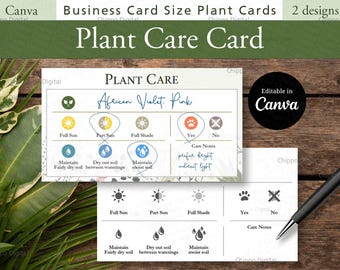
5 out of 5 starsSuper cute! Friendly seller! Love the invitation! Easy to edit on Canva.
About ChippoDigital
Sales
664
On Etsy since 2023
-
 Meet Chippo — my sweet and goofy best friend! The logo was inspired by his fluffy tail.
Shop members
-

Misato
Owner, Designer
Shop policies
Last updated on Feb 19, 2025
Digital downloads
Instant downloads
Your files will be available to download once payment is confirmed. Here's how.
Payment options
Secure options
Accepts Etsy Gift Cards and Etsy Credits
Etsy keeps your payment information secure. Etsy shops never receive your credit card information.
Returns & exchanges
See item details for return and exchange eligibility.
Cancellations
Cancellations: not accepted
Please contact the seller if you have any problems with your order.
More information
Last updated on
Dec 17, 2025
Frequently asked questions
Q: How do I edit the GoodNotes template?
A: To edit the GoodNotes template, please follow these steps:
1. Open the GoodNotes app on your device.
2. Import the template you purchased into GoodNotes if you haven’t already. Tap the "+" icon to either create a new notebook or import your template file.
3. Once the template is opened, switch to editing mode by tapping the pencil icon at the top of the screen. This will allow you to make changes and write freely on the template.
4. You can now use the pen, highlighter, text tool, and shapes to personalize and modify the template to suit your needs.
Looking for more? Find it on Etsy