







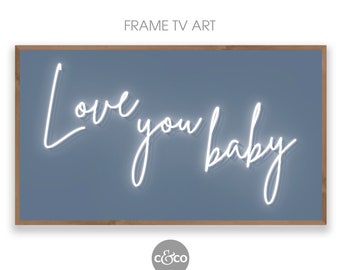
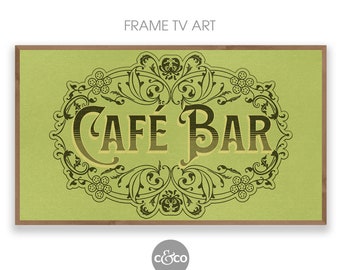
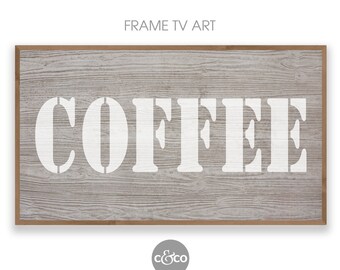
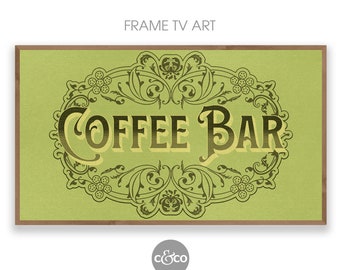
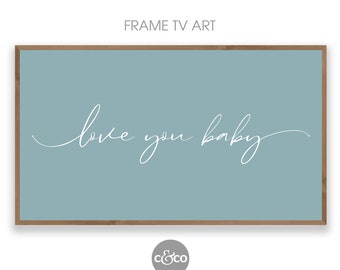
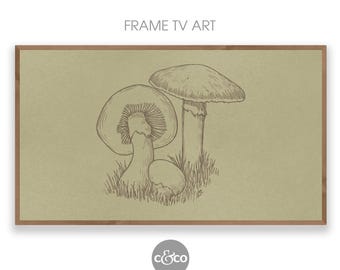

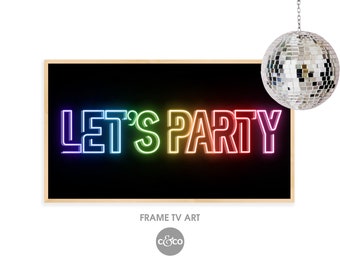
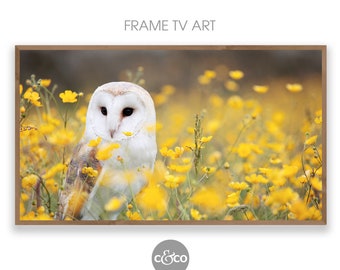
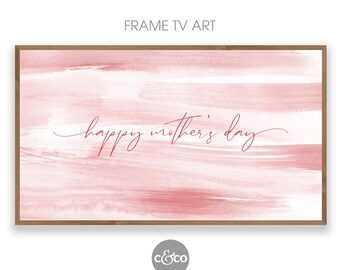

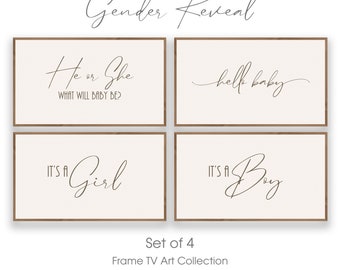


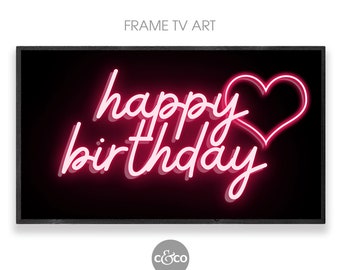
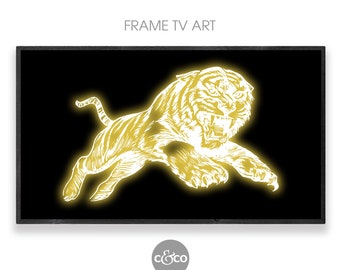
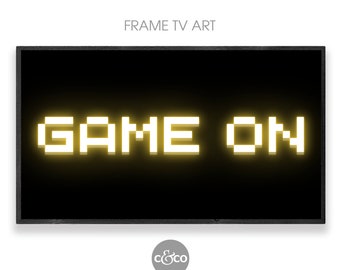
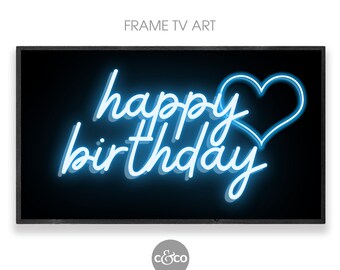
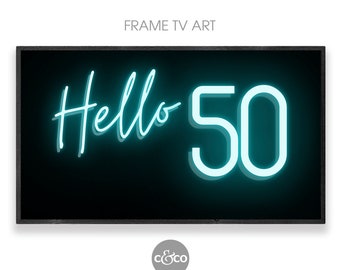
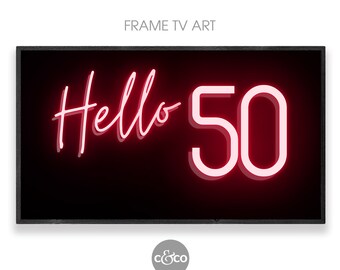
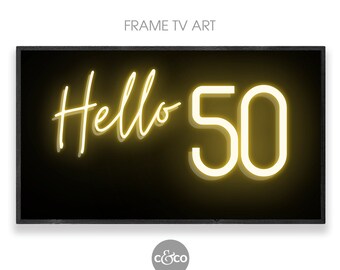








Frame TV Art & Digital Wall Art
Featured items
All items
Announcement
Last updated on Feb 20, 2025
Reviews
5.0
(44)
Average item review
We calculate this number using a recency-weighted average of all ratings, with a rating's value decreasing by half each year to best reflect the current experience.
Loading
-

-
-

Etsy buyer on Apr 7, 2024
5 out of 5 starsGreat quality and value for this package!

Vicky responded on Apr 7, 2024
Thank you, so lovely to hear!
About CnCoDesigns
Sales
611
On Etsy since 2018
Shop about video description
Shop members
-

Vicky
Owner, Designer
I am a Visual Artist and Surface Pattern Designer. My passions are contemporary art, modern home decor and vintage design. With digital prints, I love combining all 3 of these into new and sustainable artwork for you guys - it's a win win!
Shop policies
Last updated on Mar 1, 2021
Digital downloads
Instant downloads
Your files will be available to download once payment is confirmed. Here's how.
Payment options
Secure options
Accepts Etsy Gift Cards and Etsy Credits
Etsy keeps your payment information secure. Etsy shops never receive your credit card information.
Returns & exchanges
See item details for return and exchange eligibility.
Cancellations
Cancellations: not accepted
Please contact the seller if you have any problems with your order.
Privacy policy
More information
Last updated on
Dec 17, 2025
Frequently asked questions
Returns, Exchanges and Cancellations
I want you to be completely satisfied with purchasing items from C&Co Designs.
As all my products are digital files, it is not possible to offer refunds or exchanges.
If you have a problem with downloading the files and the Etsy help pages - link above in Digital Downloads, File Delivery - haven’t helped you to resolve the issue, please send me a message before leaving feedback so that I can do my best to resolve it.
Please note that due to different monitors and printers some variation of colour may be noticed.
Delivery of Digital Files
Here's how it works
- Purchase your chosen listing
- After payment has been confirmed by Etsy you will be taken to the download page
- Click "Download", and save the file/s to your phone or computer.
- Or you can download your files from your Etsy account, in your Purchases and reviews section.
Please note - you need to have logged into your Etsy account using your Web browser and not the Etsy app.
If you have a problem with downloading the files and the Etsy help pages (link above) haven’t helped you to resolve the issue, please send me a message before leaving feedback so that I can do my best to resolve it.
How should you print your artwork?
You can print your digital artwork on your home printer; support one of your local printers; or you can get it printed through one of the many online printers such as:
Shutterfly.com, Vistaprint.com, Snapfish.com, Mpix.com
How do I upload my image to my Samsung Frame TV?
1. If you haven’t already done so, install Samsung's 'SmartThings App’ onto your phone and connect your TV to the app - please visit Samsung.com for details on how to do this.
2. Download your purchased image/s to your phone.
3. Open the SmartThings app
4. Select your Samsung Smart TV (check that your phone and TV are using the same wifi signal)
5. Tap 'Art Mode'
6. Tap 'Add Your Photos'
7. Select the image/s you have downloaded and then tap 'Save to The Frame'
8. Select the image you would like to display on your TV.
How to open a Zip file on your smart phone (Android)
If you haven't got 'Files by Google' installed on your phone already, download it for free from the Google Play Store
First download the file from Etsy to your phone.
then...
On your Android device, open Files by Google
On the bottom, tap Browse
Go to the Downloads category which contains the .zip file you want to unzip.
Select the .zip file.
A pop up appears showing the content of that file.
Tap Extract.
You’re shown a preview of the extracted files. If you want to delete the .zip file after extraction, select the “Delete ZIP file” checkbox.
Tap Done.
The extracted files are saved in the same folders as the original .zip file.
For further info and animated video on how to use Files by Google - https://support.google.com/files/answer/904
How to open a Zip file on your smart phone (Apple iphone)
Open the Files app, then find the ZIP file or archive from which you want to extract.
Tap the ZIP file or archive.
A folder is created containing the files. To change its name, touch and hold on the folder, then tap Rename.
Tap to open the folder.
For further info on using Zip files on Apple devices - https://support.apple.com/en-au/HT211132