




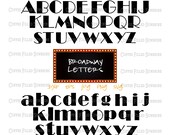
How I got started
Featured items
All items
Announcement
Last updated on May 1, 2025
Reviews
4.9
(1670)
Average item review
We calculate this number using an average of all ratings from the past twelve months.
Loading
-

-

-

-

-
-
-
-

-

Lidia on Mar 3, 2026
5 out of 5 starsperfect size for a t-shirt and for sewing out exactly as pictured.
-

About CoffeeFilledSunshine
Sales
26,335
On Etsy since 2015
-
-
 Sophie the Floor Manager always ready to help.
 -
 Highly caffeinated and motivated
 -
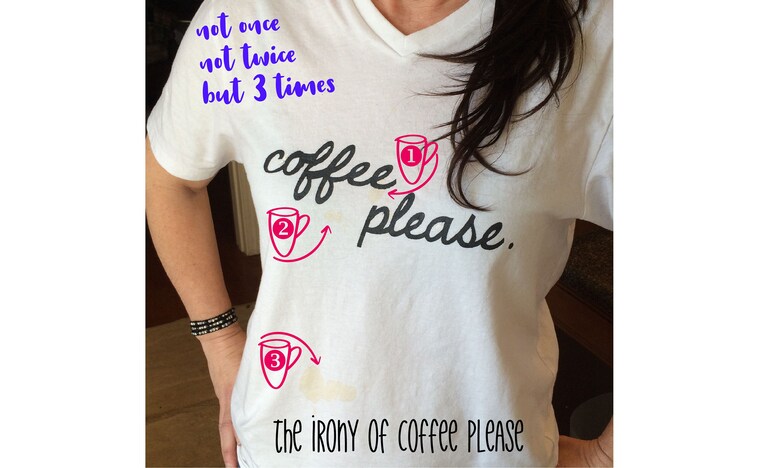 Commit to the tee
Shop about video description
Shop members
-

Shannon
Owner
Just a girl livin the dream up on a mountain.
-

Sophie
Floor Manager
Ruff ruff woof woof woof bark [treats please]. Rest in Peace Girlfriend. You are missed.
Shop policies
Last updated on Mar 11, 2021
Digital downloads
Instant downloads
Your files will be available to download once payment is confirmed. Here's how.
Payment options
Secure options
Accepts Etsy Gift Cards and Etsy Credits
Etsy keeps your payment information secure. Etsy shops never receive your credit card information.
Returns & exchanges
See item details for return and exchange eligibility.
Cancellations
Cancellations: not accepted
Please contact the seller if you have any problems with your order.
Privacy policy
More information
Last updated on
Dec 17, 2025
Frequently asked questions
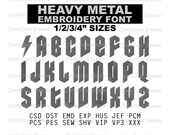
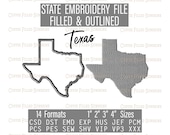
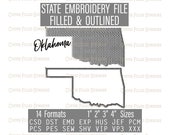
DIGITAL EMBROIDERY FILES
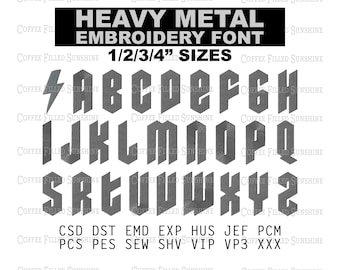
✂ THIS IS NOT A PHYSICAL FINISHED ITEM. It is a digital file used with embroidery software/machine. Files are tested on a 1 needle format.
✂ DO NOT RE-SIZE this file in your because it may not thread correctly! Size may vary slightly so please check below for included sizing. If you need a different size, let me know and I can hopefully accommodate via email after your purchase is confirmed :)
✂ ALWAYS DO A TEST RUN ON YOUR PROJECTS' SCRAP FABRIC TO ENSURE RESULTS. Some material like leather or satin will require different stabilizer and needles, so please check your software and google/youtube for tutorials.
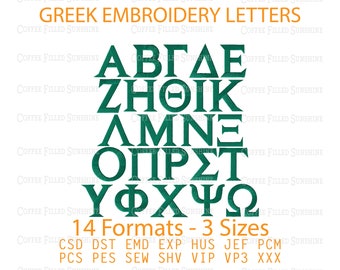
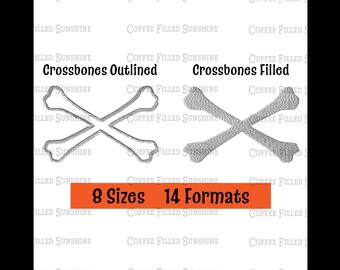
INCLUDED FORMATS: CSD DST EMD EXP HUS JEF PCM PCS PES SEW SHV VIP PV3 XXX
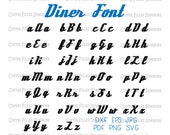
DIGITAL VECTOR FILES
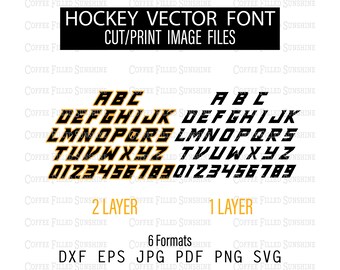
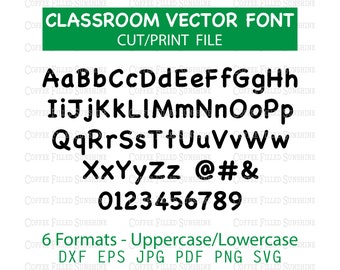
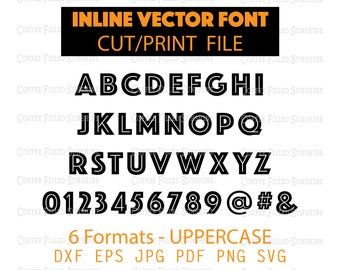
📌 THIS IS A DIGITAL FILE AND DOES NOT INCLUDE A SYSTEM FONT, TRUE TYPE FONT (TTF), OPEN TYPE FONT (OTF), OR A PHYSICAL ITEM. It is used with cutting/printing software. Color and Re-sizing are adjustable in most software within certain formats (I prefer SVG). Please be aware of the format you need for your project and determine first if re-coloring or re-sizing is offered in your software.
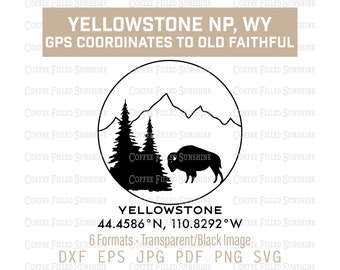
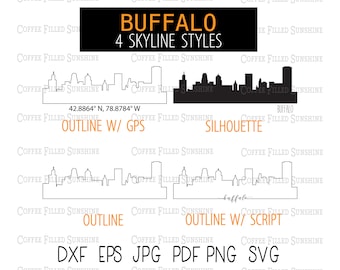
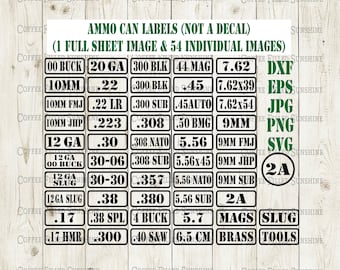
This is delivered in a zip file(s) through the Etsy download process. My formats may include DXF/EPS/JPG/PNG/SVG and some also include PDF.
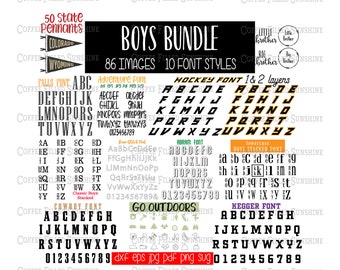
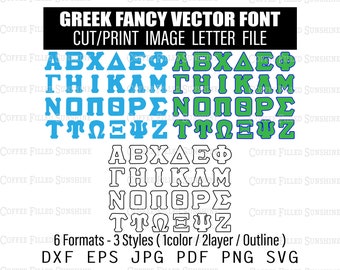
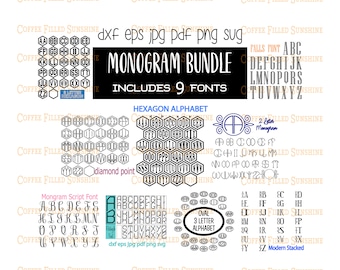
📌 PLEASE CONFIRM THE FORMAT NEEDED IN YOUR PROJECT OR SOFTWARE BEFORE PURCHASING. JUST TO REITERATE, IF PURCHASING A FONT, ALL MY FONTS SOLD ARE VECTOR FONTS WHICH ARE INDIVIDUAL IMAGES USED IN CUT/PRINT SOFTWARE
Custom and personalized orders
© COFFEE FILLED SUNSHINE COMMERCIAL USE DETAILS: Once this product is purchased, you may use it on end items you sell, but you may not resale this digital item, reproduce or edit this item to share or sell.
Cricut Upload Instructions
Cricut File Upload Instructions
(this is how I do it, but you can also research YouTube videos!!)
1. Download Zip File & Save
2. Open Cricut Design Space
3. Select New Project
4. Select Upload
5. Under Image select Upload Image
6. Select Browse
7. Go to File location and select letter in SVG format
8. Select Save
9. Repeat with any other letters or designs ya need in your project
10. Under Recently uploaded images, select all the letters you want in your project then select Insert Images.
11. You should have your letters in your Cricut project now.
12. You can align, adjust size and color from here.
13. If you have a stacked font, say small AB stacked on the left with a large C on the right, you can place AB one on top of the other wit
Looking for more? Find it on Etsy