
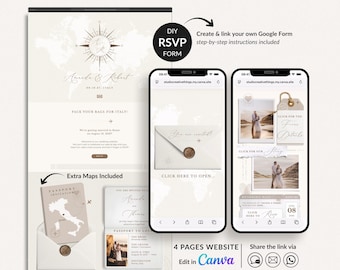
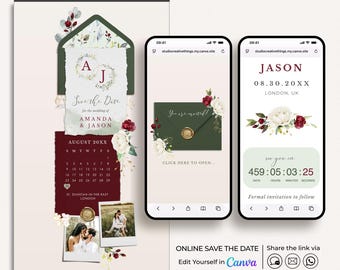
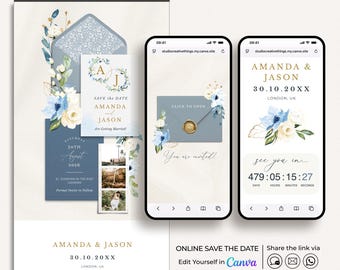
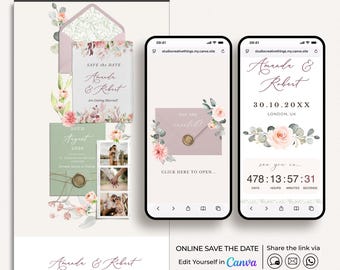
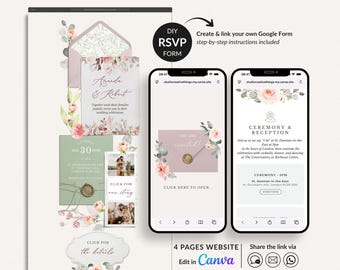
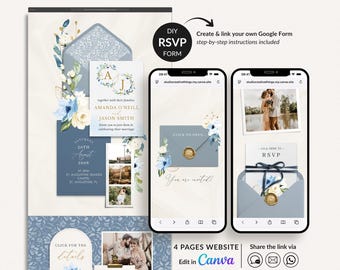
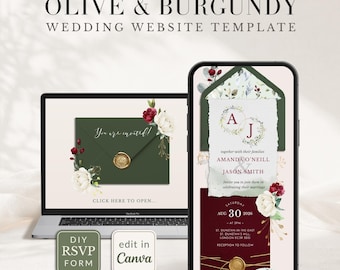

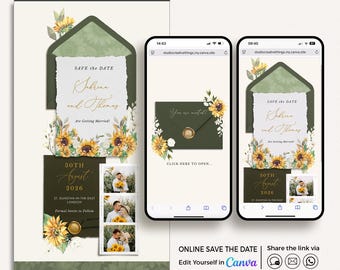
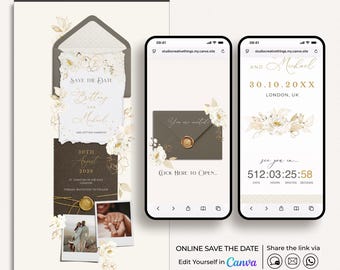
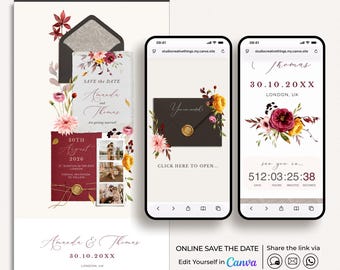
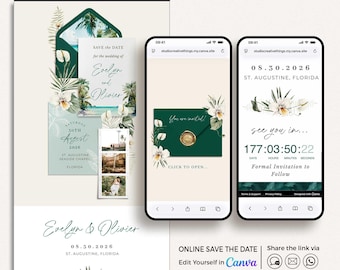
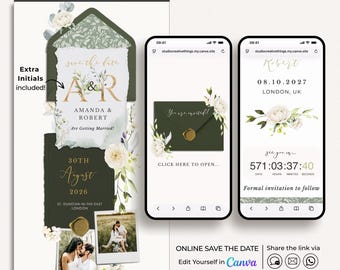
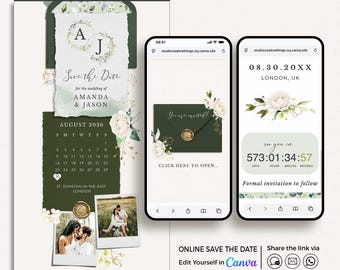
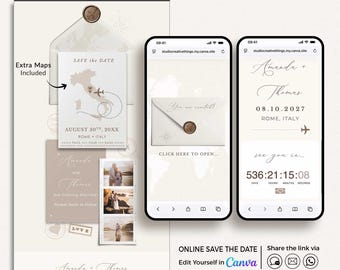
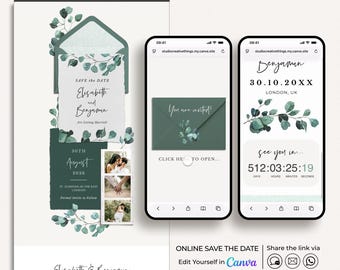
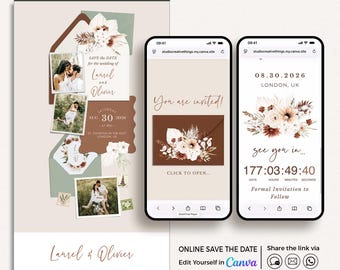
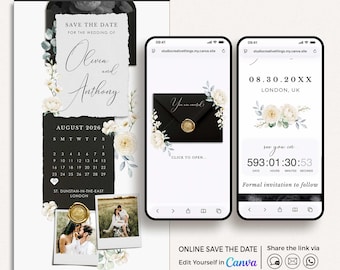
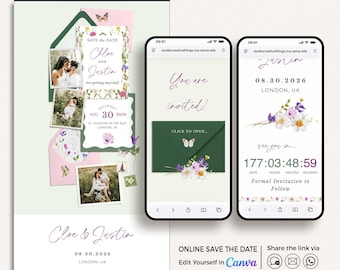
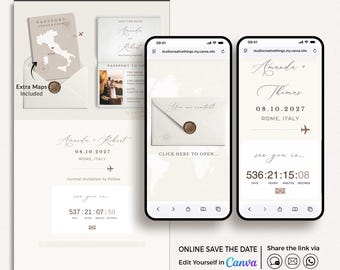
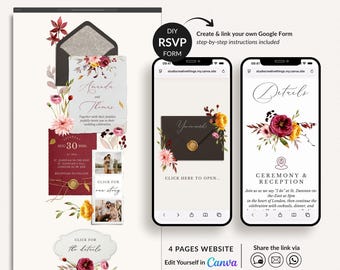
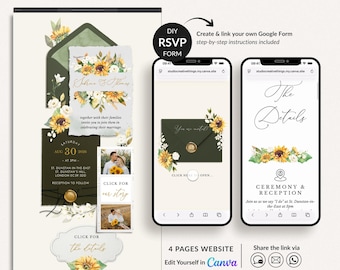
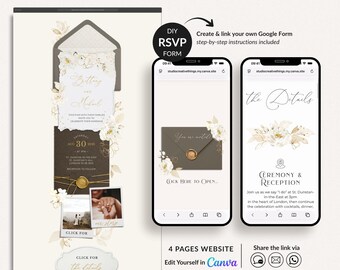
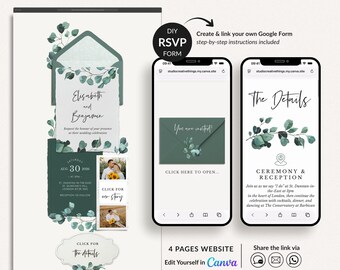
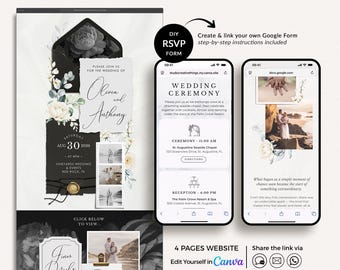
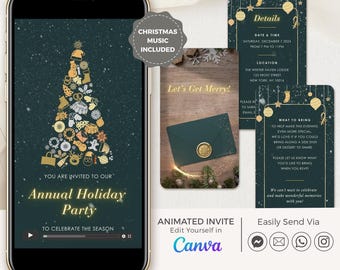
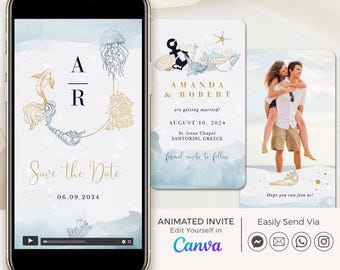
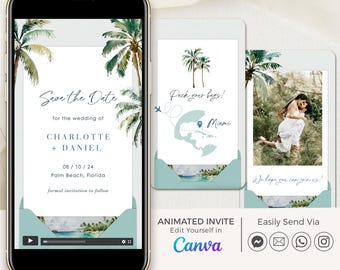
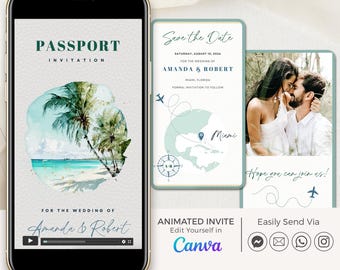




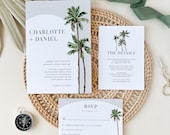

Get the word out with our beautiful electronic invitations, helping to make your event effortless and unforgettable.
Featured items
All items
Announcement
Last updated on May 10, 2025
Reviews
4.9
(890)
Average item review
We calculate this number using a recency-weighted average of all ratings, with a rating's value decreasing by half each year to best reflect the current experience.
Loading
-

-

-

Que on Mar 13, 2026
5 out of 5 starsEasy to edit. I didn't need the passport but liked the graphics and design for a menu and other items. Paper size is restricted but was able to save as png files and move into canva for the sizes needed
-
Anisley on Jun 4, 2026
5 out of 5 starsGreat customer service. The template was easy to use and edit!
-
Tania on May 4, 2026
5 out of 5 starscame with clear cut instructions - got so many great compliments
-
Yamilet on Mar 30, 2026
5 out of 5 starsThis design is just stunning!!! I took me forever to find and so happy I found the one!
-
-

Bri on Feb 23, 2026
5 out of 5 starsEasy to use, used for wedding thank you cards. Liked that we could customize it
-
Brian on Feb 2, 2026
5 out of 5 starsPurchased several templates from our Save the Dates to Wedding Invitations/Envelopes, Menu, Table Numbers, and Place Cards! Came out stunning for our destination wedding! Thank you for everything!
-
About CreativethingStudio
Sales
7,685
On Etsy since 2019
Shop policies
Last updated on Oct 27, 2022
Digital downloads
Instant downloads
Your files will be available to download once payment is confirmed. Here's how.
Payment options
Secure options
Accepts Etsy Gift Cards and Etsy Credits
Etsy keeps your payment information secure. Etsy shops never receive your credit card information.
Returns & exchanges
See item details for return and exchange eligibility.
Cancellations
Cancellations: not accepted
Please contact the seller if you have any problems with your order.
More information
Last updated on
Dec 17, 2025
Frequently asked questions
Shop Opening Hours
Our office hours are Monday to Friday, 10 AM to 5 PM London time (BST, which is GMT+1). If you’re contacting us from a different time zone or outside these hours, don’t worry—I’ll get back to you the next working day :)
What is Corjl?
Corjl is an online editor where you can edit your templates easily. Corjl also gives you a chance to try your wordings on a DEMO of the product itself. You can find the FREE Demo Link in the product description.
You'll get an email from Corjl within 15 minutes of your purchase. It will contain a link to access and edit your purchased template.
Can i edit in Corjl from my phone or tablet?
We don’t recommend editing your template in Corjl from a mobile or tablet. When using these devices, you are limited to editing text, uploading a photo, and downloading the file. However, you won’t be able to move any elements, or change the text’s color or style.
For full access to all editing features, we recommend using a desktop or laptop computer.
Also, please note that Google Chrome is the preferred browser for using Corjl, as some features may not appear or function properly in other browsers.
What can i change in Corjl?
With Corjl, you can edit all the texts, font type and colour, size and position, add and remove text boxes. Add your own images. Once you’re happy, you can save your creation as a high-resolution JPG, PNG and PDF.
What can't i change in Corjl?
You cannot change the size and orientation of the template and the colours of the graphics. Try the FREE DEMO to see exactly what you can customize!
Where can i print?
For the best quality, we recommend printing with a professional service.
• US CUSTOMERS:
Our shop has partnered with PRINTS OF LOVE to offer fast, high-quality yet affordable printing. Visit this link to send your file to PRINTS OF LOVE: bit.ly/studiocreativethingsprint
Or you can send your PDF to a print center like Vistaprint, COSTCO, Office Max, Office Depot, Walgreens, Staples, FedEx Office and many more. Please check with them what format they prefer.
• UK CUSTOMERS:
If you are looking for a special place to print your wedding stationery in the UK we recommend PRINTED.COM.
• INTERNATIONAL CUSTOMERS:
Print your templates with Vistaprint, they can print and deliver to 45 countries, or with a local print center.
I purchased a Corjl template but didn’t receive the link to access my order. What should I do?
First, please check your spam or junk folder, as the email might have landed there.
If you used Apple Pay or Google Pay, your email may not have been shared with us due to privacy settings, which is why Corjl couldn’t send an automatic email with the link to your order.
In this case, simply reach out to us with your email address, and we will manually send you the template.
I purchased an animated invite editable in Canva but didn’t receive an email to access my template. What should I do?
1. Download the PDF file from your Etsy account Desktop Computer. (Please note that you cannot download digital purchases through the Etsy app at this time).
You can find your digital items in the Purchases section of your Etsy account.
2. Open the PDF file and follow the link provided to copy the template to your Canva account. If you don’t already have a free Canva account, you’ll need to create one. Once you have access to the template, you can edit it and download the final version in MP4 format.