








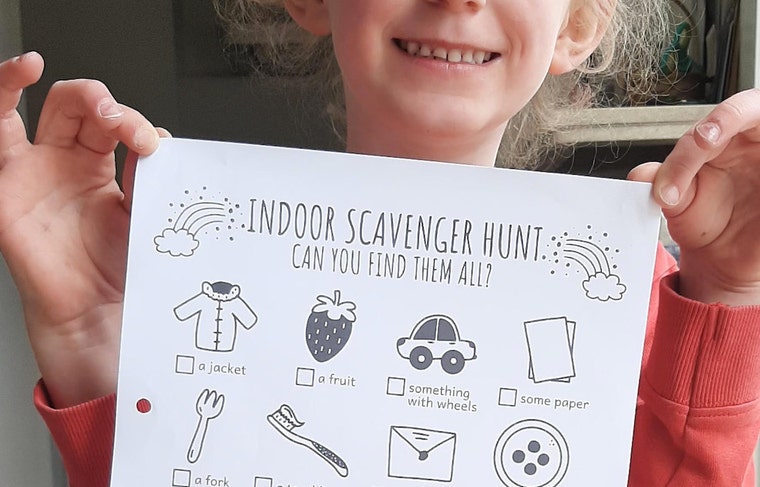
Hi! Nice to meet you!
Featured items
All items
Announcement
Last updated on Feb 16, 2022
Reviews
5.0
(247)
Average item review
We calculate this number using a recency-weighted average of all ratings, with a rating's value decreasing by half each year to best reflect the current experience.
Loading
-

-

Kimberly on May 10, 2026
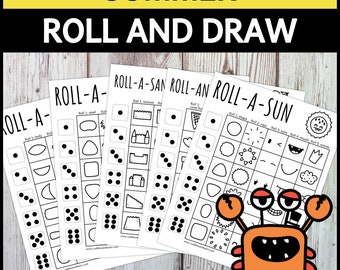
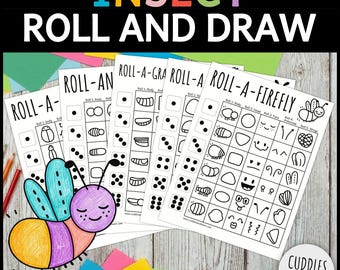
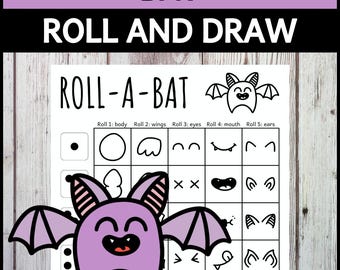
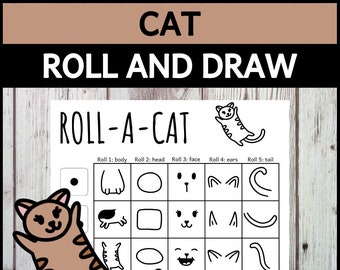
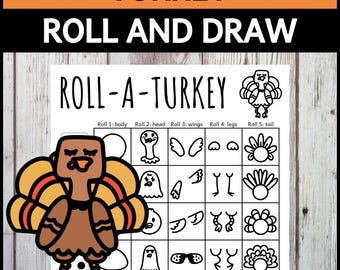
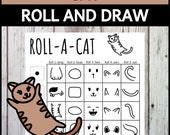
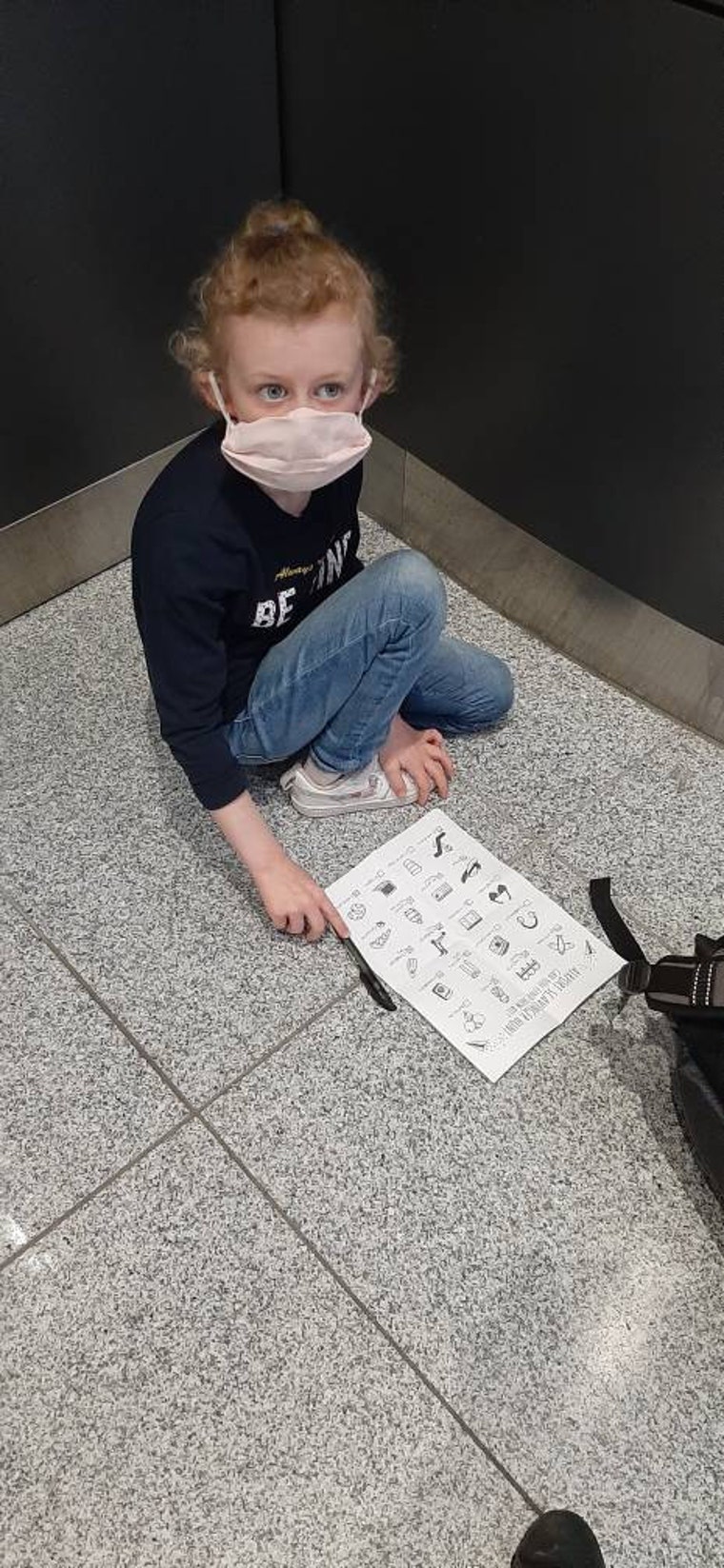
5 out of 5 starsI purchased this as a road trip activity for my 7-year-old daughter. She loves it! She even brought it to a play date and both girls happily drew roll-a-cats for ages. So adorable! Thank you!
-

-

-
-
Etsy buyer on Jul 11, 2026
4 out of 5 starsA fun activity but a little advanced of the age group that I had intended it for.
-
Jane on Jun 11, 2026
5 out of 5 starsLovely item I downloaded easily and great for clients at work.
-
-
Etsy buyer on May 23, 2026
5 out of 5 starsPERFECT for my daughter's Edgar Allan Poe themed birthday!
-

Shop policies
Last updated on May 6, 2021
Digital downloads
Instant downloads
Your files will be available to download once payment is confirmed. Here's how.
Payment options
Secure options
Accepts Etsy Gift Cards and Etsy Credits
Etsy keeps your payment information secure. Etsy shops never receive your credit card information.
Returns & exchanges
See item details for return and exchange eligibility.
Cancellations
Cancellations: not accepted
Please contact the seller if you have any problems with your order.
More information
Last updated on
Dec 17, 2025
Frequently asked questions
For Digital Purchases:
- All items marked as an "Instant Digital Download" are sold as-is.
- All files are PDF & JPEG format. For the PDF files, you must have a PDF viewer to view the files. You can download a free PDF viewer from Adobe.
- The files are NOT Editable. You will not be able to make changes. If you need a change please message me BEFORE you purchase. I would be happy to help you with the changes you need.
- These files are meant for personal use only (NO commercial use). Please do not attempt to resell, redistribute modify, claim as your own, or otherwise use this document for anything other than your personal use.
What is a ZIP file and how do I open it?
A ZIP file is a group of files that are saved and compressed together to make it easier to upload and send.
Files that are in a ZIP folder will need to be unzipped before they can be opened. On a Windows computer right-click and select ‘Extract’; extract to your desktop or documents folder. A Mac computer will usually extract files automatically for you and usually put them in your Downloads folder.
To open and uncompress zip files on an iPhone or iPad open the Files app and navigate to the ZIP file; tap and hold on it to pull up the menu; choose "Uncompress" from the pop-up menu. Opening zip files on an Android device can be done using the Files by Google app. The same process - tap on the file you want to unzip and select "Extract".