


We Craft Happy! The Offbeat 3D SVG Papercraft Shop
Featured items
All items
Announcement
Last updated on Jul 10, 2025
Reviews
4.7
(652)
Average item review
We calculate this number using a recency-weighted average of all ratings, with a rating's value decreasing by half each year to best reflect the current experience.
Loading
-

-
-
Raghad on Feb 14, 2026
5 out of 5 starsIt's really good and explains everything clearly in the file, and it comes in more than one file format.
-
-
-
-
Tonya on Jul 19, 2026
5 out of 5 starsPutting it together is so easy and so much fun. My adult nephew goes on Pizza trips to try out new pizzas all over the country for his birthday. This was a great birthday card for him. It is so easy and fun to make.
-
valerie on Jul 12, 2026
5 out of 5 starsI wish it was a little bigger. I tried to make it larger, but it didn’t work out. It’s very cute Quick to make.
-
Etsy buyer on Jul 2, 2026
5 out of 5 starsEasy to customize to support your favorite marching band member.
-
Susan on May 23, 2026
4 out of 5 starseasy to make, changed a couple of things to make it fit better inside a card
About CuttingRoomDesigns
Sales
6,269
On Etsy since 2018
-
-
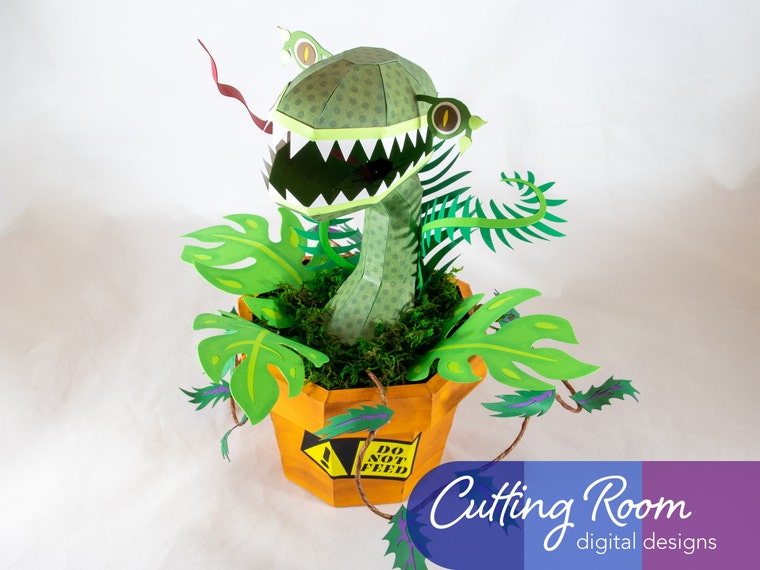 FEED ME! (Actually, maybe don't feed the plant? Who knows what will happen if you do!)
 -
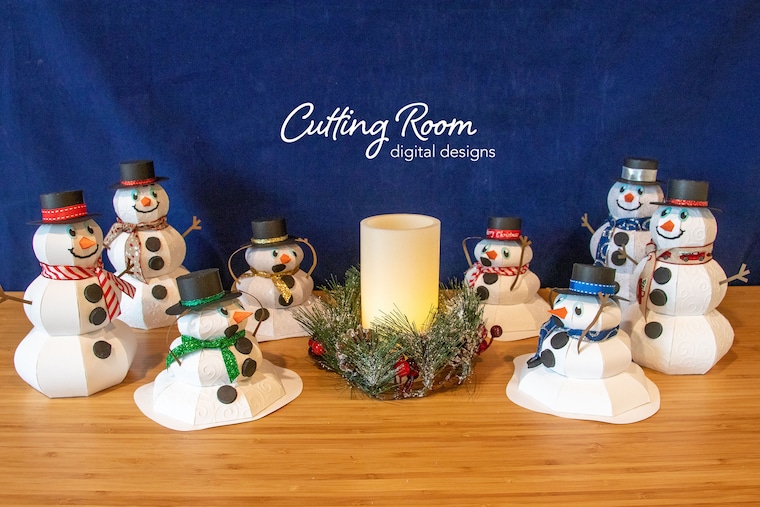 Do you want to build some snowmen? Maybe keep them away from heat sources though...
 -
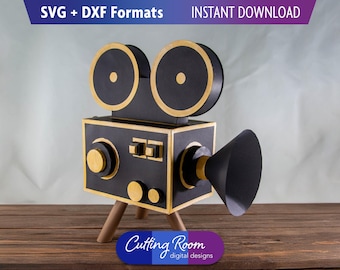
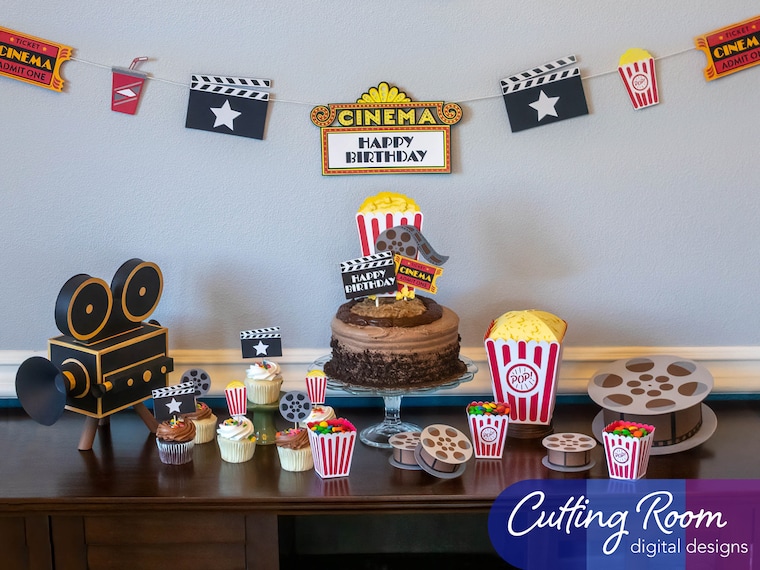 Lights, Camera, Action! Recreate the glitz and glamour of Old Hollywood with this party decor set.
 -
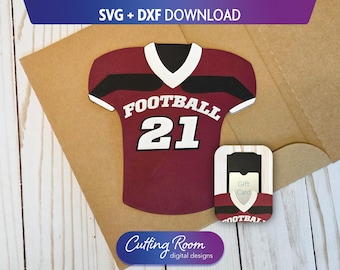
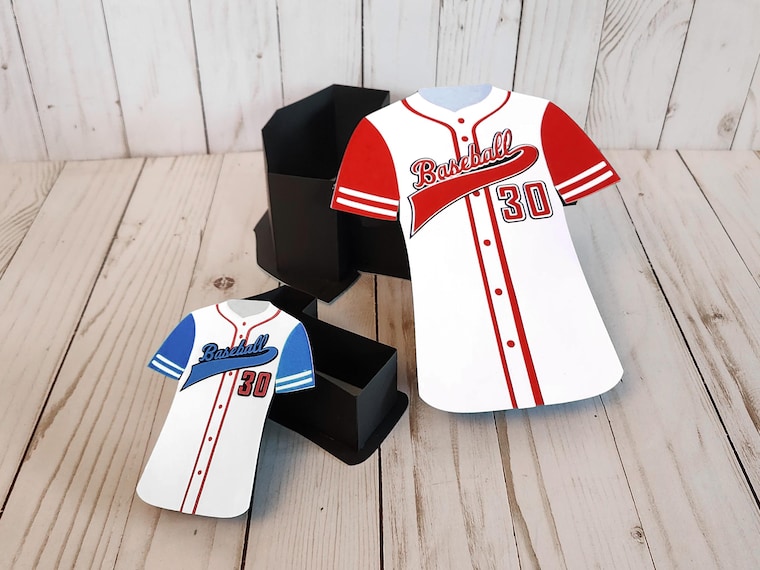 We're sports fans here! At least, when it comes to our kids. Don't ask us deep questions like touchdowns vs home runs!
 -
 The pretty. The quirky. The fun. The weird. Your favorite things, in papercraft!
Shop members
-

Cutting Room Digital Designs, LLC
Owner
Shop policies
Last updated on Feb 23, 2022
Digital downloads
Instant downloads
Your files will be available to download once payment is confirmed. Here's how.
Payment options
Secure options
Accepts Etsy Gift Cards and Etsy Credits
Etsy keeps your payment information secure. Etsy shops never receive your credit card information.
Returns & exchanges
See item details for return and exchange eligibility.
Cancellations
Cancellations: not accepted
Please contact the seller if you have any problems with your order.
Privacy policy
More information
Last updated on
Dec 17, 2025
Frequently asked questions
📁 File Use Policy
By default, all designs purchased from Cutting Room Digital Designs, LLC allow for usage under our standard license. The designs are licensed to you only for personal use and limited commercial use. They are not to be resold or shared in any digital format. For more details on our Commercial Use policies, please contact us directly.
🛍️ How do I get my files?
Great question! Etsy will email you a link to access your downloads after your payment is processed. From there, click the links from Etsy to download your files.
Or, while signed in on the *BROWSER* version of Etsy (NOT the app) click on the circle (account profile) icon in the upper right corner of the screen. Then, choose “Purchases and Reviews” from the drop-down menu. From this page, you can find the order information as well as links to reach the relevant downloads as well.
⬇️ I downloaded the files, but I can’t get them to load into my cutting machine’s software app (like Cricut Design Space). What do I do?
1. First, after you download the ZIP, you’ll need to “Extract” the files from the ZIP archive before they can be uploaded into your design software.
* On Windows: Right click the ZIP icon, and choose “Extract All” from the dropdown. This will create a new folder.
* On Mac: Double click the ZIP icon, and it will automatically break it out into a new folder.
2. Now, use the files within the new folder to upload into your software app!
✂️ Can I print these projects and cut them by hand?
If the file format listed on the thumbnail in the upper left corner only says “SVG” and/or “DXF” format, then NO. These digital files are NOT formatted for use on home printers, and will NOT cut at the proper scale to be used.
However, if the listing thumbnail includes “PDF” and/or the product title says PRINTABLE, then YES. In those projects, we offer a printable PDF option you can use on 8.5” x 11” cardstock from your home printer for hand cutting.
Looking for more? Find it on Etsy