Featured items

All items

Reviews
4.9
(757)
Average item review
We calculate this number using a recency-weighted average of all ratings, with a rating's value decreasing by half each year to best reflect the current experience.
Loading
-

-
-
cory on Dec 17, 2025
4 out of 5 starsHad problems downloading originally, but was rectified by seller.
-
Carolyn on Dec 12, 2025
5 out of 5 starsAna’s customer service exceeded my expectations. I would use her again without hesitation. She was incredibly responsive to my request which helped me with my deadline. I am very pleased.
-
-

-
-

Melissa on Sep 19, 2025
5 out of 5 starsLoved this digital product! It was exactly what I was looking for—easy to download and use right away. The quality is excellent, and everything matched the description perfectly. Super happy with my purchase and would definitely buy from this shop again!
-
-



Shop policies
Last updated on Feb 15, 2019
Digital downloads
Instant downloads
Your files will be available to download once payment is confirmed. Here's how.
Made-to-order downloads
I’ll create your items after purchase and you’ll receive an email when the files are ready to download. The time I need to complete these items can vary. Contact me if you have questions.
Payment options
Secure options
Accepts Etsy Gift Cards and Etsy Credits
Etsy keeps your payment information secure. Etsy shops never receive your credit card information.
Returns & exchanges
See item details for return and exchange eligibility.
Cancellations
Cancellations: not accepted
Please contact the seller if you have any problems with your order.
More information
Last updated on
Dec 17, 2025
Frequently asked questions
Printing info
1) Professional printer
If you’re considering a professional printer, I recommend Prints of Love. My shop has partnered with them to offer fast, high quality yet affordable printing. Plus free 2-3 day U.S. shipping and free envelopes! Check them out at: https://printsoflove.com/ref/_dizlove
2) Print from home
How to edit?
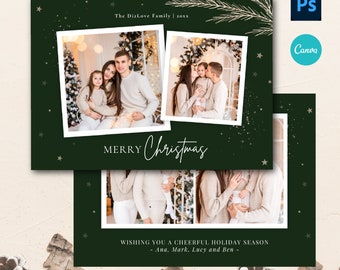
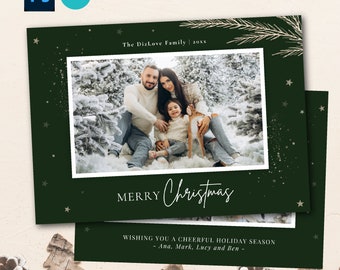
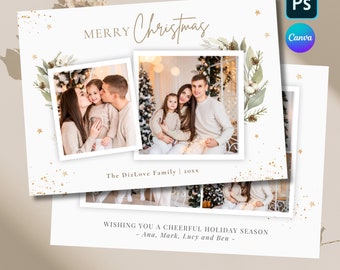
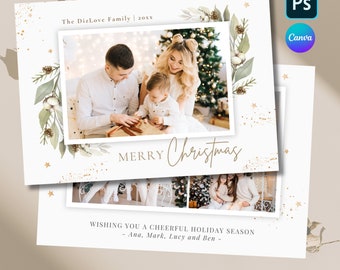
I offer two type of files in my shop:
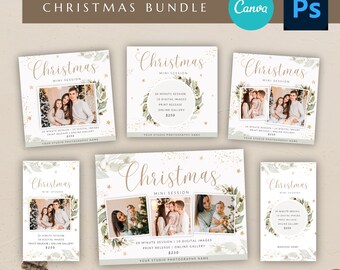
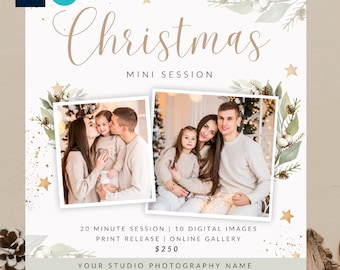
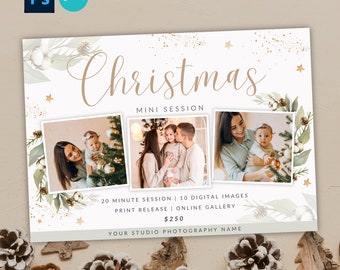
1) PSD files especially for photographers- You can edit in Photshop or online free editor Photopea.com
2) CANVA templates- edit by yourself in online editor
how to edit in photoshop?
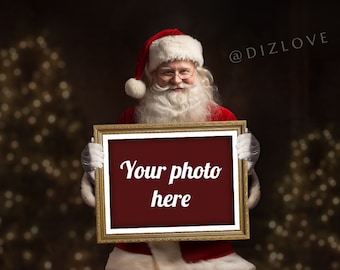
Hello, You have to download fonts (links for websites are in text document). After that You have to install it in your operating system (it's different way for MAC and Windows it is a lot of tutorials in Youtube how to install fonts ). After instalation You can edit all text in Photoshop. To insert photo in my templates, You have to make a clipping mask. Make sure to drag your picture ABOVE the layer named: "Clipping mask".
Then, make a right click and then select: "Create Clipping Mask" or save time with the shortcut: Ctrl+Alt+G (Win) / Command+Option+G (Mac) . If you are using Photoshop Elements you won't see the option on the right click menu, so use the shortcut or go to Menu > Layer > Create Clipping Mask.
If You have any problems, ple