


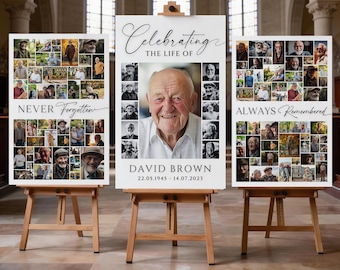











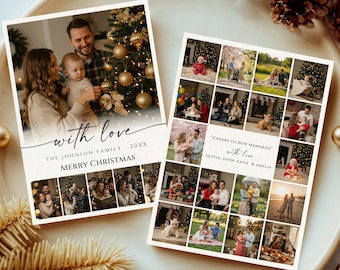


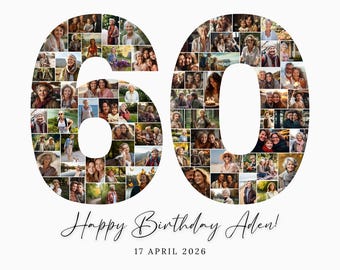

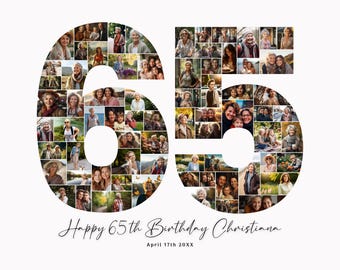


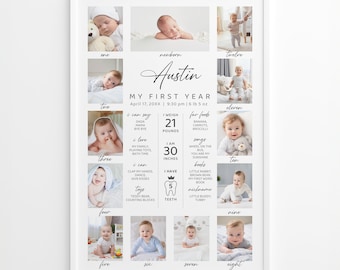


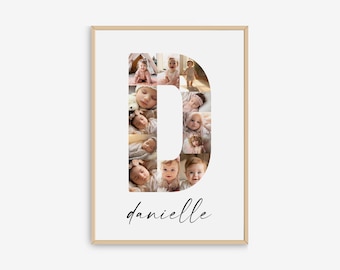





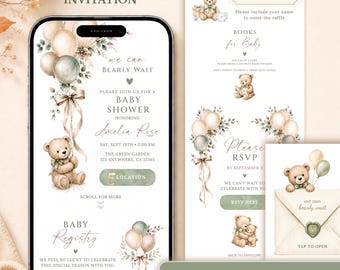
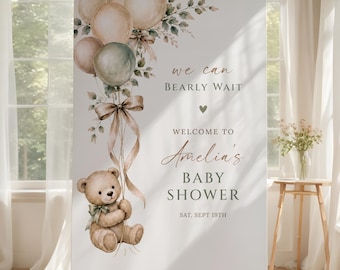











This is our story
Featured items
All items
Reviews
4.9
(5376)
Average item review
We calculate this number using a recency-weighted average of all ratings, with a rating's value decreasing by half each year to best reflect the current experience.
Loading
-

-

-

Etsy buyer on 22 Nov, 2026
5 out of 5 starsLoved it! Thank you! *Didn’t require shipping (digital download)
-
Mary on 20 Nov, 2026
5 out of 5 starsAbsolutely perfect immediately ready for download and customization super easy!
-
Anna on 17 Nov, 2026
5 out of 5 starsExactly as described, easy to work with, beautiful finished product
-
Etsy buyer on 11 Nov, 2026
5 out of 5 starsDigital purchase only, no customer service or shipping required.
-
-

-
-
About DesignItFor
Sales
51,230
On Etsy since 2014
Shop members
-

Polat & Nihal
Owner, Designer
Shop policies
Last updated on 18 Oct, 2026
Digital downloads
Instant downloads
Your files will be available to download once payment is confirmed. Here's how.
Payment options
Secure options
Accepts Etsy Gift Cards and Etsy Credits
Etsy keeps your payment information secure. Etsy shops never receive your credit card information.
Returns & exchanges
See item details for return and exchange eligibility.
Cancellations
Cancellations: not accepted
Please contact the seller if you have any problems with your order.
Privacy policy
More information
Last updated on
17 Dec, 2025
Frequently asked questions
Who will edit the template?
You will be able to easily edit our templates yourself. Even if you haven't done this before, you will be able to complete it without difficulty. Also, our instruction page will be of great help to you and you can write to us at any time.
Can I change the size?
When changing the size, there may be distortions in the design or layout. Therefore, you can write to us with your size change request. We will help you with this.
How do i access it?
After purchasing, you can download the file called "Get Started" or "Read Me" from the "Purchases" page on ETSY. This file will direct you to the template.
You can click the link below to access Etsy's "Purchases" page:
https://www.etsy.com/your/purchases
Can I edit the collage with a mobile device?
Although it is technically possible to do it over the phone, it will be difficult. You can do it very easily with a laptop or desktop. (also the instruction sheet will help you a lot)
If your photos are on your phone, you can first upload the photos to Canva's library with your phone, then log in again with a laptop and drag the photos from the Canva library to the template. (with the same membership)
Additionally, if you use Google Photos, you can import photos directly from Google Photos when uploading photos to Canva.
Making a collage with a laptop is very easy and enjoyable.