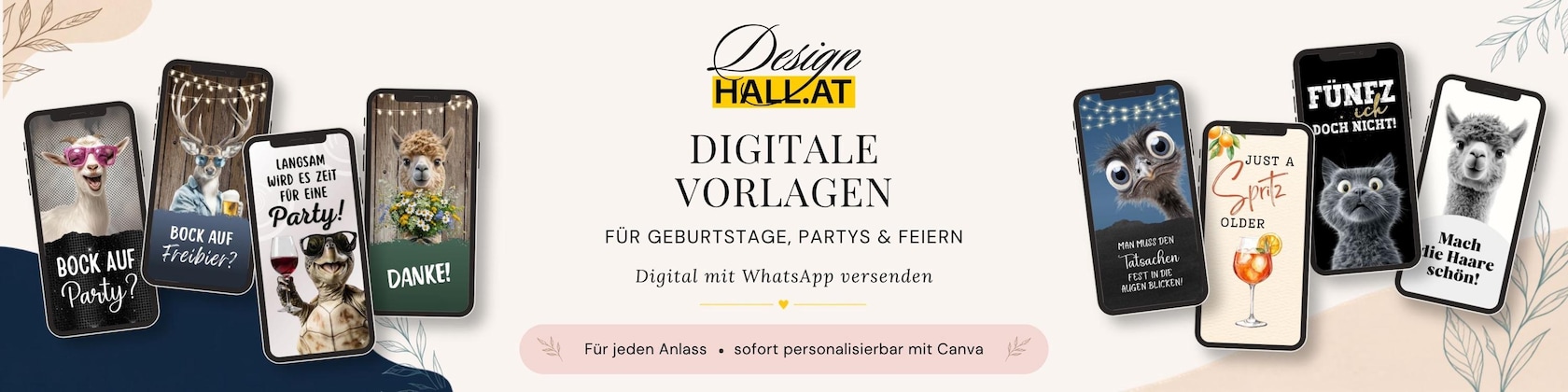
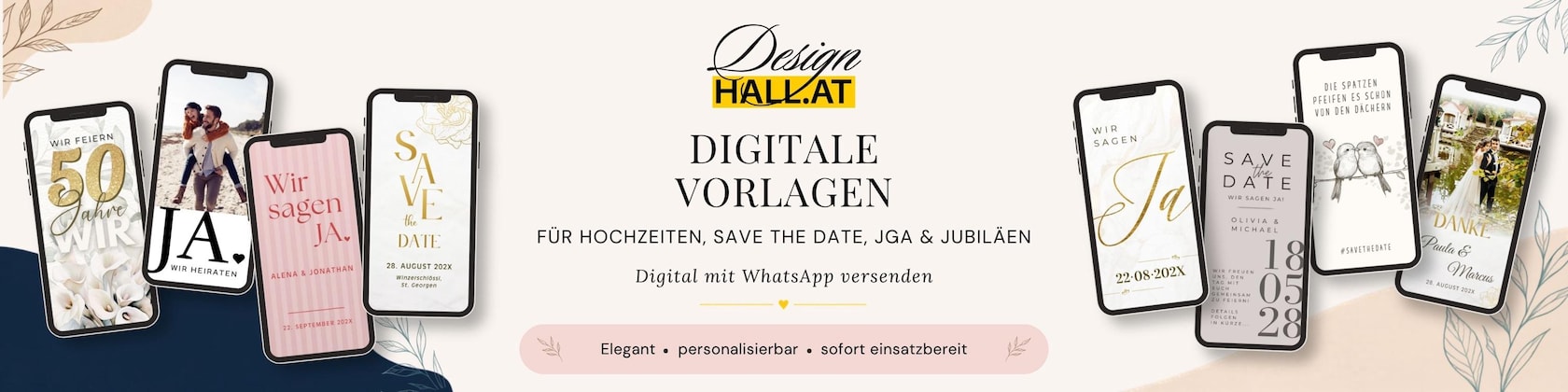
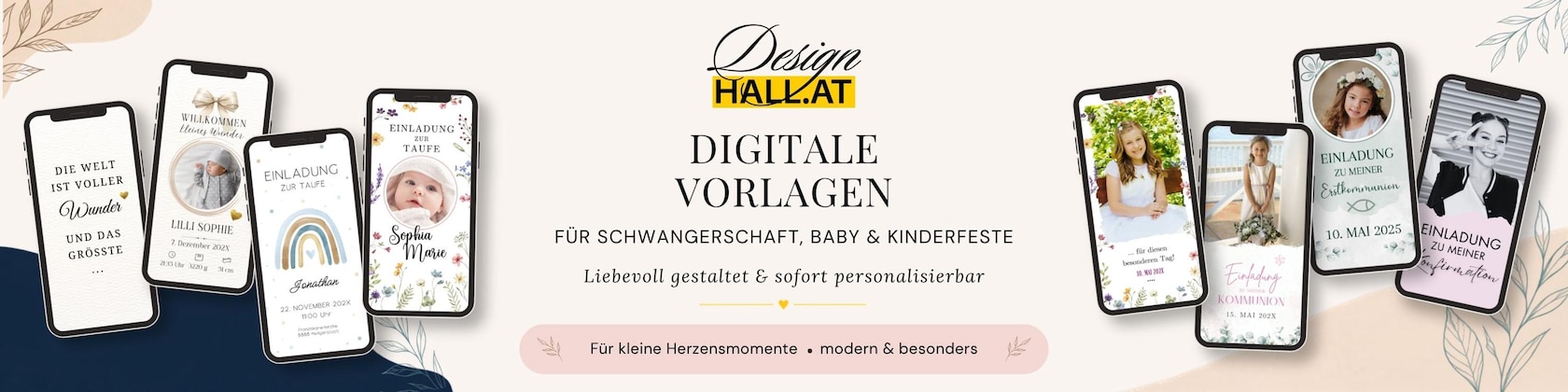
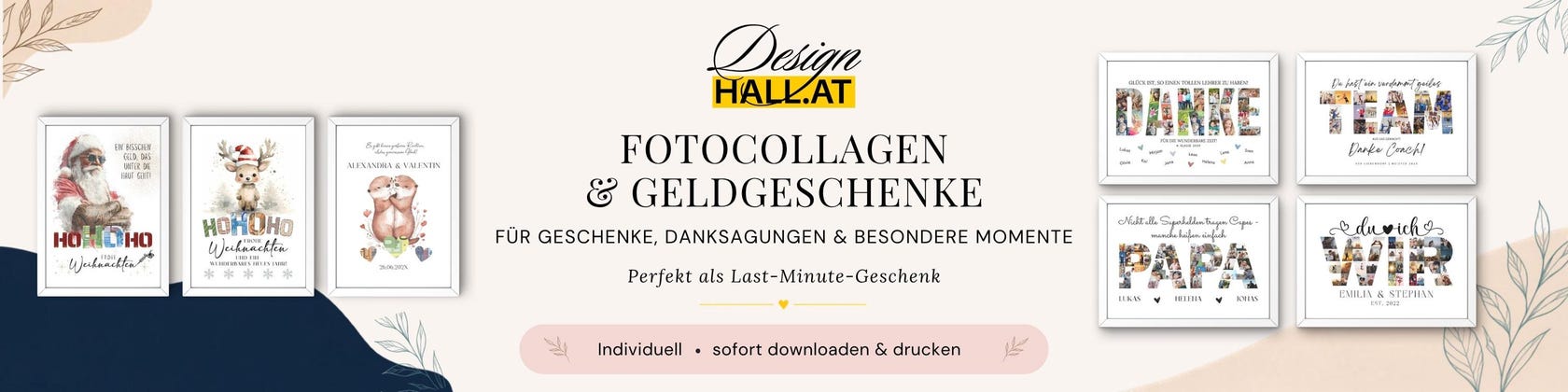

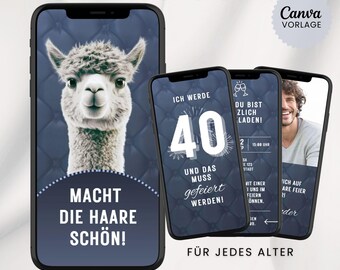
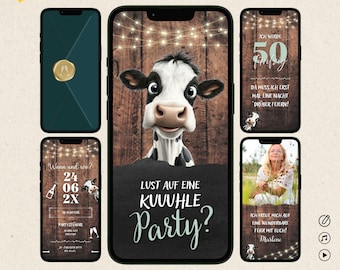
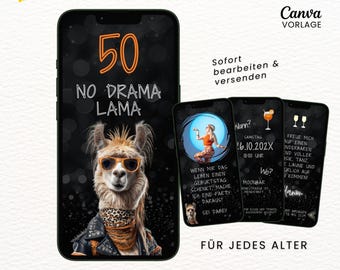
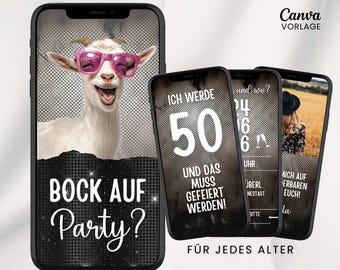
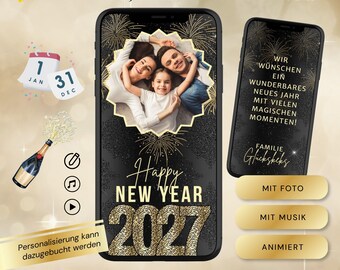
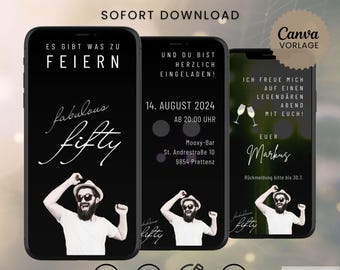
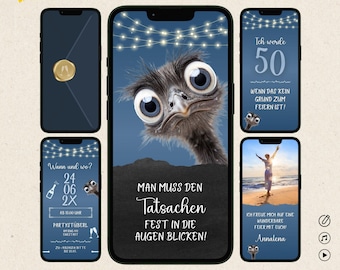
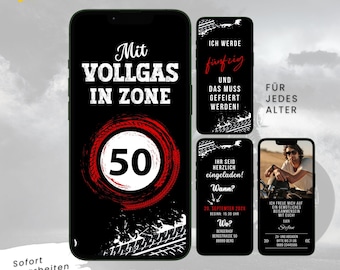
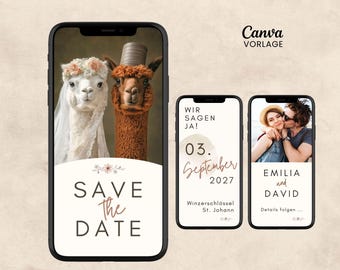
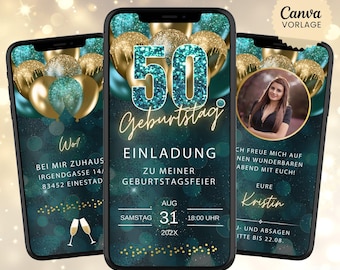
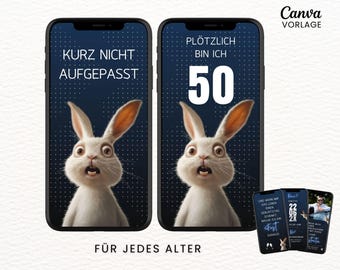
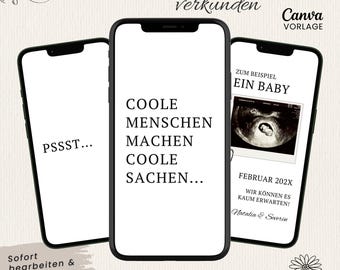
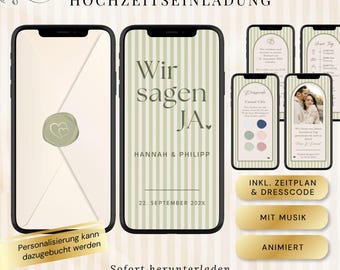

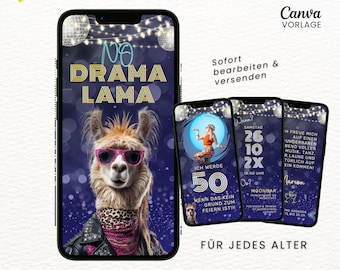
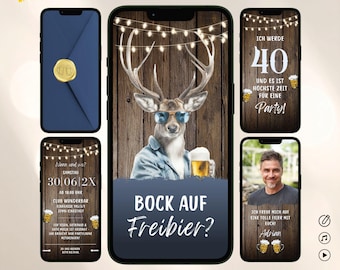
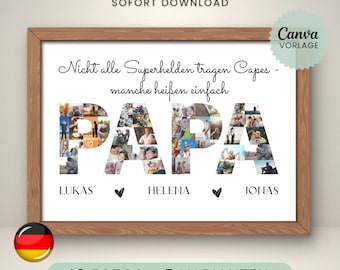
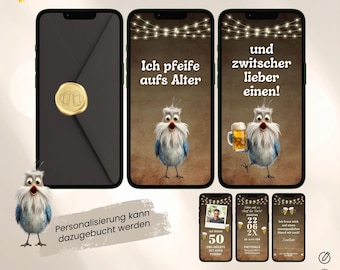
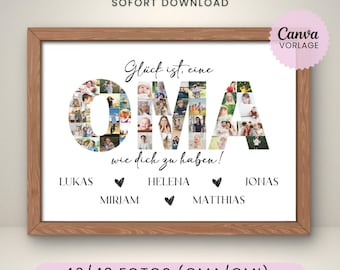
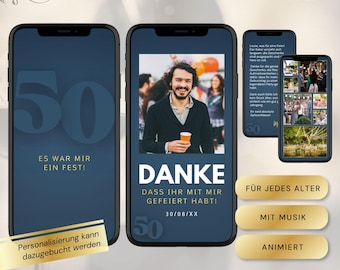
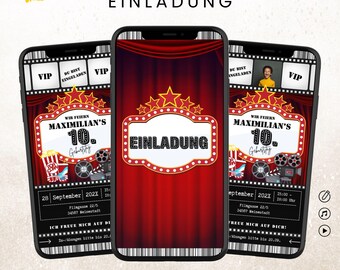
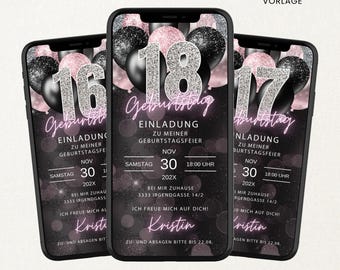
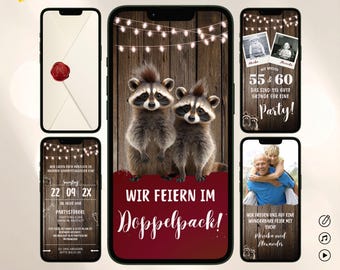



Canva templates that inspire – digital, modern & individual.
All items
Announcement
Last updated on Nov 28, 2024
Reviews
4.9
(637)
Average item review
We calculate this number using a recency-weighted average of all ratings, with a rating's value decreasing by half each year to best reflect the current experience.
Loading
-

-
Andrea on Sep 9, 2026
5 out of 5 starsEverything was great! The invitation was a hit and everyone loved it.
-
Loreen on Sep 7, 2026
5 out of 5 starsA fun way to invite people... easy to use... quick help with questions... everything went great, would gladly use again.
-
-
Monika on Aug 27, 2026
5 out of 5 starsEverything's great. After a little practice, you quickly get the hang of the technique.

-
-
-
-
-
About DesignhallAT
Sales
5,430
On Etsy since 2024
Shop members
-

Katja
Design & Persönliche Kundenbetreuung
Hello! I'm Katja, and at DesignhallAT I'm responsible for the design and personal touch of each template. My background is in digitalization and media literacy – my knack for simple solutions is reflected in our templates and instructions.
-

Andy
Inhaber & Werbegrafiker
Hello! I'm Andy, and for over 30 years I've been working as a graphic designer on creative projects – with my own advertising agency, I bring this experience to DesignhallAT. What I enjoy most is seeing an idea transformed into a successful design.
Shop policies
Last updated on Oct 2, 2024
Digital downloads
Instant downloads
Your files will be available to download once payment is confirmed. Here's how.
Made-to-order downloads
I’ll create your items after purchase and you’ll receive an email when the files are ready to download. The time I need to complete these items can vary. Contact me if you have questions.
Payment options
Secure options
Accepts Etsy Gift Cards and Etsy Credits
Etsy keeps your payment information secure. Etsy shops never receive your credit card information.
Returns & exchanges
See item details for return and exchange eligibility.
Cancellations
Cancellations: not accepted
Please contact the seller if you have any problems with your order.
Privacy policy
Terms & Conditions and Right of Withdrawal
For extrajudicial settlements of consumer disputes, the European Union has launched an online platform ("ODR platform"): https://ec.europa.eu/consumers/odr
More information
Last updated on
Jul 31, 2026
Frequently asked questions
HOW DO I GET MY DIGITAL ECARD?
If you purchased a digital eCard or Canva template via Instant Download, you will find the download link in your account at www.etsy.com/your/purchasesYou will also receive the download link directly by email from Etsy. Depending on the payment method (credit card, PayPal, etc.) it may take a few minutes until you receive the email. If you cannot find an email in your mailbox, first check the spam folder and any subfolders in your email account (e.g. "Advertising", "Social Networks", etc.).If you book our personalization service or custom music package, you will receive the finished eCard or template as quickly as possible either by email or download link directly from us.
WHERE CAN I FIND THE LINK TO THE CANVA TEMPLATE?
You can download a PDF file using the download link that you will receive by email from Etsy immediately after purchase or that you can find in your account under "Purchases".In this file you will find a link to the Canva template and, as a little help, a link to a Canva quickstart guide (page 2).If you have any problems with the template link, please contact us immediately - we will be happy to help you as quickly as possible!
HOW LONG IS THE DOWNLOAD LINK VALID?
Unlimited. Your download will remain permanently available in your Etsy account under "Purchases & Reviews" – you can download the file again at any time, even months or years later.
WHAT IS CANVA?
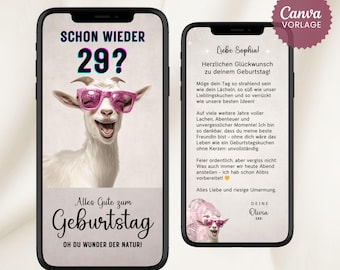
Canva is a free design tool that lets you easily and quickly personalize your eCard to your liking – no design or software knowledge required. All you need is a free Canva account to use it.If you're not so tech-savvy, you can also use our personalization service: www.etsy.com/at/listing/1766152104Is everything in Canva displayed in English? This is usually due to your browser language setting, not Canva itself. You can change the language to German via the gear icon on the Canva homepage under "Language".
ARE THERE ANY ADDITIONAL COSTS AS A USE OF CANVA?
No. Editing your template via a free Canva account is completely free – you don't need Canva Pro or any additional booking to complete your eCard.Unless you add Pro elements yourself from the Canva library (marked with a crown). In that case, you'll be prompted to pay for the Pro elements when you download them. Or you can activate the Pro version of Canva for free for 30 days – just don't forget to cancel the subscription before the 30 days are up.Important: If you would like us to handle the personalization, this is a separately bookable additional service and is not automatically included in the purchase price of the template: www.etsy.com/at/listing/1766152104
WHAT CAN I CUSTOMIZE OR CHANGE IN AN E-CARD TEMPLATE?
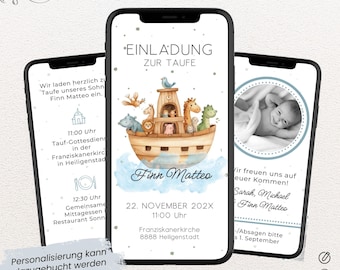
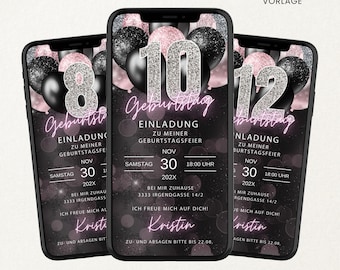
Basically everything: colors, fonts, font sizes, backgrounds, graphics, images, additional text, adding or deleting pages. However, some eCards have certain elements that are intentionally fixed (e.g., the age on certain birthday invitations if it's embedded as a graphic) – you can find this information in the product photos and the product description of the respective eCard.Are you unsure or do you need a special customization? Feel free to ask us in advance – we'll definitely find a solution.
CAN THE MUSIC BE CHANGED?
Yes. We recommend editing on a desktop PC/laptop, as audio editing is more difficult on a smartphone. On a smartphone, you first need to display the music track to edit the music – you can find instructions in our guide.Information about the Canva audio library: www.canva.com/de_de/help/adding-popular-music-to-designs/If you want to upload your own music, please be sure to read Canva's guidelines beforehand: www.canva.com/de_de/help/stock-music/
WHAT MUSIC CAN I USE FOR AN E-CARD?
Canva Audio Library: Canva Free users have access to a limited selection of royalty-free music for free. Canva Pro users have access to a wider selection of popular music tracks, usable for videos up to 60 seconds in length for personal projects.Your own music: You can upload your own MP3 files. Canva checks uploaded music for copyright infringements using audio fingerprinting – if an infringement is detected, you cannot publish your design with audio (an error message will appear). More information: www.canva.com/de_de/help/stock-music/
The video quality is poor when sent via WhatsApp – what can I do?
The eCard looks perfect on your PC/laptop or in your phone's gallery, but suddenly appears blurry after being sent via WhatsApp? This is due to WhatsApp's automatic compression.The quickest solution: Activate the HD option when sending (tap the "HD" icon directly above the message, or permanently under WhatsApp settings → Storage and data → Media upload quality → "Best quality"). This fixes most cases.For optimal quality: Send the eCard via WhatsApp Web on your PC/laptop – this uses the least compression: web.whatsapp.com
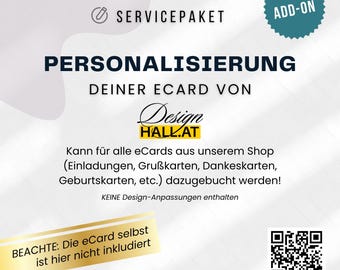
WHAT CUSTOMIZATIONS ARE INCLUDED IN THE PERSONALIZATION SERVICE?
Included: Customization of the eCard with your personal data and text, as well as the insertion of photo(s), provided the template has placeholders for them. Minor design adjustments (e.g., additional text field, removal of photo placeholders) are included.Not included: fundamental changes to the design and graphics, additional pages, changes to the motif, etc. – if in doubt, please ask us beforehand.For these changes, we offer an additional "Design Adjustments" package: www.etsy.com/at/listing/1766091884