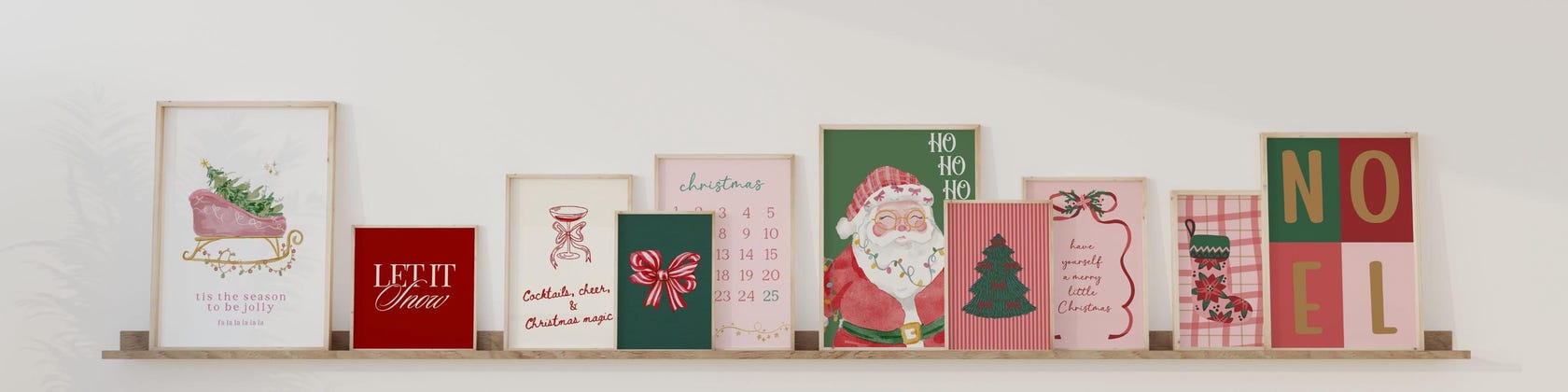

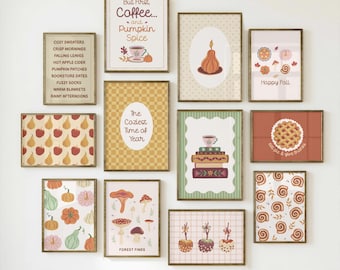
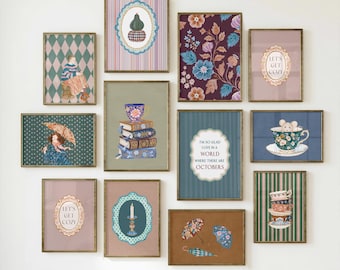
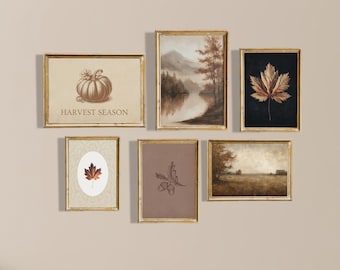


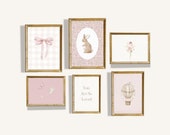

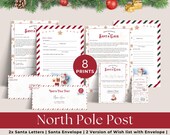

Welcome to a World of Colour
Featured items
All items
Announcement
Last updated on Jan 12, 2026
Reviews
4.9
(117)
Average item review
We calculate this number using a recency-weighted average of all ratings, with a rating's value decreasing by half each year to best reflect the current experience.
Loading
-

Tully on Sep 12, 2026
5 out of 5 starsSo cute and the seller was super helpful when I had an issue accessing the files (which was entirely my fault).
-
-

Sarah on Mar 25, 2026
5 out of 5 starsGreat product - love the ability to print ourselves and frame these for our little girl's nursey!
-
Madison on Mar 16, 2026
5 out of 5 starsA little difficult to figure out where to print it, but once I did, it looks beautiful on the wall!
-

-
-
-
-
Denise on Feb 14, 2026
5 out of 5 starsCame out perfectly, would definitely order from this shop again.
-

About DesignsByTrueColour
Sales
1,783
On Etsy since 2022
Shop members
-

Designs By True Colour
Owner
Shop policies
Last updated on Aug 23, 2023
Digital downloads
Instant downloads
Your files will be available to download once payment is confirmed. Here's how.
Made-to-order downloads
I’ll create your items after purchase and you’ll receive an email when the files are ready to download. The time I need to complete these items can vary. Contact me if you have questions.
Payment options
Secure options
Accepts Etsy Gift Cards and Etsy Credits
Etsy keeps your payment information secure. Etsy shops never receive your credit card information.
Returns & exchanges
See item details for return and exchange eligibility.
Cancellations
Cancellations: not accepted
Please contact the seller if you have any problems with your order.
Privacy policy
More information
Last updated on
Dec 17, 2025
Frequently asked questions
Do you offer printing?
No unfortunately at this time we do not offer printing.
What are the terms of use?
These designs are strictly for personal use only. Commercial use, including printing and selling physical copies, is not allowed under any circumstances. It is a violation of copyright to upload, sell, or distribute these designs on websites like Shein, Temu, or similar platforms. Any misuse will be pursued to the fullest extent.
What is the turn around on a custom edit to a design?
Once your design request is finalized and approved, the custom edit will be ready within 1-2 business days.
I changed my mind and want a refund, is this possible?
As these are digital products there are no returns.
How do I download my digital purchase?
After your payment is confirmed, you can instantly download your files. Just head to "Purchases and Reviews" under your Etsy account, find your order, and click "Download Files." You’ll also receive an email with a download link. If you have any issues, please feel free to reach out!
What should I do if I have trouble downloading the files?
If you're having trouble downloading your files, first ensure you're logged into the correct Etsy account and try using a different browser. If the problem persists, please contact me directly, and I’ll help resolve the issue as quickly as possible.
I’m using an Apple login and didn’t receive the download email. What should I do?
If you used your Apple login with Apple’s privacy settings, the download email might not have reached you due to Apple's email masking. To access your files, please log in to your Etsy account directly through a browser and go to "Purchases and Reviews" to download your files. If you still have trouble, feel free to contact me!
I’m trying to download the files using the Etsy app, but it’s not working. What should I do?
Unfortunately, the Etsy app doesn’t currently support PDF downloads. To download your files, you’ll need to use a web browser. Simply log in to your Etsy account on a browser, go to "Purchases and Reviews," and download your files from there. If you encounter any issues, please reach out, and I’ll be happy to assist!
How do I print my design in a specific size?
The file you receive is the largest size available in the ratio, but it can be printed in any of the smaller sizes within that ratio. For example, if you receive a file in the 2:3 ratio, the largest size is 24"x36", but you can also print it in smaller sizes like 20"x30", 16"x24", 12"x18", or 8"x12". The full breakdown of sizes is provided in the size chart included in the listing as well as in the item description. If you have any questions about printing or sizes, feel free to reach out.
How to save a JPG file on my phone to maintain image quality?
If you’ve downloaded a JPG file and are saving it to your phone, it’s important to save it in your Files app rather than the Photos app. When saved to the Photos app, the image will lose quality and appear as a low resolution image. By saving it in your Files folder, you’ll preserve the original image quality, ensuring it prints at the best resolution.