

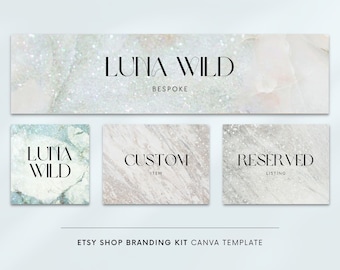
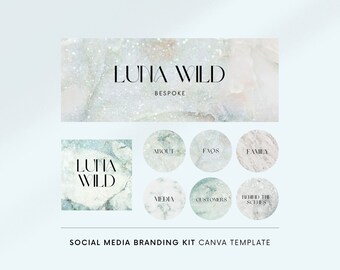
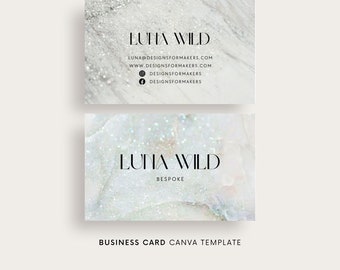
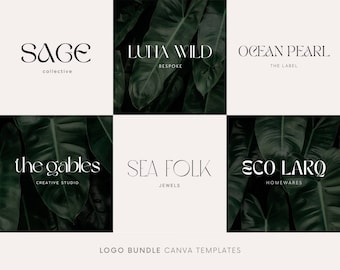
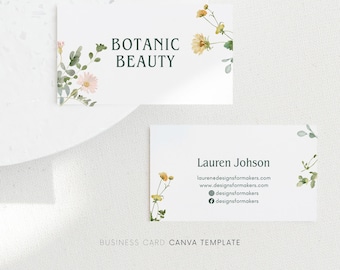
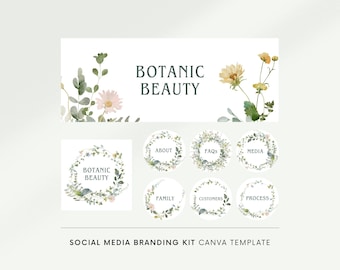
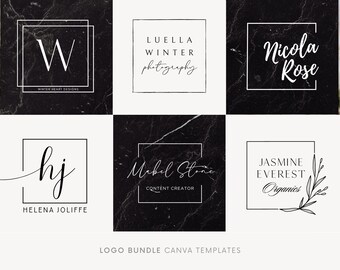









Beautifully Crafted Templates
Featured items
All items
Announcement
Last updated on Mar 8, 2024
Reviews
4.9
(1429)
Average item review
We calculate this number using a recency-weighted average of all ratings, with a rating's value decreasing by half each year to best reflect the current experience.
About DesignsForMakers
Sales
10,176
On Etsy since 2015
Shop members
-

Mama
Owner, Designer
I love strong coffee, late working nights and slow mornings whenever my baby lets me.
Shop policies
Last updated on Jul 3, 2018
Shipping
See item details for estimated arrival times.
Customs and import taxes
For US deliveries, Etsy policy requires that import duties and fees are included in the checkout price. Non-US buyers may need to pay these fees upon delivery. You can message me to confirm how these fees will be paid for your order. I'm not responsible for any customs-related delays.
Digital downloads
Instant downloads
Your files will be available to download once payment is confirmed. Here's how.
Payment options
Secure options
Accepts Etsy Gift Cards and Etsy Credits
Etsy keeps your payment information secure. Etsy shops never receive your credit card information.
Returns & exchanges
See item details for return and exchange eligibility.
Cancellations
Cancellations: not accepted
Please contact the seller if you have any problems with your order.
Privacy policy
More information
Last updated on
Dec 17, 2025
Frequently asked questions
Do you do custom designs?
Unfortunately I don’t. However it’s easy to customize Canva templates to your own liking. For example you can easily change fonts, colors and images, by uploading your own or using Canva’s extensive library of graphics.
Can you provide your templates in other formats?
I only offer my templates in Canva format. After 10 years of selling templates online, I strongly believe Canva is the easiest platform to use and it's only getting better.
When do I get my templates?
After ordering, you will immediately get an email form me with a PDF download link, which has a link to your template(s). Please download this within 24 hours or the link will expire. If it does, please message me in Etsy.
What is your refund policy?
Due to the nature of digital products being unable to be returned, generally I cannot accept refunds. Please message me on Etsy if you have any questions prior to purchasing, or if you have any troubles. I’m easy to work with and will go the extra mile to help.
Do I need a Canva account to use your templates?
Yes you do, it’s easy and only takes a few seconds to sign up. Ad it’s free! You can sign up at www.canva.com or by clicking on my template link provided immediately after purchasing.
All my templates can be edited using Canva’s free account. However I do think upgrading to Pro is worth it, especially if you need to save a logo file with a transparent background, or save graphics in different sizes. You can try Canva Pro for free for 30 days using my affiliate link https://partner.canva.com/GjPbqB.
How do I sign up to Canva?
1. Go to canva.com and select Sign up
2. From the signup page, choose Continue with email.
3. Enter the email address you’d like to use Canva for.
4. Enter the authorisation code they’ll send to your email address. You can set a password in Account settings later.
5. Verify your email address by following the steps in the email.
6. Enter the confirmation code from the email you received. You’re all set!
I want to upgrade to a bundle. Can I get a refund for my first order?
Yes sure. Just purchase the bundle and send me a message and I'll refund you your first order, as long as it’s part of the bundle.
Does my purchase come with the backgrounds in your listing images?
No it doesn't, but you can find most of them in Canva's library with a Pro account. You can try Canva Pro for free for 30 days using my affiliate link https://partner.canva.com/GjPbqB.