
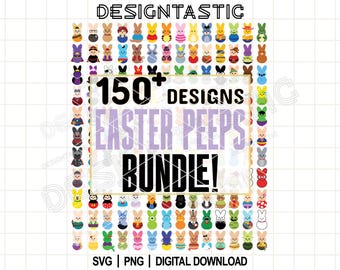
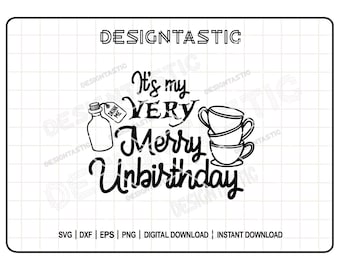
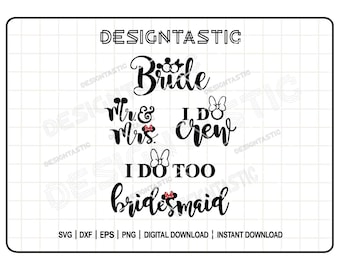
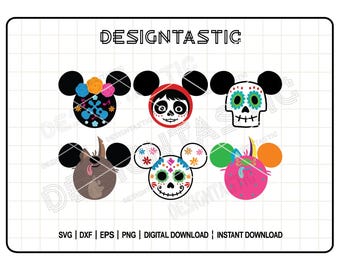
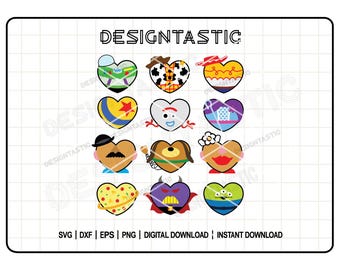
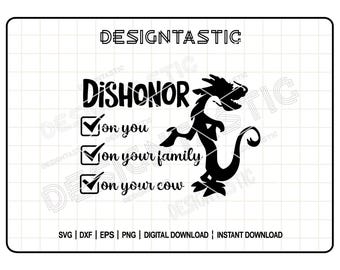
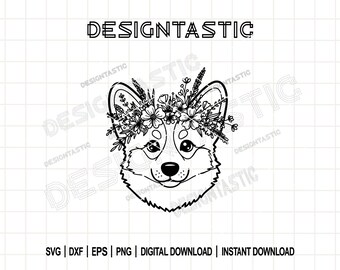
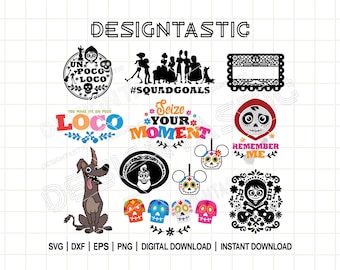
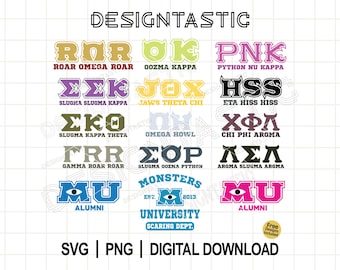
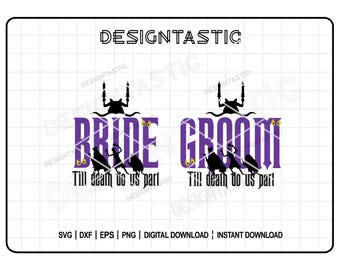
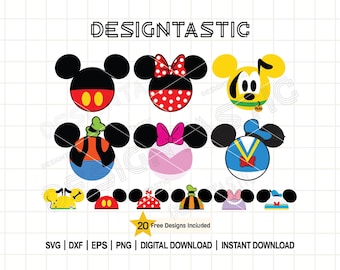
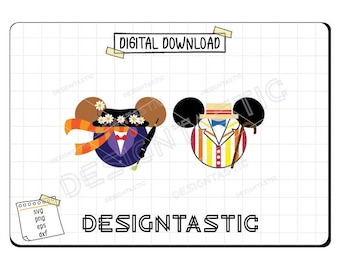
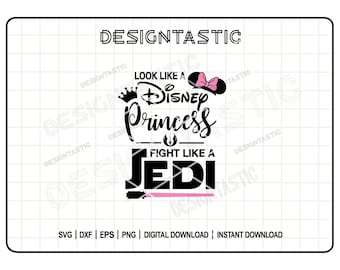
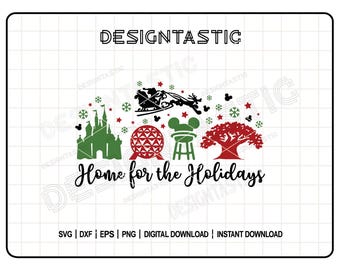
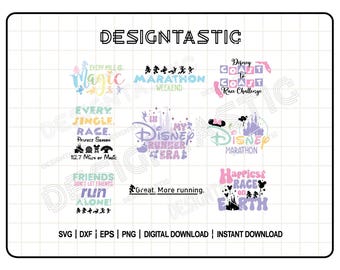
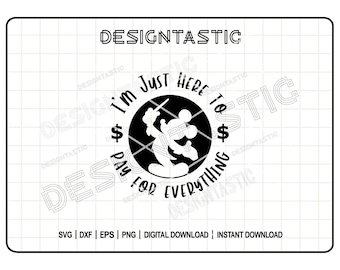

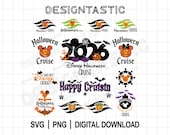
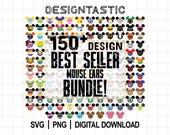
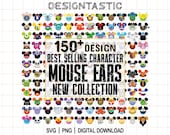
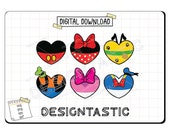
✨Welcome to my shop! ✨
Featured items
All items
Announcement
Last updated on Aug 1, 2026
Reviews
4.9
(859)
Average item review
We calculate this number using a recency-weighted average of all ratings, with a rating's value decreasing by half each year to best reflect the current experience.
Loading
-

-

Lauren on Sep 20, 2026
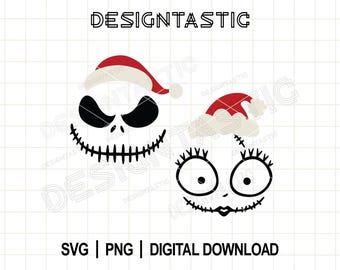
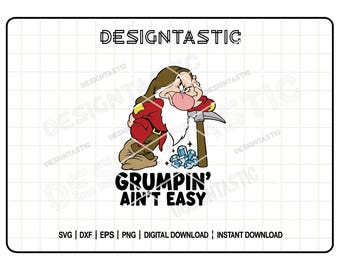
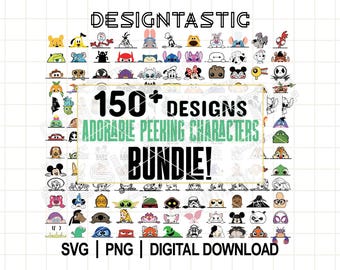
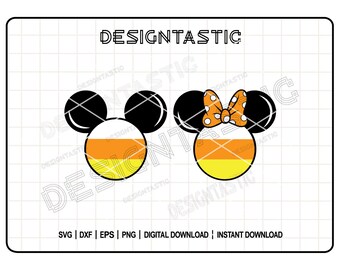
5 out of 5 starsThese designs are so cute! I wrote to the seller asking about 2027 instead of 2026 and my message was replied to instantly and a 2027 sent! What a great shop! I will definitely be purchasing more from here!
-

-
-

Kathye on Sep 11, 2026
5 out of 5 starsThe letters are perfect! We are so excited for Oogie Boogie Bash!
-

-

Valerie on Sep 8, 2026
5 out of 5 starsSuper cute images, made some magnets for a friend who is going on a cruise at the end of the month. Thank you!
-
-
Tracy on Oct 8, 2026
5 out of 5 starsDesigns are super cute and easy to use in Cricut. Seller is very responsive and patient when answering beginner usage questions! Will buy from her shop again!
-
About DesigntasticStore
Sales
12,236
On Etsy since 2024
Shop members
-

Maria
Owner
-

Vicente
Supervisor
Shop policies
Last updated on Jul 3, 2025
Digital downloads
Instant downloads
Your files will be available to download once payment is confirmed. Here's how.
Payment options
Secure options
Accepts Etsy Gift Cards and Etsy Credits
Etsy keeps your payment information secure. Etsy shops never receive your credit card information.
Returns & exchanges
See item details for return and exchange eligibility.
Cancellations
Cancellations: not accepted
Please contact the seller if you have any problems with your order.
Privacy policy
More information
Last updated on
Sep 14, 2026
Frequently asked questions
Do you offer refunds on digital downloads?
Unfortunately, due to the nature of digital products, we cannot offer refunds. If you encounter any issues with your files, please contact us, and we’ll be happy to help!
How do I download my purchase?
After payment, your files will be available under Your Account > Purchases and Reviews. Click "Download Files" next to your order. If you checked out as a guest, you’ll receive a download link via email. If you can’t find the email, please check your spam or junk folder. If you still don’t see it, contact us for assistance.
How do I open my files?
Your files may be in a ZIP folder. To open it:
On a computer: Right-click the ZIP file and select “Extract All.”
On a phone or tablet: Use an app like WinZip or iZip.
Once unzipped, you’ll see the individual file formats.
Can I resize the design?
Yes! SVG files are scalable without losing quality. You can resize them directly in your design software. If you’re unsure how, contact us, and we’ll guide you.
How do I use these files with my Cricut or Silhouette?
For Cricut: Upload the SVG file directly into Cricut Design Space.
For Silhouette Studio: If you’re using the free version, upload the DXF file. For Designer Edition or higher, upload the SVG file.
If you need further assistance, check the official Cricut or Silhouette help guides.
Why is the design not cutting properly?
Common solutions include:
Ensuring the design layers are ungrouped before cutting.
Adjusting your machine’s cut settings for the material.
Checking that your blade is clean and properly aligned.
If you still experience issues, feel free to contact us!
I purchased the item, but the designs I was looking for aren’t included. What should I do?
We’re sorry for any misunderstanding! We highly recommend checking the listing images and description before purchasing to make sure the designs you’re looking for are included. This helps ensure the item meets your expectations before placing your order.
If you have any questions or concerns, please contact us, and we’ll be happy to help!
Would you mind leaving a quick review?
It's super easy — just click here → etsy.com/your/purchases 💖
Need Help?
Contact us through Etsy Messages or send us an email to designtastic.svg@gmail.com
Response time: Within 24 hours