

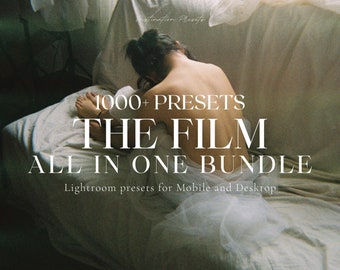

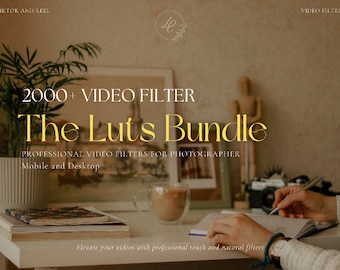

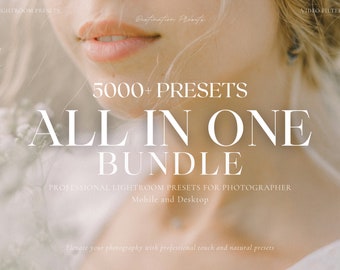
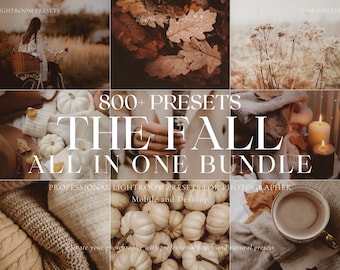
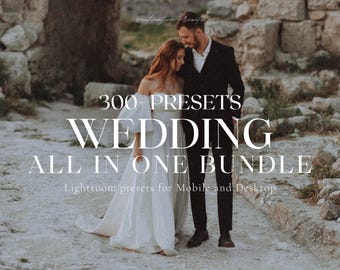
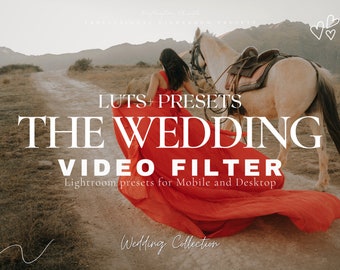
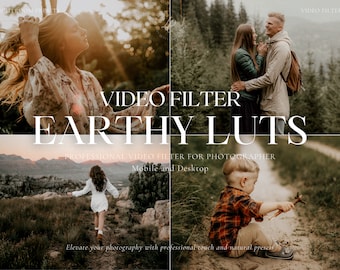
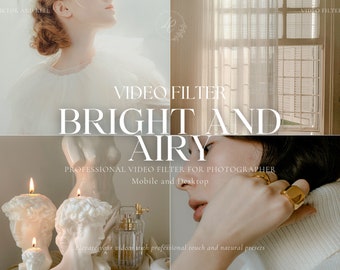


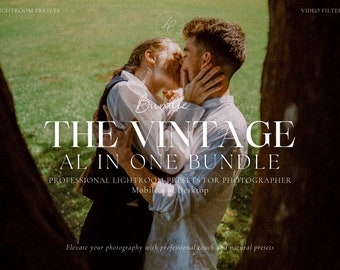

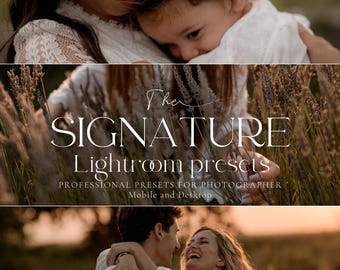

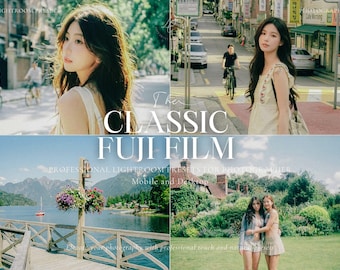
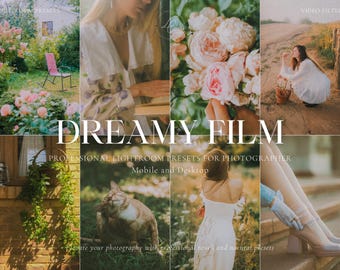





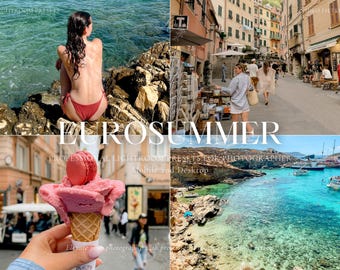

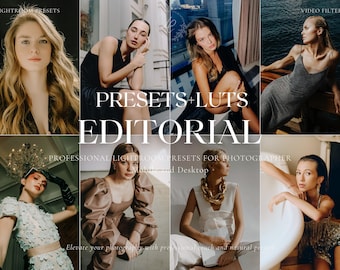
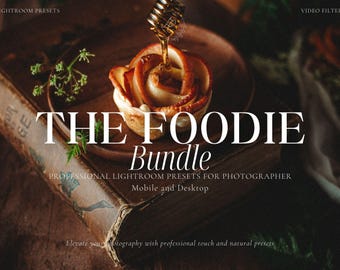
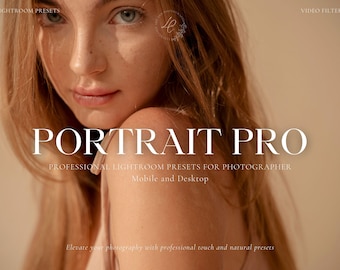








Create stunning photos and videos that truly reflect you. Share your moments, be unique.
Featured items
All items
Announcement
Last updated on Jun 6, 2026
Reviews
4.8
(3058)
Average item review
We calculate this number using a recency-weighted average of all ratings, with a rating's value decreasing by half each year to best reflect the current experience.
Loading
-

Nienke on Jul 28, 2026
5 out of 5 starsNice preset and I use it a lot

lyly responded on Jul 28, 2026
Thanks again for the kind words Nienke! It means a lot to know that the cinematic LUTs are working so well for your projects. Enjoy creating, and don't hesitate to reach out if you ever need support!
Loading -

Jessica on Jul 22, 2026
5 out of 5 starsEasy to use, great option to have while editing photos
lyly responded on Jul 23, 2026
Hi Jessica, thank you for taking the time to share your experience! I'm thrilled that you're enjoying it and finding it a great option for your photo edits. Wishing you all the best with your creative projects!
-

Angel on Jul 15, 2026
5 out of 5 starsAmazing quality for the price I paid I took all my videos overseas with this pack and they came out looking like a professional camera from my iPhone love it!
lyly responded on Jul 16, 2026
Thank you so much for this amazing review, Angel! I am absolutely thrilled to hear that the LUTs helped you achieve such a professional look for your overseas videos shot on iPhone. It truly makes my day to know my pack was part of your journey. Thank you for your support!
-

Abria on Jul 12, 2026
5 out of 5 starsAbsolutely amazing presets! Love using them to edit and they were super easy to download!
lyly responded on Jul 13, 2026
Thank you so much for the lovely review Abria! I am thrilled to hear that you're loving the presets and that the download process was smooth for you. Happy editing!
-
Alejandro on Jul 2, 2026
5 out of 5 starsCANT LIE WANT OF THE BEST LUTS I HAVE
lyly responded on Jul 2, 2026
Hi Alejandro! Thank you so much for the kind words—it honestly makes my day to hear that these are some of the best LUTs you've used! Happy editing, and I can’t wait to see what you create next!
-
Melanie on Jun 23, 2026
5 out of 5 starsBeautiful LUTs with a very cohesive, high-quality look. The colors appear harmonious and natural without looking artificial. They adapt well to different lighting conditions and provide a great foundation for a consistent visual style. I'm looking forward to using them in future projects. Thank you!
lyly responded on Jun 23, 2026
Thank you so much for your kind words, Melanie! I am truly delighted that you find the colors so harmonious and natural. It was my goal to create something versatile and high-quality, and I am thrilled that these LUTs will be part of your future projects. Thank you for your support!
Loading -
Julian on Jun 5, 2026
5 out of 5 starsThe download process worked perfectly. I haven't tried all the LUTS yet, but the ones I have tried worked well. Happy to recommend.
lyly responded on Jun 5, 2026
Thank you for the feedback Julian. I'm so glad the download was smooth, and I hope you enjoy exploring the rest of the LUTs!
About DestinationPresets
Sales
48,592
On Etsy since 2020
Shop members
-

Lyly
Owner
Hi everyone, my name is Lyly and I am a professional photographer. I love to make people happy by creating art 😊 Nice to meet you♡
-

Loupi
Assistant, Hugger
The best assistant and Hugger ever 😊 ♡
Shop policies
Last updated on Apr 21, 2022
Digital downloads
Instant downloads
Your files will be available to download once payment is confirmed. Here's how.
Made-to-order downloads
I’ll create your items after purchase and you’ll receive an email when the files are ready to download. The time I need to complete these items can vary. Contact me if you have questions.
Payment options
Secure options
Accepts Etsy Gift Cards and Etsy Credits
Etsy keeps your payment information secure. Etsy shops never receive your credit card information.
Returns & exchanges
See item details for return and exchange eligibility.
Cancellations
Cancellations: not accepted
Please contact the seller if you have any problems with your order.
Privacy policy
More information
Last updated on
Dec 17, 2025
Frequently asked questions
-What is a preset ?
A Preset is a configuration of settings you apply to a picture. Thanks to this, your pictures will have a consistency look/mood. You will also save your time editing by copying and pasting the settings. You can also adjust them according to your taste .
-Is Lightroom Mobile free ?
Lightroom mobile is a FREE program you can download in your mobile. You don't need a subscription.
More information here : https://apps.apple.com/fr/app/adobe-lightroom-%C3%A9diteur-photo/id878783582
Lightroom Desktop is not free, you will need a subscription to use it. You can have a free trial version for 7 days.
More Information in their official website : https://lightroom.adobe.com/
-I can't download the presets, what can I do ?
Don't worry😊♥ If you cannot open your files, just send me your email and I will send you the presets. You can contact me on Etsy message or destinationpresets@gmail.com
-Do you have a tutorial for how to install the presets ?
You will find a PDF step by step guide in every purchase. You will find all the information you need to download and import your presets. You will also find a FAQ for the adjustements settings (page 24 of the PDF GUIDE)and how to save the presets into Lightroom (page 22 of the PDF GUIDE).Thanks to this method you will be able to find your presets easily and use them at any time.
-How to unzip the presets ?
-You need to download Winzip or Winrar.
-After this,Go to WINRAR/WINZIP and select the folder you extracted.
-Click on the file you want to open.
-Select gallery/ or Lightroom (if your phone suggests it).
-Click on the share icon Select share on Lightroom. You will find your DNG image on the 'ALL' album (PAGE 12 OF THE PDF GUIDE)
How to adjust my skin tone ?
Go the the Color section and click on Mix.
Increase or decrease the Hue (orange and/or yellow)/ the Saturation and the Luminance and click on finished.
-Can I have a refund ?
All sales are final.
Due to the digital nature of my products, I am unable to offer refunds or exchanges once a purchase is completed and the files have been delivered or downloaded.
⚠️ RESULTS MAY VARY
Presets and LUTs are a creative base — not a one-click solution.
Final results may vary depending on your lighting, skin tone, white balance, image quality, and camera settings.
You may need to make small adjustments to achieve your desired look.
By purchasing, you agree to these terms and acknowledge that no preset or LUT can guarantee a specific outcome.
If you have any questions, feel free to contact me at:
📧 destinationpresets@gmail.com – I’ll be happy to help you ♡
Happy Editing! ♥
Can I resell your products?
NO.
It is prohibited to reshare, sell, or redistribute any products purchased from my shop. Any form of resale, redistribution, or sharing of the products without prior consent is strictly prohibited. Violation of these terms may result in legal action. Copyright laws exist to protect the intellectual property rights of creators, and any infringement will be pursued accordingly.
By purchasing products from my shop, customers agree to abide by these terms of use.
If you have any questions or require further clarification regarding these terms, please do not hesitate to contact me.
Thank you for your understanding.
Copyright ©destinationpresets
My Commitment to Handcrafted Quality
All of my presets are manually created with care. I personally craft each one using Adobe Lightroom, drawing from years of editing experience. My goal is to provide high-quality tools that help you achieve stunning photos, and I take pride in delivering a personal touch to everything I create.