

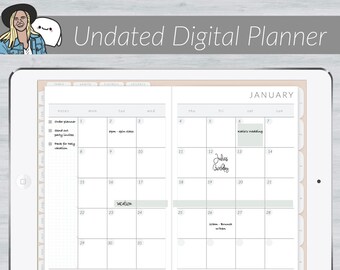
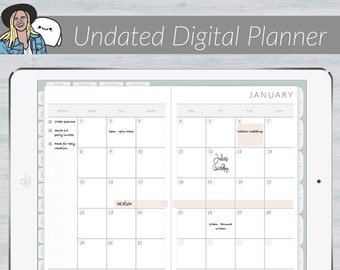
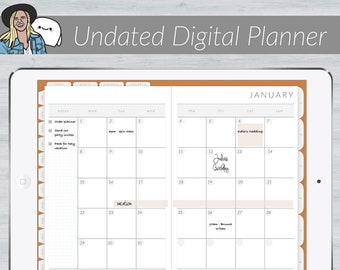
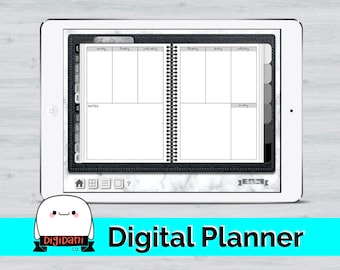
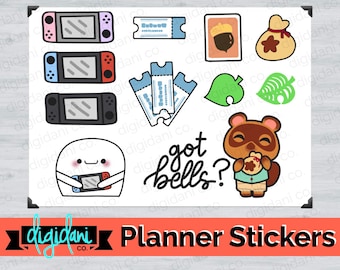
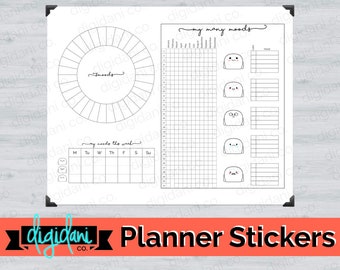
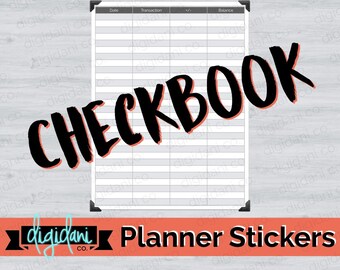

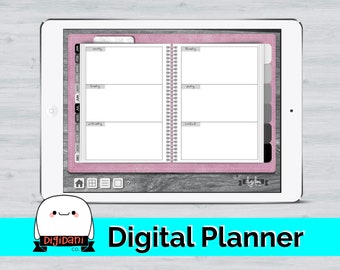
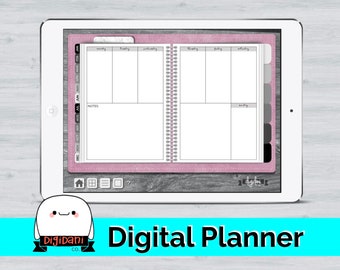
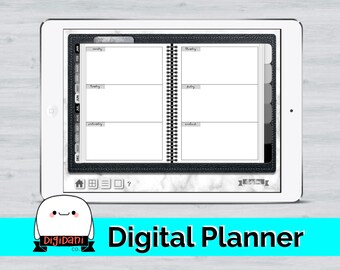

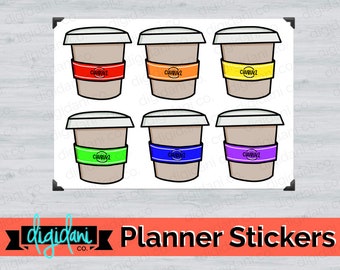
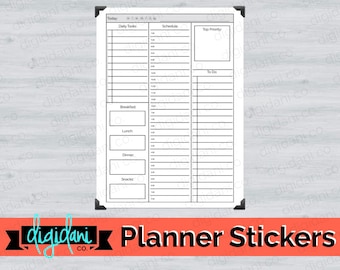

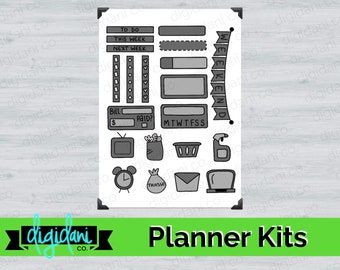




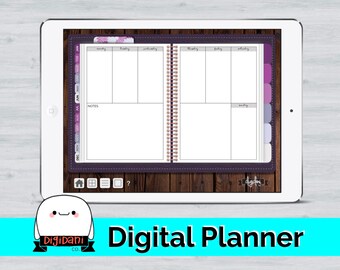










A functional planner shop for the paperless movement.
Featured items
All items
Announcement
Last updated on May 23, 2020
Reviews
4.2
(66)
Average item review
We calculate this number using a recency-weighted average of all ratings, with a rating's value decreasing by half each year to best reflect the current experience.
About DigidaniCo
Sales
495
On Etsy since 2018

Shop policies
Last updated on Apr 21, 2018
Digital downloads
Instant downloads
Your files will be available to download once payment is confirmed. Here's how.
Payment options
Secure options
Accepts Etsy Gift Cards and Etsy Credits
Etsy keeps your payment information secure. Etsy shops never receive your credit card information.
Returns & exchanges
See item details for return and exchange eligibility.
Cancellations
Cancellations: not accepted
Please contact the seller if you have any problems with your order.
More information
Last updated on
Dec 17, 2025
Frequently asked questions
How do I download and unzip these files to use them on my iPad?
I recommend accessing your files first on a desktop or laptop computer. You should receive an email with a link to download the files needed, then once you have those files you can right click and select "unzip" or "extract." After unzipping the files, you can add them to your iPad multiple ways--I prefer to do this via Google Drive.
For more information, check out this video: https://www.youtube.com/watch?v=iQe_ZRHGBx8
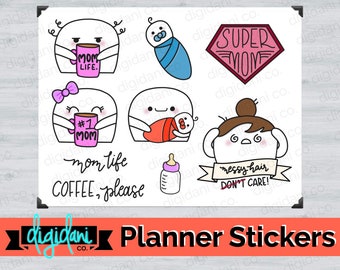
How do I add digital stickers to my digital planner?
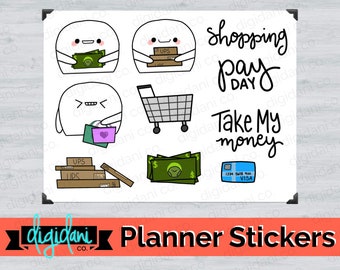
Once you have the files on your iPad, you'll want to add them to your digital planner. Within Goodnotes, you can either drag the file to add it, or select the plus sign (+) in the top left hand corner.
For more information, check out this video: https://www.youtube.com/watch?v=fszhrvtZpEA&t=99s