

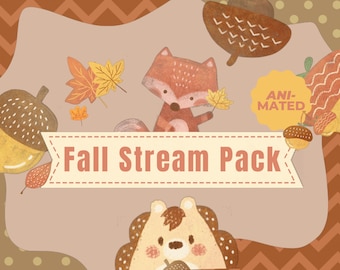
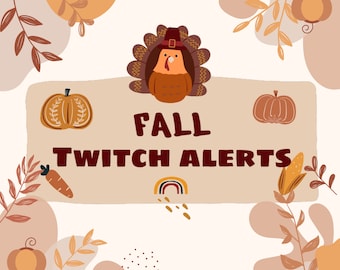
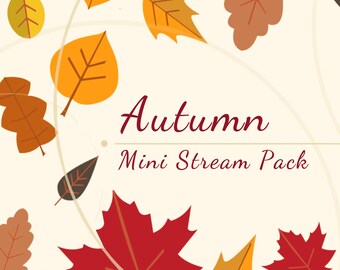
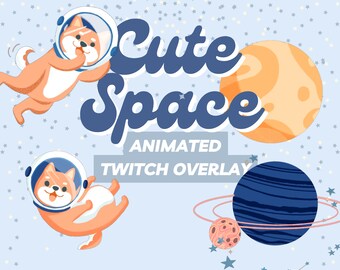
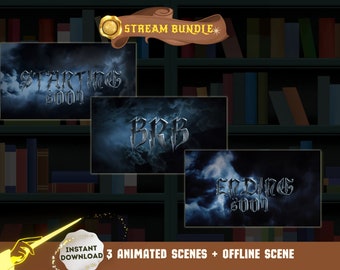
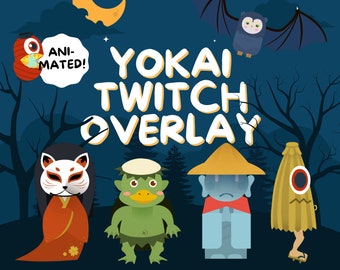
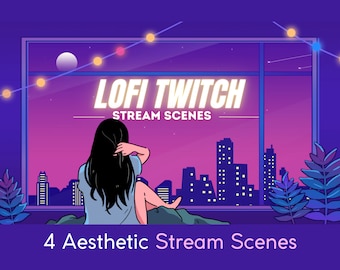
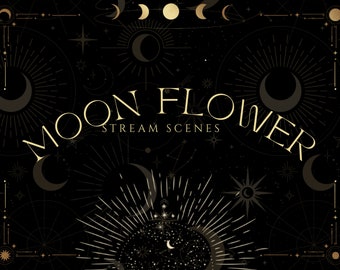
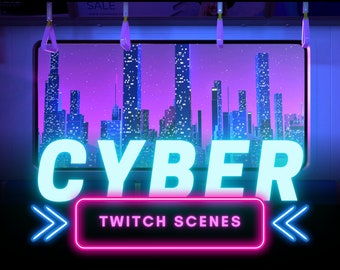
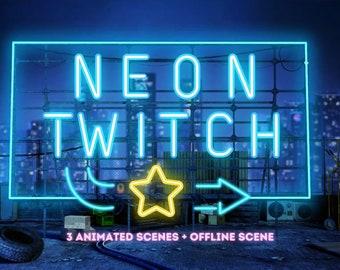
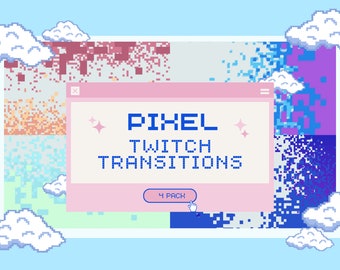
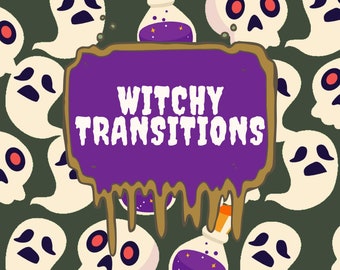
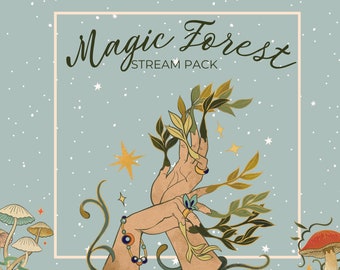
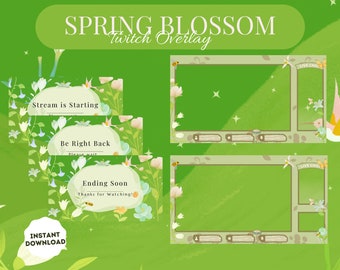
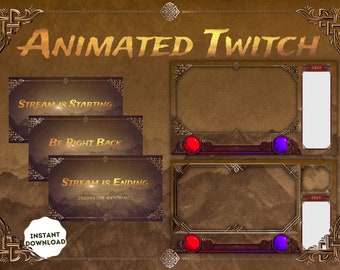
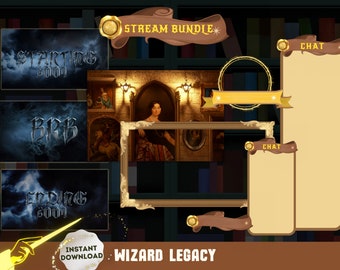
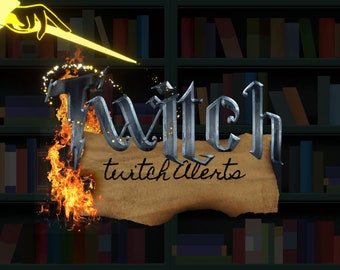

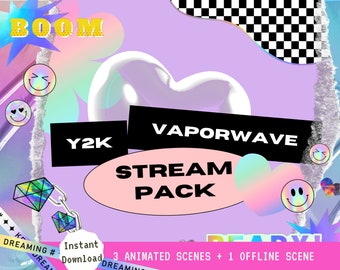

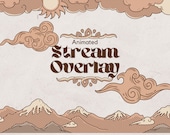
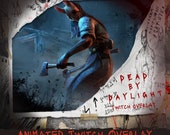
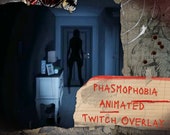
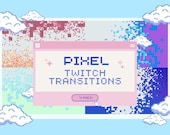
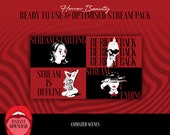


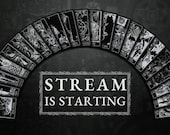
This is my little hobby and your one stop-shop for cute and spooky Twitch Overlays
Featured items
All items
Announcement
Last updated on Oct 24, 2023
Reviews
4.9
(2154)
Average item review
We calculate this number using a recency-weighted average of all ratings, with a rating's value decreasing by half each year to best reflect the current experience.
Loading
-

-

-

-

-

Jess on Feb 4, 2026
5 out of 5 starsthis product is AMAZING i just wish the full package was available, I tried messaging the store owner to ask about it but didn't get a response. These are beautifully done and I LOVE the style!
-

Tyler on Jan 20, 2026
5 out of 5 starsScenes look amazing. The animation and the quality is unmatched. I would highly recommend.
-

hippiemary on Jan 13, 2026
5 out of 5 starsI wish there were more cam frames format but everything else is great!
-

-

soup on Dec 29, 2025
5 out of 5 starsVery cute, I like it a lot. Super easy to implement into stream, I'm very satisfied with my purchase.
About DoubleRainbowOverlay
Sales
13,123
On Etsy since 2020
Shop policies
Last updated on Dec 15, 2021
Digital downloads
Instant downloads
Your files will be available to download once payment is confirmed. Here's how.
Payment options
Secure options
Accepts Etsy Gift Cards and Etsy Credits
Etsy keeps your payment information secure. Etsy shops never receive your credit card information.
Returns & exchanges
See item details for return and exchange eligibility.
Cancellations
Cancellations: not accepted
Please contact the seller if you have any problems with your order.
Privacy policy
More information
Last updated on
Dec 17, 2025
Frequently asked questions
How do I upload files to my streaming platform?
Simply open up your streaming content of choice i.e. streamlabs OBS, OBS, Stream Elements etc.
Download the files attached, add a new source (media source for MP4/animated or image for PNG/static source).
Name the new overlay, and browse your computer to where you downloaded the files.
You may need to drag the overlays on top of your webcam or gameplay in order to have the border!
*if it's an animated overlay, don't forget to check off the "loop" button so it continuously animates!*
Here are some other links to help you to set up your overlays:
OBS Studio
https://streamsentials.com/how-to-add-your-overlay-to-obs-studio/
Streamlabs
https://streamlabs.com/content-hub/post/game-overlay-for-streamlabs-desktop
How do I use the webcams/game overlay?
Don't forget to size your webcams/game captures to 1920x1080p! You can adjust the size by clicking on the image, hovering your mouse over the edges and decreasing the size. If you want to more specific sizing, hold down the "shift" key on the keyboard and resize any of the sides!
How do I use the twitch alerts?
Here are some resources to help you to set up alerts!
https://help.twitch.tv/s/article/setting-up-alerts?language=en_US
https://www.lifewire.com/add-custom-alerts-to-twitch-streams-4152029
https://streamsentials.com/how-to-setup-twitch-alerts-obs/
How do I set up the stinger transition?
Here are some resources to help you to set up stinger transition!
https://streamplay.com/obs-stinger-transitions/how-to-set-up/
https://nerdordie.zendesk.com/hc/en-us/articles/360061324812-Seting-up-stinger-transitions-in-Streamlabs-OBS
Looking for more? Find it on Etsy