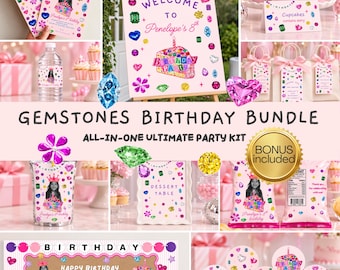
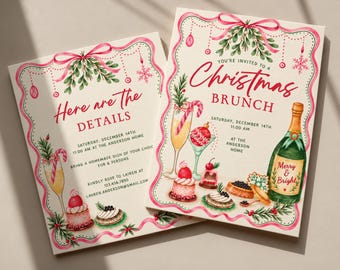
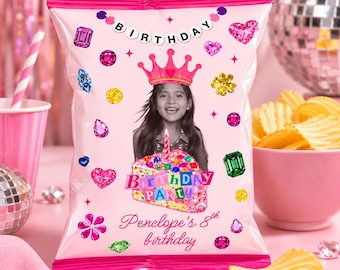
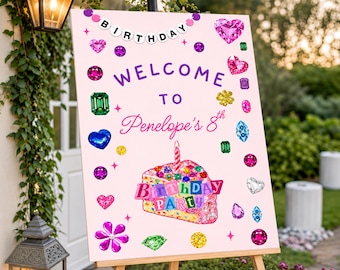




Editable Invitations, Websites & Party Decor
Featured items
All items
Announcement
Last updated on Oct 17, 2026
Reviews
4.2
(5)
Average item review
We calculate this number using a recency-weighted average of all ratings, with a rating's value decreasing by half each year to best reflect the current experience.
Loading
-

omunique on Oct 27, 2026
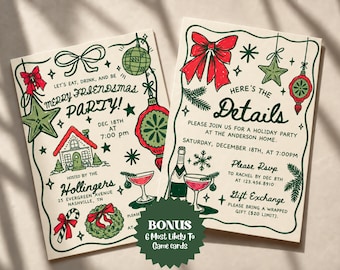
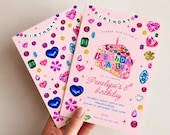
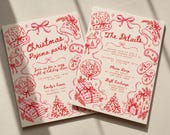
5 out of 5 starsWISH I COULD MAKE INTO ONE INVITATION

ELLE responded on Oct 27, 2026
Thank you so much for the 5 stars! 🌟 I'm so glad I could help put both photos and the main invitation together on one single page for you. Don't hesitate to reach out if you ever need anything else :)
-

Judy on Nov 8, 2026
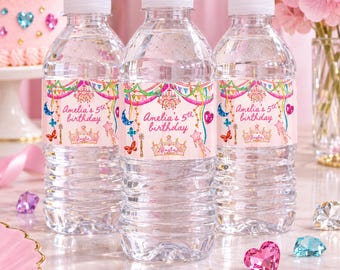
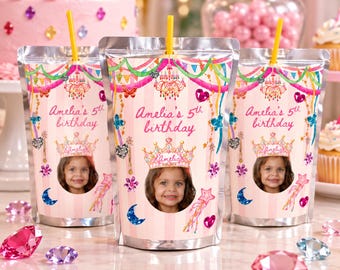
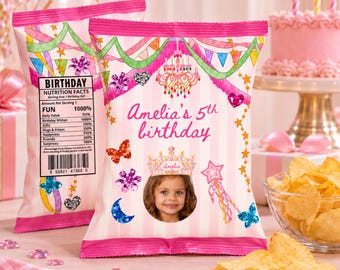
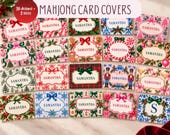
1 out of 5 starsThe images are great, but having to use Canvas is time consuming & frustrating for someone who hasn’t used Canvas
ELLE responded on Nov 8, 2026
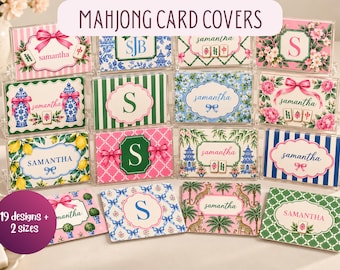
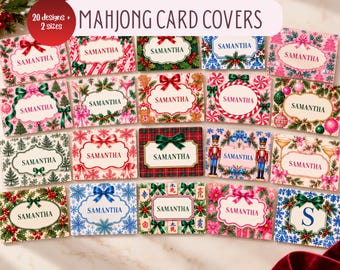
Thank you so much for your feedback! One of the best features of this product is that the covers are fully editable in Canva, allowing you to personalize the name and make them uniquely yours. If you ever need a little help navigating Canva or making your edits, I’m always happy to assist! I also offer a Done-For-You Personalization Service through the personalization add-on options for anyone who would prefer to have their covers customized for them. My goal is always to make sure you have a lovely and stress-free experience. Thank you again for supporting my small business! 💗
About ELLEPrintablesCo
Sales
93
On Etsy since 2026
Shop members
-

Elle
Owner
Creative maker with a love for thoughtful details and meaningful design. I create each piece with care, intention, and a personal touch. Thank you for supporting my small shop!
Shop policies
Last updated on Sep 2, 2026
Digital downloads
Instant downloads
Your files will be available to download once payment is confirmed. Here's how.
Payment options
Secure options
Accepts Etsy Gift Cards and Etsy Credits
Etsy keeps your payment information secure. Etsy shops never receive your credit card information.
Returns & exchanges
See item details for return and exchange eligibility.
Cancellations
Cancellations: not accepted
Please contact the seller if you have any problems with your order.
Privacy policy
More information
Last updated on
Sep 2, 2026
Frequently asked questions
Can I edit the template on my phone?
Yes. Canva can be used on a phone, tablet, or computer.
For easier editing, especially for detailed designs, we recommend using a computer or larger screen when possible.
How will I receive my template?
After your purchase is completed, you will receive a digital file containing instructions and a link to access your Canva template.
Open the link and select the option to use or copy the template into your own Canva account.
Can I resize the template?
he template is created in the size shown in the product listing.
Some resizing options may require Canva Pro. If you need a different size, please contact us before purchasing to see if that size is available.
Can I add my own photos?
Yes. If the template allows photo placement, you can upload your own photos directly into Canva and add them to your design.
What am I purchasing?
You are purchasing a digital editable template. No physical product will be shipped.
Our templates are designed for celebrations such as birthdays, baby showers, weddings, bridal showers, bachelorette parties, and more.
How do I edit my template?
All templates are edited using Canva.
After purchasing, you will receive access to your template. Simply open the provided Canva link, create a copy of the template, and personalize it with your own information.
Do I need a Canva Pro account?
No. A free Canva account is all you need to edit our templates.
You can create a free account at Canva if you do not already have one.
What can I personalize?
Our templates are designed to be customizable. Depending on the design, you can typically edit:
Names
Dates
Times
Locations
RSVP information
Event details
Text wording
Font styles
Font sizes
Text colors
Background colors
Many design elements
Some decorative elements may be fixed or grouped depending on the template design.
Can I change the wording?
Yes. You can replace the sample wording with your own event information and personalize the text to fit your celebration.
Can I change the colors and fonts?
Yes. Most text, fonts, colors, and design elements can be customized directly in Canva.
Please note that some graphics or illustrations may have limited color-editing options depending on how they were created.