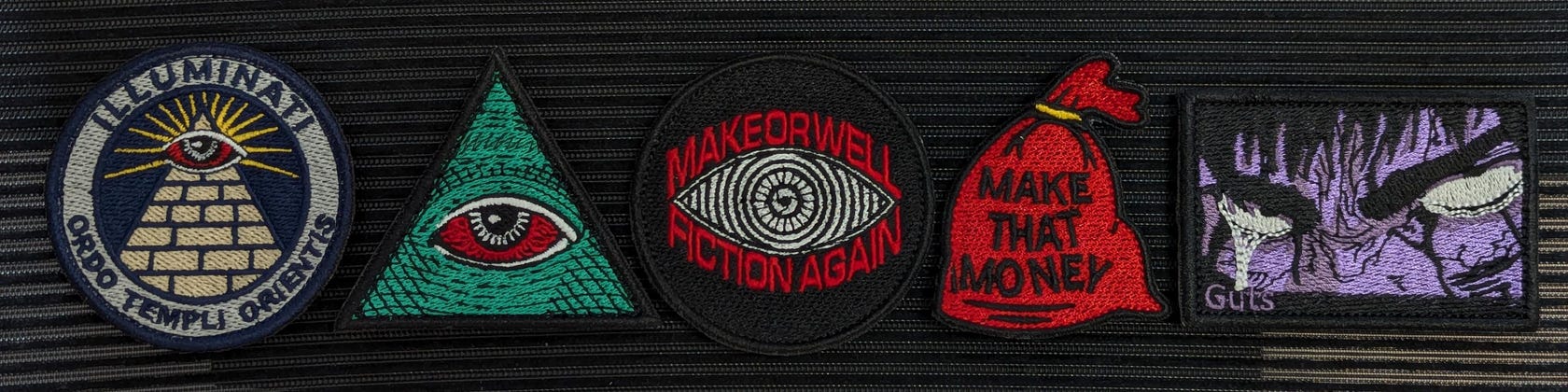

Featured items
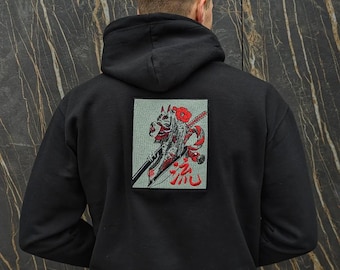
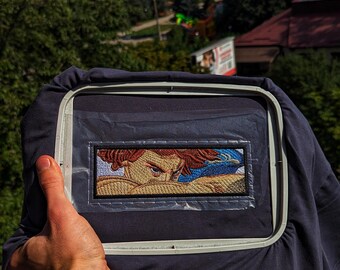
All items












Announcement
Reviews
-

Etsy buyer on Mar 19, 2026
5 out of 5 starsThe best quality , thanks

Andriy responded on Mar 19, 2026
Thank you for your trust!
-

Etsy buyer on Feb 9, 2026
5 out of 5 starsAwesome quality patch, looks great on my backpack
Andriy responded on Feb 9, 2026
Thank you for your trust!





About EmbroartsDigital
Shop policies
Accepted payment methods
Returns & exchanges
More information
Frequently asked questions
Where can I download the file?
🔹After purchase, ETSY will automatically send you an email with a link to download your file. This email is sent instantly. If you don't see it, check your spam folder.🔹 HOW TO DOWNLOAD FILE FROM YOUR ACCOUNT WITH A Browser (Etsy app does not support downloads):1. Sign in to your Etsy account: Open the Etsy site in your browser.2. Go to “Purchases & Reviews”: click on your profile icon (avatar) in the upper right corner and select “Purchases & Reviews” from the drop-down menu. Find your order and click the “Upload Files” link to access the uploads page.3. Upload files: on the downloads page, click “Upload” to save the file.
What is a ZIP file?
🔹ZIP file is a special type of file that compresses other files into one smaller package. When you download a ZIP file, you need to “unzip” it (UNZIP) to access the individual files inside.🔹Etsy requires sellers to use ZIP files because it allows you to combine multiple files into one upload. This makes it easier for both the buyer and seller. It also helps in reducing the file size, which makes uploading faster and more convenient.
How to unzip a ZIP file?
🔹To open a ZIP file, you need a special program on your computer. Google it: “What program is needed to open a ZIP file.” Download the program.🔹How to unzip a ZIP file in Windows?1. Locate the ZIP file: Find the ZIP file you want to unzip in Explorer.2. Right-click the file: Right-click the ZIP file.3. Select “Extract All.” Select “Extract All” from the menu.4. Select a location: A window will appear asking you where to extract the files. You can choose the default location or select a different location.5. Click “Extract”: Click the “Extract” button. The files will be extracted and available in the selected location.
What is the basic type of stabilizer?
🔹Recommendation to use CutAway 3.0 oz stabilizer (One layer of CutAway 3.0 oz stabilizer is best used up to or less than 10,000 stitches).🔹For massive sketches, you need to use a double layer of CutAway 3.0 oz stabilizer (Double layer of CutAway 3.0 ozr stabilizer is better to use more than 10,000 stitches).