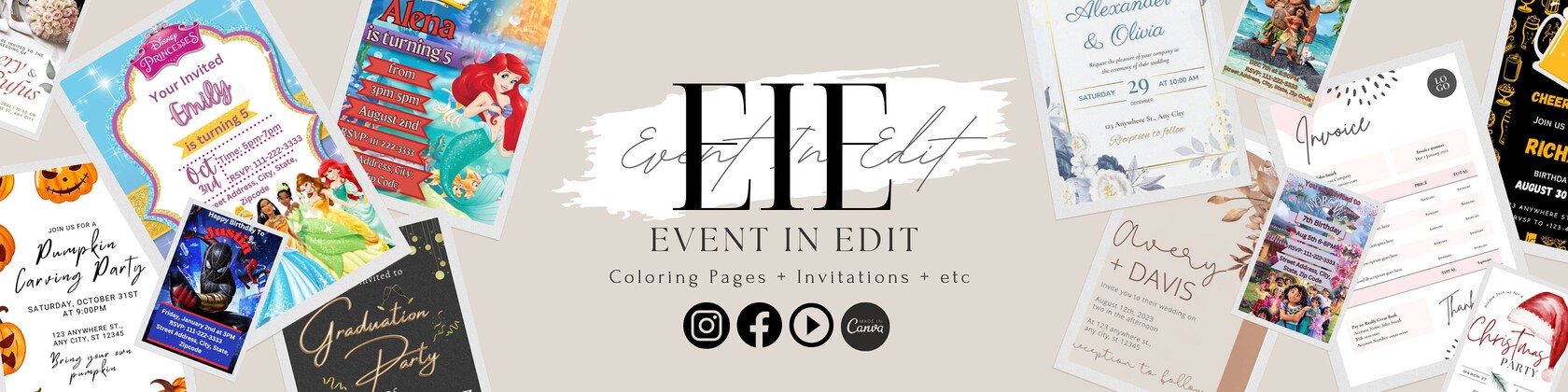


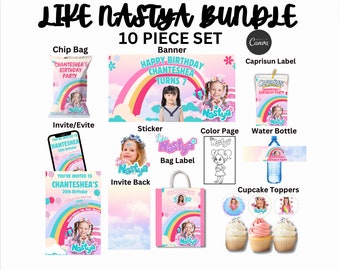
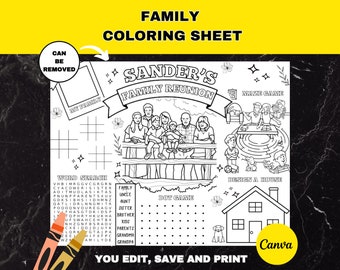
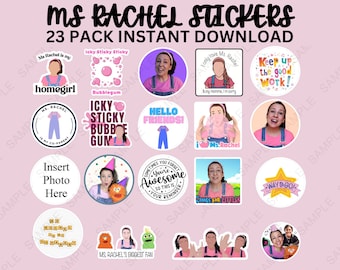



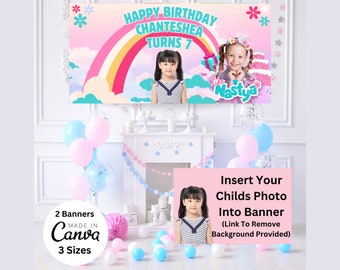

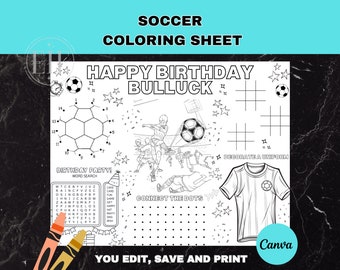
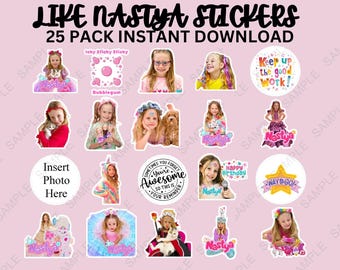
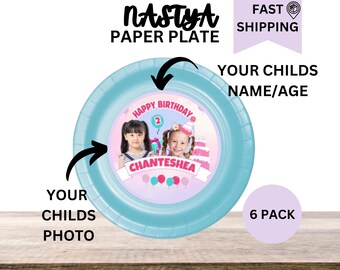
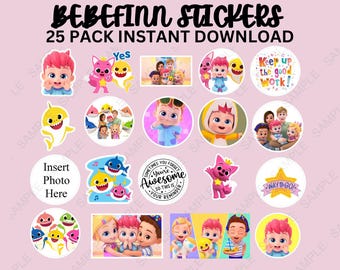
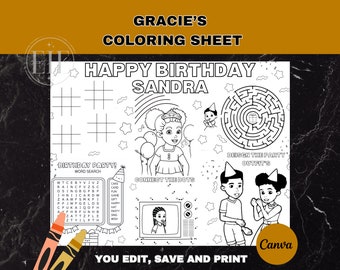
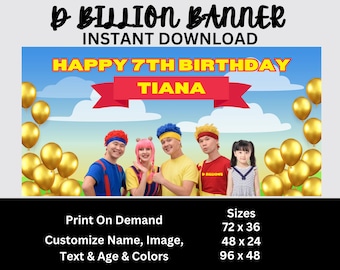
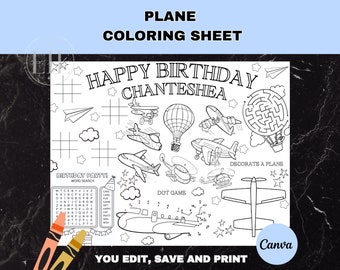
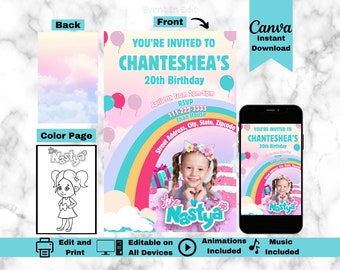








Event in Edit: Where creativity meets your celebrations, one download at a time!
Featured items
All items
Announcement
Last updated on Feb 16, 2025
Reviews
4.4
(130)
Average item review
We calculate this number using a recency-weighted average of all ratings, with a rating's value decreasing by half each year to best reflect the current experience.
Loading
-

-
Donna on May 17, 2026
5 out of 5 starsGreat template invitation, easy to use with lots of text edit options
-

-

Christina on Aug 21, 2026
5 out of 5 starsI was able to edit it on canva for my daughters birthday. thank you
-

-
-
-
-

Dayna on Mar 31, 2026
5 out of 5 starsGood quality graphics! Used for granddaughter’s birthday party!
-

About EventInEdit
Sales
1,550
On Etsy since 2024
-
 Event in Edit's vibrant workspace: Where colors collide, creativity sparks, and celebrations come to life!
 -
 Gratitude in every pixel! Thanks for supporting Event in Edit—where creativity meets celebrations.
Shop members
-

Event In Edit
Owner
Tiana & Orlando: Dream-weavers at Event in Edit, crafting joyous downloads to make your moments unforgettable. Join our celebration and support the magic! 🌟✨
Shop policies
Last updated on Jan 7, 2024
Shipping
See item details for estimated arrival times.
Customs and import taxes
For US deliveries, Etsy policy requires that import duties and fees are included in the checkout price. Non-US buyers may need to pay these fees upon delivery. You can message me to confirm how these fees will be paid for your order. I'm not responsible for any customs-related delays.
Digital downloads
Instant downloads
Your files will be available to download once payment is confirmed. Here's how.
Payment options
Secure options
Accepts Etsy Gift Cards and Etsy Credits
Etsy keeps your payment information secure. Etsy shops never receive your credit card information.
Returns & exchanges
See item details for return and exchange eligibility.
Cancellations
Cancellations: accepted
Request a cancellation: before item has shipped
Privacy policy
More information
Last updated on
Dec 17, 2025
Frequently asked questions
What are the usage terms?
♡ For PERSONAL USE ONLY. Now you have the digital file saved on your device you can share it to your family and friends through Messenger, iMessage, WhatsApp, Email or even upload it on your Facebook page.
♡ NO COMMERCIAL USAGE. Files cannot be resold, shared, or used commercially in any way whatsoever.
♡ All of our template design are copyrighted to Event In Edit ©
♡ If you have any questions or concerns regarding the terms of usage, please feel free to contact us. We appreciate your understanding and cooperation.
How to Download Your Event In Edit Files on Etsy
1.Order Confirmation: Check your email for the Etsy order confirmation.
2.Etsy Account: Log in to your Etsy account.
3.Purchases & Reviews: Go to "You" > "Purchases & Reviews."
4.Locate Order: Find your Event In Edit order.
5.Download Files: Click "Download Files."
6.Choose Files: Select individual files or "Download All."
7.Save: Save files to your device.
8.Access Canva Files: For Canva files, open Canva and upload.
9.Enjoy!: Your Event In Edit files are ready to use!
Note: Questions? Contact us through Etsy messages.
How can I customize Canva files purchased from Event In Edit?
♡ Follow our included instructions or open the files in Canva and edit the text as needed. For any assistance, reach out to us through Etsy messages.
Do you offer refunds or exchanges for digital downloads?
♡ Due to the nature of digital items, we cannot offer refunds or exchanges. Please review product details carefully before making a purchase.
What file formats are included in my purchase?
♡ Your purchase typically includes PDFs and Canva-compatible files. Check the product description for specific details on included file formats.
Can I print the digital downloads at home or do I need professional printing?
♡ Most of our items are designed for easy at-home printing. Follow the printing recommendations in the included instructions for optimal results.
How do I contact Event In Edit for support or inquiries?
♡ Feel free to contact us through Etsy messages. We aim to respond promptly and assist you with any questions or concerns.
Looking for more? Find it on Etsy