

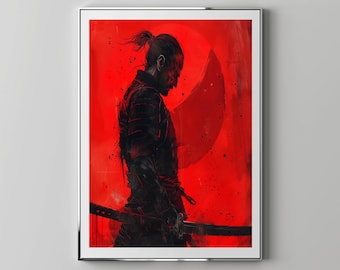
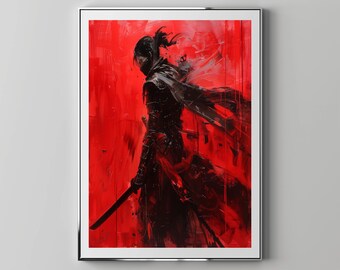
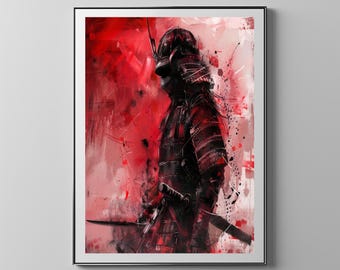
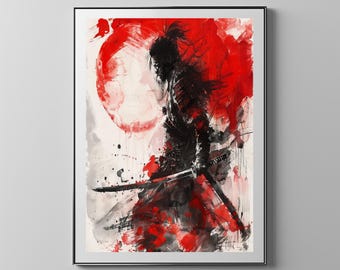

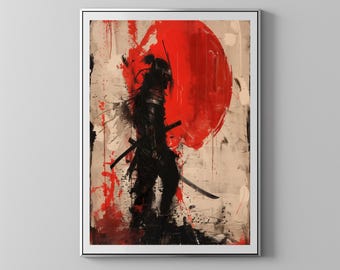
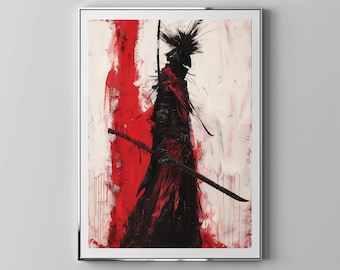
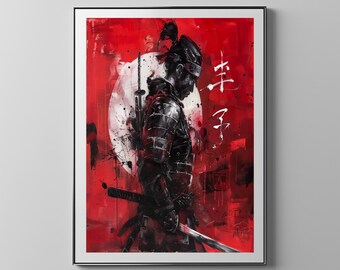
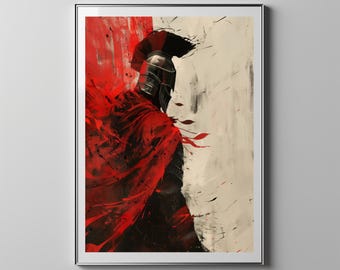


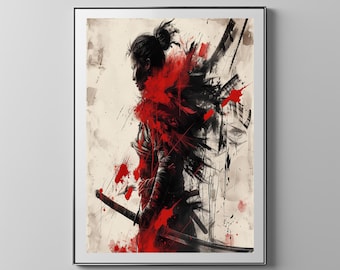
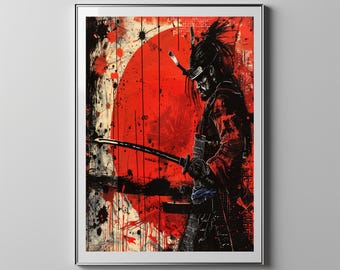
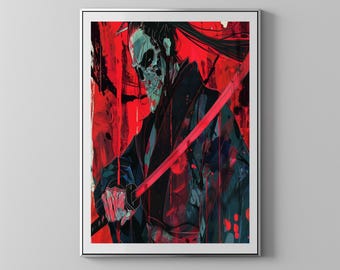


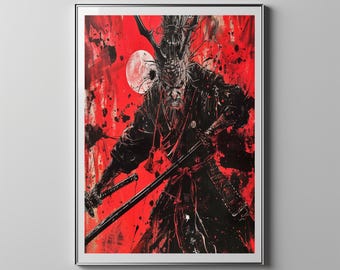



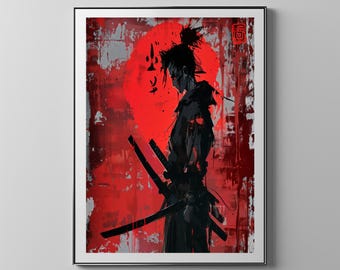
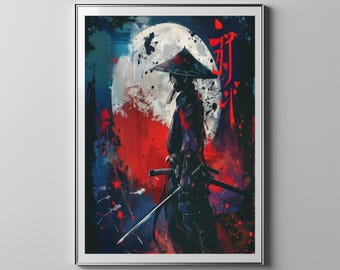


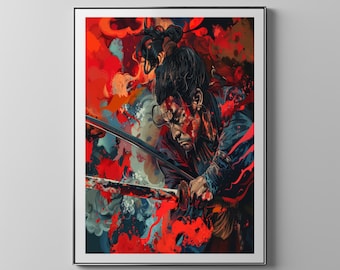
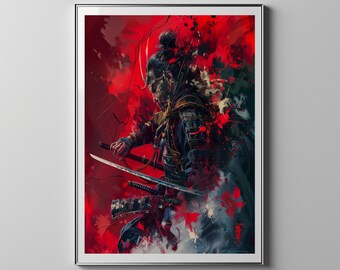

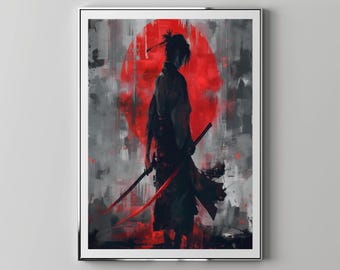

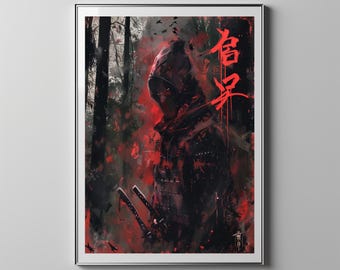
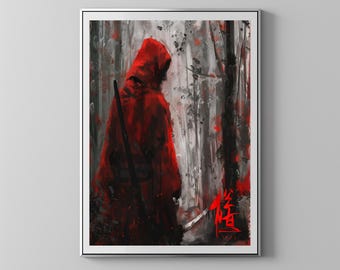

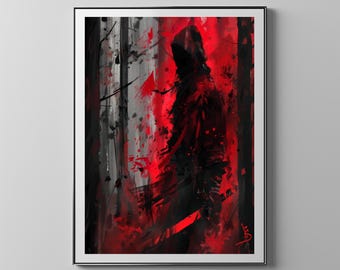
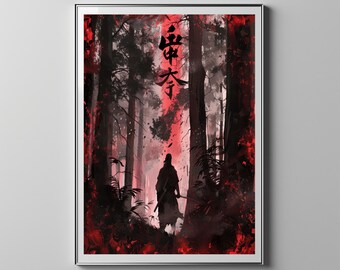
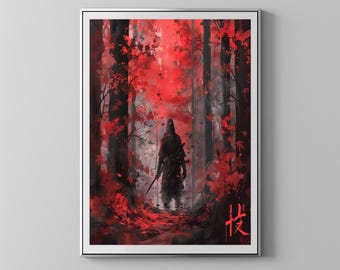
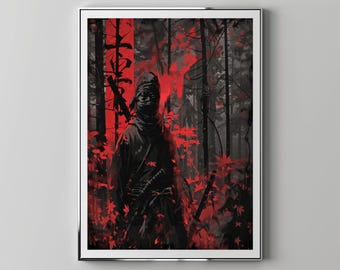

Thank you for visiting Floppy Disk Store
Featured items
All items
Announcement
Last updated on Oct 15, 2024

Shop policies
Last updated on Jun 21, 2024
Digital downloads
Instant downloads
Your files will be available to download once payment is confirmed. Here's how.
Payment options
Secure options
Accepts Etsy Gift Cards and Etsy Credits
Etsy keeps your payment information secure. Etsy shops never receive your credit card information.
Returns & exchanges
See item details for return and exchange eligibility.
Cancellations
Cancellations: not accepted
Please contact the seller if you have any problems with your order.
Privacy policy
More information
Last updated on
Dec 17, 2025
Frequently asked questions
Sizing details
Depending on the size you choose to print on, cropping may occur.
The original file as displayed in the main preview is a 5x7.
Sizes we provide : 2x3, 5x7, 8x10, 11x14, 16x20, 20x30, 22x32
DIY resizing
You can easily use an online print service to resize your artwork.
Upload the largest size file the site allow to print at the dimensions you need and with the integrated auto-fit features you can edit and position the image wherever you want so you can emphasize the area you want to print.
Can I get a custom size?
No. We do not provide custom sizes
Where can I print my digital art?
You can print the images at your local printing center or by uploading them to an online print service.
U.S.: shutterfly.com | finerworks.com | nationsphotolab.com | mpix.com | snapfish.com
Canada: printwow.ca | posterjack.ca | canvaschamp.ca | pictorem.com | henrysphotocentre.com
U.K.: doxdirect.com | theprintspace.co.uk | mixam.co.uk | digitalprinting.co.uk
Europe: optimalprint.eu | europosters.eu | beyondprint.eu
For technical questions and assistance please contact their support team.
While you can also print at a local copy centre, print quality may vary.
We highly recommend a professional online print service.
If using a home printer, color quality will vary.
Send only unzipped files to the print
Image quality
Images should not compressed or sent on any messenger app which would reduce their quality.
Where do I find frames?
The frames used in our shop listings are AI photos and are not physical frames that are sold.
You can find frames at your local home decor store.
You can also find beautiful custom frame collection online in the sites that are listed below.
US: frameusa.com | finerworks.com | smallwoodhome.com | frameiteasy.com
Canada: artalo.ca | framehaus.ca
I can’t find my download notification e-mail / Etsy receipt.
Check your spam or junk inbox. If you use gmail, check also your social and promotions tabs.
If it’s not there, adding transaction [!at] etsy.com to your address book or safe list will help you locate these future emails.
Where can I find my digital purchases in my account?
Sign in to Etsy.com on a web browser (not the Etsy app) and go to "Your account".
Go to "Purchases and reviews". Next to the order, select Download Files.
If you don't see a download button, click the grey arrow to the right of the order.
This brings you to the downloads page.
If payment is still processing, the download files button will be grey.
Please save the files to your device immediately after purchase.
When a design is discontinued, it will be deleted from the cloud in a period of a month to make room for a new design.
I purchased a digital item but I don’t have an Etsy account.
If you purchased an instant digital download as a guest, you'll find a link to download your files in the receipt email that was sent to you after purchase.
If you don't see the emailed receipt from Etsy, check your spam or junk inbox.
If you use gmail, check also your social and promotions tabs. If it’s not there, adding transaction [!at] etsy.com to your address book or safe list will help you locate these future emails.
Apple Pay / Apple ID
If you paid with Apple Pay or logged in through an Apple ID and you can not locate your order or did not receive the Etsy receipt, please read below.
When signing into Etsy through the app you may have chosen the "Hide My Email" option which creates a random email address to use with apps, websites, etc, to keep your email private.
You will not receive the Etsy email receipt with the link to download your file. It was sent to a randomly created email address.
If you cannot locate your order by logging into your Etsy account on a computer from a web browser, please message to Etsy support and they will help you locate your order.
If you are unlucky with the support, please message us directly so we can find a solution.
How to download from Dropbox
You do not need a Dropbox account to download the files.
If you are asked to sign-in or sign-up click "continue to website".
I highly recommend downloading your files directly to your personal computer or device.
To download the high resolution file, open the individual file you need and do a direct download by clicking the download button.
Do not right click and save the image shown on your screen. It will only save a low resolution preview image.
Download each file you need individually.
Download entire folders ONLY if you are familiar with extracting compressed zip files.
Please be familiar with your computer or device and where downloads are saved.