Featured items
All items

Reviews
5.0
(1)
Average item review
We calculate this number using a recency-weighted average of all ratings, with a rating's value decreasing by half each year to best reflect the current experience.


About FocusScript
Sales
1
On Etsy since 2025
Shop policies
Last updated on
Accepted payment methods
Accepts Etsy Gift Cards and Etsy Credits
Returns & exchanges
See item details for return and exchange eligibility.
More information
Last updated on
Dec 17, 2025
Frequently asked questions
1. What am I purchasing? Will anything be shipped to me?
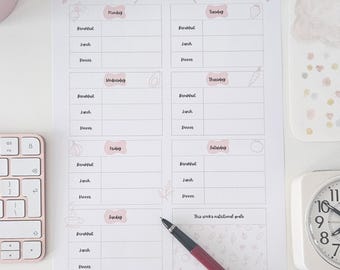
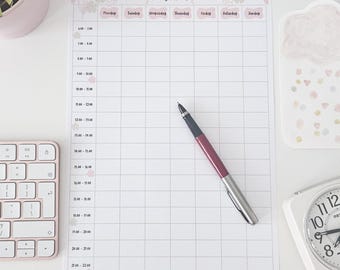
You are purchasing a digital download (either an A4 PDF file, or a ZIP file containing multiple PDFs - this will be specified in the product description) — no physical item will be shipped.
Once your payment is confirmed, you will receive a link to download your planner files directly from Etsy.
2. How do I download my files?
After your payment is processed, go to:
Your Account > Purchases and Reviews
Find your order and click Download Files. You’ll also get a download link via email.
Note: Downloads aren’t available via the Etsy app — please use a desktop or mobile browser.
3. Can I print the planner or use it on a tablet/iPad?
1. As a printable:
All planners are designed to be easily printed at home or at a local print shop. Just open the file using Adobe Reader or any PDF viewer, and print at 100% scale for best results.
2. On a tablet or iPad:
All planners work well with apps like Goodnotes, Notability, or Xodo.
4. Can I edit or customise the planner?
No, all the planners in my shop are non-editable PDFs.
For custom orders, please feel free to send me a message with what you have in mind, and I'll let you know if I can accommodate it!
5. Can I share or resell this planner?
No, all files are for personal use only. Redistribution, resale, or sharing of the digital files or printed versions is strictly prohibited.
6. Can I get a refund?
Due to the digital nature of the product, all sales are final and non-refundable. If you have any issues with your files or download, please reach out — I'm happy to help!
7. I’m having trouble opening, downloading or printing the file. What should I do?
1. Use a desktop or laptop: Etsy's download feature doesn’t work in the mobile app. Please use a web browser on a computer or tablet to download your files.
2. Ensure the download is complete: Sometimes large files (or ZIP folders) don’t fully download on slow connections. Try re-downloading the file.
3. If your download is a ZIP folder, you’ll need to extract the contents before opening. On most computers, you can right-click and select "Extract" or "Unzip".
3. Open PDFs with Adobe Reader: For best results, use the free Adobe Acrobat Reader.
4. Print at 100% scale or “Actual Size”: Ensure your printer settings aren’t set to “fit to page” if you want accurate sizing.
Still stuck? Don't worry - just send me a message!