





Forever Lane Designs
Featured items
All items
Announcement
Last updated on Apr 22, 2025
Reviews
5.0
(186)
Average item review
We calculate this number using a recency-weighted average of all ratings, with a rating's value decreasing by half each year to best reflect the current experience.
Loading
-

-

Christina on Jul 21, 2026
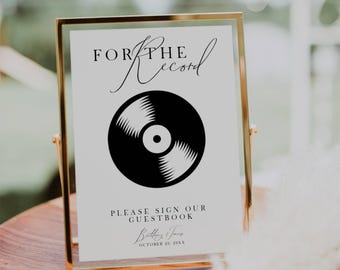
5 out of 5 starsI ordered a sign for my wedding guest book! We were able to download the template and tweak it how we wanted. It turned out great! The seller made this super easy and I got it immediately after I purchased.
-

-
-
-

-

-
-
-
About ForeverLaneDesigns
Sales
2,481
On Etsy since 2023
-
-
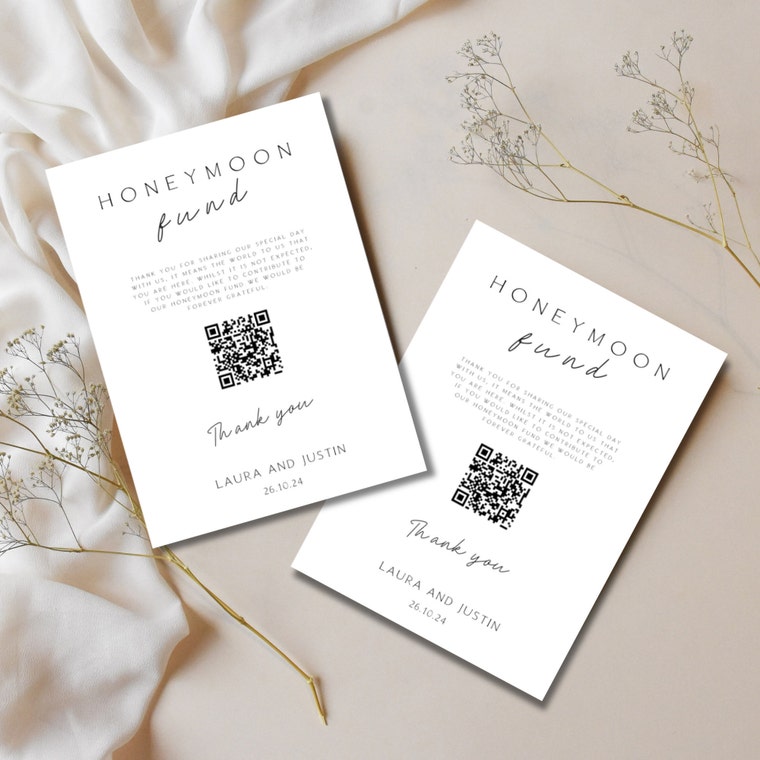 Honeymoon Fund Card mockup - my favourite mockup!
 -
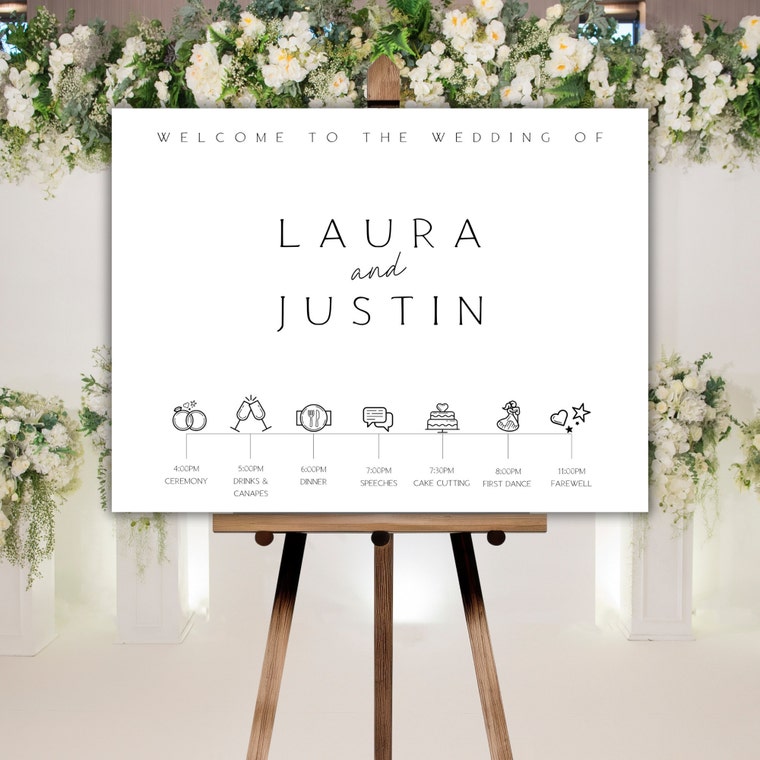 How cute are the icons on this wedding welcome sign. A great way to add some details to your welcome sign.
 -
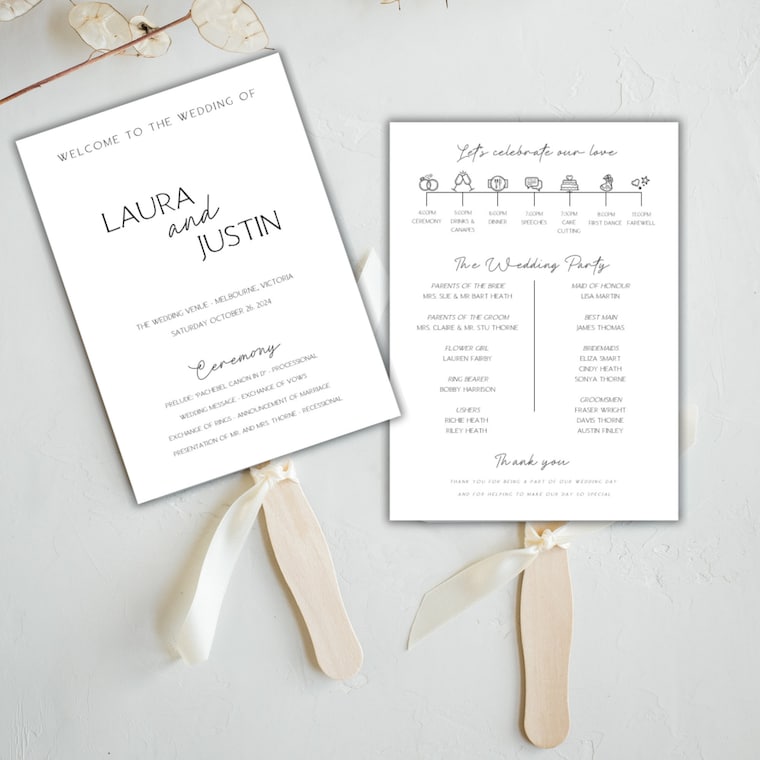 I love these wedding program fans. Cute infographics and lots of details to share!
 -
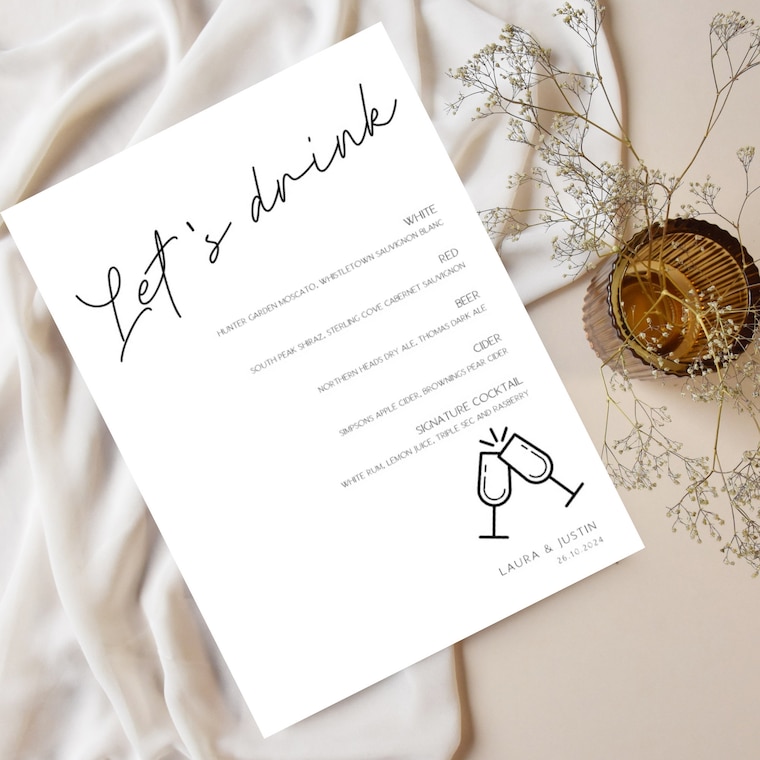 Drinks menu is always important! Add a signature cocktail too...YUM!
 -
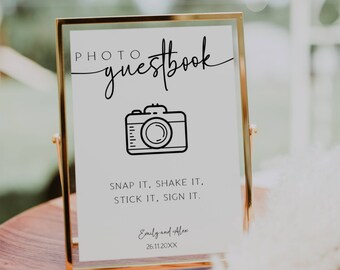
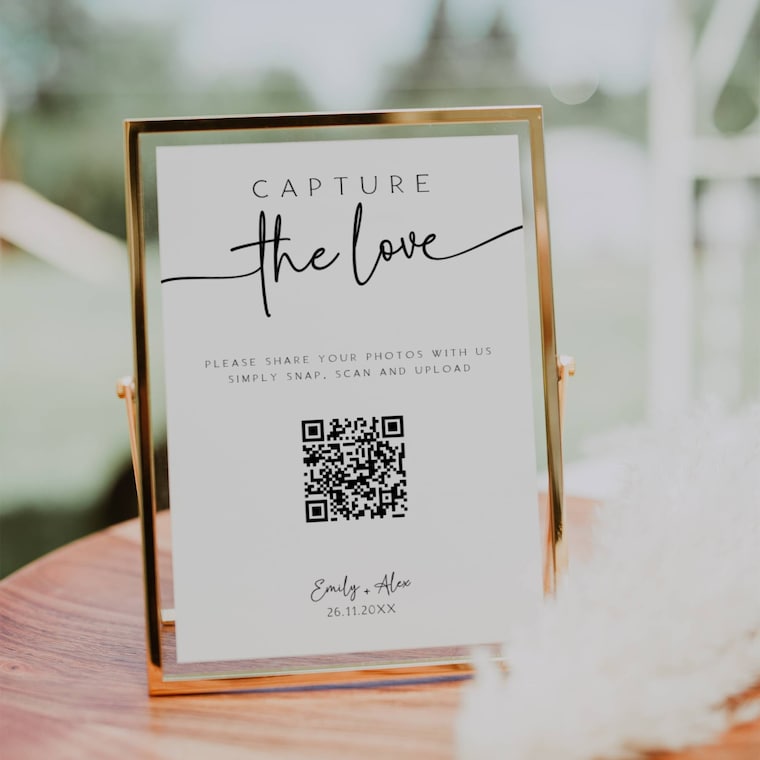 So easy to create your own QR code. What a great way to get guests to share their happy snaps with you!
Shop about video description
Shop members
-

Helen
Owner, Designer
Shop policies
Last updated on Jan 2, 2025
Digital downloads
Instant downloads
Your files will be available to download once payment is confirmed. Here's how.
Payment options
Secure options
Accepts Etsy Gift Cards and Etsy Credits
Etsy keeps your payment information secure. Etsy shops never receive your credit card information.
Returns & exchanges
See item details for return and exchange eligibility.
Cancellations
Cancellations: not accepted
Please contact the seller if you have any problems with your order.
Privacy policy
More information
Last updated on
Dec 17, 2025
Frequently asked questions
Are the designs editable?
Yes, many elements in our designs can be edited to suit your needs.
o Text can be edited for wording, colour, size, font and
placement (please check out our demo link in the item
description to check that the edit options meet your needs)
o Background colours can be added or changed.
o Images can be uploaded to further personalise your purchase.
o If you require support with your editing you can visit the TEMPLETT editing support suite here https://help.templett.com/hc/en-us/sections/360003190932-Editing-Your-Templates or alternatively please reach out to us and we will assist you.
ONCE YOU HAVE COMPLETED YOUR EDITS – YOU SIMPLY DOWNLOAD AND PRINT.
Can I change the size and orientation of the listings?
At this time the size and orientation of the template is restricted to what is listed on the listing description. However, if you have a special request please send through a message and we will do our best to accomodate your needs.
How do I access my files?
Our products require the use of a free online template editor - TEMPLETT.
We suggest the use of a laptop or desktop computer, rather than a smart phone, to edit the templates through the TEMPLETT website in your browser.
1. Shortly after your purchase, you will receive an email with a link to access your template.
2. Edit your template through the TEMPLETT editor and save your work.
3. Download your file – you can choose a variety of formats (PDF, JPG or PNG) to suit your printing purpose.
4. Print your items (at home, local print shop or online print store – Prints of Love).
View our printing guide for help with all things printing
https://drive.google.com/file/d/1tIdIH7iU-OEThEAuck3DjHlSJRtnlbr1/view
Can I try before I buy?
Yes, one of the fantastic benefits of TEMPLETT is that you can view the template in ‘DEMO MODE’ prior to purchase. This ‘DEMO MODE’ will show you the areas of the file you are able to edit and you will be able to see if the product suits your needs. You will find the DEMO link in the product description.
How do I print my files?
Print your items (at home, local print shop or online print store – Prints of Love).
View our printing guide for help with all things printing
https://drive.google.com/file/d/1tIdIH7iU-OEThEAuck3DjHlSJRtnlbr1/view
Is the template only for personal use?
The purchase of a template is for personal use (unless stated otherwise in the listing description). You can edit, save and download your template unlimited times for editing and proofing purposes. Our templates have no download limit or expiry.
Unfortunately our designs are not for commercial use or resale.
How do I add the extra details to my font - GLYPHS
Glyphs are additional parts of the font that make your template extra special. They are included with certain fonts and can be added to letters easily in Templett. Information on how to add glyphs can be found here https://help.templett.com/hc/en-us/articles/360022492431-Editing-Text-With-Glyphs
Looking for more? Find it on Etsy