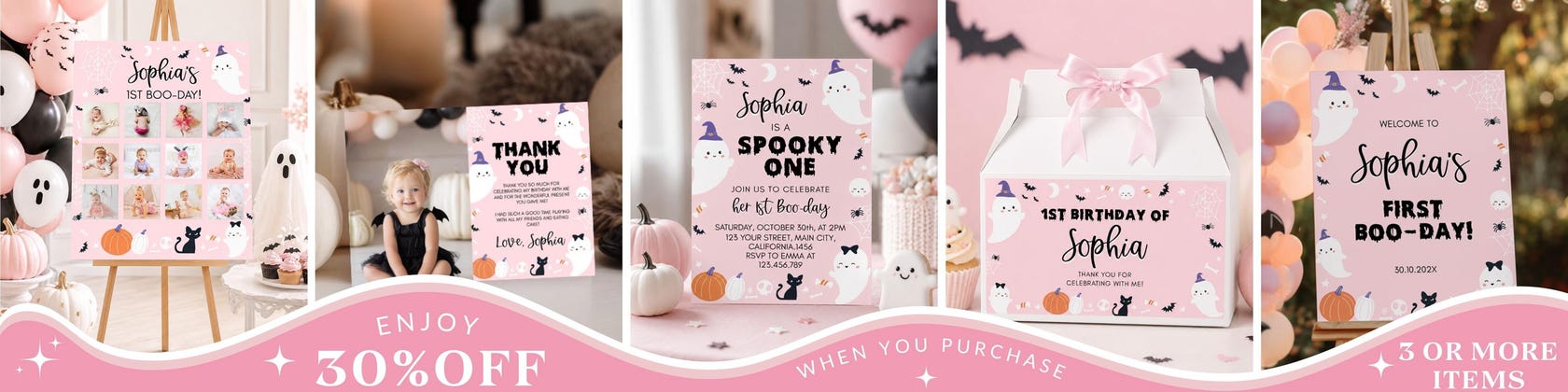
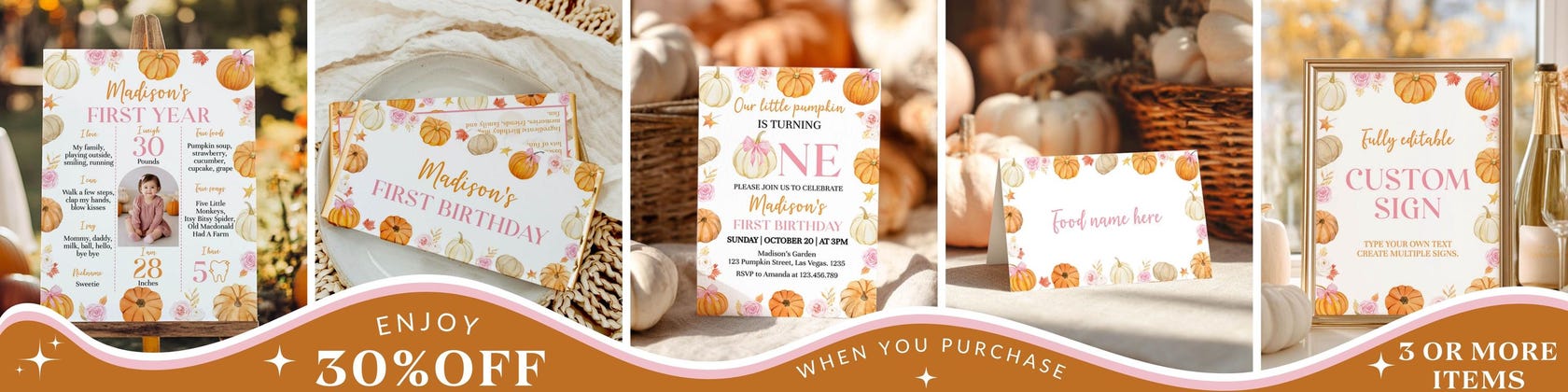
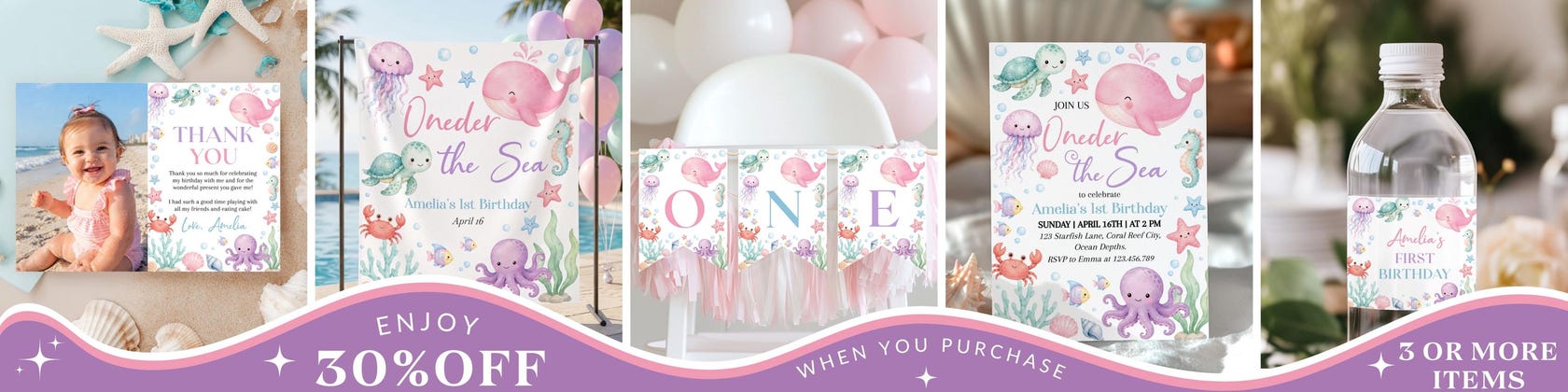
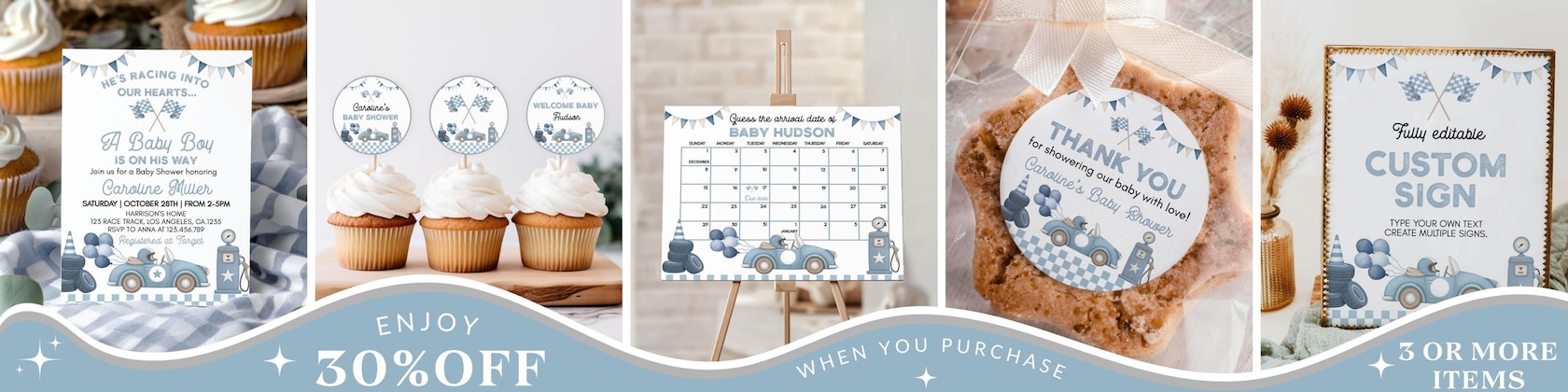
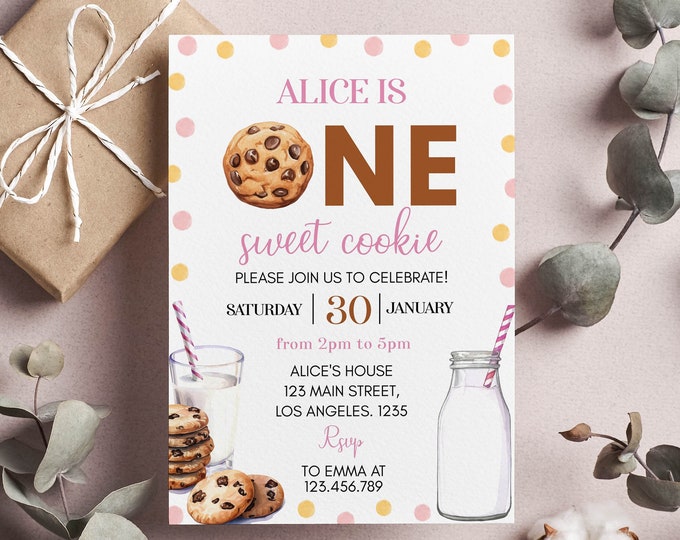
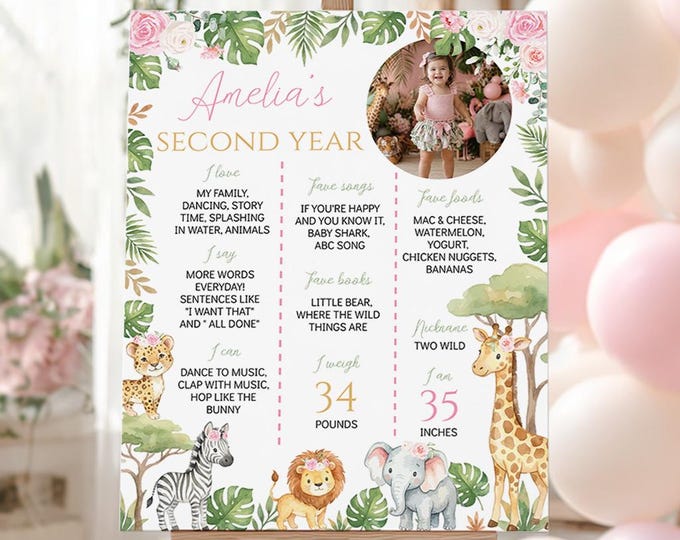
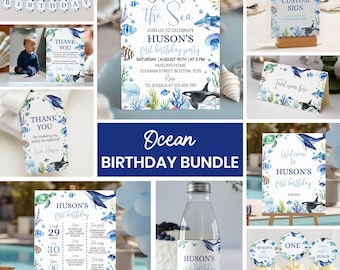

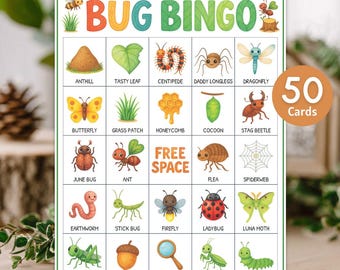
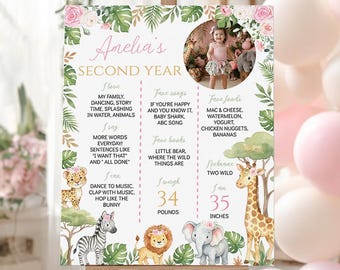
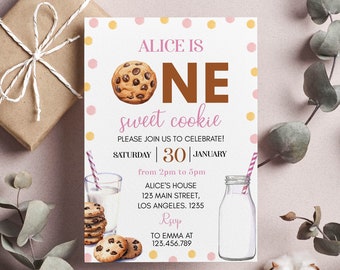

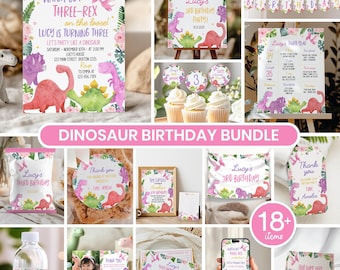


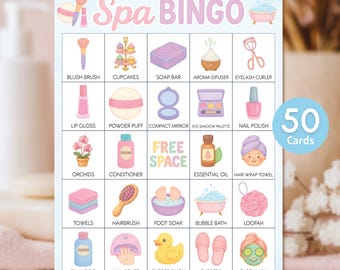

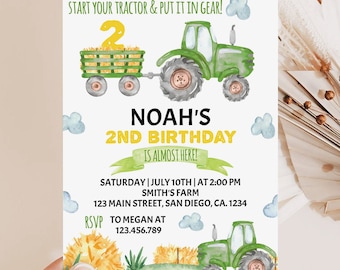
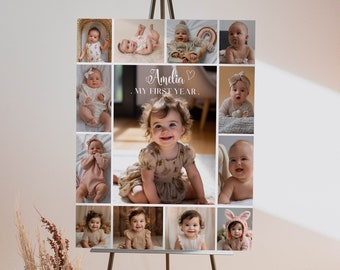
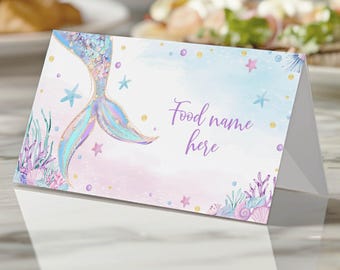
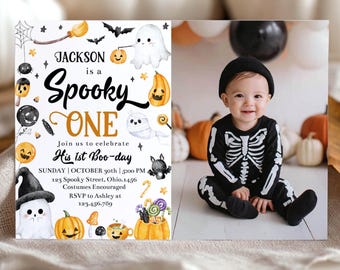
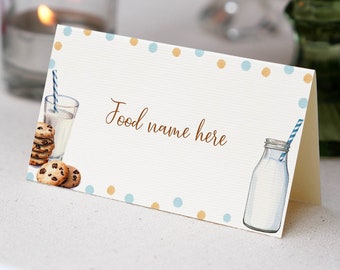
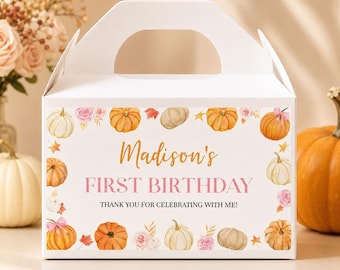


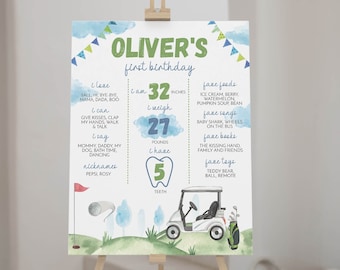

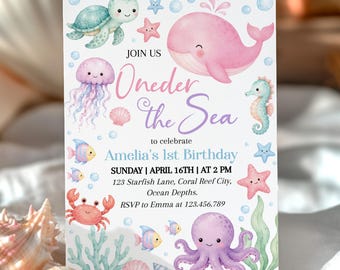
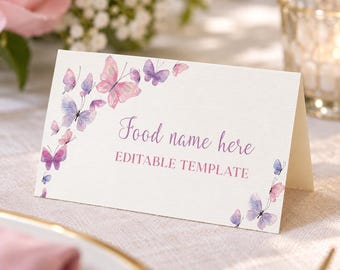
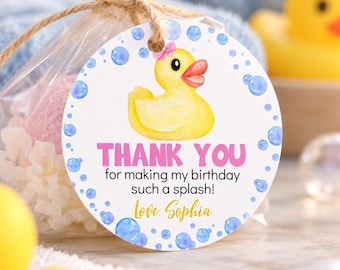
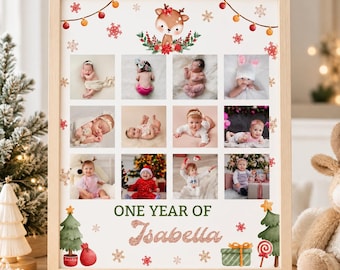
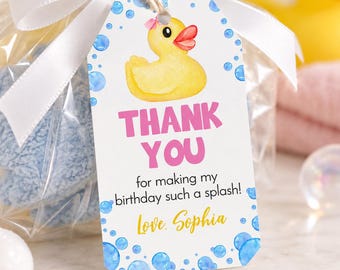

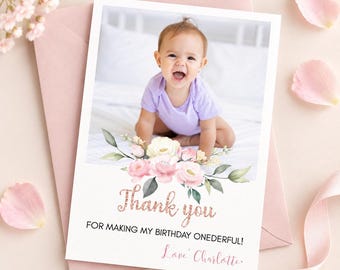
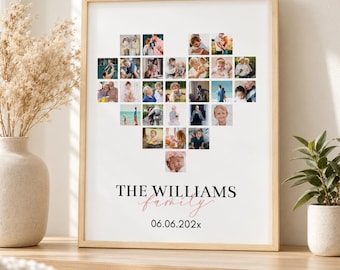


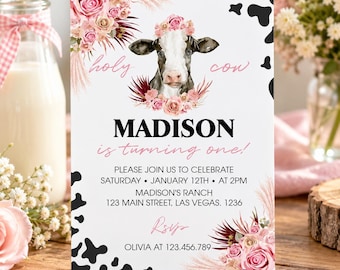

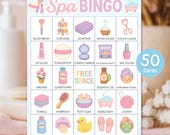
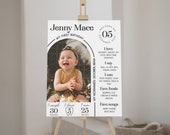


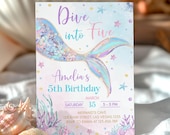
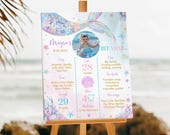

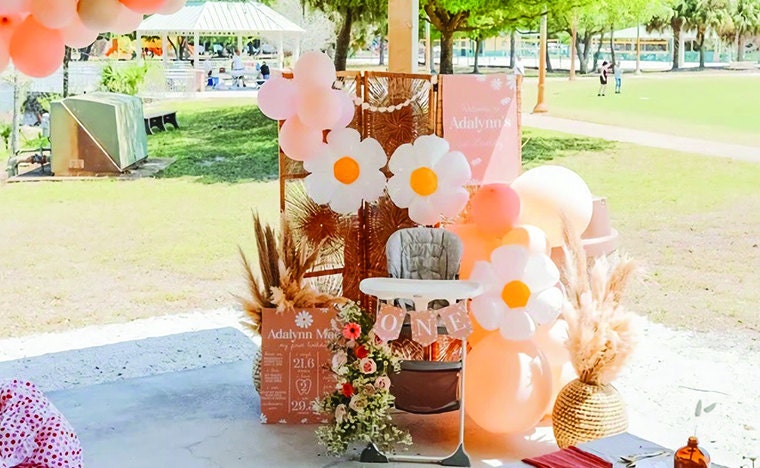
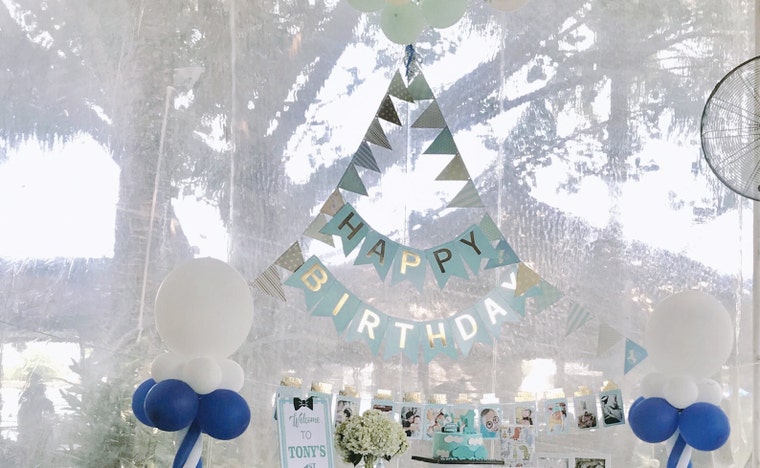
Easy to Customize Party Invitations For Your Upcoming Event!
Featured items
All items
Announcement
Last updated on Sep 30, 2025
Reviews
4.9
(6040)
Average item review
We calculate this number using a recency-weighted average of all ratings, with a rating's value decreasing by half each year to best reflect the current experience.
Loading
-

-
-

-
Nicole on Apr 17, 2026
5 out of 5 starsEverything was great, quick and easy download and printing 👍
-
-

-
-
-
About GooberStudioPrints
Sales
82,972
On Etsy since 2020
Shop members
-

Nhung May
Owner
Hi there! I’m Nhung. As a graphic designer, I find so much happiness in creating cute, fun prints for little ones. It’s a joy to do what I love and even more special to share it with you. Thanks for being a part of my creative journey.
Production partners
-
A print shop
Wilmington, DE
They print and ship my designs.
Shop policies
Last updated on Jan 26, 2021
Shipping
See item details for estimated arrival times.
Customs and import taxes
For US deliveries, Etsy policy requires that import duties and fees are included in the checkout price. Non-US buyers may need to pay these fees upon delivery. You can message me to confirm how these fees will be paid for your order. I'm not responsible for any customs-related delays.
Digital downloads
Instant downloads
Your files will be available to download once payment is confirmed. Here's how.
Made-to-order downloads
I’ll create your items after purchase and you’ll receive an email when the files are ready to download. The time I need to complete these items can vary. Contact me if you have questions.
Payment options
Secure options
Accepts Etsy Gift Cards and Etsy Credits
Etsy keeps your payment information secure. Etsy shops never receive your credit card information.
Returns & exchanges
See item details for return and exchange eligibility.
Cancellations
Cancellations: not accepted
Please contact the seller if you have any problems with your order.
More information
Last updated on
Dec 17, 2025
Frequently asked questions
What are printable files?
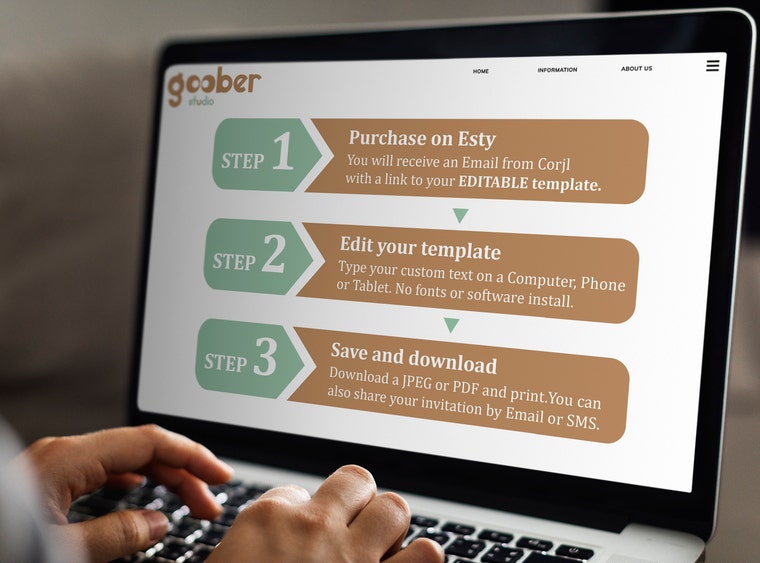
There is no software to download, and you can edit in your own file directly in a web browser or on a mobile device using the free online editing software included at Corjl.com.
Corjl makes it easy for you to make all the changes yourself, download the PDF or JPEG, and have it all ready to go in no time at all.
All items in my shop are digital items. No physical items will be shipped.
When will I receive my order?
You will have access to your template(s) within minutes after you have placed your order, . You will receive the link to the email address registered with your Etsy account.
Upon purchase, you can access and edit your templates in Corjl for 180 days. If you need them longer, just send me a message.
Can I test out the editable files before purchasing?
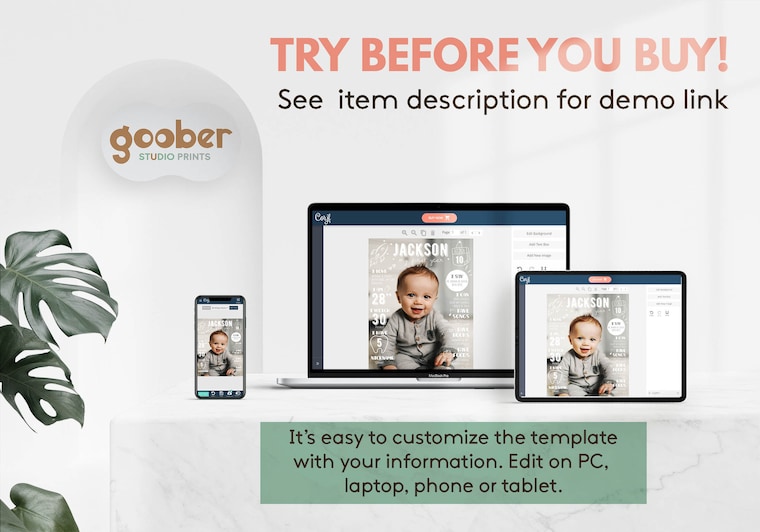
Yes. Each listing contains a demo link for you to try the specific template before you purchase them. All of the editing features in the demo will be the same with the purchased version. However, you will not be able to save or download the template from the demo version.
Where can I print my templates?
There are several options that you can consider:
• Print at home using your home printer.
• A local store that provides printing services. Ex: Costco, Walgreens, etc..
• An online printing service like Vistaprint, Shutterfly, etc..
How do I upload my own photos to the design?
- To upload photo , click on the Images tab and select Upload.
- To change the photo , click on the Pre-set Image. A "Replace Image" option will appear in your editing options.
*Trouble editing? Try editing using the Google Chrome browser on a computer. Sometimes it can be difficult to add photos or use other editing options with a phone.
* For the best results: Use high resolution photos of at least 300 DPI when adding your own images.
I have questions, can I contact you?
I understand that with all the excitement of planning a special event or a gift, it can also become stressful. Please feel free to message me if you have any questions or issues with your templates. I'm always happy to help.
TERMS OF USE
No commercial usage, resale or alterations of any of the products in my store. You may only use the products for personal usage. Commercial use of these products, designs, graphics in any way will be considered a copyright violation.
By making a purchase from Goober Studio Prints you agree to the terms and conditions within this listing description. GOOBERSTUDIOPRINTS © ALL RIGHTS RESERVED.