

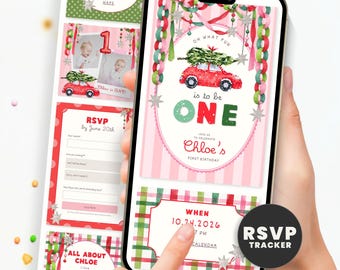
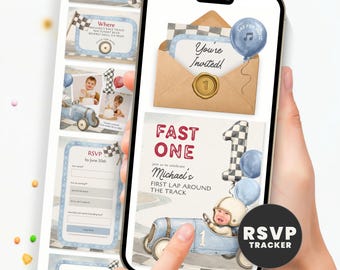
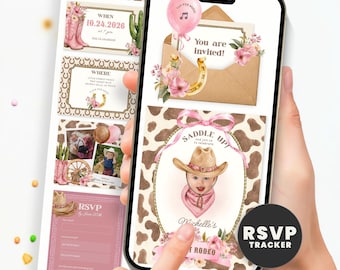
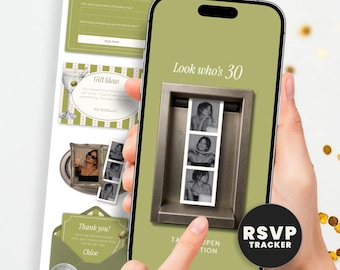
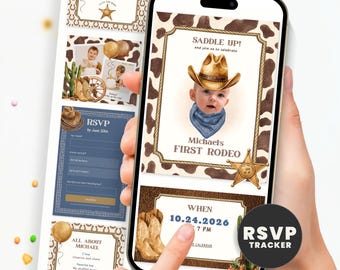
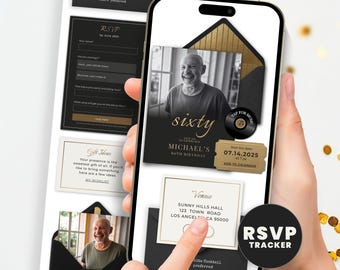
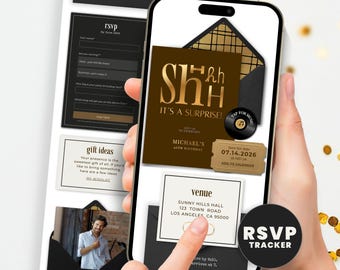
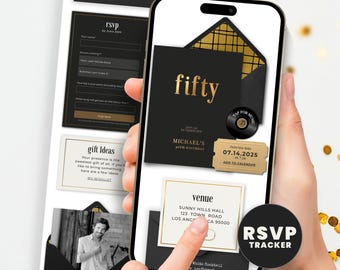
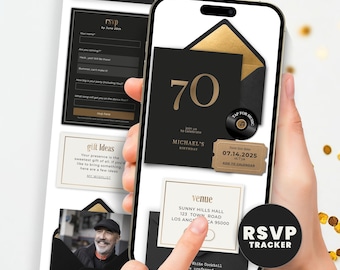
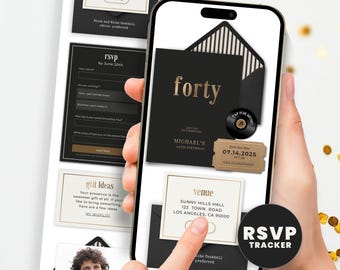
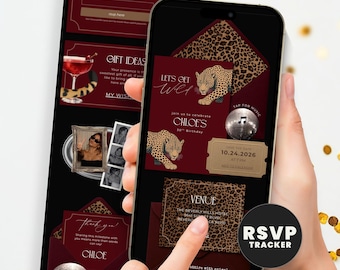
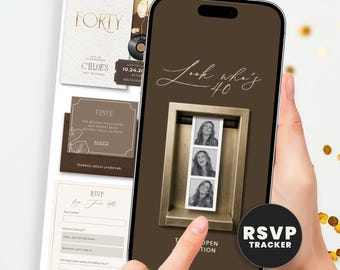
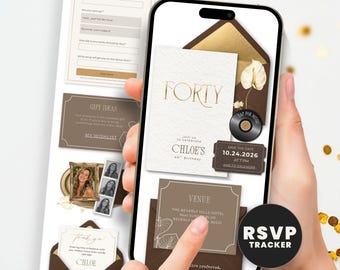
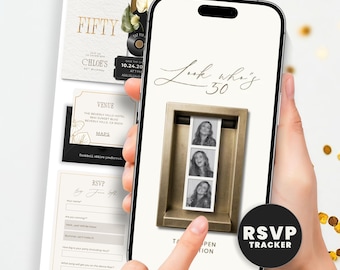
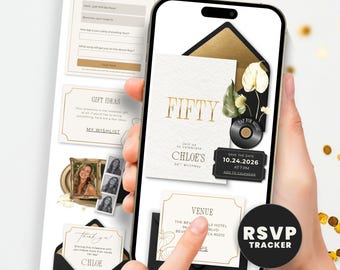
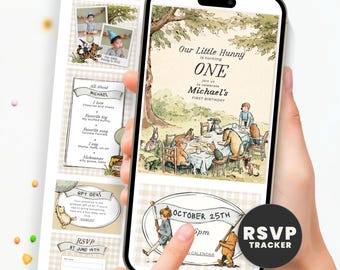
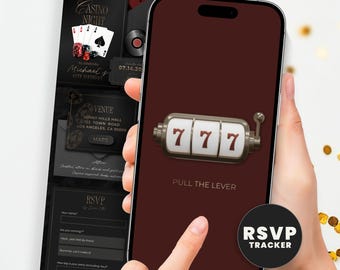
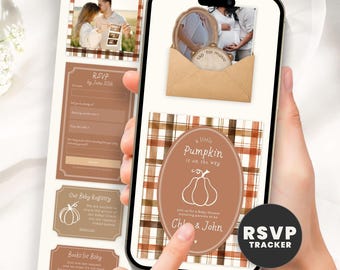
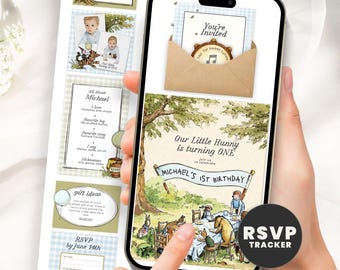








Bringing joy to life, one invitation at a time!
Featured items
All items
Announcement
Last updated on Feb 4, 2026
Reviews
4.9
(1107)
Average item review
We calculate this number using a recency-weighted average of all ratings, with a rating's value decreasing by half each year to best reflect the current experience.
Loading
-

Michelle on Sep 24, 2026
5 out of 5 starsShe went above and beyond helping me with my invitation. Everyone loved it, it’s perfect! Definitely recommend ❤️
-

-
Kayla on Sep 26, 2026
5 out of 5 starsThis digital invite was perfect! My guests loved it. The seller made the instructions very easy to follow as well.
-
-
Etsy buyer on Sep 16, 2026
5 out of 5 starsThis was one of the best purchases made! I 1000000000% approve and recommend to all of you. This process was easy and even when I reached out she was communicative and helpful. Thank you thank you! I wish you all could see how it came out!

Olga responded on Sep 17, 2026
Thank so much you, Nakita for taking the time to review! So glad the whole process felt easy, and I'm always happy to help
-
daphne on Sep 10, 2026
5 out of 5 starsOlga made the cutest invitation for me! It was such a quick turn around and had the cutest details. Highly recommend!
Olga responded on Sep 12, 2026
Thank you Daphne for taking the time to review! Customs are my favorite, and I loved getting the little details right on this one.
-
Anne-Marie on Sep 7, 2026
5 out of 5 starsvery easy to customize and edit
Olga responded on Sep 12, 2026
Thank you, Anne-Marie, for taking the time to review! Easy to customize is exactly what I aim for, so glad it delivered.
About InvitationMadeEasy
Sales
8,299
On Etsy since 2022
Shop policies
Last updated on May 11, 2022
Digital downloads
Instant downloads
Your files will be available to download once payment is confirmed. Here's how.
Made-to-order downloads
I’ll create your items after purchase and you’ll receive an email when the files are ready to download. The time I need to complete these items can vary. Contact me if you have questions.
Payment options
Secure options
Accepts Etsy Gift Cards and Etsy Credits
Etsy keeps your payment information secure. Etsy shops never receive your credit card information.
Returns & exchanges
See item details for return and exchange eligibility.
Cancellations
Cancellations: not accepted
Please contact the seller if you have any problems with your order.
More information
Last updated on
Feb 22, 2026
Frequently asked questions
Where can I find my File to download?
Where can I find my files to download?
Your files will be ready once your payment is confirmed. You’ll receive a PDF with your template link sent to the email connected to your Etsy account.
You can also access your digital files anytime from your account:
1. Sign in to Etsy.com
on your browser.
2. Go to Your Account → Purchases and Reviews.
3. Find your order and select Download Files.
📝 Note: Etsy’s mobile app doesn’t support digital downloads. Please use a browser on your phone, tablet, or computer.
Can I change or add background music?
Invitation Website: Music is preset and synced to the design. Guests tap the play button to start it. It does not play automatically. If you want a different song, you can purchase the Music Change Add-On listed separately in the shop and I will swap the track for you.
Video Invitation: Yes, you can change the music directly in Canva. Click the Audio tab, choose a track from the library, or upload your own MP3 under Uploads.
Do I need a Canva account to edit my invitation?
Yes, a free Canva account is all you need. No Canva Pro subscription required. Just click the template link from your PDF, log in or sign up for free, and Canva will open a copy of the template ready to edit.
What is an invitation website? How is it different from a printable or video invite?
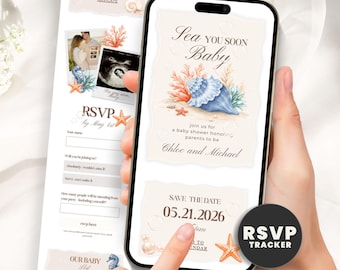
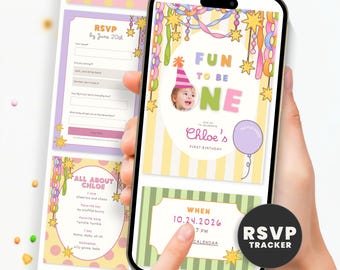
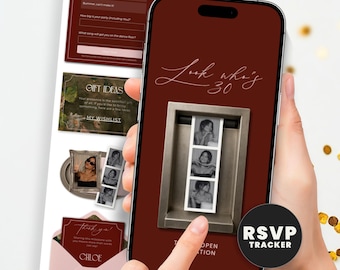
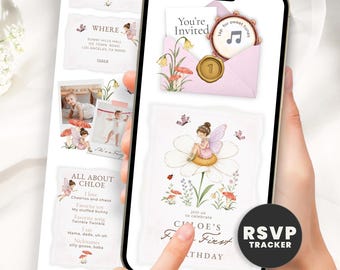
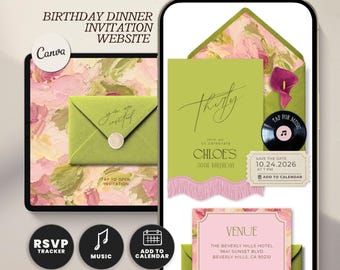
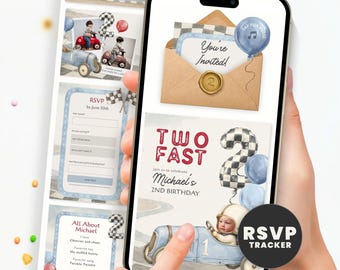
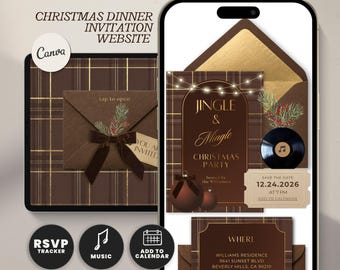
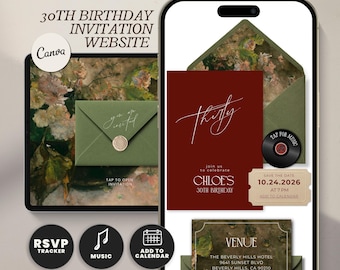
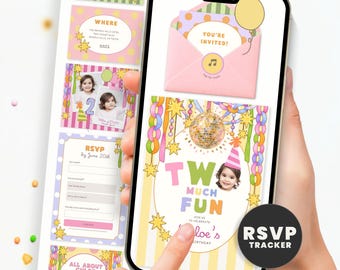
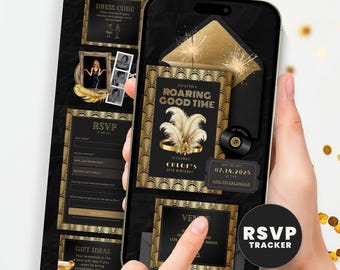
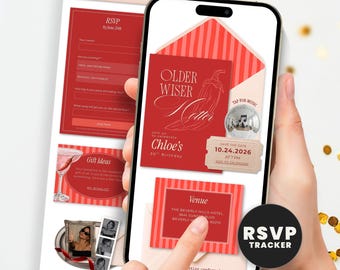
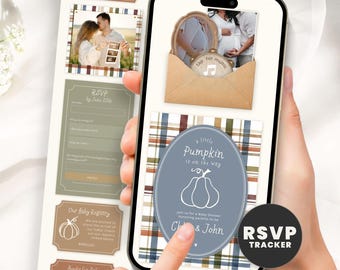
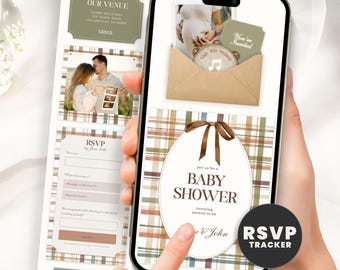
An invitation website is a live webpage your guests open on their phone or computer. It looks like a mini website for your event. It includes your event details, photos, a music player, and a built-in RSVP form all in one link. You send it by text, email, or DM. No printing, no apps, no extra accounts needed for guests.
A video invitation is an animated video with music. You share it as a link or download it as an MP4. It does not have a built-in RSVP.
How does RSVP tracking work?
Guests click the RSVP button on your invitation website and fill out a short form. Depending on which version you purchased, responses are collected through either Canva Forms or Google Forms (your included PDF tells you which). Either way, responses go into a spreadsheet that only you can access. You see every answer in real time the moment a guest submits.
No login needed for guests. No app to download.
Can I add my baby registry link to the invitation?
Yes. Your invitation website includes a Registry button. During setup, you replace the placeholder URL with your registry link from any registry site (Amazon, Target, Babylist, etc.). Guests tap the button and go straight to your registry.
Can I edit the invitation on my phone?
Yes. Canva works on mobile. You can edit text, swap photos, and update your event details from your phone browser or the Canva app. For the best experience with publishing and setting up your RSVP link, a computer or tablet is easier.
How do I share my invitation with guests?
Invitation Website: Publish your Canva website and copy the link. Send it by text, email, WhatsApp, Instagram DM, or post it in a group chat. Guests tap the link and your invitation opens directly in their browser.
Video Invitation: Share as a Canva public view link, or download as an MP4 and send. For iPhone to Android, use email, WhatsApp, or Messenger to avoid video compression.
How far in advance should I send a digital baby shower invitation?
3 to 4 weeks before the event is standard. Since guests receive it instantly and can RSVP right away, you do not need the extra lead time required for paper invites. Set your RSVP deadline about 1 week before the shower so you have time to finalize headcount.
Looking for more? Find it on Etsy