

All items


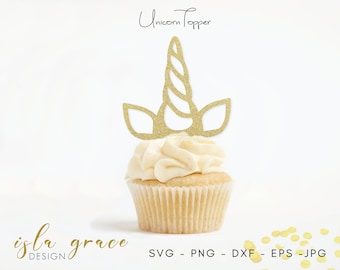
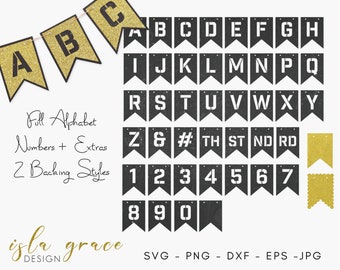
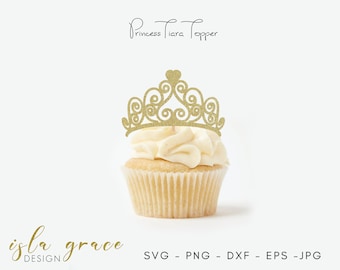

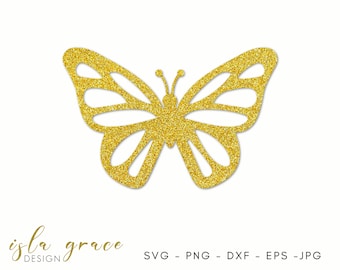
Announcement
Last updated on Aug 18, 2025

Reviews
4.9
(1011)
Average item review
We calculate this number using a recency-weighted average of all ratings, with a rating's value decreasing by half each year to best reflect the current experience.








About IslaGraceDesign
Sales
15,386
On Etsy since 2019
Shop members
-

Ria
Owner, Designer
Production partners
-
Printify
United States
They will print and send your calendar
Shop policies
Last updated on Sep 6, 2019
Digital downloads
Instant downloads
Your files will be available to download once payment is confirmed. Here's how.
Payment options
Secure options
Accepts Etsy Gift Cards and Etsy Credits
Etsy keeps your payment information secure. Etsy shops never receive your credit card information.
Returns & exchanges
See item details for return and exchange eligibility.
Cancellations
Cancellations: not accepted
Please contact the seller if you have any problems with your order.
More information
Last updated on
Dec 17, 2025
Frequently asked questions
TERMS OF USE
By purchasing from Isla Grace Designs you agree to the following terms of use:
PLEASE DO:
Go crazy and create lots of fabulous things from your Isla Grace digital files. Make as many as you like for yourself and don't forget to make some to give as gifts to your friends and family!
PLEASE DON'T:
Thank you for supporting the hours of work that go into creating these designs by not forwarding or sharing any of the files with others. If you wish to share, then share the love and please simply send them to my store so they can grab one of their own!
Resale and mass-production of Isla Grace Designs digital files is strictly prohibited.
DO I NEED A COMMERCIAL LICENCE?
I will happily support you and your small business and you are welcome to use your purchased template to sell up to 120 units. If you wish to make more than this though you will need my Unlimited Commercial Licence 'add on' for 1 SVG, you will find the listing by simply searching 'Licence' in my store.
CANCELLATIONS
In the event you purchased a Maisie Moo Design not realizing it is not a physical product, then no worries! I will gladly refund you for any unopened/downloaded files... we all make mistakes sometime.
How to Unzip your Isla Grace Design - To access your files you will need to UNZIP or EXTRACT them how you do that depends on what device you are using.
DESKTOP
To do this on your desktop, simply download and save from Etsy.
Right click on the saved file and select EXTRACT ALL.
Save these unzipped files to your desktop.
Your files are all now accessible and able to use.
ANDROID
Go to the Google Play Store and install Files by Google.
Open Files by Google and locate the ZIP file you want to unzip.
Tap the file you want to unzip.
Tap Extract to unzip the file.
Tap Done.
All of the extracted files are copied to the same location as the original ZIP file
IPHONE
Open the Files app on your iPhone or iPad. It's the blue folder icon typically found on the home screen.
Go to the folder that contains the zip file. The file you're looking for should end with "*.zip."
Tap the zip file.
Tap Preview