
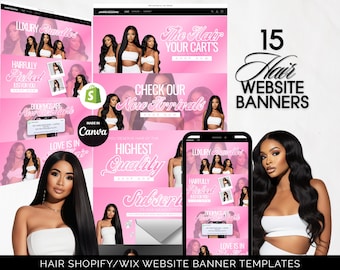
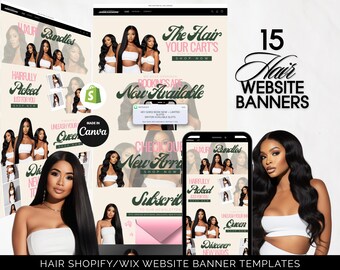
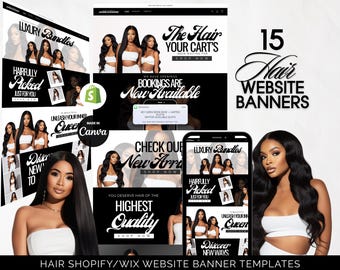
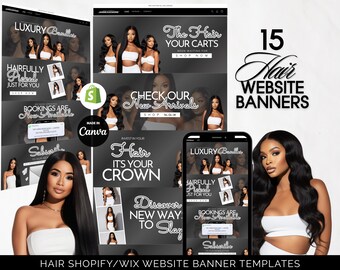
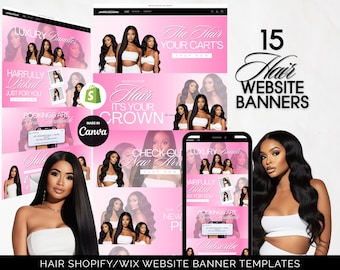
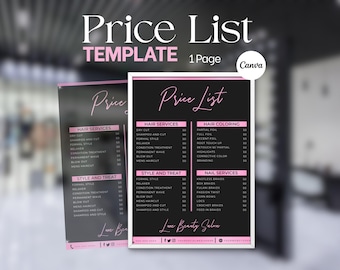
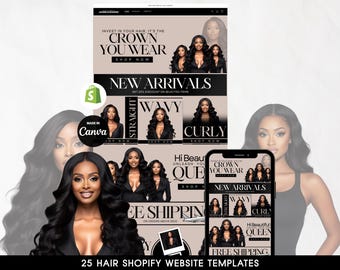
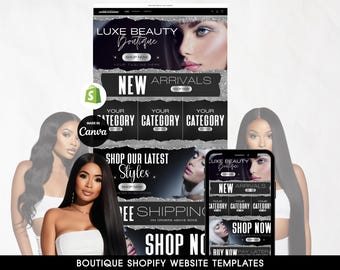
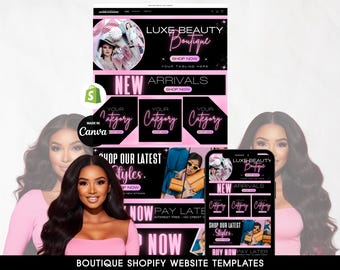
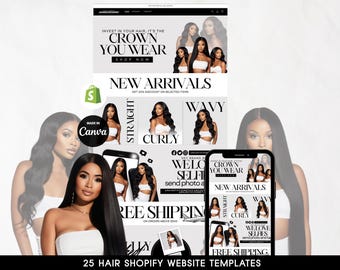
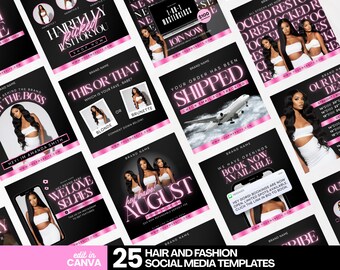
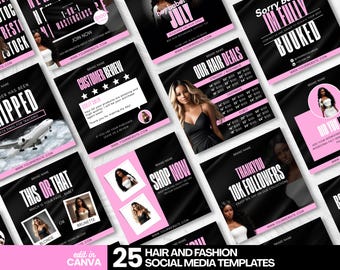
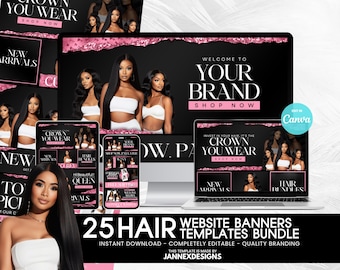
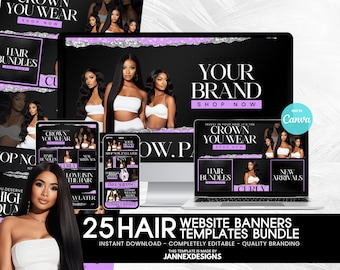
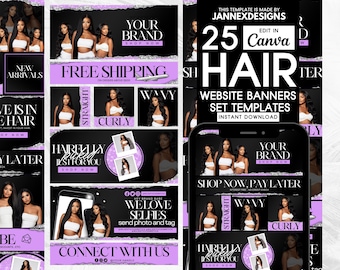
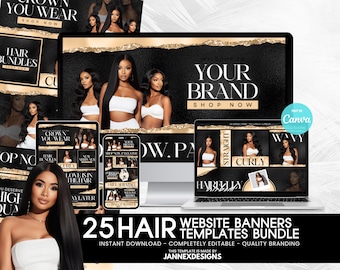
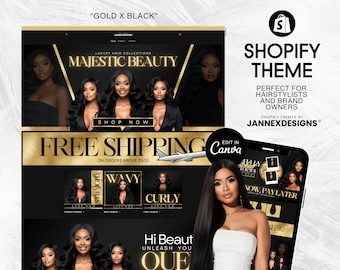
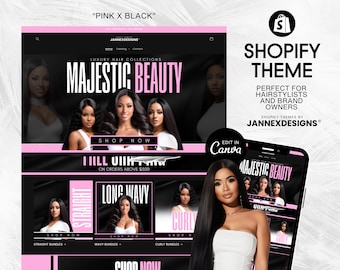
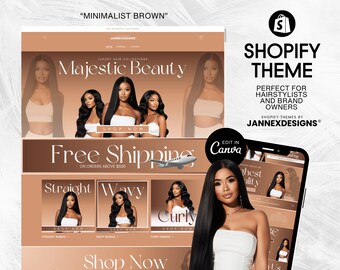
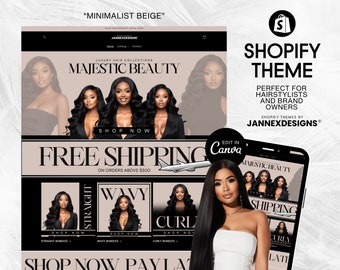
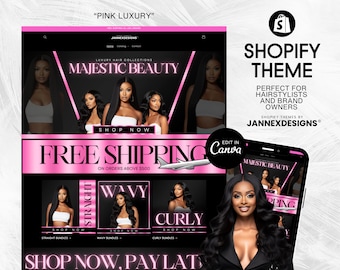
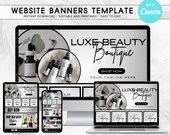
Welcome to JannexDesigns , Y'all !
Featured items
All items
Announcement
Reviews
-
-
-
-
-
Lameshia on Dec 26, 2025
5 out of 5 starsVery easy to edit in Canva and looks beautiful on my site. The owner of the shop also provided great customer service providing the links to purchase because my Canva would not open them at first.
-
-
-
-
About JannexDesigns
Shop members
-
Jan
Owner, Designer
Hi! My name is Jan. I’m a graphic designer. I am dedicated in creating stunning graphics to help brand owners bring their vision to life and leave a lasting impression to their audience. I started this journey on 2022 and I appreciate your support.
Shop policies
Digital downloads
Payment options
Returns & exchanges
Cancellations
Cancellations: not accepted
Please contact the seller if you have any problems with your order.
More information
Frequently asked questions
Notes to Customers
The customer is responsible for typing their own text into the template; this includes spelling and grammar. We are not responsible for any errors or printing costs relating to any such errors.
Please ensure your home printer is capable of printing the quality and weight of the cardstock/stationery you have chosen. We recommend a test print before bulk printing. If you are unhappy with the quality of your home print, we recommend a professional printer for best results.
We do not take responsibility for the quality of your print. For highest resolution, download as PDF Print from Canva.
Please note that the actual print colors may vary slightly from those you see on your screen. Card stock choice can also affect the printed color
How do I access my Templates?
After your purchase, files are NOT emailed to you. You can access directly from Etsy.
FROM YOUR PC:
On the Etsy menu, go to You > Purchases and Reviews > Click the button to "Download Files"). You will get a PDF with instructions. Open the PDF for the link to the template(s).
FROM YOUR PHONE/TABLET:
Etsy doesn't allow downloads from the Etsy app. You can still use your phone, but you need to log in to Etsy.com from a web browser (Safari or Chrome). Then, you can follow the same instructions as above.
If you have any questions regarding downloading your purchase just send me a message.
What Can be Edited?
TEXT: Text can be edited for wording, font, font color, size, and placement (unless specifically noted in the listing description).
ARTWORK: Some elements in the artwork may be locked as default but you can unlock them and they can be edited, resized or moved.
COLOR: Background and elements color can be changed on most templates (unless noted in the listing description).
IMAGES: Add your own images or logo - drag and drop onto the template
Checked out as Guest?
How to Claim an Order You Purchased as a Guest
1. Open your email inbox
2. Locate the email receipt you received when you placed your order
(This email is sent from transaction@etsy.com)
3. Click on the ORDER NUMBER in the first line of your receipt
4. Follow the steps to sign in or create a free Etsy account
(You MUST go through the Order Number link for it to connect)
5. Your order is now automatically connected to your new Etsy account
Note: The account you link your guest order to must have the same email address that you used for your guest order and must be created from the Order Number on your receipt.
Per Etsy, all Guest and Apple Pay checkouts are required to contact Etsy support for your downloads.
Commercial Use License and Information
All of my designs can be used for both Personal & SMALL Business Commercial Use (up to 200 uses).
You MAY NOT Re-sell the digital design as your own
You MAY NOT Share or distribute the file
You MAY NOT Re-create a new design using any part of the purchased design
You MAY NOT use my design to create transfers to sell
How to have a high quality print? Steps to take in Exporting from Canva
Export as PDF Print
What we need to do is take this "PDF - Print file" and convert it to high-quality JPG.
Firstly click download. Then select "PDF print" and download it.
If you are sending it to a professional printer they may need the crop marks and bleed
Then head over to pdf2jpg.net
Choose a PDF file to upload it. THEN select "Excellent 300 DPI".
Then click "Convert PDF to JPG" and download that file.
Now when we check the image's details the jpg will be 300 DPI.
We also need to convert the file from RGB to CMYK.
Go to rgb2cmyk.org and convert your image. Upload your file, selected JPeg, you can use the default settings for the rest and click start.
Now you should have a print-ready image in 300 dpi with a CMYK colour profile.
Refunds and Cancellations
I don't accept refunds since there is no way for me to tell if you have used the templates or not. But please contact me if you have any problems with your order.
I can't somehow download my templates. What should I do?
In a few cases there might be a small hiccup on either payments or the downloads in general so I always encourage you to write to me if the downloads don't work and I'll send you personally the new links
I have a question before/after my purchase so how can I contact your shop?
Just send me a message here on the Etsy messages and I'll be sure to get back to you within 24 hours!