
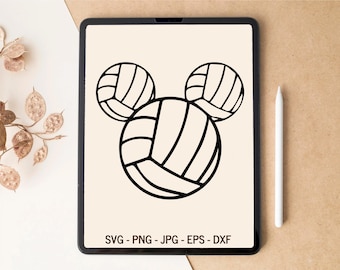
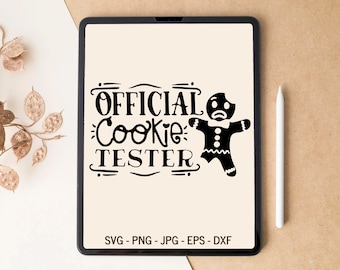
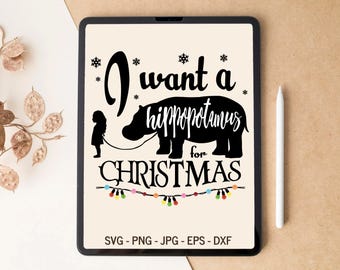
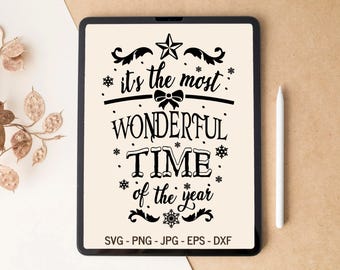
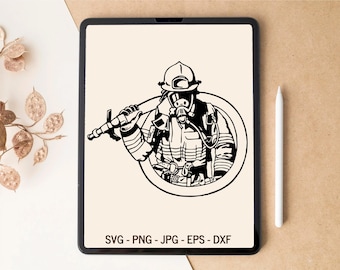
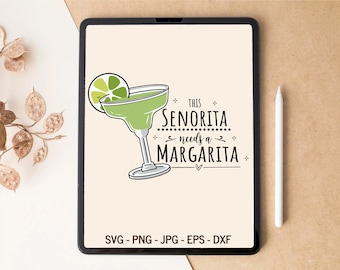
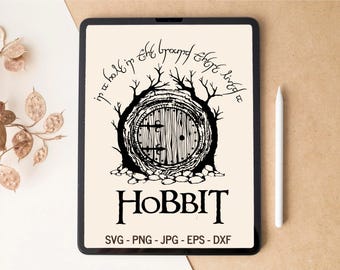





Unique SVG Designs for Plotter Cutting — From Creative Hands to Your Project!
Featured items
All items
Announcement
Last updated on 27 Oct, 2024
Reviews
4.9
(1141)
Average item review
We calculate this number using a recency-weighted average of all ratings, with a rating's value decreasing by half each year to best reflect the current experience.
Loading
-

Christiana on 15 Apr, 2026
5 out of 5 starsCut great, exactly as intended. Made a very cute sign for party.
-

-

Jami on 16 Mar, 2026
5 out of 5 starsGreat template!!! Worked well for an Alice in Womderland themed shower.
-

Neil on 05 Mar, 2026
5 out of 5 starsGreat PNG, used to make a gift for my daughter
This listing is no longer available -

-
-
-

-
Rebecca on 27 Jan, 2026
5 out of 5 starsDigital Download, printed and pressed as expected.
This listing is no longer available
About DreamCutDesign
Sales
11,491
On Etsy since 2020
Shop members
-

Anna
Owner, Designer, Customer Service
Hi there! 👋 I'm Anna, the artist and customer service behind this shop. I create unique, high-quality SVG designs for plotter cutting to bring your projects to life. Thanks for supporting my work!
Shop policies
Last updated on 12 Feb, 2025
Digital downloads
Instant downloads
Your files will be available to download once payment is confirmed. Here's how.
Made-to-order downloads
I’ll create your items after purchase and you’ll receive an email when the files are ready to download. The time I need to complete these items can vary. Contact me if you have questions.
Payment options
Secure options
Accepts Etsy Gift Cards and Etsy Credits
Etsy keeps your payment information secure. Etsy shops never receive your credit card information.
Returns & exchanges
See item details for return and exchange eligibility.
Cancellations
Cancellations: not accepted
Please contact the seller if you have any problems with your order.
Privacy policy
More information
Last updated on
17 Dec, 2025
Frequently asked questions
How do I receive my downloads?
Once the payment processes, there are TWO ways to retrieve your files:
1. (The fastest way) While logged in to your Etsy account, click on your name in the top right corner. Then click on "purchases and reviews". On that page you'll see all of your Etsy orders. To the right of the order you'll see a big download button.
If you do not see the order on your purchases page, but you have a receipt from Paypal or Etsy, contact Etsy for help.
2. You'll also receive an email from Etsy with a download link. Be sure to check your spam folder as well.
If you have any problems please contact me. I can send it to your mail directly.
I downloaded my files, but they still won't open. What can I do?
99% of the time, the short answer is that you need to "unzip" the .zip file you downloaded. (ALL downloads are provided as a zip file, as required by Etsy.)
If you still have trouble opening your files, please contact me.
How do I open a .ZIP file?
For Windows users (build-in software):
1. Right-click on the ZIP file and select "Extract All". Once you select “Extract All,” you will get a new pop-up menu.
2. In the pop-up menu, select a location to extract the files. If you want your files to be extracted in another location, click “Browse” and select your destination in the pop-up window.
3. Once you’ve selected a destination folder, click “OK.”
4. Finally, click “Extract” in the pop-up menu. The built-in software will start extracting the files from inside the ZIP folder.
Also you can use free program (WinZip, WinRar or 7zip).
For Mac users:
1. Locate the ZIP file you want to open.
2. Double-click the ZIP file. This will automatically begin the file extraction, which may ta
If I need a little change in design. Can you do it?
If you`ll need some little modification with file (another color, specific ungrouped or grouped layers, sliced or welded files or other), please contact me.
How do I upload files to my Cricut Design Space?
1. After extracting your SVG files, save them in a safe location on
your computer.
2. Open Cricut Design Space and at the top of the page select "File"
and then click "New" from the
drop down menu.
3. To the left of the page click "Upload Images".
4. Click the blue "Upload Image" button.
5. Click the blue "Browse" button and navigate to the location your
files are saved.
6. Select the SVG files you wish to use and click "Save" at the bottom
right of the page.
7. At the bottom of the page, select the image you wish to use and
click "Insert Images" at the
bottom right of the page.
8. Your image will then appear in Cricut Design Space.
How do I upload files to my Silhouette Studio?
1. Check which version of Studio you have.
If you have the free
version that came with your machine, this is the Basic Edition, and you cannot use SVG files.
If you have paid to upgrade, you have the Designer Edition, and you should not have any problems.
2. Open Silhouette Studio, and select File, Import, Import to Library
from the top menu.
3. Navigate to the location where you saved your files, and select the file.
4. Your Library will open, and Studio will automatically place the
file in your My Own Designs folder.
5. Open the file by double clicking the thumbnail image in your
Library.
To access the file in the
future, select File, Library from the top menu bar.
You will see the
file in your My Own Designs folder.