






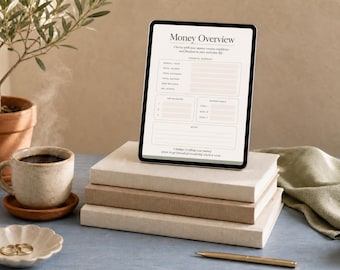

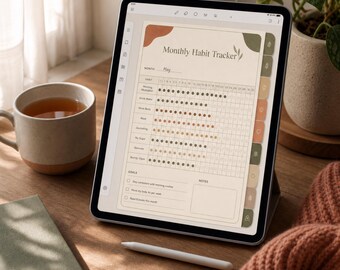
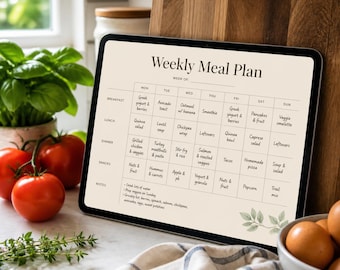
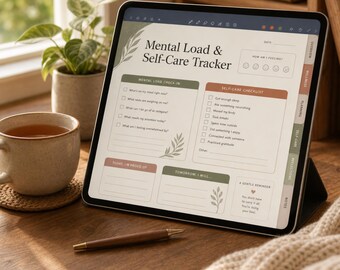
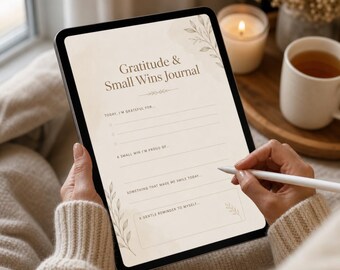

Making everyday life a little lighter.
All items
About LifeLighter
Sales
0
On Etsy since 2026
Shop policies
Last updated on Sep 11, 2026
Digital downloads
Instant downloads
Your files will be available to download once payment is confirmed. Here's how.
Payment options
Secure options
Accepts Etsy Gift Cards and Etsy Credits
Etsy keeps your payment information secure. Etsy shops never receive your credit card information.
Returns & exchanges
See item details for return and exchange eligibility.
Cancellations
Cancellations: not accepted
Please contact the seller if you have any problems with your order.
Privacy policy
More information
Last updated on
Sep 11, 2026
Frequently asked questions
The clickable tabs/links in my planner aren't working — help!
This almost always happens because the pen tool is in drawing mode
instead of navigation mode.
GoodNotes 5: Look at the top-right toolbar next to the three dots —
there's a toggle to switch between edit mode and navigation mode. The
pen icon must NOT be crossed out for links to be clickable.
GoodNotes 6: If the pen icon is white/outlined (not filled), you're in
navigation mode and links will work — tap it if needed.
I didn't receive a download link — what do I do?
You can always re-download your files from your Etsy account:
1) Log in to Etsy.com in a browser using the email you purchased with,
then go to YOUR ACCOUNT.
⚠️ The Etsy app does not support downloads — please use a browser.
2) Go to PURCHASES AND REVIEWS
3) Next to your order, select DOWNLOAD FILES. This opens the downloads
page for everything linked to your order.
If you're having trouble logging into your account, just message us —
happy to help.
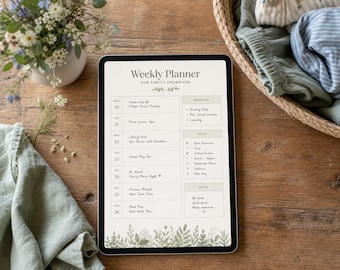
How do I import the planner into GoodNotes?
1) Open the PDF file on your iPad
2) Tap the three dots in the top right and select "Open with"
3) Choose "Open in GoodNotes"
4) Choose "Import as new document"
I downloaded a ZIP file — how do I open it on my iPad?
1) Open the ZIP file
2) Tap the three dots in the top right and select "Open with"
3) Choose "Save to Files"
4) Go to where you saved it and tap the ZIP file to unzip it — you'll
then see the individual PDF files inside
Can I use this planner on an Android tablet?
Yes, it generally works on Android tablets — we recommend a Samsung
Tab S8 or newer for the best experience; older devices may struggle
with file size and clickable links. You'll need a note-taking app — we
recommend Samsung Notes for Android tablets.