

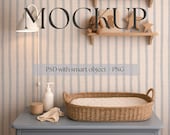

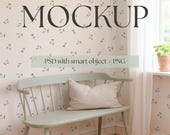
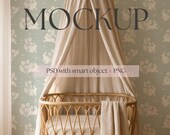
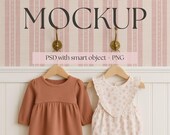
Welcome to LittleForestDigital!
All items
Announcement
Last updated on 04 Feb, 2026
Reviews
5.0
(52)
Average item review
We calculate this number using a recency-weighted average of all ratings, with a rating's value decreasing by half each year to best reflect the current experience.
Loading
-

-

Annika on 16 Jun, 2026
5 out of 5 starsJust perfect, perfect image quality, lighting and scale - love it! Thank you so much
-
Annika on 16 Jun, 2026
5 out of 5 starsJust perfect, perfect image quality, lighting and scale - love it! Thank you so much
-

Carla on 08 Mar, 2026
5 out of 5 starsVery nice professional mockup. Highly recommend this seller for mockups.
-
-
Annika on 15 Jul, 2026
5 out of 5 starsSuper beautiful mock up and great quality of the download pSFD file
-

Jen on 07 Jul, 2026
5 out of 5 starsThis was the perfect mockup for my vintage floral stripe wallpaper pattern. Thanks for the charming image.
-

Sarah on 02 Jul, 2026
5 out of 5 starsThis is such a beautiful mock-up. Very happy with my purchase.
-
Sarah on 02 Jul, 2026
5 out of 5 starsThis is such a beautiful mock-up. Very happy with my purchase.
-
Sarah on 02 Jul, 2026
5 out of 5 starsThis is such a beautiful mock-up. Very happy with my purchase.
About LittleForestDigital
Sales
456
On Etsy since 2024
Shop members
-

Sandra
Owner, Designer
Shop policies
Last updated on 03 Dec, 2025
Digital downloads
Instant downloads
Your files will be available to download once payment is confirmed. Here's how.
Payment options
Secure options
Accepts Etsy Gift Cards and Etsy Credits
Etsy keeps your payment information secure. Etsy shops never receive your credit card information.
Returns & exchanges
See item details for return and exchange eligibility.
Cancellations
Cancellations: not accepted
Please contact the seller if you have any problems with your order.
Privacy policy
Terms & Conditions and Right of Withdrawal
More information
Last updated on
17 Dec, 2025
Frequently asked questions
What file formats are included?
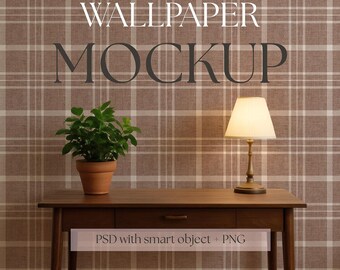
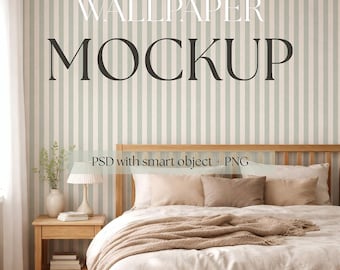
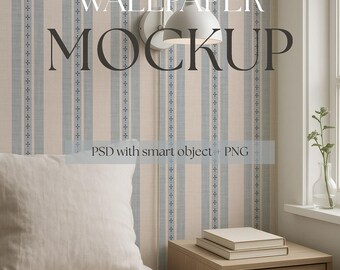
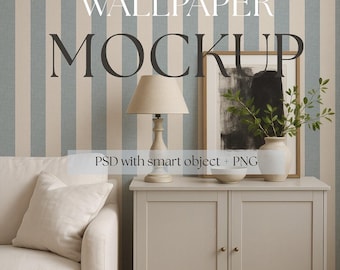
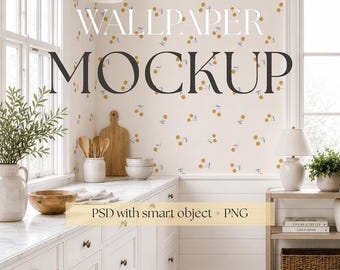
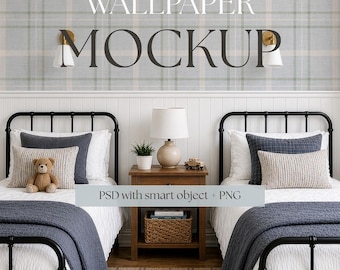
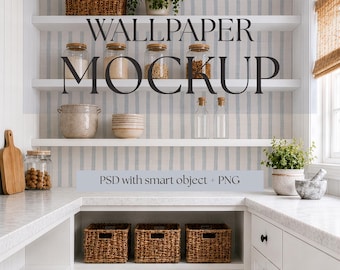
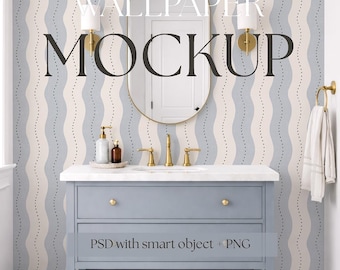
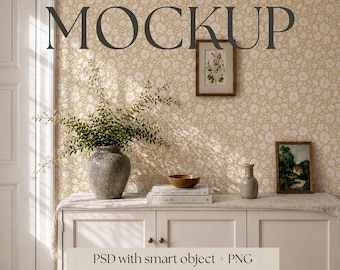
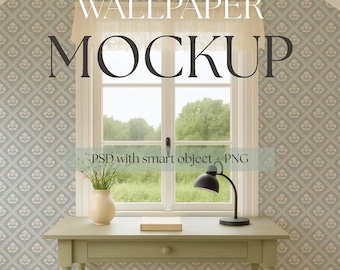
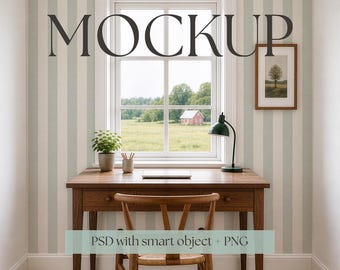
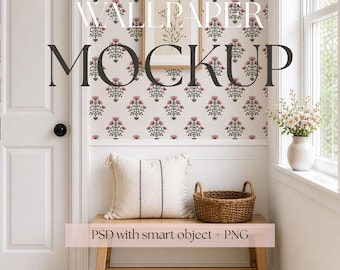
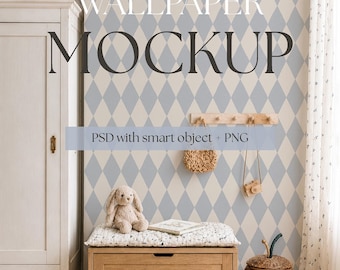
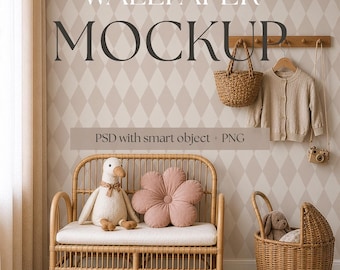
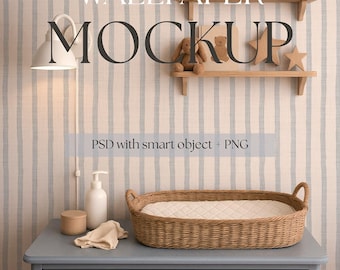
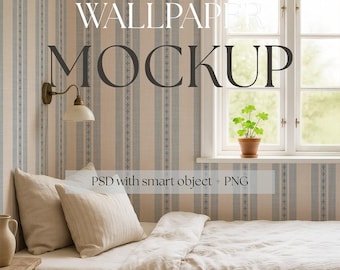
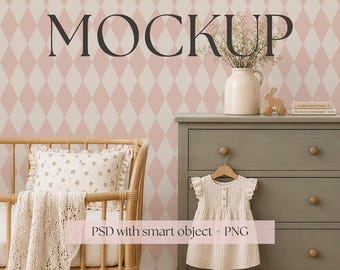
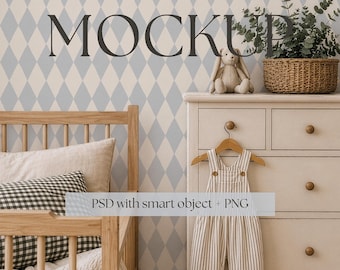
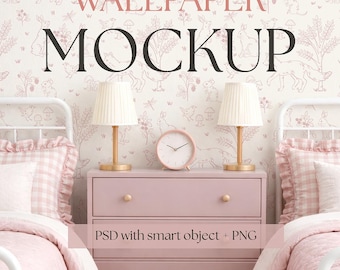
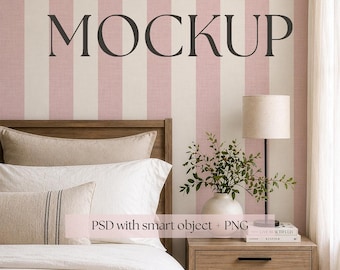
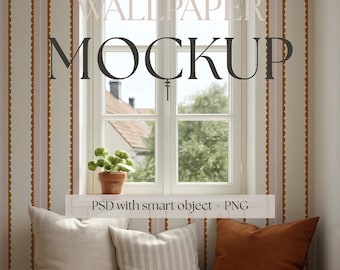
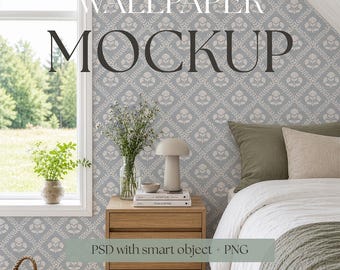
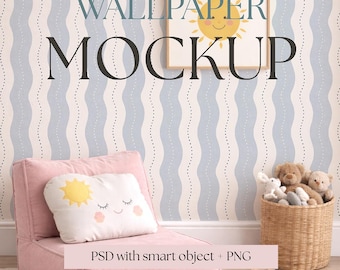
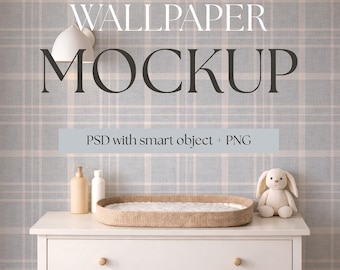
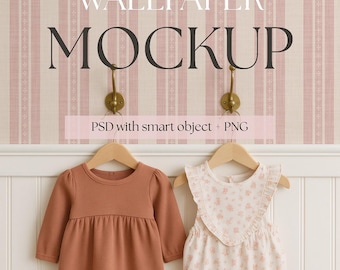
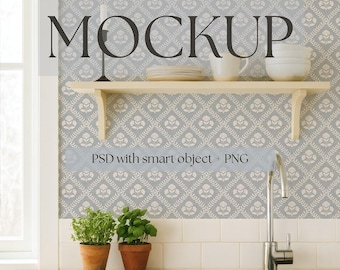
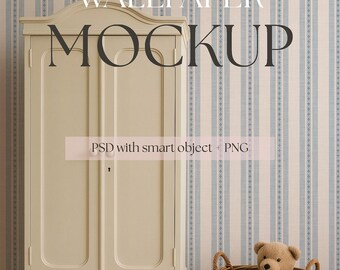
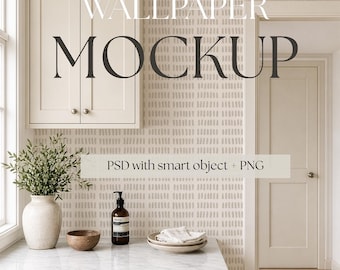
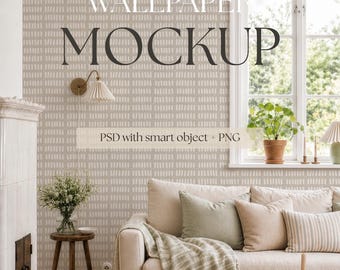
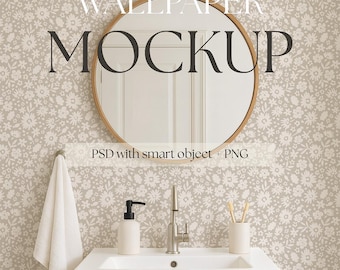
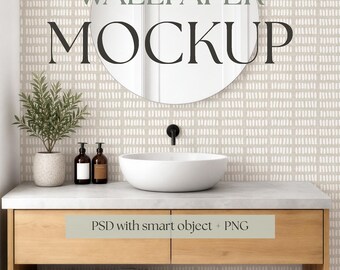
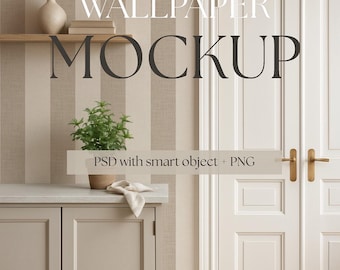
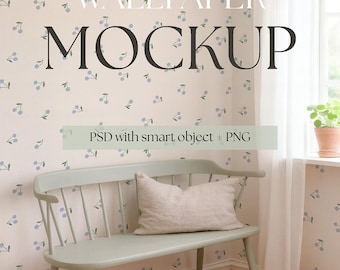
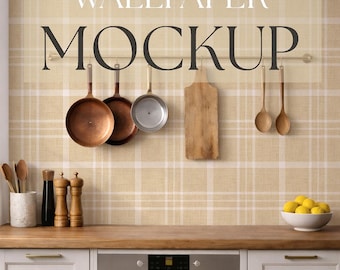
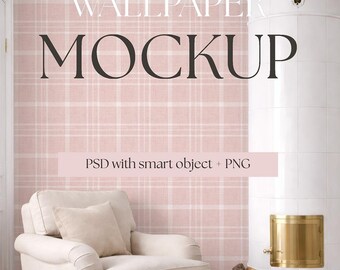
Mockup listings include a PSD file (for Photoshop, Photopea or Affinity) and a high resolution PNG file. The PSD offers full editing with Smart Objects, while the PNG is a flattened version for easy use.
Do I need Photoshop to use your mockups?
Photoshop is recommended for full functionality and the best experience with the PSD files and Smart Objects. However, you can also use the free web-based editor Photopea.com, or the Affinity Desktop App by Canva, which support PSD files and Smart Objects.
If you don’t use either, you can still use the included PNG file in Canva, Procreate, or similar programs. Just bear in mind that you’ll need to manually adjust the alignment, perspective and transparency of your design. Since Smart Objects and advanced editing features only work in Photoshop, Photopea, and Affinity, you may not achieve the same level of realism in Canva—especially in scenes where objects appear in front of the design.
How do I add my design to the mockup?
Open the PSD, delete the top layer labeled “DELETE THIS LAYER,” then double-click the Smart Object labeled “YOUR DESIGN HERE.” Insert your design, save, and it will update automatically on the mockup. A pdf file with step-by-step instructions are included in the download.
Can I change the colors of objects in the scene?
Some mockups include color-editable elements (such as curtains or furniture). These can be adjusted using the Hue/Saturation layers found in the folder labeled “COLOR EDITS.” Availability is always noted in the listing description.
Are the files compatible with Canva?
Yes - and no. A flattened PNG file for use in Canva is included. Please note that advanced Smart Object editing, perspective, and realistic lighting effects are only supported in Photoshop, Photopea, and Affinity. In Canva your design will need to be placed and adjusted manually. For the most realistic results, the PSD is strongly recommended.
Is this a physical product?
No — this is a digital download only. No physical item will be shipped.
How do I download my files?
After purchase, you can download your files from your Etsy account under Purchases → Download Files. You’ll also receive a download link by email from Etsy. The PSD file is delivered in a zipped folder. Simply unzip (exctract) the folder after download.
Can I use these mockups for commercial projects?
Yes, all mockups include commercial use for showcasing your own designs and products. You may not resell, share, or redistribute the mockups as standalone files or claim them as your own.
Can I get a refund?
Due to the digital nature of the products, refunds or exchanges are not possible. If you experience any technical issues, I’m always happy to help.
Before purchasing, please ensure you have the necessary software, such as Photoshop or a compatible alternative, to use our products effectively. If you do not have Photoshop, Photopea.com and Affinity are free alternatives that works with smart objects.