


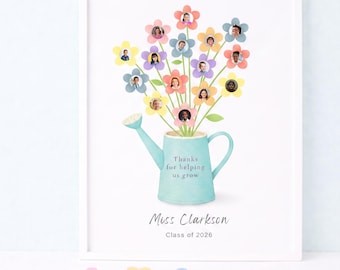
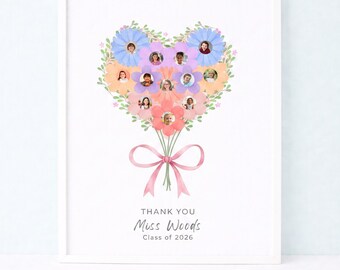
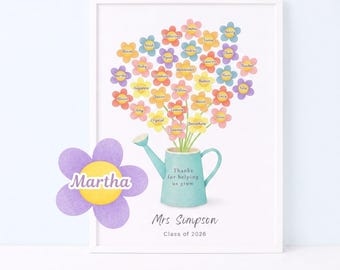
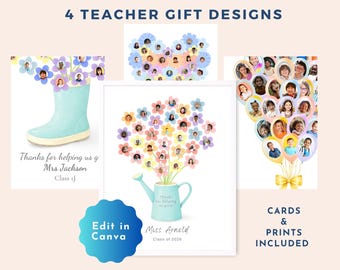
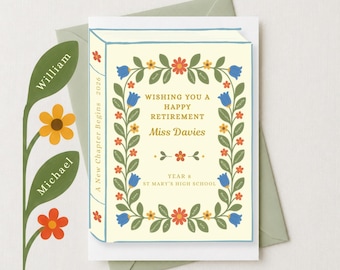
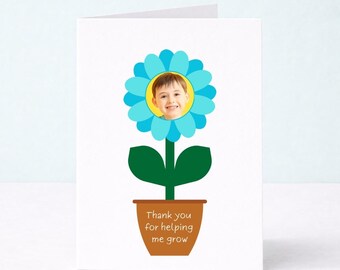
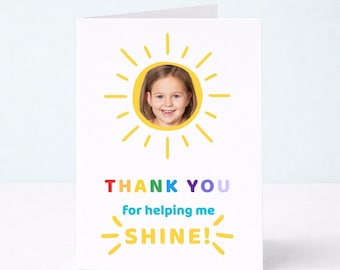
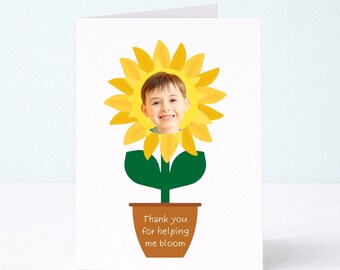
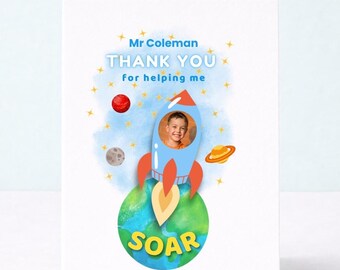



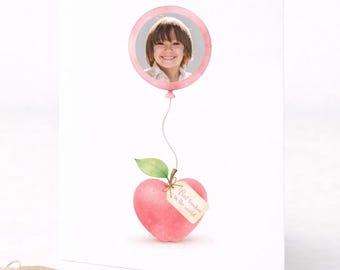

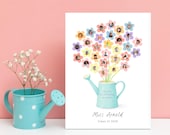
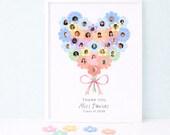
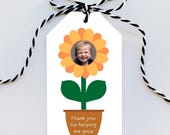
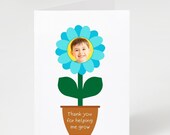
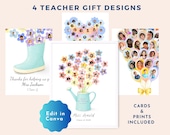
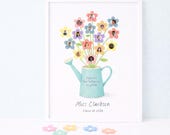
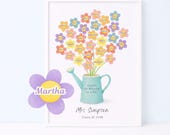
Helping little ones say a big thank you
Featured items
All items
Announcement
Last updated on Apr 11, 2025
Reviews
4.8
(75)
Average item review
We calculate this number using a recency-weighted average of all ratings, with a rating's value decreasing by half each year to best reflect the current experience.
Loading
-

-
-

Kaitlynn on May 29, 2026
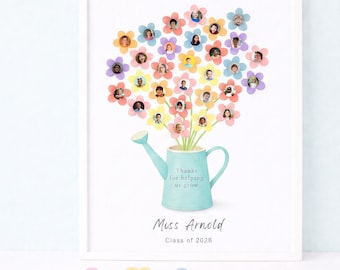
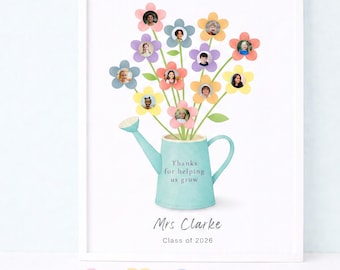
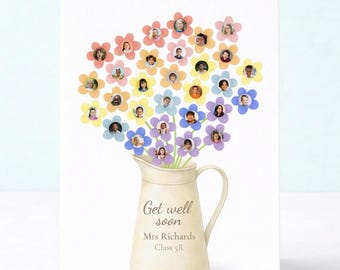
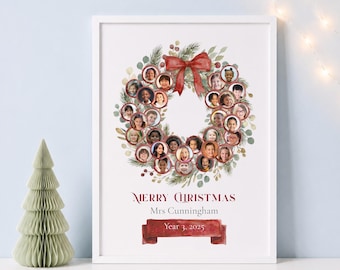
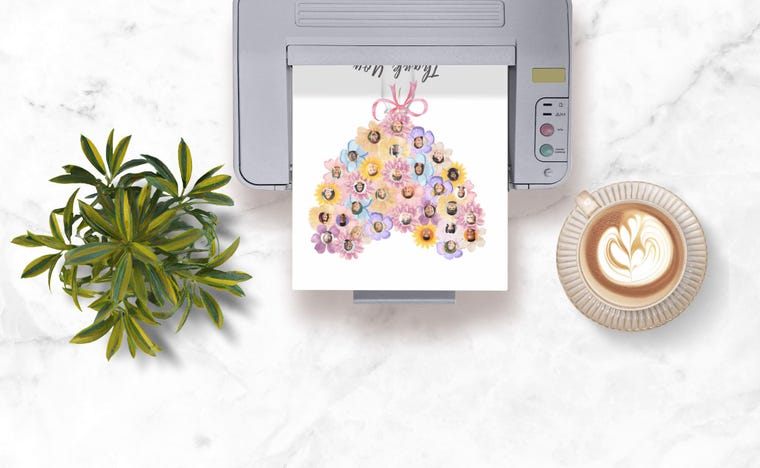
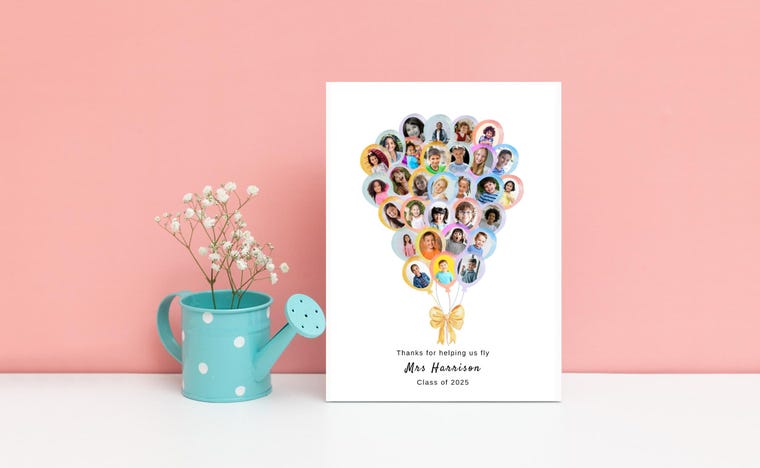
5 out of 5 starsThis was a perfect keepsake end of year class gift for our teacher who loves gardening. It was easy to maneuver the downloads to get it on Canva (even though I'm a newbie on there), add my photos and even alter the flowers/pictures to the number of students in our class. I appreciated the variety of pre-made sizes ready to go.
-
Katie on May 27, 2026
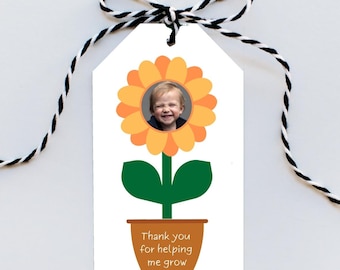
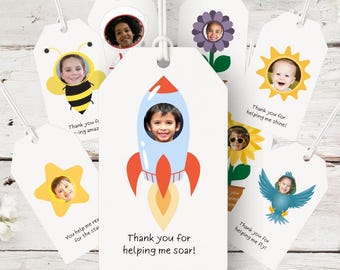
5 out of 5 starsSo cute and easy to use. Perfect tag for a gift for my son's preschool teacher!
-

Annamarie on May 11, 2026
5 out of 5 starsit was perfect it was used for teacher appreciation day and the teacher loved it along with her actual plant we gifted her
-
-

Catherine on Apr 30, 2026
5 out of 5 starsEasy to download and put into Canva. Template is extremely easy to use and everything printed great. Definitely recommend!
-
-
Alexis on Jun 25, 2026
5 out of 5 starsPerfect end of year gift for my teaching aide from our students!
-
About LittleKeepables
Sales
950
On Etsy since 2025
Shop about video description
Shop members
-

Christine L
Owner, Designer
I started Little Keepables because I’m a firm believer that the best gifts are the ones that truly mean something. With a background in graphic design for universities, I now use my skills to help busy parents looking for the perfect keepable gift.
Shop policies
Last updated on Feb 4, 2025
Digital downloads
Instant downloads
Your files will be available to download once payment is confirmed. Here's how.
Payment options
Secure options
Accepts Etsy Gift Cards and Etsy Credits
Etsy keeps your payment information secure. Etsy shops never receive your credit card information.
Returns & exchanges
See item details for return and exchange eligibility.
Cancellations
Cancellations: not accepted
Please contact the seller if you have any problems with your order.
Privacy policy
Terms & Conditions and Right of Withdrawal
For extrajudicial settlements of consumer disputes, the European Union has launched an online platform ("ODR platform"): https://ec.europa.eu/consumers/odr
More information
Last updated on
Jan 30, 2026
Frequently asked questions
Are your items physical or digital?
All Little Keepables products are digital downloads.
No physical items are posted - this allows instant delivery and easy printing at home or professionally.
Are the designs editable?
Yes. All Little Keepables designs are fully editable.
After purchase, you’ll receive a pdf with a link to an editable template in Canva, where you can easily update text, add your photo (if included in the design), and make small adjustments before downloading your finished file. No design experience is needed, and Canva is free to use.
How does the personalisation work?
After purchase, you’ll receive a link to your editable design (usually via Canva).
You can:
Upload your own photo (where applicable)
Edit text easily
Download the finished file when you’re happy
No design experience is needed.
Do I need Canva to edit my order?
Yes — editing is done using Canva, which is free to use.
You can edit on desktop, tablet or mobile, however, we recommend desktop as the easiest option.
Do you offer printing?
No, at this time we do not offer printing. Your file can be printed either at home or at a print shop.
Do I need to send my photo to you?
No - photos are not added by us.
You’ll upload your photo yourself during editing, which gives you full control over placement and final appearance.
What size are the files?
Please refer to individual listings for the included the included sizes.
Most cards and prints are supplied in standard formats suitable for:
Home printing
Local print shops
Online print services
Do I need any design skills?
You do not need design skills to use our templates. A basic understanding of Canva is helpful, but you will receive a free Canva quick-start guide with your purchase and step-by-step instructions for your template.