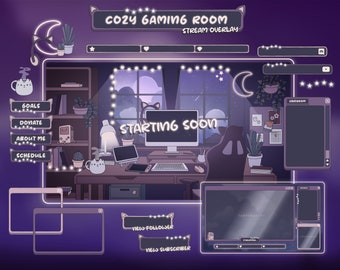
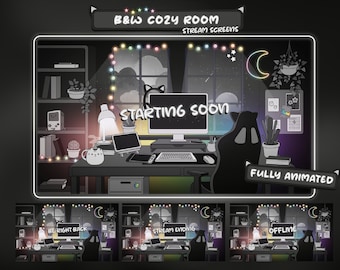
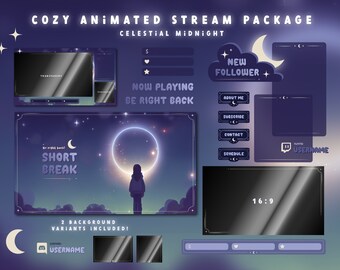
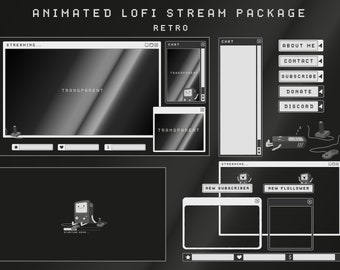
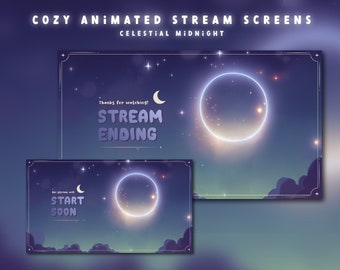
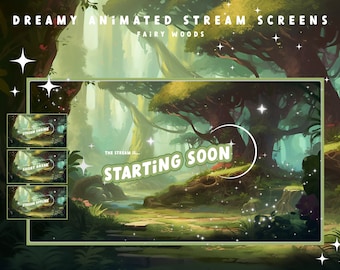
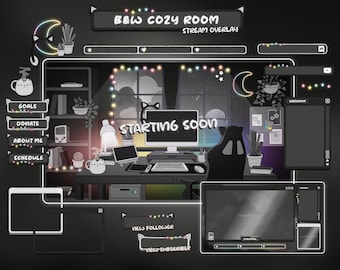
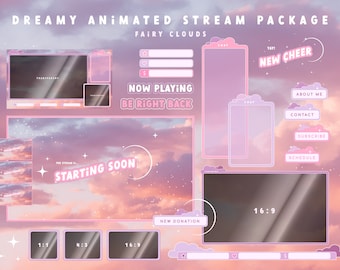
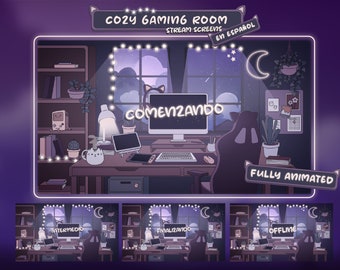
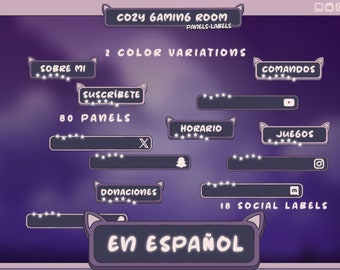
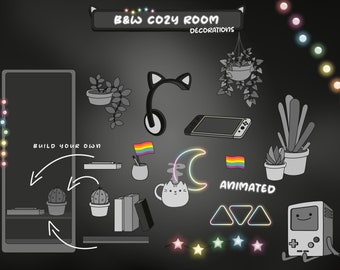
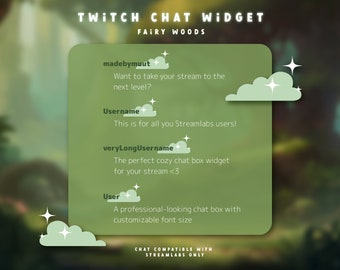
Graphic Designer by Day and Cozy Game Expert at Night
Featured items
All items
Announcement
Last updated on Jun 18, 2025
Reviews
4.9
(1352)
Average item review
We calculate this number using a recency-weighted average of all ratings, with a rating's value decreasing by half each year to best reflect the current experience.
Loading
-

-
Gustavo on Aug 2, 2026
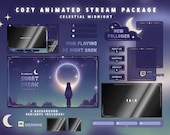
5 out of 5 starsthey are amazing and add to my theme for streams

Caroline - Art Director of MUUT responded on Aug 2, 2026
aww thank you for sharing:)
-
David on Jul 27, 2026
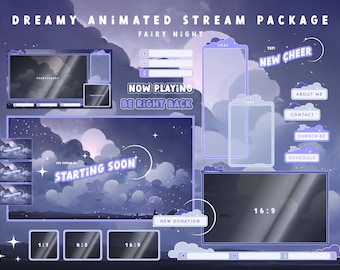
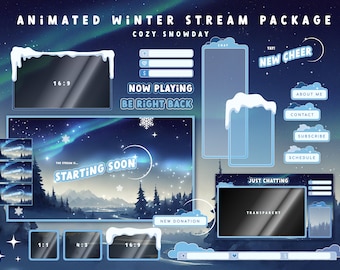
5 out of 5 starsWanted some extra variety for different stream ideas and this pack will help with most of those ideas. Lots of choices when setting up assets, which I appreciate.
Caroline - Art Director of MUUT responded on Jul 30, 2026
Thank you for taking the time to write this review :) much appreciated!
-

Lisa on Jun 15, 2026
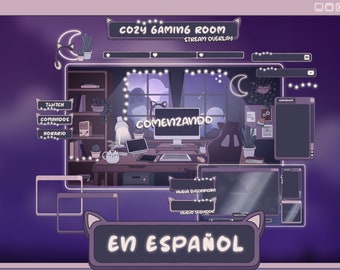
5 out of 5 starsSuch a cute design! And love that the seller included a guide of how to set up everything in OBS! It's been a long time since I streamed and couldn't remember how to do it!
Caroline - Art Director of MUUT responded on Jun 17, 2026
Tysm for writing a review! Glad you found the set up guide helpful :)
-

Kayla on Jun 15, 2026
5 out of 5 starsLove this set! Everything was easy to use and the step by step guide was really nice for a beginner! :)
Caroline - Art Director of MUUT responded on Jun 15, 2026
Aww thanks so much for the kind review!
-
Riya on Jun 10, 2026
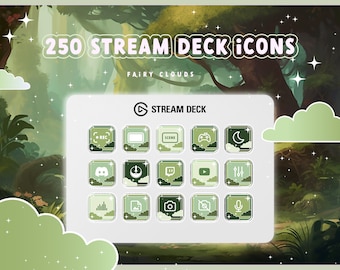
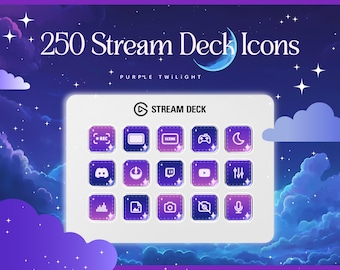
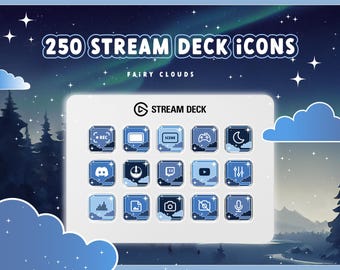
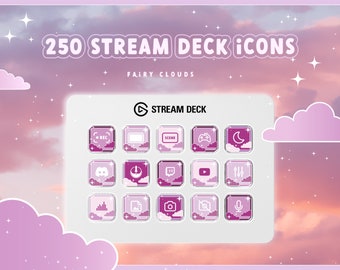
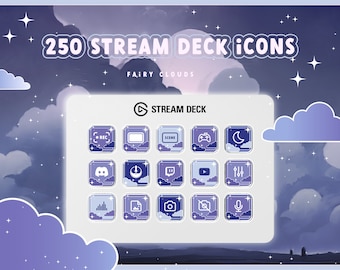
5 out of 5 starsBeautiful icons and many options to choose from! definitely recommend. The seller is also very communicative!
Caroline - Art Director of MUUT responded on Jun 10, 2026
thanks for the kind review :))
-

Hannah on May 22, 2026
5 out of 5 starssuper cute! very nice product!
Caroline - Art Director of MUUT responded on May 23, 2026
aww thanks so much for your review! glad you are happy with it :)
-

Ally on May 19, 2026
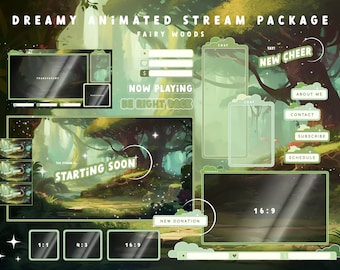
5 out of 5 starsHonestly super easy for my set-up, loved how well it fit with the vision I have for my stream. Here's to future streams to come!
Caroline - Art Director of MUUT responded on May 23, 2026
tysm for taking the time to leave a review! all the best for your streaming journey
-
Gueeni on May 13, 2026
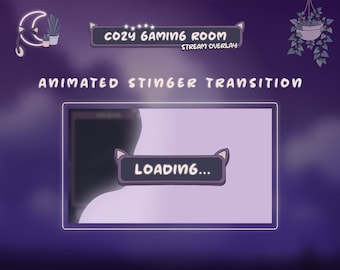
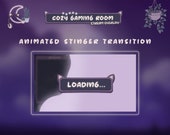
5 out of 5 starsvery cute transition, I love we would be able to get it in different colours since my signature colour is pink I was sad I could only find it in purple
Caroline - Art Director of MUUT responded on May 13, 2026
Thanks for the review! if you are using this with OBS (or a software that is based on OBS) you can adjust the color hue with a filter! Right-click on the overlay source in your scene Select “Filters”. Then click the “+” under Effect Filters and choose “Color Correction”. Adjust the Hue Shift slider to change the overlay’s color tone. Fine-tune with Brightness, Saturation, and Contrast :) (Google “Color shift source OBS” for more info )
-

Psy on Apr 28, 2026
5 out of 5 starsMatches my set up perfectly! Thank you for this!
Caroline - Art Director of MUUT responded on Apr 28, 2026
Great to hear that! thank you for the review :)
About MadeByMUUT
Sales
6,853
On Etsy since 2022
Shop members
-

Caroline - Art Director of MUUT
Owner, Designer
When I'm not designing stream overlays, I'm busy working in visual effects creating some beautiful pixels for anything from advertising all the way to feature film. Always happy to read/see where you use the design so plz tell me in the reviews! :)
Shop policies
Last updated on Feb 18, 2025
Digital downloads
Instant downloads
Your files will be available to download once payment is confirmed. Here's how.
Payment options
Secure options
Accepts Etsy Gift Cards and Etsy Credits
Etsy keeps your payment information secure. Etsy shops never receive your credit card information.
Returns & exchanges
See item details for return and exchange eligibility.
Cancellations
Cancellations: not accepted
Please contact the seller if you have any problems with your order.
Privacy policy
Terms & Conditions and Right of Withdrawal
For extrajudicial settlements of consumer disputes, the European Union has launched an online platform ("ODR platform"): https://ec.europa.eu/consumers/odr
More information
Last updated on
Jun 15, 2023
Frequently asked questions
Custom and personalized orders
Unfortunately, I won't be able to take on any commission work right now because I'm swamped with work. Sorry!