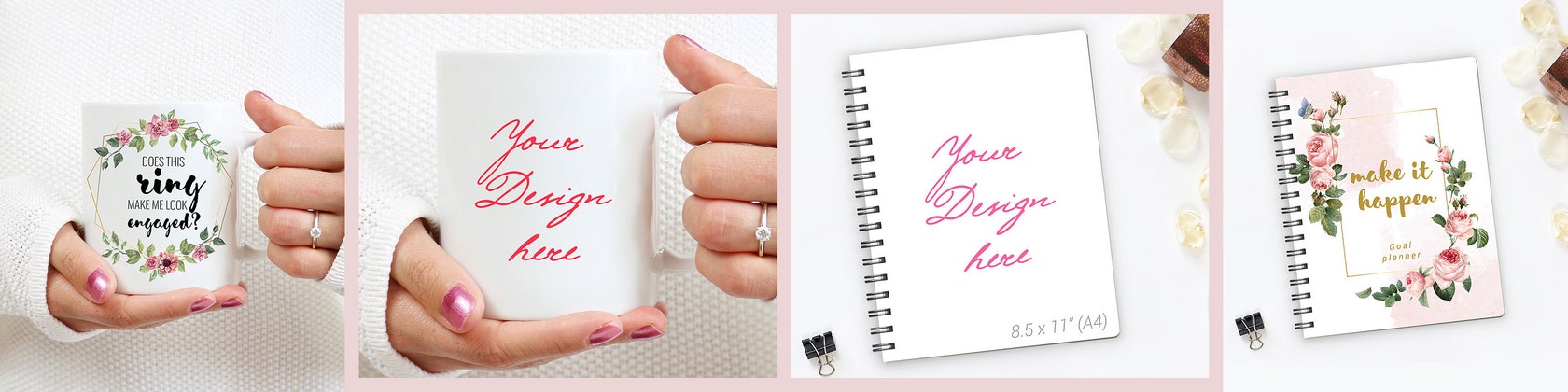
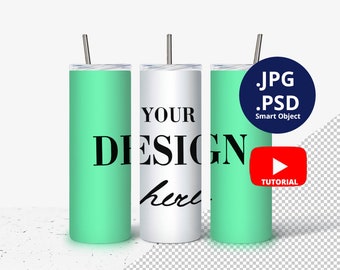
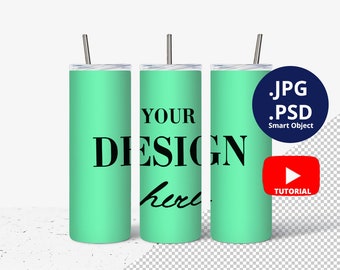
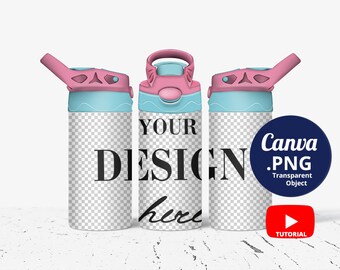
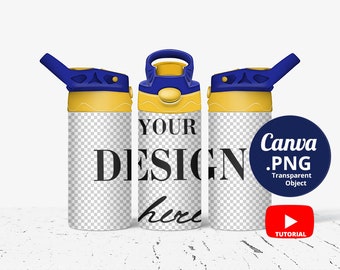
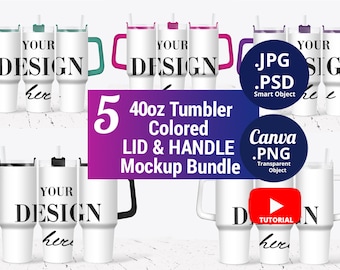
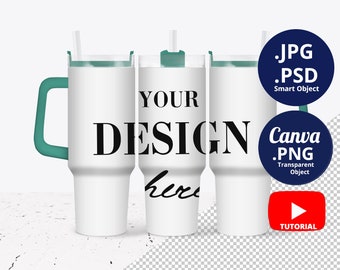
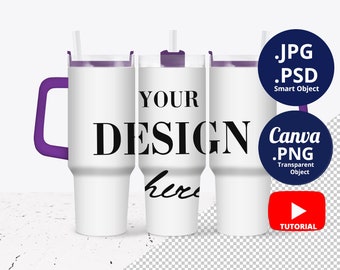
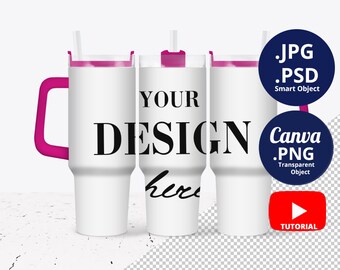
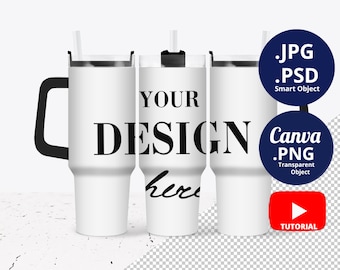
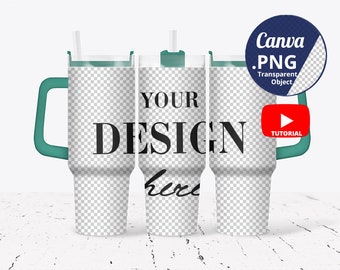
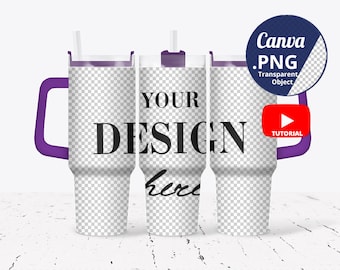
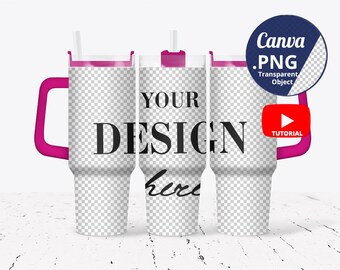
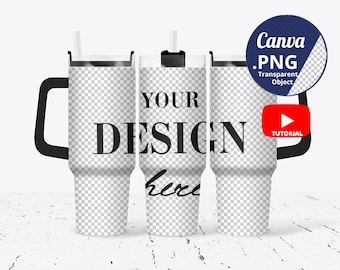
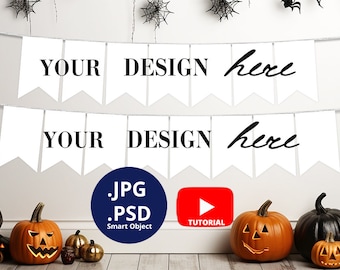
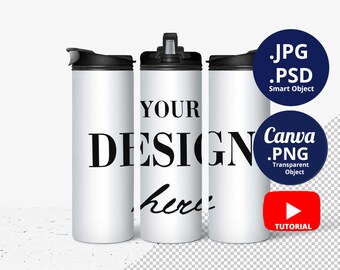
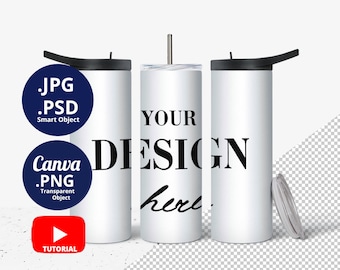
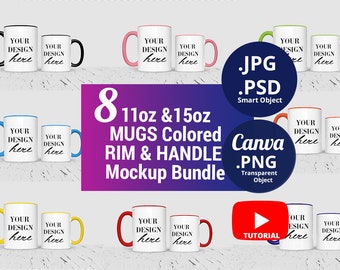
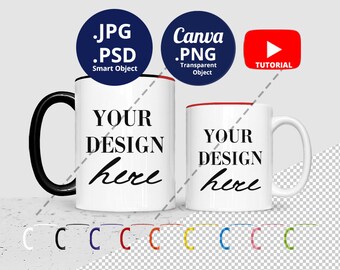
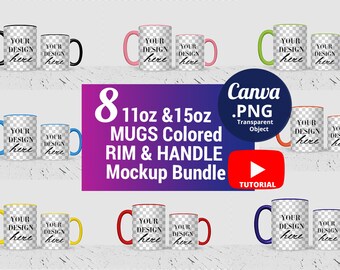
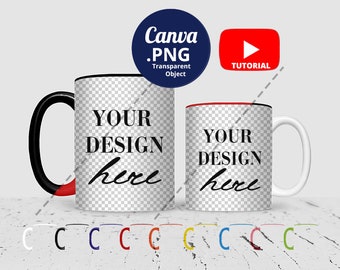
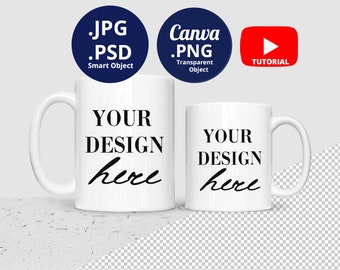
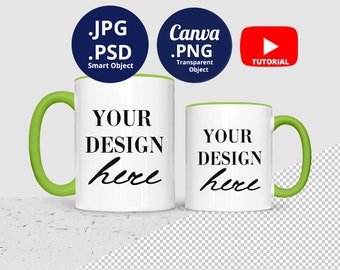
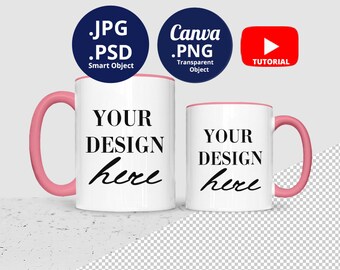
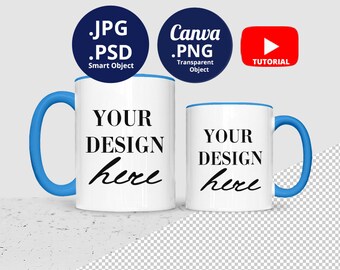
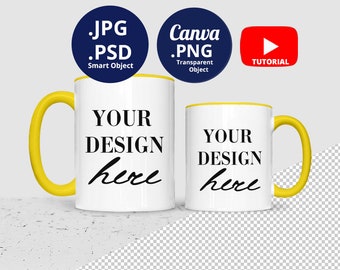
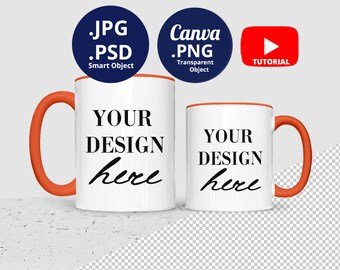
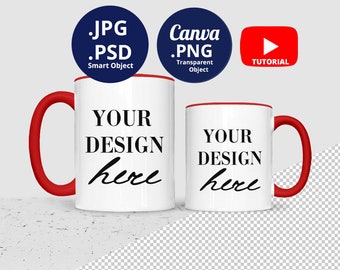
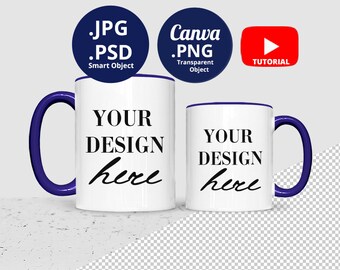







After working as a graphic designer, wedding stylist and photographer I’ve brought all my knowledge and skills together and found my passion in product styling & photography.
My mission is to help your Etsy shop and creative business to stand out in the crowd with awesome & modern high-quality product photos. I know you’re a busy mom and entrepreneur at the same time, so I create product mockups & stock photos that are easy-to-use in minutes! They’ll save plenty of your time and effort so you can list more designs quickly and move on to your next task or have the time for yourself and enjoy life!
Feel free to share with me your ideas about new mockups you need and you still don't find in my shop or on the web. Your suggestions and requests could be useful also for many other people!
P.S. If you like FREEBIES, make sure to join and grab it with the link below:
---> http://eepurl.com/dBvACn
Featured items
All items
Announcement
Reviews
-

-

-

-

Tracey on May 5, 2026
5 out of 5 starsOMG! This seller went above and beyond for me by creating a custom tumbler mockup that would work for me perfectly! I will definitely be back. This seller knows her stuff!
-

-

-
-

-
Espen on Dec 13, 2025
5 out of 5 starsGreat for my print-on-demand store, let's me programatically combine the .png with custom images for users to visualize their product. Nice.
-

About MariniStyleDesigns
Shop members
-

Olga Marinova
Owner, Stylist & Photographer, Designer
Product Stylist & Photographer, passioned about helping your product photos look more professional and attractive in less time. Just convo me for custom requests or any questions you have about my mockups & stock photos.
Shop policies
Digital downloads
Payment options
Returns & exchanges
Cancellations
Cancellations: not accepted
Please contact the seller if you have any problems with your order.
More information
Frequently asked questions
1. Is this a physical item? Can I order it with my design on it?
Please be aware, that all my items are digital products only, as written in the item description. You won’t receive any physical items.
2. How to use the coupon codes?
・For coupon code “3for2”:
add your 3 desired mockups in cart & enter code “3for2” at checkout,
so you’ll be charged for only 2 of them ( or 34% off from the whole purchase, if items are at different prices)
・For coupon code “7for4”:
add your 7 desired mockups in cart & enter code “7for4” at checkout,
so you’ll be charged for only 4 of them ( or 43% off from the whole purchase, if items are at different prices)
・For coupon code “12for6”:
add your 12 desired mockups in cart & enter code “12for6” at checkout,
so you’ll be charged for only 6 of them ( or 50% off from the whole purchase, if items are at different prices)
Enjoy!
3. How to download my files from Etsy?
・If you’re logged in as an Etsy member,
after purchase you’ll see a "View your files link" which goes to the Downloads page. Here, you can download all the files associated with your order.
Downloads are available once your payment is confirmed.
If you paid with PayPal confirmation might take a few minutes.
You’ll also receive a download notification email separate from any transaction notification emails you receive from Etsy and/or PayPal.
If you don’t see the email, please check your spam or junk inbox. If you use Gmail, also check your Social and Promotions tabs.
・If you checked out as a guest, you'll find a link to download your purchase in the receipt email that was sent to you after purchase.
4. How to download my files from a link outside of Etsy?
If mockup files are bigger than Etsy’s allowed size limit for upload,
you’ll receive a text/PDF file that includes the download link.
Click on the link or copy-paste to open and access your files.
5. How to use the JPG file?
JPG files are easy to use and compatible with any graphic design program you prefer, including web apps like Canva, Picmonkey, Crello, Easil etc.
Just open the JPG file and insert any images or texts over it.
Please, be aware that JPG files are flat photos and you cannot edit any elements from the photo file.
6. How to use the transparent PNG file?
If the purchased mockup includes a PNG file (written in the item description),
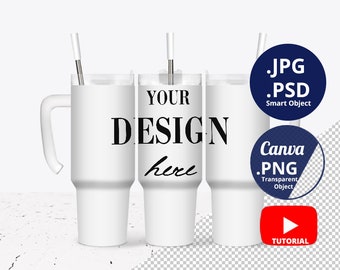
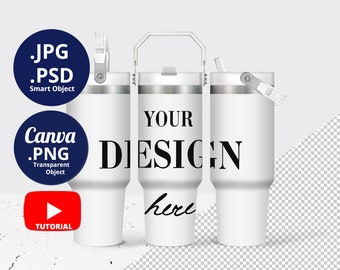
then the PNG is transparent in the “your design here” area.
Use any graphic design program you prefer, that supports transparent PNG files, including web apps like Canva & Picmonkey.
Just open your design and layer the PNG mockup over your file.
Please, be aware that PNG files are flat photos and you cannot edit any elements from the photo file.
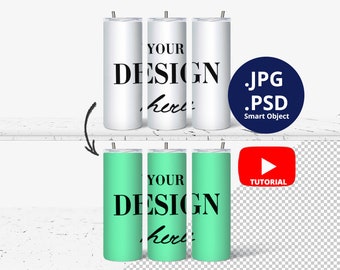
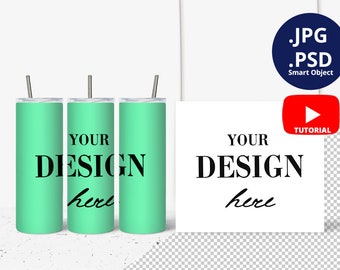
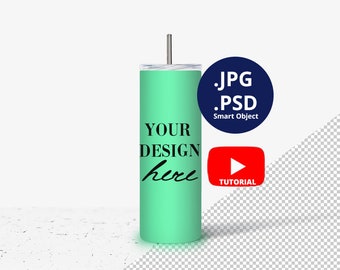
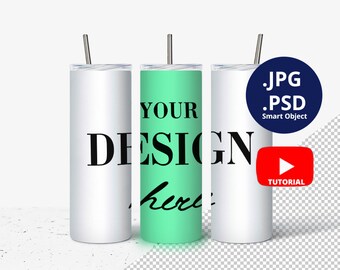
7. How to use the PSD file & Smart Object?
If the purchased mockup includes a PSD file (written in the item description), then open the PSD file in Adobe Photoshop.
Double click on the Smart Object Thumbnail to open the Smart Object in a new file.
Place your design there.
Save.
Go back to the main PSD file.
Enjoy your design!
( * When open the PSD file it is possible to see a white layer on the top. Just DELETE THIS LAYER and continue your work :) It just helped to reduce the file size. Thank you for your understanding.)
8. How to extract the ZIP file?
If the purchased mockup includes a ZIP file (written in the item description),
simply unzip the file with any program for Zip/Unzip/File extracting – right click on the ZIP file & select Extract all.
9. Are returns & exchanges possible?
Because the delivery is made instantly, I cannot offer you any refunds.
But please contact me if you have any troubles with your purchase or the downloaded files and I’ll be happy to help or resolve your issue.
10. Terms of use - how many times can I use the image?
Images are for personal & commercial use.
Commercial use is allowed for display purposes only.
You may use the image as many times as you want with no need to give additional credit.
Feel free to edit, scale, rotate or crop the image to show your design the best way possible.
But please note, you may not claim the mockups as your own designs, resell, distribute or share the downloaded files.
Copyright belongs to MariniStyleDesigns.
Looking for more? Find it on Etsy