




Hello, YOU!
Featured items
All items
Announcement
Last updated on Jun 4, 2022
Reviews
4.9
(2814)
Average item review
We calculate this number using a recency-weighted average of all ratings, with a rating's value decreasing by half each year to best reflect the current experience.
Loading
-

Lisa on Jul 27, 2026
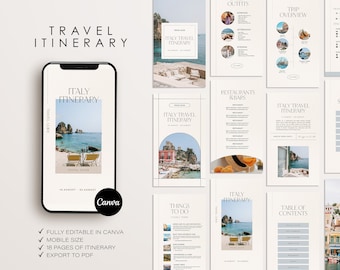
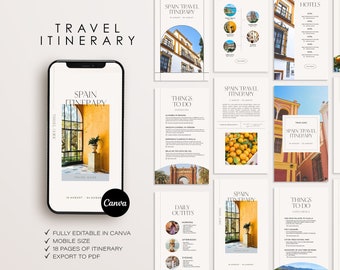
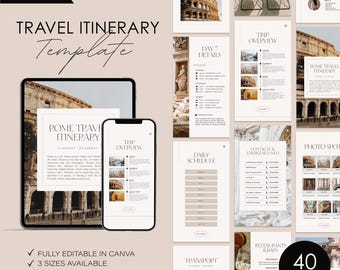
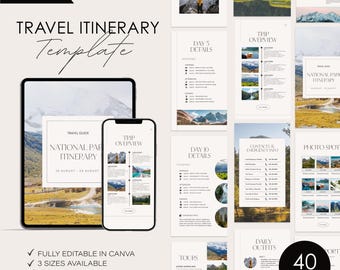
5 out of 5 starsMade putting together an itinerary for my family super easy and fun!
-

-

AMANDA on Jul 7, 2026
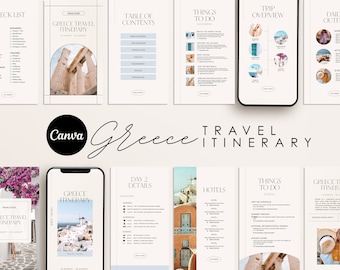
4 out of 5 starsI didn't know digital itineraries existed before finding this template. SUCH a cool idea! The fonts were all editable, of course, but were way too small, and once I adjusted them to a more readable size, they really messed with the layout. Other than that, I LOVED the template and had a great setting up our trip with it!
-

-

-

Whitney on Jun 9, 2026
5 out of 5 starsI loved this item so much and I will be back to order again soon!
-
-

-
-
About MarrMarStudio
Sales
40,187
On Etsy since 2022
Shop members
-

Mara Riken
Owner, Designer
Artist & graphic designer who creates designs and illustrations.
Shop policies
Last updated on Jun 4, 2022
Digital downloads
Instant downloads
Your files will be available to download once payment is confirmed. Here's how.
Payment options
Secure options
Accepts Etsy Gift Cards and Etsy Credits
Etsy keeps your payment information secure. Etsy shops never receive your credit card information.
Returns & exchanges
See item details for return and exchange eligibility.
Cancellations
Cancellations: not accepted
Please contact the seller if you have any problems with your order.
Privacy policy
More information
Last updated on
Dec 17, 2025
Frequently asked questions
What software do I need to edit the templates?
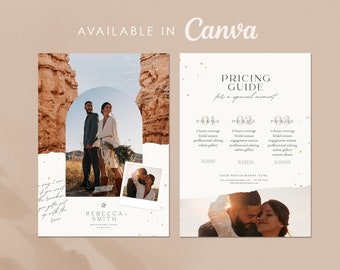
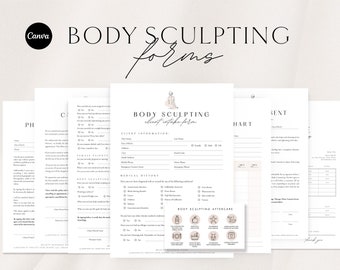
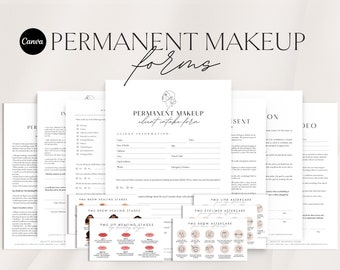
None! You don't need any special software to edit these templates. You will only need a free version of Canva. It's easy to sign up for a free account and you will be ready to edit online.
Do I need Canva Pro to access the templates?
No. A free Canva account will work perfectly!
How to access my Canva Template?
FROM YOUR COMPUTER:
On the Etsy menu, go to Your Account > Purchases and Reviews > Click the button to "Download Files". You will get a PDF with instructions. Open the PDF for the link to the template(s).
FROM YOUR PHONE/TABLET:
Etsy doesn't allow downloads from the Etsy app. You can still use your phone, but you need to log in to Etsy.com from a web browser (Safari or Chrome). Then, you can follow the same instructions as above.
Terms of use
As all files are digital, and no physical products are shipped, digital downloads are not eligible for refunds. Kindly message me to seek any clarification before you proceed with the purchase.
You may use this file for PERSONAL USE ONLY. File sharing, distribution, and commercial use of this file or of the printed work from this file are prohibited.
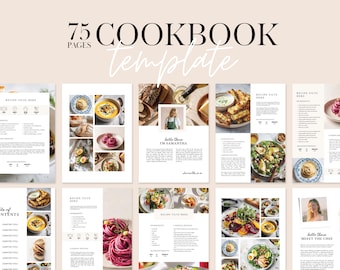
What can be edited in Canva?
∙ All Text is editable, - you can edit font, size & colour
∙ Change Background colour
∙ Drag & Drop Photos, Images & Your Logo
∙ Add Canva Elements
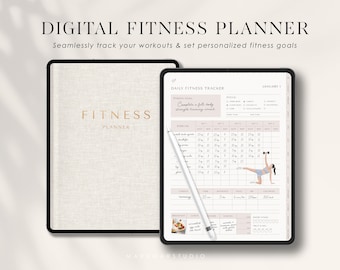
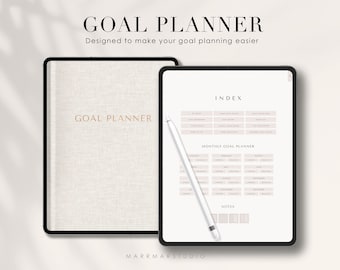
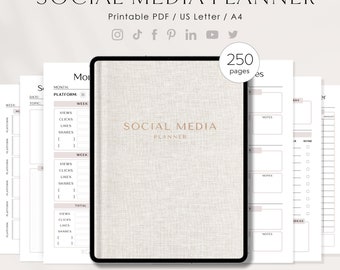
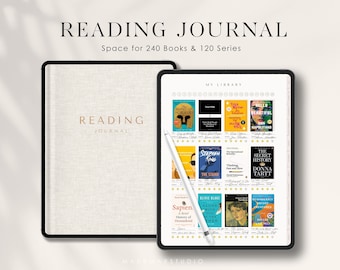
How to download my Digital Planner?
1. Download the Digital Planner file from your Etsy Account "Purchases & Reviews"
2. Downlaod it to your iPad or Tablet "Download Files"
3. Open GoodNotes, Notability, CollaNote → Tap the “New” icon (large plus icon) → Choose Import → Select the file → Tap Open