

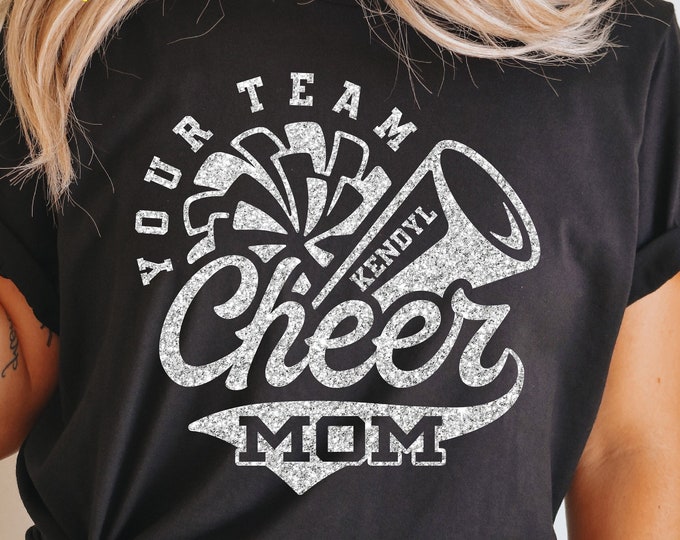
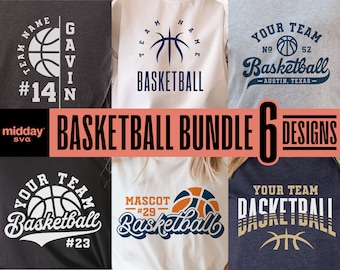


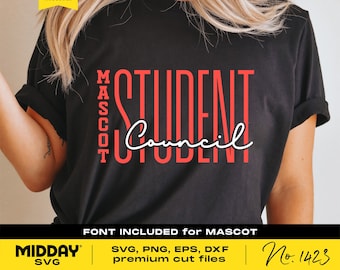










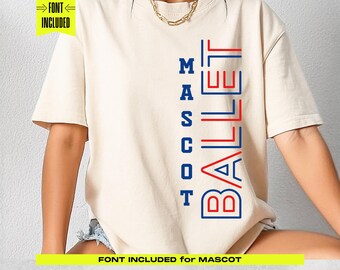

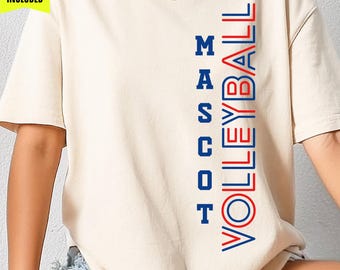
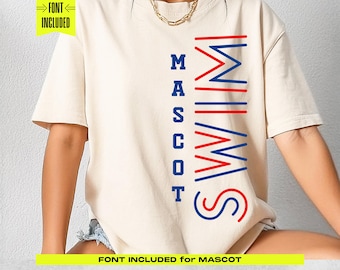
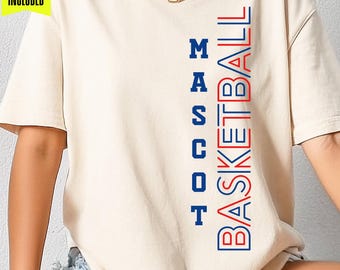








Lovable Cuttable SVGs are our specialty
Announcement
Last updated on Aug 29, 2023
Reviews
4.9
(10802)
Average item review
We calculate this number using a recency-weighted average of all ratings, with a rating's value decreasing by half each year to best reflect the current experience.
Loading
-

-

-

-
Bonnie on Sep 22, 2026
5 out of 5 starsI had no problems with the download. Everything worked as expected. Thank you.
-
-
-

-
-
-

About MiddaySVG
Sales
175,330
On Etsy since 2021
Shop policies
Last updated on Sep 27, 2024
Shipping
See item details for estimated arrival times.
Customs and import taxes
For US deliveries, Etsy policy requires that import duties and fees are included in the checkout price. Non-US buyers may need to pay these fees upon delivery. You can message me to confirm how these fees will be paid for your order. I'm not responsible for any customs-related delays.
Digital downloads
Instant downloads
Your files will be available to download once payment is confirmed. Here's how.
Payment options
Secure options
Accepts Etsy Gift Cards and Etsy Credits
Etsy keeps your payment information secure. Etsy shops never receive your credit card information.
Returns & exchanges
See item details for return and exchange eligibility.
Cancellations
Cancellations: not accepted
Please contact the seller if you have any problems with your order.
More information
Last updated on
Dec 17, 2025
Frequently asked questions
Why don't I see an SVG File?
If you don't see an SVG, your computer has renamed it as an .html file. It is still an SVG and works the same. Your computer has just assigned SVG's to be opened in your web browser. If you can't open the .html file in your design space try changing the file extension manually from .html to .svg.
Do you do custom orders?
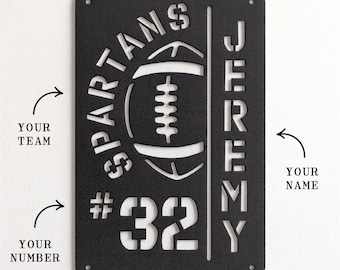
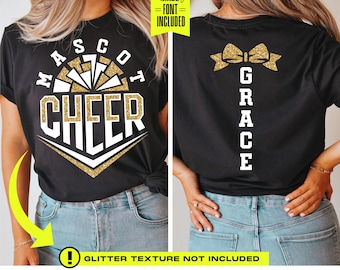
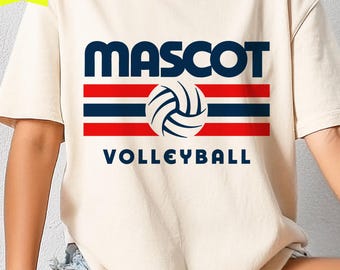
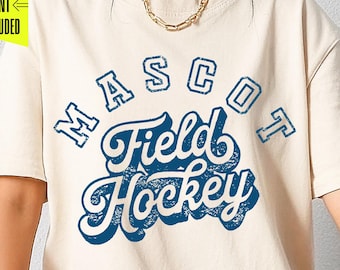
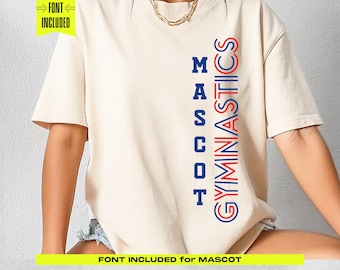
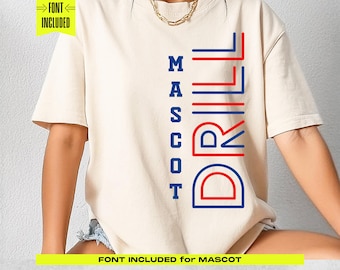
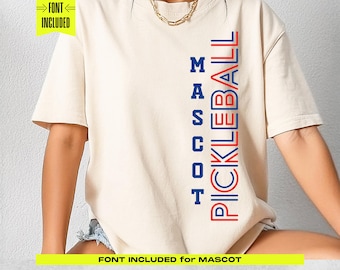
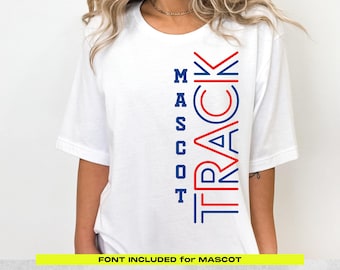
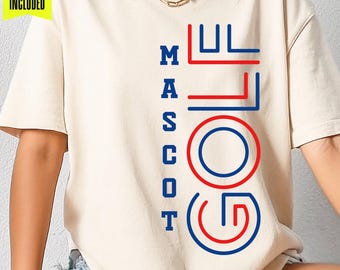
I am not taking custom orders or requests for color changes in my designs. Many of my designs are DIY customizable templates with specified fonts included with your purchase. See the product listing images for what fonts are included.
Where do I find the files I purchased?
Use your desktop and click on your account in the top right-hand corner of your Etsy page. Select "purchase and reviews" from the drop-down menu. Click "download files" on the right of the item you purchased to download. Let me know if you have any other questions.
Can you change the color for me?
I don't make color adjustments to my files. I make sure that changing the color is easy for you. Make sure to use the SVG file in your design editing software. Each listing is organized by color so it's easy to select and change the color.
Can you change the team name for me?
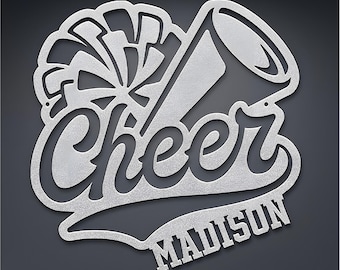
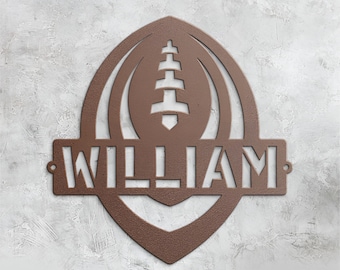
All my template designs are DIY files. I don't do them for you. The template comes with a specified font that you install on your computer. (See the product listing images to find out what part of the design the font is included for.) After that, select the font from your design editing software and type out your information.
What software do I need to edit the files?
Any vector-based editing software will do. I use Adobe Illustrator but you can use any software that can edit SVG files. A lot of my customers use Cricut, Silhouette, or Canva.
The text is not showing in my file?
If you have purchased a DIY template with a font included for customization, you will notice that the SVG file is blank where your information goes. SVG files can't be saved with live text in them. It's not compatible across software platforms and the file would not even open.
To fill in the .svg template locate/download the font that came with your purchase and double-click to install. After that, select the font from your design editing software and simply type out your information.
Custom and personalized orders
Howdy, thanks for your purchase! Look for the fonts in a folder that came with your downloads. Install the font to your computer and then select the font from the font menu in your design editing software to type out your information.
Looking for more? Find it on Etsy